
Editing
Fast, flawless, and reliable AI photo editing
Let AI reduce your editing time by 96% while ensuring high-quality photos that reflect your unique style.
Try for free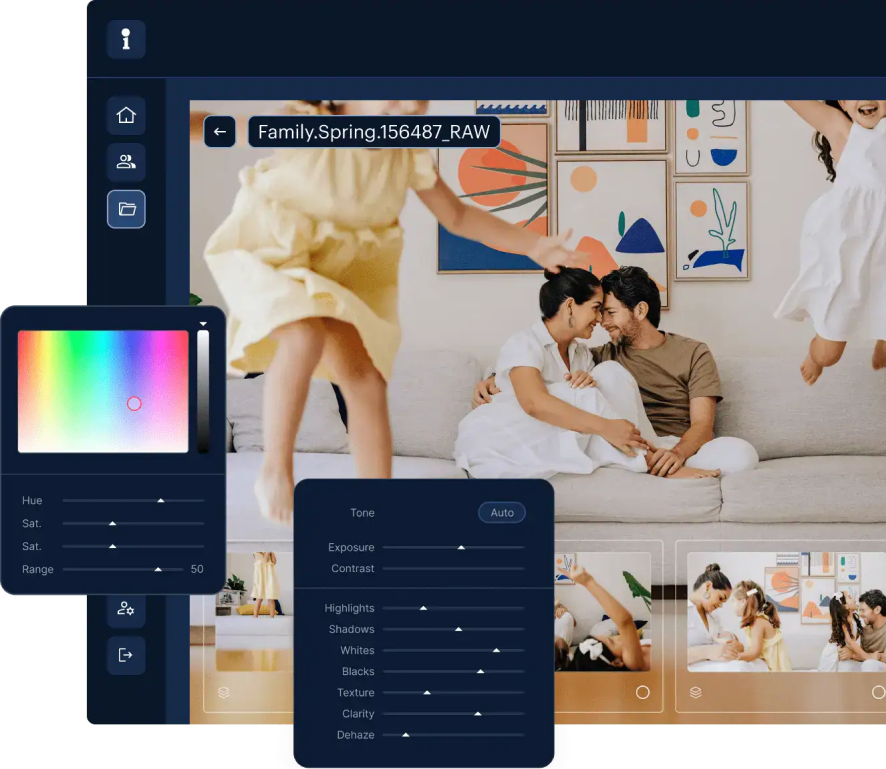
Personal AI Profile
Lite Personal AI Profile
Enjoy lightning-fast profile creation (we’re talking minutes!). Upload a preferred preset, answer a few questions, and your AI profile is ready to use.
Get startedPersonal AI Profile
Recommended
Imagen learns your style and creates an accurate Personal AI Profile based on 2,000 edited photos.
Get started
Talent AI Profile
Talent AI Profile
Select from over 20 AI Profiles created by leading photographers to start editing right away.
Get started (opens in a new tab)
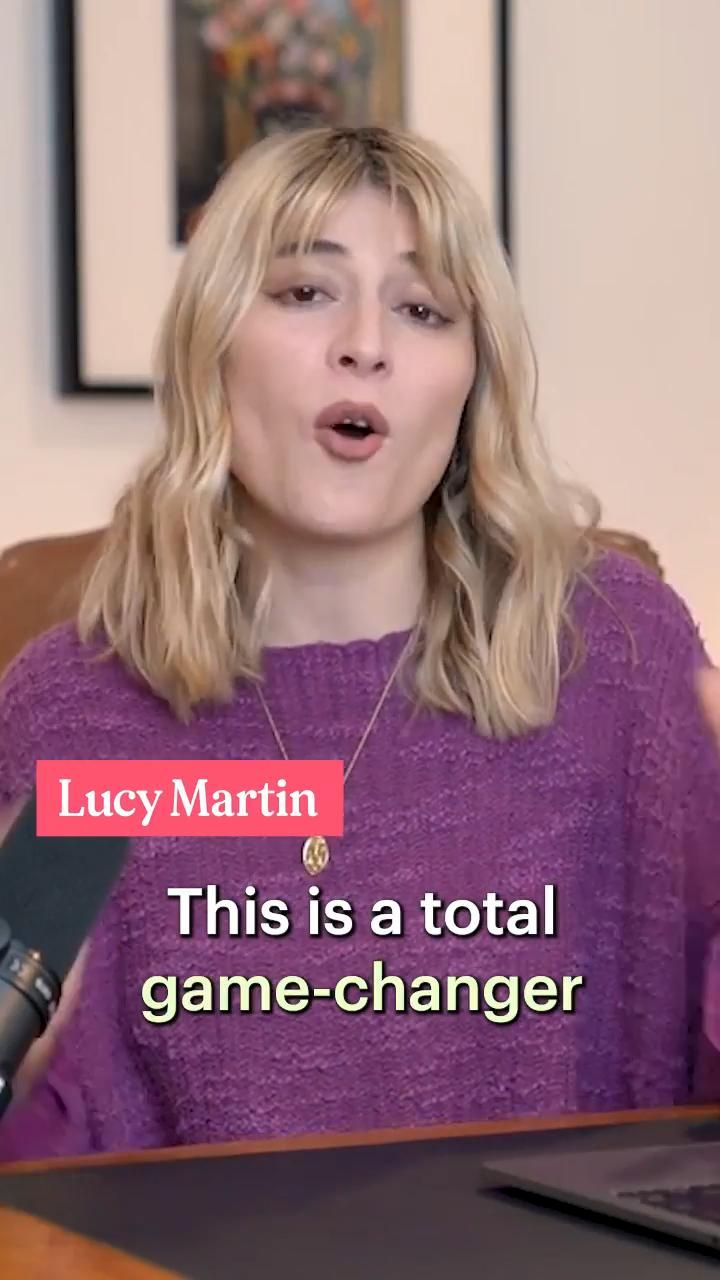
“If you’re unsure, just give one of the Talent Profiles a test and once you realise it’s good as I said it is, you can start to build your own profile and you’ll be able to edit your images in just a few mins.”
“It’s so refreshing to start with a high level of quality, and it leaves me with much more energy to spend on my favorite photos.”
“Imagen has helped me streamline my workflow and improved the quality of my work. It has changed the way I edit and run my business for the better!”
“It’s a must for me after my culling process. Love Imagen since day one.”
2.13M
Hours saved by Imagen in 2025
10min
Is all it takes to process 1500 photos
Your Profile. Your Rules.
Re-editing
Re-edit your projects up to 5 times using different AI Profiles for free. This option is ideal for comparing results, adjusting projects, or adding forgotten elements like Crop or Straightening.
Fine Tune
Have your AI Profile evolve with you by continuously feeding it with your final edits, so it never stops learning and always ensures that every future adjustments match your unique vision.
Profile Adjustments
Refine your Personal AI Profile with Profile Adjustments – tweak it manually until it’s just right. This ensures that your edits always reflect your desired style, whether it’s adjusting warmth, contrast, saturation or any other parameter.
Share a profile
Each Personal AI Profile can be shared with up to 3 different accounts, whether it’s colleagues or friends. Keep in mind that only the profile owner can fine-tune it and revoke access.
Meet our Talents
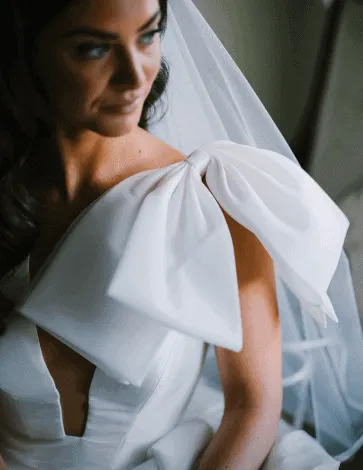
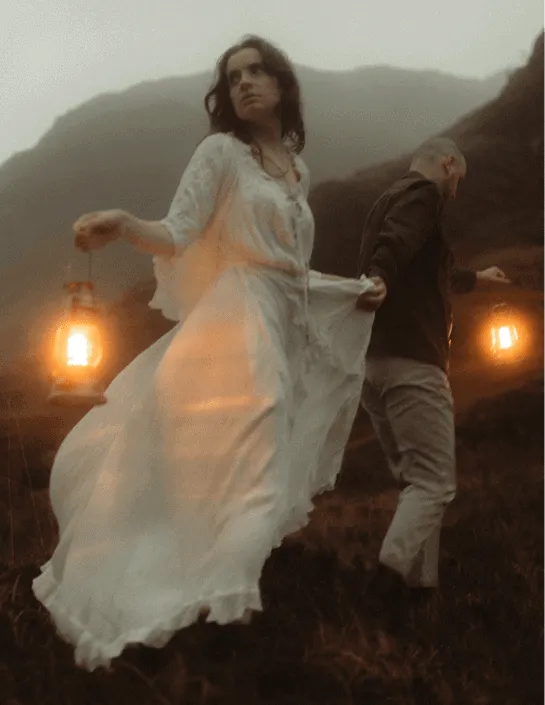
Explore our Talent AI ProfilesIf you want to try something new or up for a quick start, choose from our handpicked photographers who have shared their unique styles.
JPEG
 Vivid LightScott Johnson
RAW
 UnspokenMari Trancuso
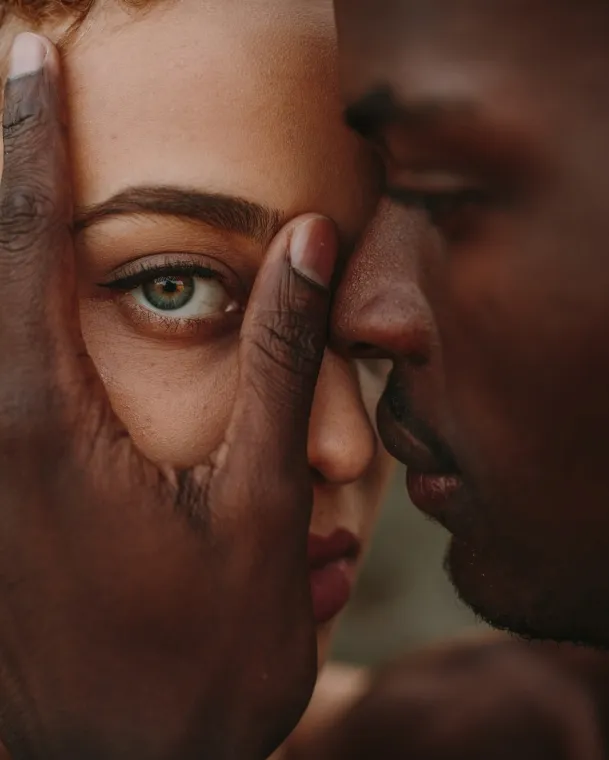
RAW
 Peachy by PBXPablo Beglez
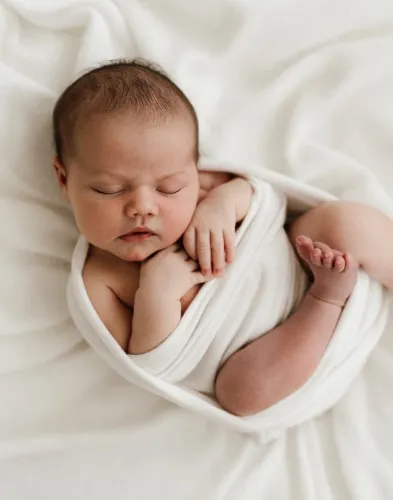
RAW
 Natural Light StudioLinzie Russo
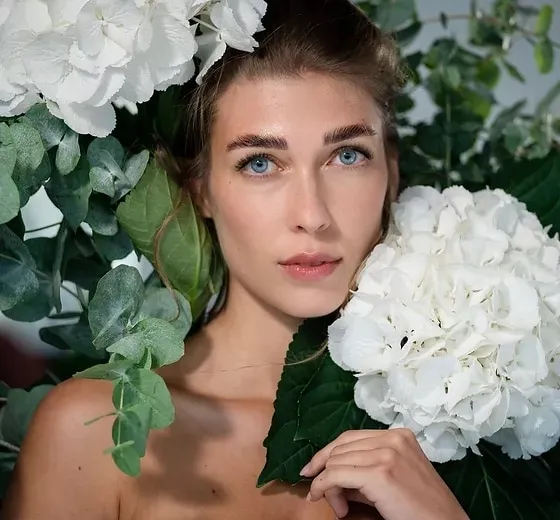
RAW
 Love & LightSarah Edmunds

RAW
 Natural FeelsJohn Branch IV
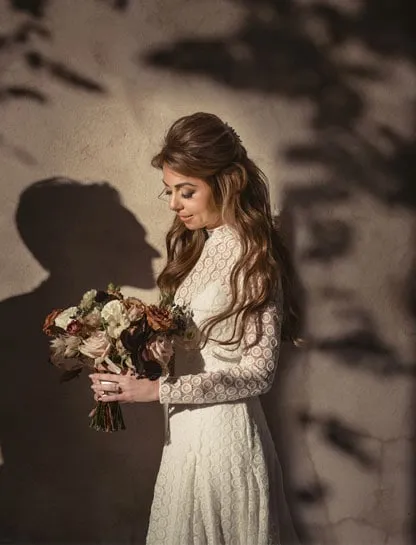
RAW
 Clean & CrispSusan Stripling
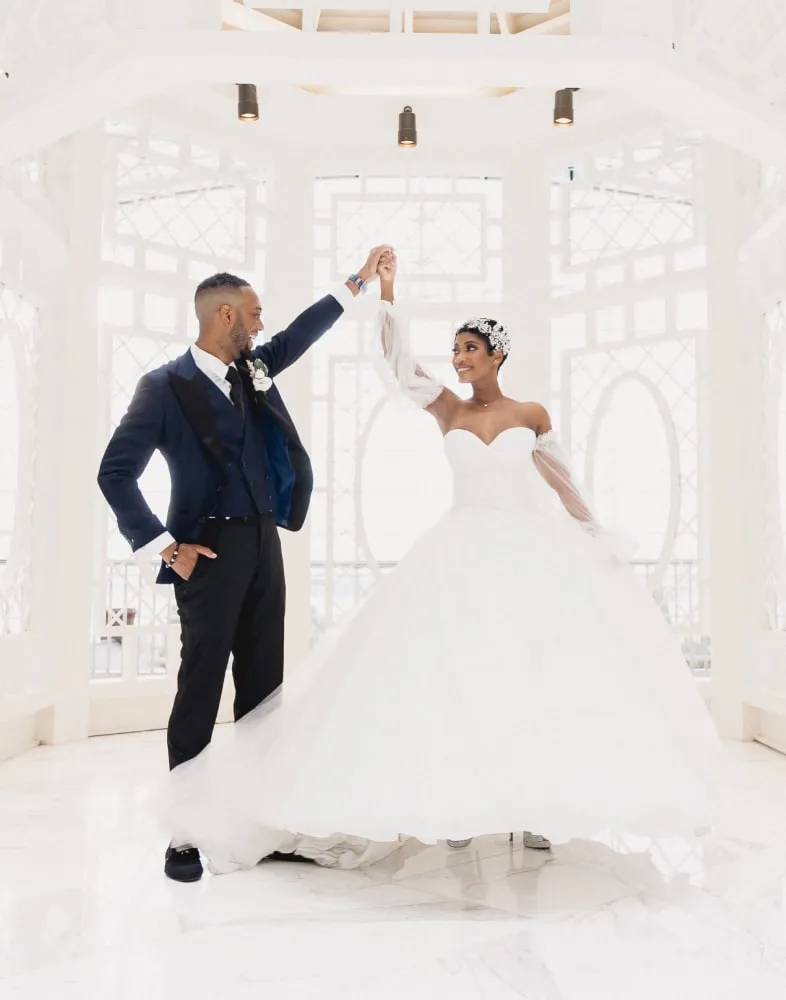
RAW
 Luxe ColorMichelle Harris
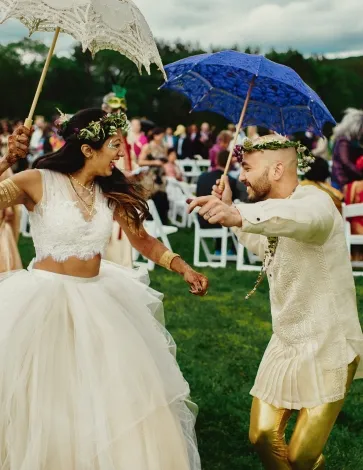
RAW
 TierraFer Juaristi
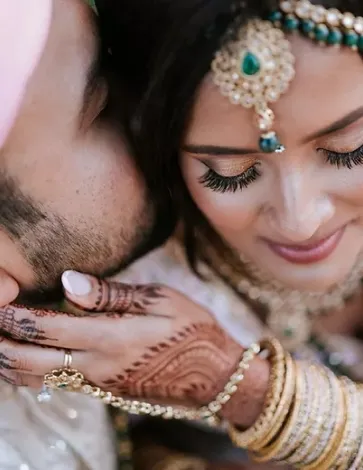
RAW
 Cinematic LuxuryCharmi Patel-Peña
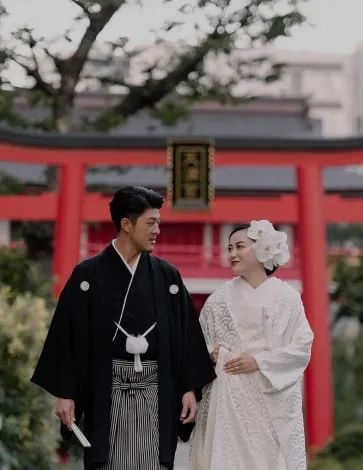
RAW
 The Modern ClassicTracey Taylor & Dee Green
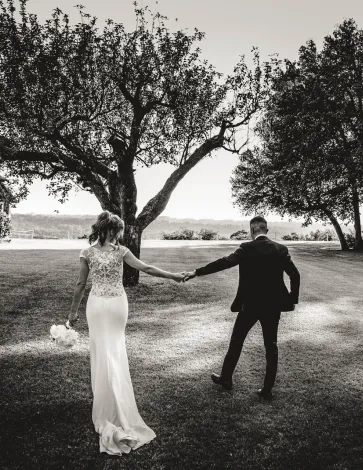
RAW
 Body Language B&WMichele Dell‘utri
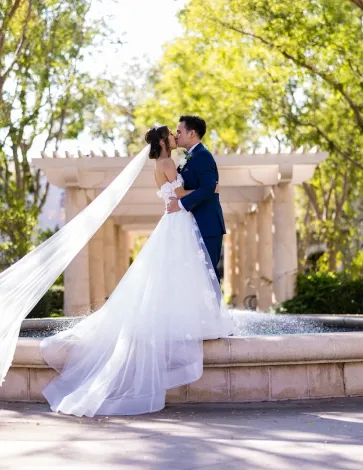
RAW
 California DreamingMichael Anthony
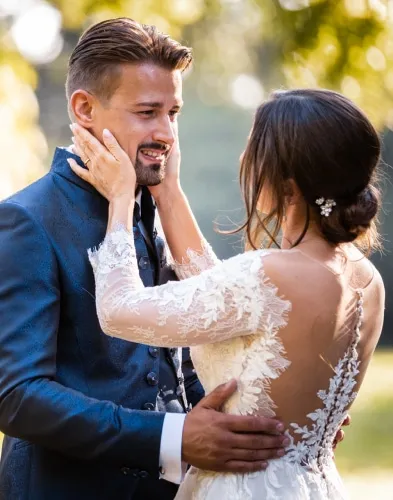
RAW
Body LanguageMichele Dell‘utri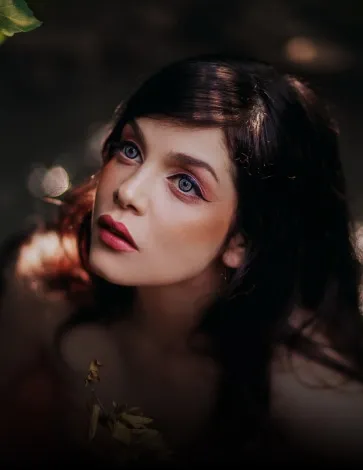
RAW
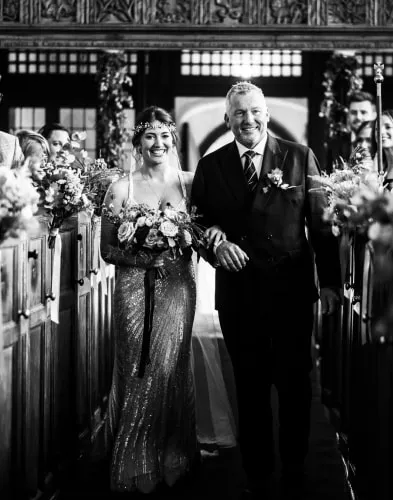
 Warm Skin TonesNitzan Gur
RAW
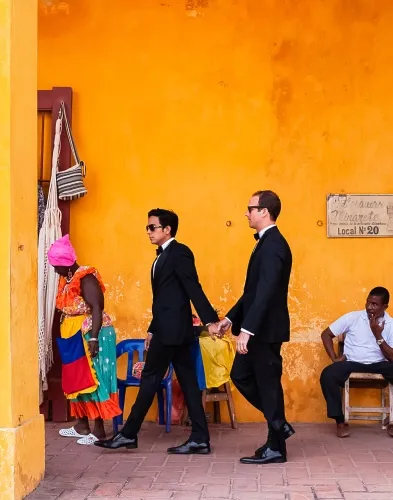
 Silver FilmKevin Mullins
JPEG
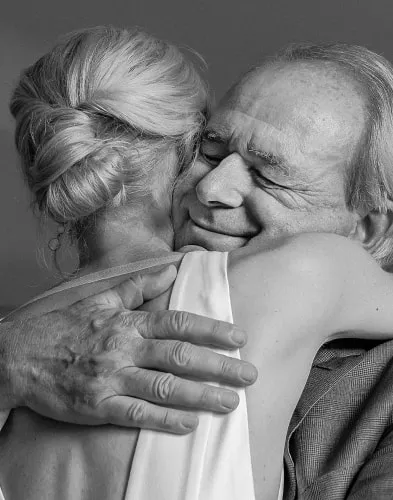
 MomenticosRocio Vega
JPEG
Momenticos B&WRocio Vega
Additional features
Enjoy Culling & Cloud Storage
Create my Personal AI ProfileCloud storage
The only Cloud Storage solution that backs up your photography while culling and editing.
Learn more about Cloud Storage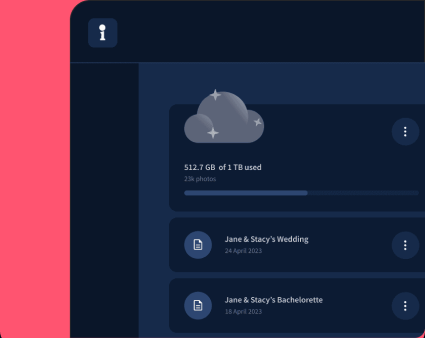
Culling Studio
Enjoy effortless culling as Imagen mimics the human selection process and automatically groups similar photos, from which your keepers are selected based on AI-powered detection.
Learn more about Culling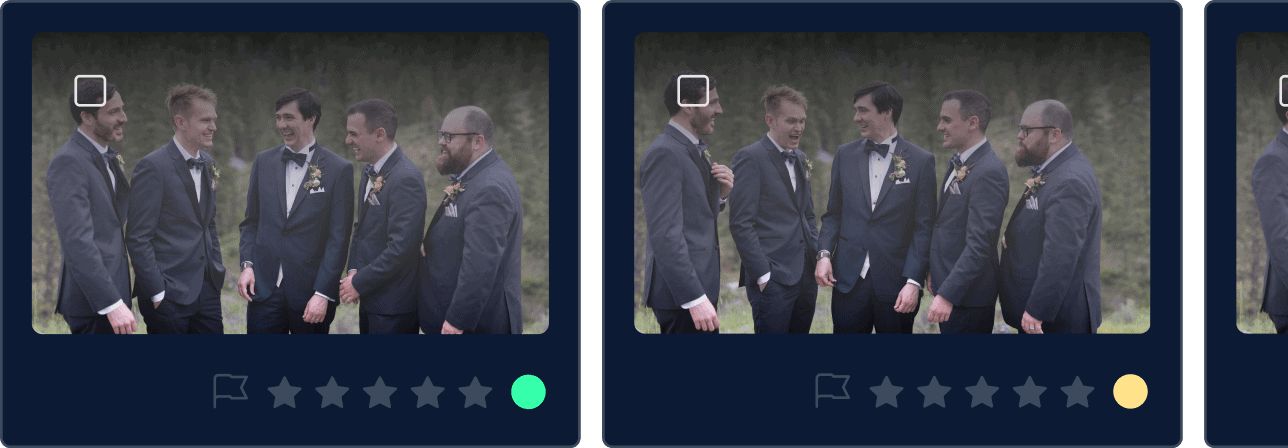
Frequently asked questions
What is AI photo editing?
AI photo editing refers to the use of Artificial Intelligence to improve and edit images. AI tools can automatically adjust settings, apply filters, and make corrections, making the editing process faster and more efficient.
How to use AI photo editing tools?
AI photo editing software can help you speed through large galleries by automating your usual editing steps. It’s especially useful for high-volume shoots.
How does Imagen’s AI Photo Editing work?
Imagen’s AI Photo Editing software uses advanced algorithms to analyze your photos and apply adjustments based on your preferences. The AI learns your editing style over time, creating a Personal AI Profile that can be used for consistent results across all your photos.
How to edit photos faster with AI editing?
AI editing software can help you speed through large galleries by automating your usual editing steps. It’s especially useful for high-volume shoots.
Can I use AI editing for wedding photos?
Definitely. AI editing software, including Imagen, is highly effective for wedding photo editing. It can handle large batches of images, apply consistent styles, and edit just like you would.
What are the benefits of AI photo editing VS manual photo editing?
AI photo editing offers numerous benefits, including speed, consistency, and the ability to handle large volumes of images. These tools can automatically apply your preferred editing preferences, freeing up your time for more creative tasks.
Is there an AI photo editor app for Lightroom?
Yes, the Imagen AI photo editor integrates with Adobe Lightroom to provide advanced AI editing capabilities. This allows you to use the familiar Lightroom interface while leveraging the power of AI for quick, consistent, and automated photo editing.
How to edit photos with AI for free?
You can try AI photo editing for free with Imagen’s trial, which gives you 1,000 free edits to start.
How do I start using Imagen’s AI photo editor?
To start using Imagen’s AI Photo Editor, create an account, upload your photos, and set your editing preferences. Our AI will analyze your images and apply the desired edits based on your chosen editing style. You can then download the edited photos for further use.
Can AI edit photos in batches?
Absolutely! AI photo editing software tools are designed for bulk or batch editing, making them ideal for full wedding galleries, school portraits, real estate photography, or any other volume photography genre.
How long does it take for AI to edit photos?
The time it takes for AI to edit photos can vary based on the amount of images and the complexity of the edits. However, it is safe to say that AI tools are generally much faster than manual editing, often completing tasks in a fraction of the time.
What are the different styles of photo editing I can achieve with AI?
AI photo editing can cater to various styles, including portrait, landscape, wedding, and event photography. You can customize your AI profile to match your preferred editing style, whether it’s bright and airy, dark and moody, or anything in between.
What is the best free app for AI photo editing?
While many AI photo editors offer free trials, Imagen gives you the most editing power during your trial, without needing a subscription.
What is the best AI photo editing tool?
The best AI tool depends on your needs, but for photographers who value speed, consistency, and custom styles, Imagen is a top choice.
