
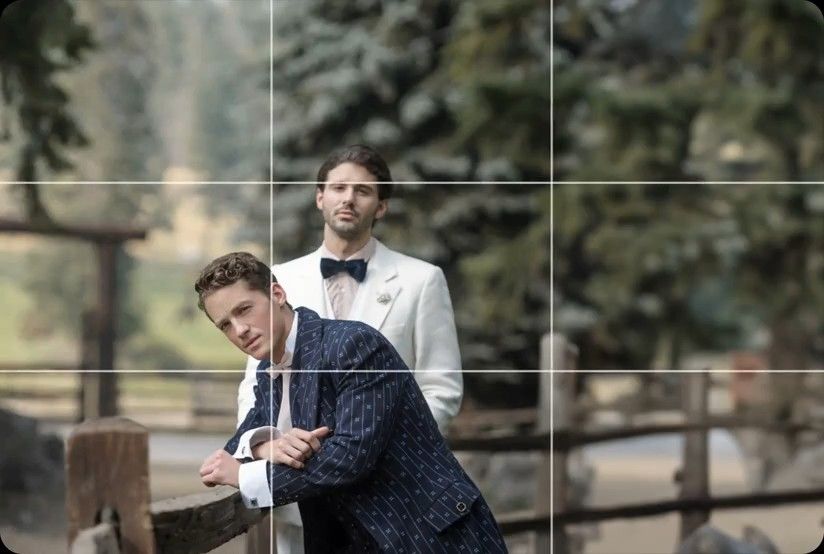
Crop & Straighten
AI levels tilted horizons and crops every photo around its subject, automatically, across your whole shoot. Review and adjust every result in Lightroom Classic.

Studio and product photographers slash editing time by 96%. You'll process glassware catalogs in minutes with a uniform look on every shot.
Compatible with:


 No credit card required.





Rated 5 out of 5
“The term 'game changer' gets thrown out a lot, but for any busy photographer, this software will change your life.”
 Michael AntonyMichael Antony Photography, USA
Rated 5 out of 5
“My survival is due to Imagen… I would MARVEL at how little I had to adjust.”
 Charmi Patel PeñaWedding Photographer, USA
Rated 5 out of 5
“It’s so refreshing to start with a high level of quality, and it leaves me with much more energy to spend on my favorite photos.”
 Sam HurdSam Hurd Photography, USA
Rated 5 out of 5
“Discovering Imagen has been like someone inventing toilet paper. Simply essential and now life is unthinkable without it. I now know that those years of editing backlogs are a thing of the past. I'm truly grateful.”
 Sarah EdmundsPortrait & Wedding Photographer, Italy
Rated 5 out of 5
“It’s a must for me after my culling process. Love Imagen since day one.”
 Fer JuaristiFer Juaristi Photography, Mexico
Rated 5 out of 5
“Thanks to Imagen, I can actually enjoy editing… I have recovered hundreds of hours back.”
 Daniel AlonsoPeople TrueLove Tellers, Spain
Stop spending countless hours on repetitive editing tasks.
Focus on what matters most: your creativity and your clients.

Cut your post-production time dramatically with AI-powered automation.

Apply consistent edits across hundreds of photos in seconds, not hours.

Let AI identify and remove blurry shots, duplicates, and closed eyes automatically.

Edit entire events shoots or portrait sessions while you focus on your next creative work.
Next-morning delivery
You don't have to stay up late. With our glassware product photography editing software, you process 1,000 studio shots in minutes. Send your final client galleries by the very next morning.
Try for free
Uniform studio output
You'll deliver a uniform look across every catalog. Imagen learns your exact style for reflections, shadows, and lighting. You get identical results on every glass, no matter who shoots the job.
Try for free
AI levels tilted horizons and crops every photo around its subject, automatically, across your whole shoot. Review and adjust every result in Lightroom Classic.
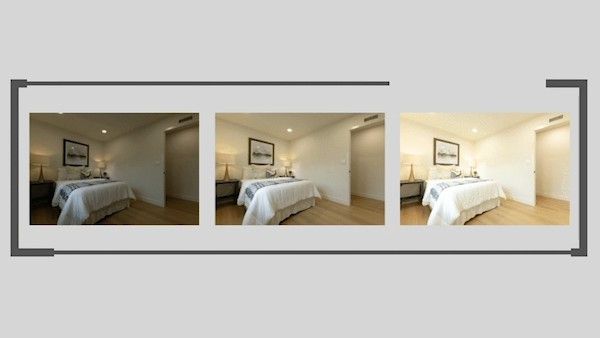
Automatically combine 3–9 bracketed exposures into one perfectly balanced photo using an AI HDR photo merge tool that handles indoor and outdoor lighting in one shot.
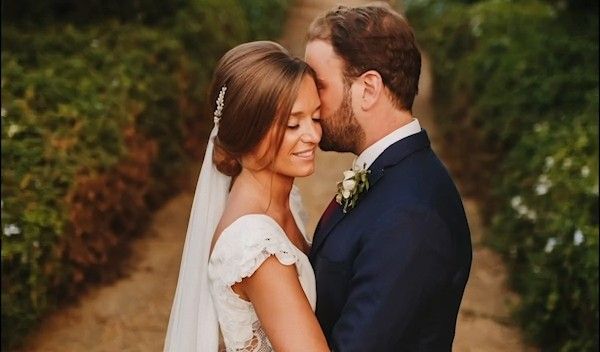
Smooth Skin finds every face, masks the skin and softens it automatically, so every portrait looks polished and natural without manual retouching.
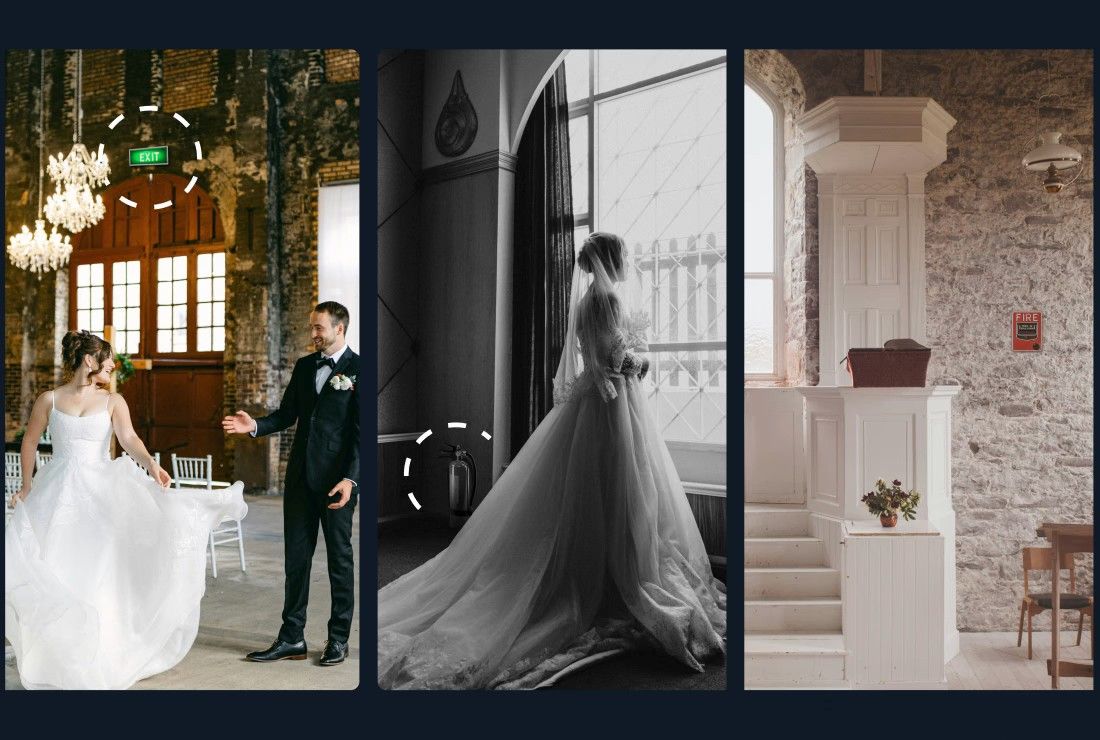
Object Removal automatically detects and removes exit signs, fire alarms, fire extinguishers, and fire stickers from your photos — across your entire gallery, in the cloud, without Photoshop.
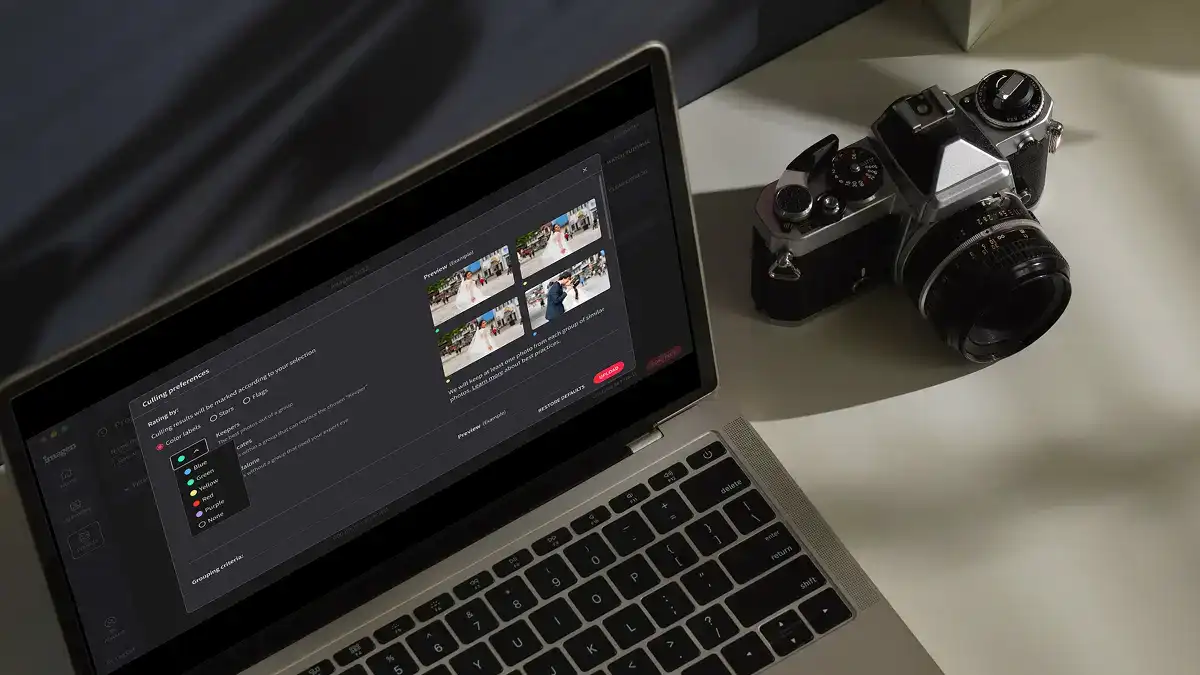
Edit thousands of photos in your style automatically. Imagen's AI learns your editing preferences and applies them consistently across entire projects, so you deliver faster without losing your creative touch.
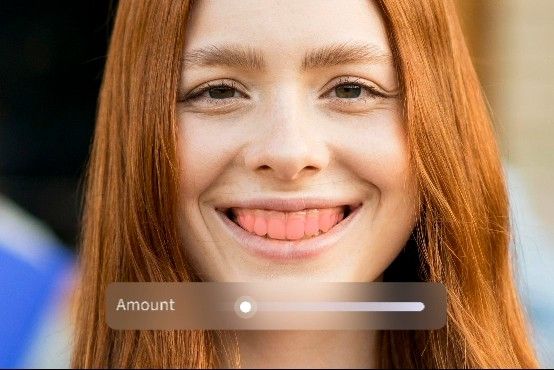
Whiten Teeth detects and brightens teeth in each photo automatically, so every smile looks its best without manual retouching.
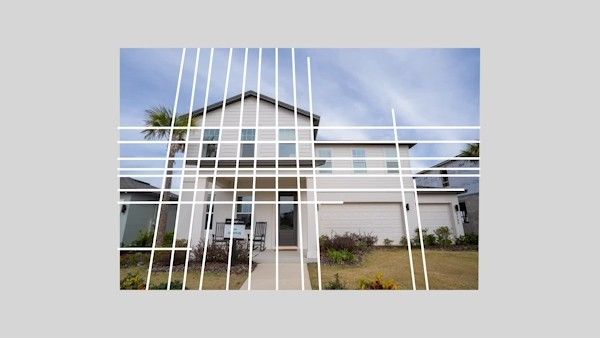
Automatically fix distorted lines and tilted horizons using an AI image perspective correction tool that analyzes each photo, with full control to review and adjust every result.

Automatically crop hundreds of portrait photos to a consistent frame using an AI portrait crop tool that detects each subject and places them perfectly — so every face lands exactly where it should.
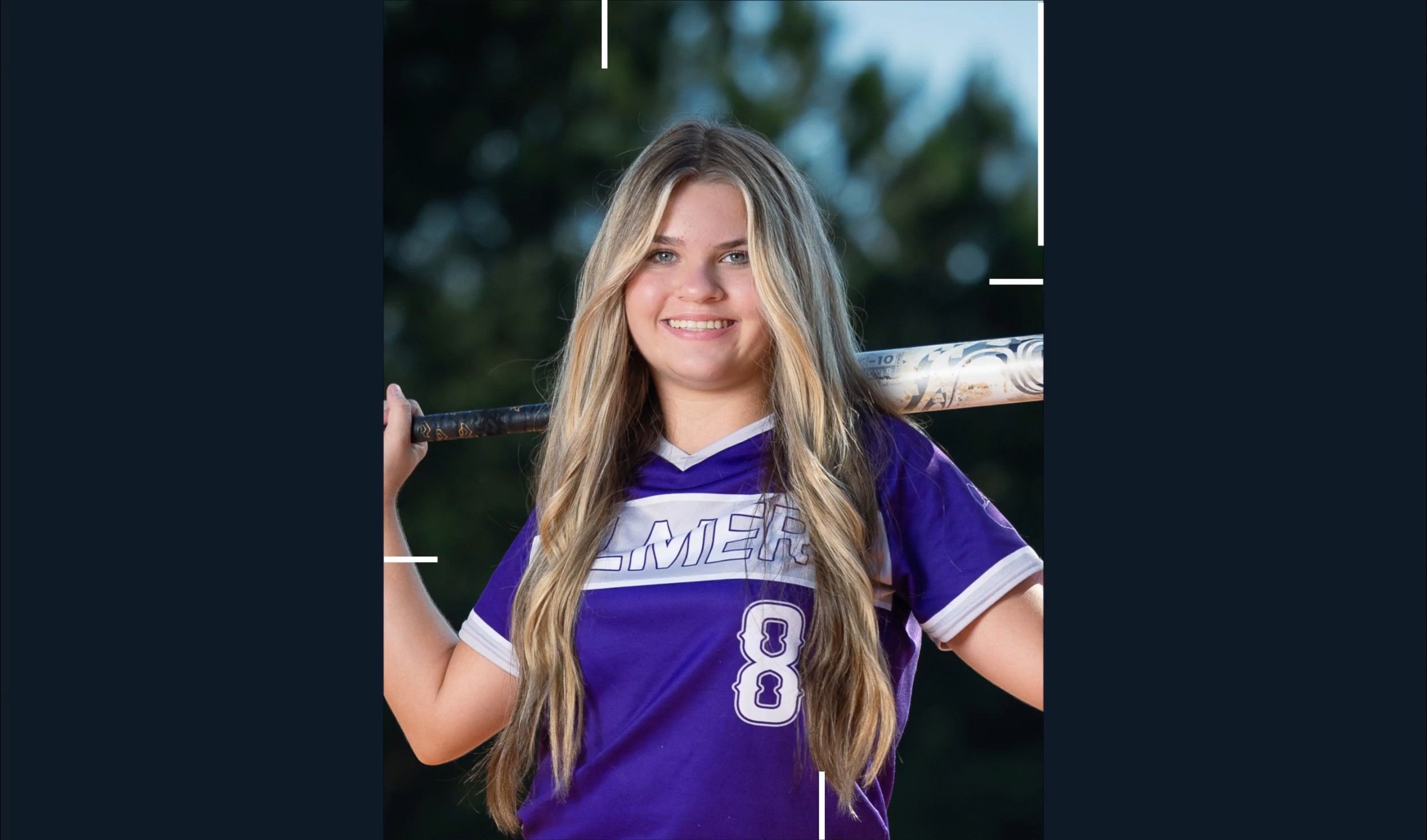
Automatically crop headshots with an AI headshot photo cropper that detects every subject and frames each shot consistently, with full control to review and adjust every result.
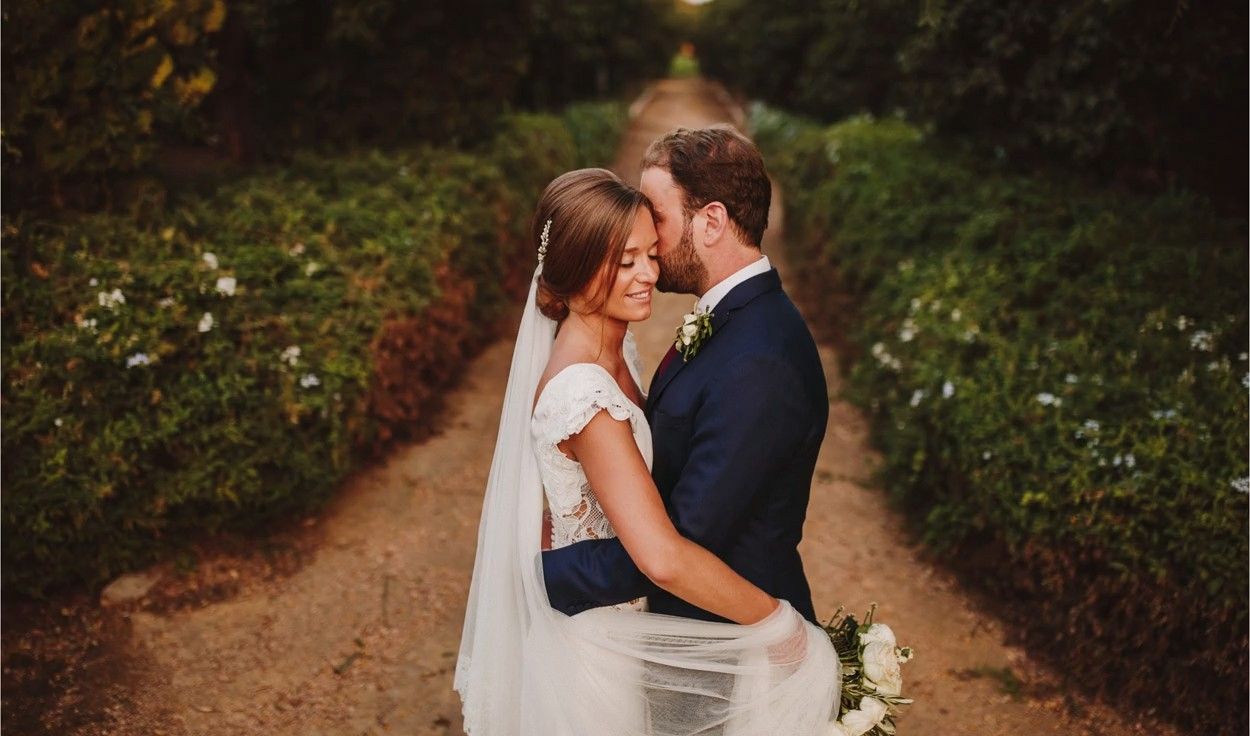
Mask the background in every photo automatically and adjust its exposure, color and texture on their own, so your subject stands out. Review and refine every result in Lightroom Classic.

Remove grain from high-ISO and low-light RAW photos automatically. Imagen sets the strength for each photo, keeps the detail and your editing style, and sends the results to Lightroom Classic.

Automatically extract subjects from any photo using an AI-powered background remover that keeps edges clean, detail sharp, and every result ready to review.
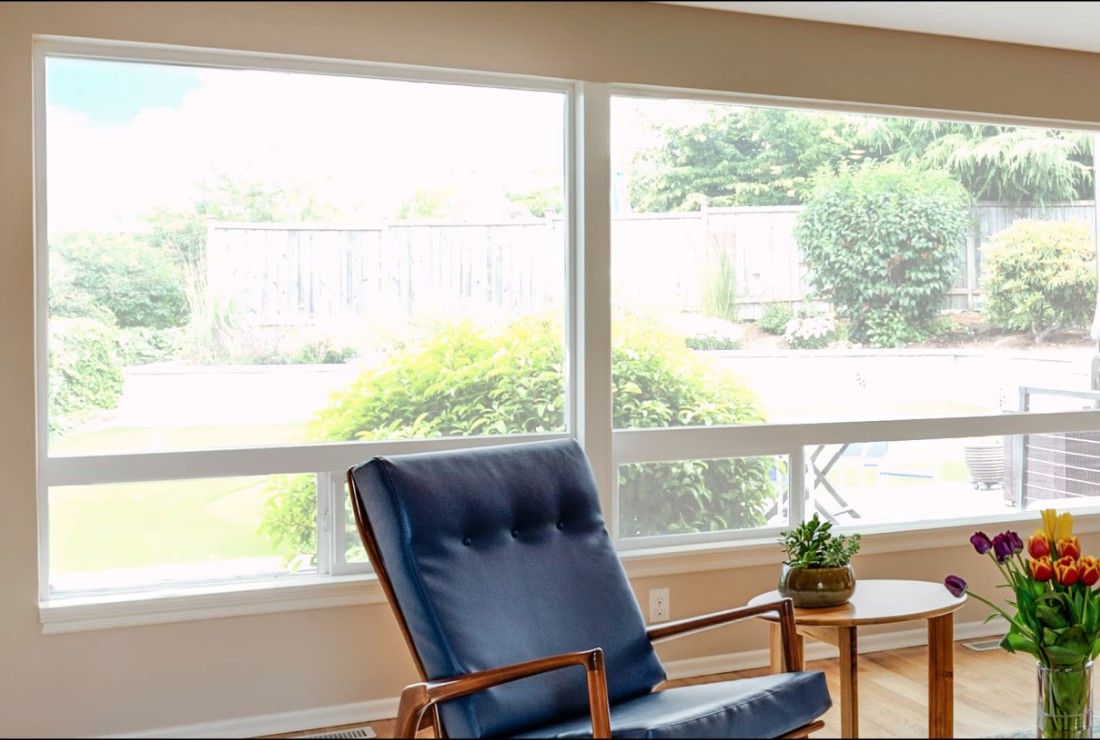
Balance bright windows with indoor subjects using an AI-powered tool that detects overexposed areas and pulls back highlights, with full control to review and adjust every result.

Export final JPEGs straight from Imagen to Pic-Time galleries or your local folder. Complete your entire workflow from camera to client, without switching apps.
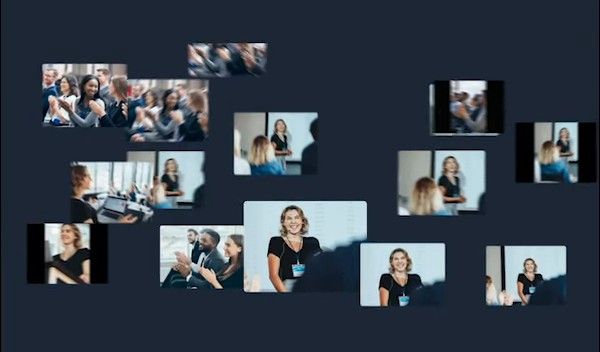
Imagen's AI culling groups similar shots and keeps only the best. Duplicate Removal happens automatically, so you review fewer photos and deliver faster.

Imagen's AI analyzes every face in your photos and detects closed eyes automatically. Blink Detection flags the issue so you keep the shots where everyone looks their best.

Imagen's AI Subject Mask finds the main subject in every photo and adjusts it on its own, so it stands out. No manual brushwork, no repetitive masking: consistent results across your whole project, ready in Lightroom Classic.
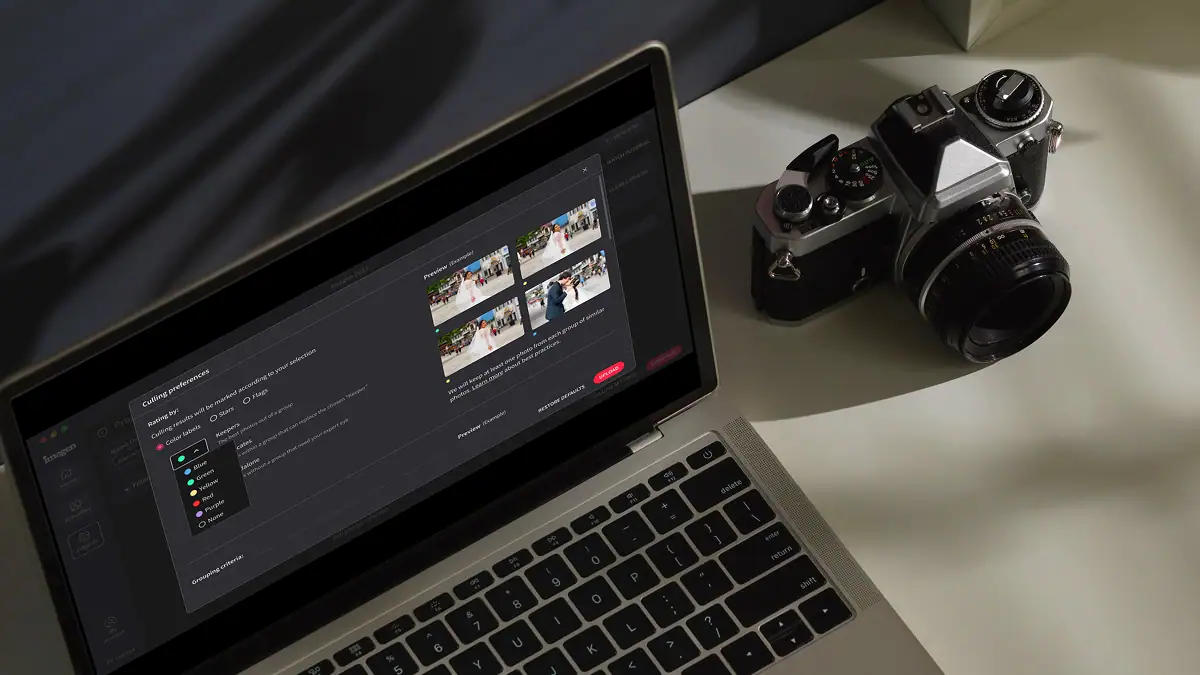
Automatically detect the sharpest photos in every set using an AI-powered Sharpness Check that analyzes focus accuracy — so you cull faster and choose with confidence.
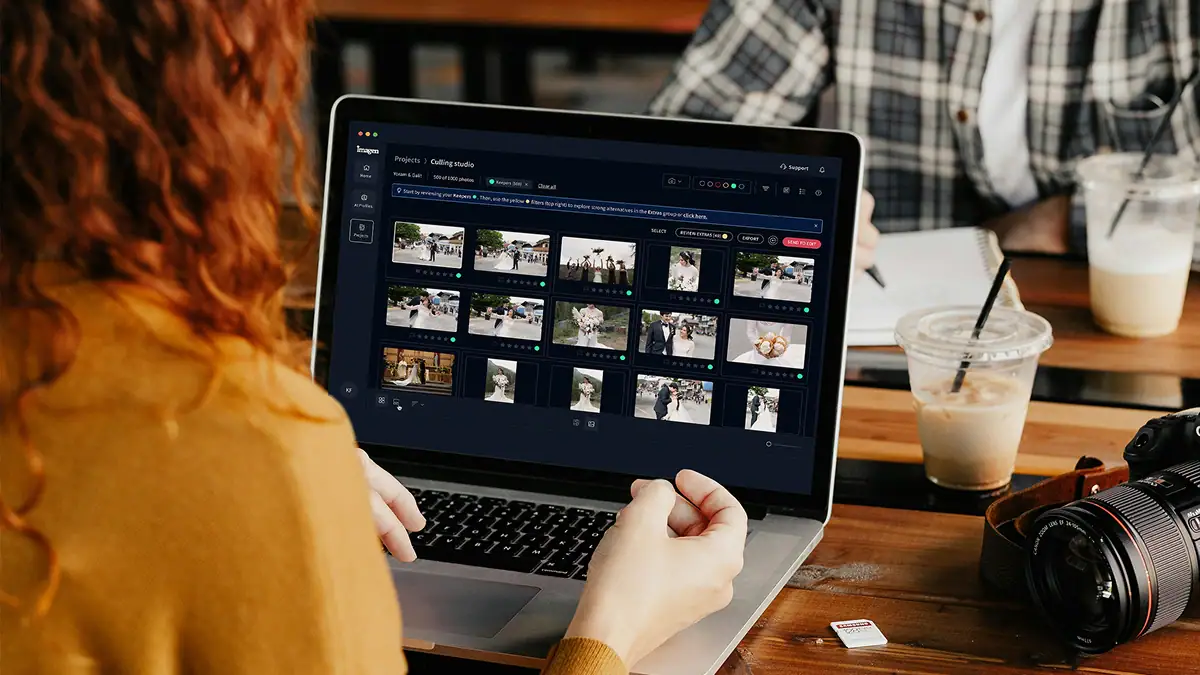
Automatically back up your original RAW files to secure cloud storage as you work — so your client photos are always protected, without any extra steps.

Store full-resolution photos at up to 75% smaller file size — so your photo storage goes 4x further, uploads faster, and your work stays protected without the cost of raw file bloat.
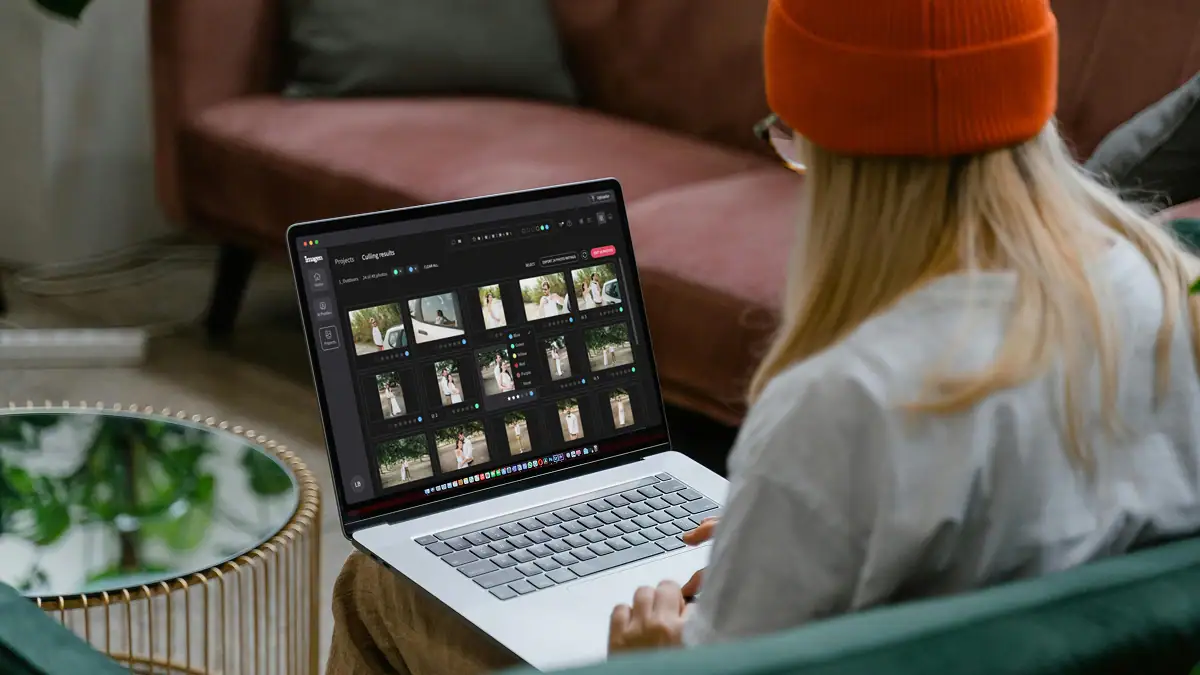
The Imagen API lets developers connect Imagen's AI editing engine directly to any app, platform, or workflow — so your photos get edited automatically, at any scale, without the desktop app.
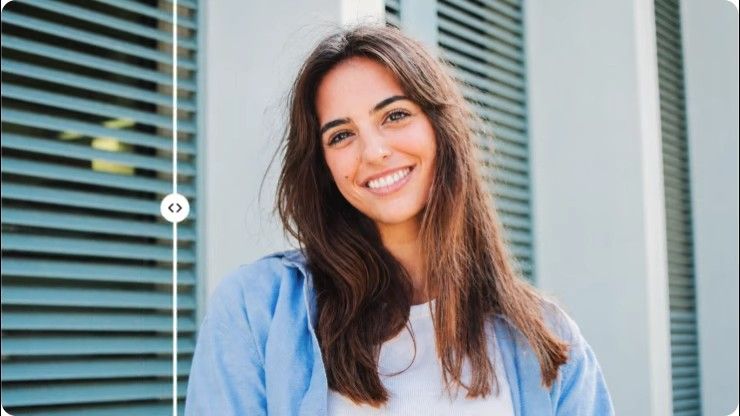
Stray Hair detects flyaways in each portrait and removes them automatically, so every photo looks polished without hours of manual retouching.

Face Retouch detects and corrects common skin imperfections in each portrait. Blemishes, under-eye shadows, uneven texture; so every photo looks polished without tedious manual work.
Get started with 1,000 free edits. Edit your projects faster without sacrificing quality.
Pay only for what you need
Starting at
US$0.05 / photo
US$7/monthly base fee
Any unused balance rolls over to next month as editing credit
One simple price for unlimited use
Billed annuallyBilled monthly
US$129US$165 / month
Save US$432/year
* Looking for Imagen for Real Estate? The web app for real estate is priced separately. See real estate pricing
* Not sure which plan? Start with Pay-as-you-go and switch later.
Speed, consistency, and scale for high-volume businesses and studios
Talk to us
Custom plan
Ask us anything, connect with our customer success team.
We go beyond troubleshooting - we’re your partners in optimizing workflows and realizing your creative vision.
No credit card required.
You spend hours fixing reflections and isolating transparent items because glass captures everything in your space. Every light stand and stray shadow shows up on the surface of your product. Good glassware product photography editing software handles the heavy lifting so you get your time back. You easily separate your delicate subject from the background to fix those distracting reflections. When you shoot 500 images for a catalog, manually masking every single glass takes days of tedious work. Imagen learns your specific style and applies it across your entire shoot in minutes. You keep complete control over the final look while cutting your computer time by 96 percent. You stay in the studio shooting more products instead of staring at a monitor fixing the same bright spots over and over. Your final images look polished and consistent, and you'll deliver them to your clients faster than ever before.
The software learns exactly how you treat highlights and shadows on reflective surfaces. Glass bottles reflect the entire studio environment, and managing those specular highlights takes intense precision. You train your Personal AI Profile using your previously edited catalog, teaching the AI your exact preferences for contrast and exposure. When you upload a new batch of 300 bottle photos, Imagen applies your unique style to every single image. You easily isolate the main subject from the background to make those crisp adjustments that make glass look premium. You won't lose control of the details. The AI acts as your dedicated assistant, doing the repetitive base edits so you focus on final retouches. You finish a massive product shoot in a fraction of the time. You deliver perfectly consistent galleries to your commercial clients without spending your entire weekend clicking through adjustment brushes.
You get perfectly exposed products that stand out clearly against pure white backdrops. Photographing clear glass on a white background in the studio creates massive contrast challenges. You'll often lose the edges of your subject, making the glass look flat and lifeless. Imagen analyzes the specific exposure values of your raw files and adjusts the contrast exactly how you prefer. You keep the crisp edges of your glassware while maintaining a perfectly blown out backdrop. You process 1,000 images from an e-commerce shoot in under 15 minutes. You eliminate the tedious work of manually adjusting sliders for every single glass cup or perfume bottle. You review the results and tweak any masks or final exposures directly in your editing program. You maintain total creative control while your glassware product photography editing software speeds up the most frustrating parts of your workflow.
You don't need to do the repetitive manual labor of drawing paths around every single item. Manually masking a complex subject like a crystal chandelier or a faceted whiskey glass takes up to 10 minutes per photo. When you have a catalog of 200 items, that manual work eats up your entire week. Imagen automates your base color correction and exposure adjustments across the entire gallery instantly. You get a perfectly balanced starting point for every image in your studio session. The AI understands how you balance the exposure between your fragile glass items and your solid background. You still use Photoshop for specific composite work or deep retouching, but you start with near perfect images. You deliver final assets to your e-commerce clients days faster than your old manual process. Your glassware product photography editing software handles the volume while you handle the art.
You build a Personal AI Profile that edits exactly like you do. We know that every studio has a unique lighting setup and specific color grading preferences for commercial work. You upload 3,000 of your previously edited raw files to teach the system your exact aesthetic. The AI learns how you handle the delicate highlights on your subject and how you expose your smooth background. You don't have to rely on generic presets that ruin the subtle tones of clear glass and metallic labels. Imagen applies your specific style to your new raw files at a speed of 1 second per photo. You keep absolute consistency across massive product catalogs, ensuring the first bottle looks identical to the last. You review every edit and make final adjustments, meaning you always stay in the driver seat of your creative vision.
You deliver finished product galleries in days instead of weeks. Commercial clients demand fast turnarounds for their seasonal catalogs and marketing campaigns. Spending weeks manually adjusting the exposure on 500 photos of wine glasses creates a massive bottleneck for your business. Imagen cuts your post-production time by 96 percent, letting you process an entire studio session while you grab a cup of coffee. You upload your raw files, apply your Personal AI Profile, and get edited images back in minutes. The AI correctly balances the lighting on your subject and smooths out the tones in your background automatically. You spend a few minutes reviewing the gallery and making minor tweaks before exporting. You'll take on twice as many product shoots each month because you no longer spend your nights trapped behind a desk editing glass.
You upload your original raw files directly into the app for the highest quality edits. Glassware requires massive dynamic range to capture the brightest specular highlights and the deepest shadows without losing detail. Working with raw files keeps you retain all that crucial data from your studio session. Imagen reads the raw data and applies non-destructive edits to your catalog. You won't lose the original file information. The software adjusts the exposure of your transparent subject and fixes the color temperature of your background based on your custom profile. You open the edited catalog in Lightroom Classic and see all the sliders moved exactly where you want them. You get the flexibility to tweak the white balance or contrast on a tricky reflection without degrading the image quality. You get premium results that meet the strict standards of commercial product brands.
You always have the final say and can easily adjust any slider. Sometimes a complex studio lighting setup creates unusual refractions through a clear liquid or glass bottle. If the AI makes an exposure choice you want to change, you simply adjust it in your editing program. Imagen makes non-destructive edits, meaning every slider remains fully adjustable. You easily tweak the shadows on your subject or brighten the background to match your vision perfectly. We designed this glassware product photography editing software to act as your assistant, not your replacement. When you correct an edit, you teach your Personal AI Profile to perform even better on the next batch. You'll spend 5 seconds fixing a tricky reflection instead of 5 minutes editing the entire photo from scratch. You maintain complete creative control while still saving hours of tedious computer work.
You easily maintain the rich colors of your creative sets while keeping your products perfectly exposed. Modern product photography often involves vibrant props, colored gels, and complex staging. You teach your AI Profile exactly how you want those bold colors to pop. The software understands the difference between the color of your main subject and the ambient tones of your colorful background. You shoot a complex studio setup with 5 different colored backdrops, and the AI balances the exposure for each one perfectly. You don't have to worry about generic presets shifting your carefully chosen brand colors. Imagen reads the specific lighting of each scene and applies your custom color grading accurately. You deliver stunning, color-accurate images to your clients that look exactly like the physical products they sell. You save hours of color correction time on every single campaign.
You get started in minutes without any complicated technical knowledge. We're here to help busy photographers who want to spend more time behind the camera and less time fighting with software. You simply download the desktop app, log in, and connect your editing catalog. The interface guides you through the process of uploading your past studio shoots to build your custom profile. You drag and drop your new raw files, click a button, and watch the edits roll in. You see your subject perfectly exposed and your background cleanly balanced without writing a single line of code. Good glassware product photography editing software works quietly in the background, letting you focus on your art. You reduce your editing time by 96 percent and get back to doing what you love most.




Start your free trial today - no commitment required