
 Excellent 4.8


 Compatibility
The best AI focus check for photos
Automatically detect the sharpest photos in every set using an AI-powered Sharpness Check that analyzes focus accuracy — so you cull faster and choose with confidence.
Try it now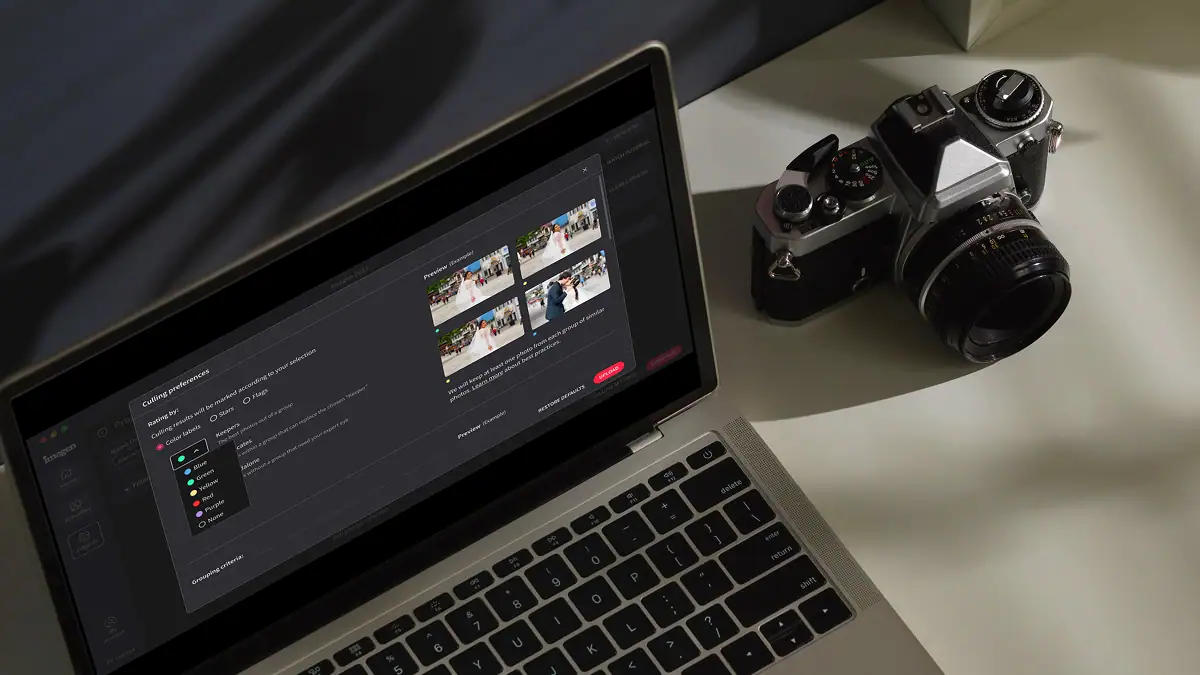
Why Photographers Choose Imagen

Faster Turnaround
Edits delivered in hours, and even minutes - not days.

Your Style, Always
Imagen learns your editing style and applies it consistently.

Here for You
Our team is here 24/7 with real, human support.

Complete Workflow
Cull, edit, store and deliver seamlessly, all under one roof.
AI-powered Sharpness Check tool
Automatically rank photos by sharpness and focus accuracy, with full control to review every result in Culling Studio.
Try it todayEye-sharp focus detection
The tool analyzes each photo and highlights the sharpest frames, with extra attention to eye focus on portraits.
Sharpest photos surface first
Sort your photos by sharpness score so the best-focused frames appear at the top — no zooming in required.
Consistent across every shoot
Run a focus check across thousands of photos in one project, with the same accuracy on every frame.
Full review and control
Review every sharpness result, adjust your selections, and finalize picks in your existing culling workflow.
Reviews from those who know best.
Rated 5 out of 5
“The term 'game changer' gets thrown out a lot, but for any busy photographer, this software will change your life.”
 Michael AntonyMichael Antony Photography, USA
Rated 5 out of 5
“My survival is due to Imagen… I would MARVEL at how little I had to adjust.”
 Charmi Patel PeñaWedding Photographer, USA
Rated 5 out of 5
“It’s so refreshing to start with a high level of quality, and it leaves me with much more energy to spend on my favorite photos.”
 Sam HurdSam Hurd Photography, USA
Rated 5 out of 5
“Discovering Imagen has been like someone inventing toilet paper. Simply essential and now life is unthinkable without it. I now know that those years of editing backlogs are a thing of the past. I'm truly grateful.”
 Sarah EdmundsPortrait & Wedding Photographer, Italy
Rated 5 out of 5
“It’s a must for me after my culling process. Love Imagen since day one.”
 Fer JuaristiFer Juaristi Photography, Mexico
Rated 5 out of 5
“Thanks to Imagen, I can actually enjoy editing… I have recovered hundreds of hours back.”
 Daniel AlonsoPeople TrueLove Tellers, Spain
Frequently asked questions
What does Sharpness Check do?
Sharpness Check analyzes every photo in your culling project and scores each one for focus accuracy. It highlights the sharpest frames — with extra attention to eye sharpness in portraits — so you can spot your best shots at a glance. Instead of zooming into thousands of photos one by one, you get a focus check across your entire shoot automatically.
Do I still need to zoom in to confirm focus?
Not for most shots. Sharpness Check gives each photo a sharpness score you can see before you zoom in, so you spend your time confirming your top picks rather than hunting through every frame. For portrait work, the tool pays particular attention to eye focus — the detail that matters most in a tight cull.
Does Sharpness Check make the final selection for me?
No. Sharpness Check surfaces the sharpest photos and lets you sort by focus score, but you stay in control of every selection. Think of it as a focus filter, not a decision-maker. You review the results in Culling Studio, adjust your picks, and finalize the edit yourself.
Does it work for all types of shoots?
Sharpness Check works across any project you run through Culling Studio. It’s especially useful for high-volume shoots like weddings, events, and portrait sessions — anywhere you’re choosing between similar frames and focus accuracy is the deciding factor. For abstract or artistic work where intentional blur is part of the style, you’ll want to use the sharpness scores as one input alongside your own creative judgment.
Does Sharpness Check affect my original files?
No. Like all of Imagen’s culling tools, Sharpness Check only analyzes your photos — it never modifies, deletes, or overwrites your original files. Your RAW files stay exactly as they are on your drive.


