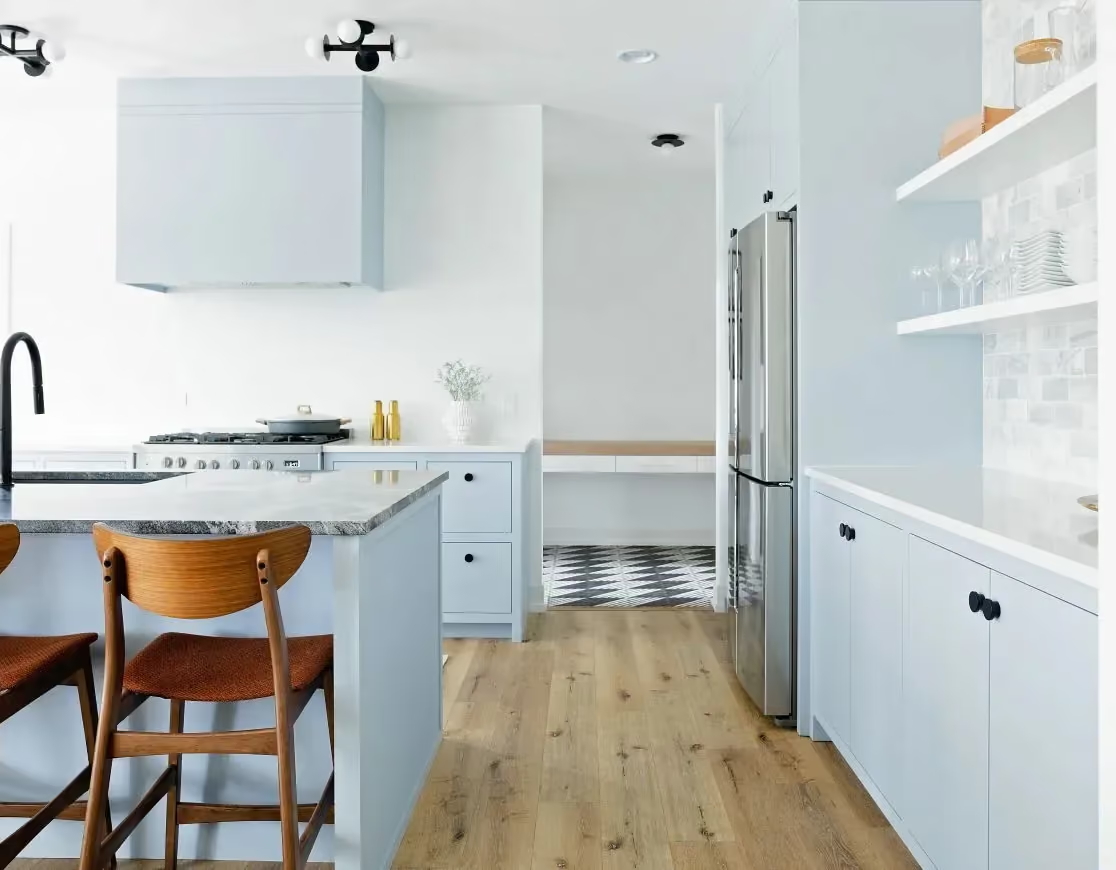
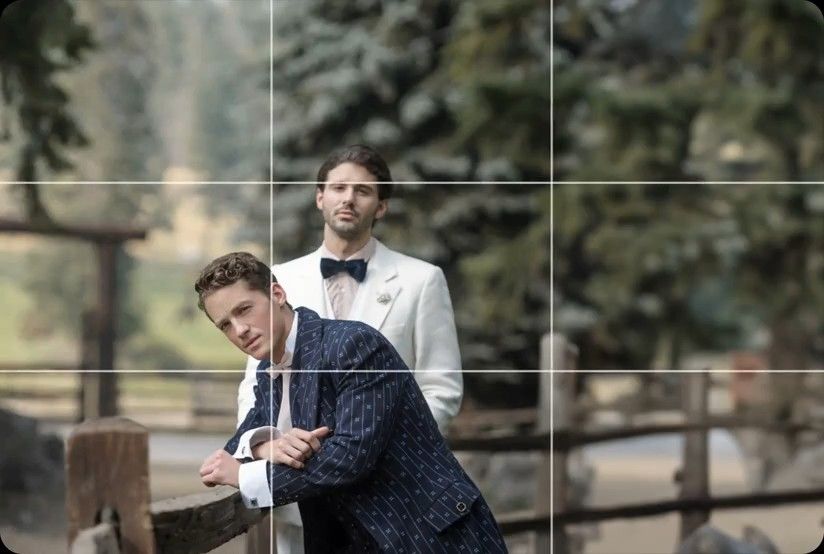
Crop & Straighten
AI levels tilted horizons and crops every photo around its subject, automatically, across your whole shoot. Review and adjust every result in Lightroom Classic.


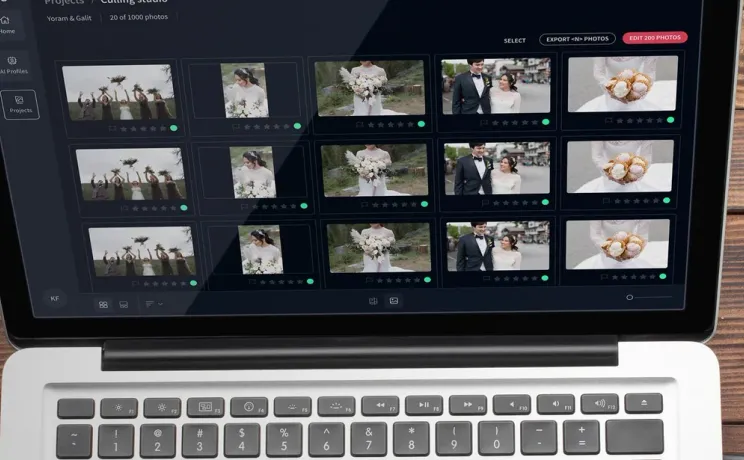
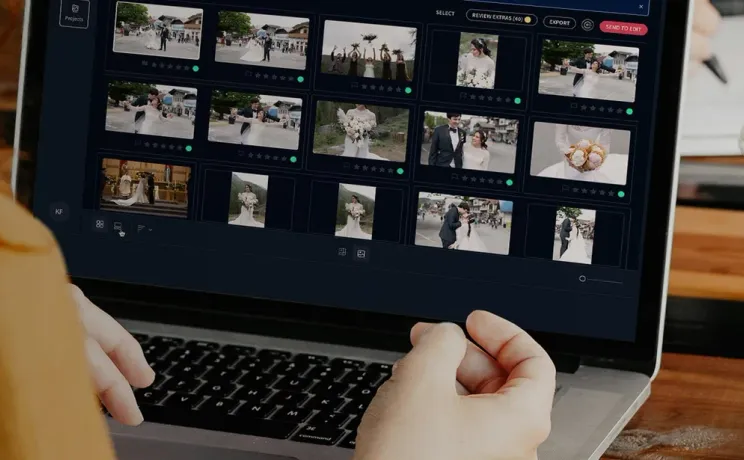
Don't cull manually. We detect blur and match your rating style across 1,000s of real estate frames so you deliver galleries by 9 AM and scale.
Compatible with:


 No credit card required.





Rated 5 out of 5
“The term 'game changer' gets thrown out a lot, but for any busy photographer, this software will change your life.”
 Michael AntonyMichael Antony Photography, USA
Rated 5 out of 5
“My survival is due to Imagen… I would MARVEL at how little I had to adjust.”
 Charmi Patel PeñaWedding Photographer, USA
Rated 5 out of 5
“It’s so refreshing to start with a high level of quality, and it leaves me with much more energy to spend on my favorite photos.”
 Sam HurdSam Hurd Photography, USA
Rated 5 out of 5
“Discovering Imagen has been like someone inventing toilet paper. Simply essential and now life is unthinkable without it. I now know that those years of editing backlogs are a thing of the past. I'm truly grateful.”
 Sarah EdmundsPortrait & Wedding Photographer, Italy
Rated 5 out of 5
“It’s a must for me after my culling process. Love Imagen since day one.”
 Fer JuaristiFer Juaristi Photography, Mexico
Rated 5 out of 5
“Thanks to Imagen, I can actually enjoy editing… I have recovered hundreds of hours back.”
 Daniel AlonsoPeople TrueLove Tellers, Spain
Stop spending countless hours on repetitive editing tasks.
Focus on what matters most: your creativity and your clients.

Cut your post-production time dramatically with AI-powered automation.

Apply consistent edits across hundreds of photos in seconds, not hours.

Let AI identify and remove blurry shots, duplicates, and closed eyes automatically.

Edit entire events shoots or portrait sessions while you focus on your next creative work.
Deliver by 9 AM
You don't waste hours on manual sorting. Our AI bracket culling software eliminates this pain. We detect blur, closed eyes, and duplicates instantly, so you deliver galleries by 9 AM.
Try for freeScale your photo team
Growing your team doesn't mean losing control. Imagen uses an AI rating that mirrors your exact preferences. We cull 1,000s of frames to your standard, keeping your brand completely consistent.
Try for free
AI levels tilted horizons and crops every photo around its subject, automatically, across your whole shoot. Review and adjust every result in Lightroom Classic.
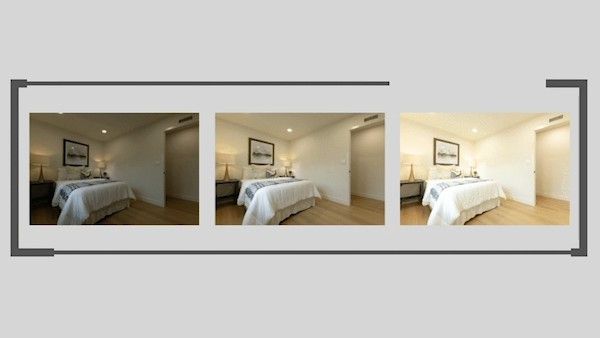
Automatically combine 3–9 bracketed exposures into one perfectly balanced photo using an AI HDR photo merge tool that handles indoor and outdoor lighting in one shot.
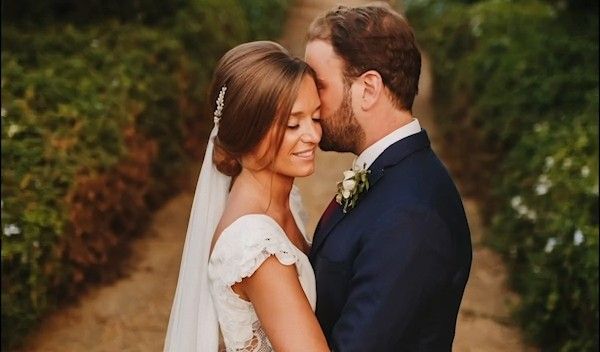
Smooth Skin finds every face, masks the skin and softens it automatically, so every portrait looks polished and natural without manual retouching.
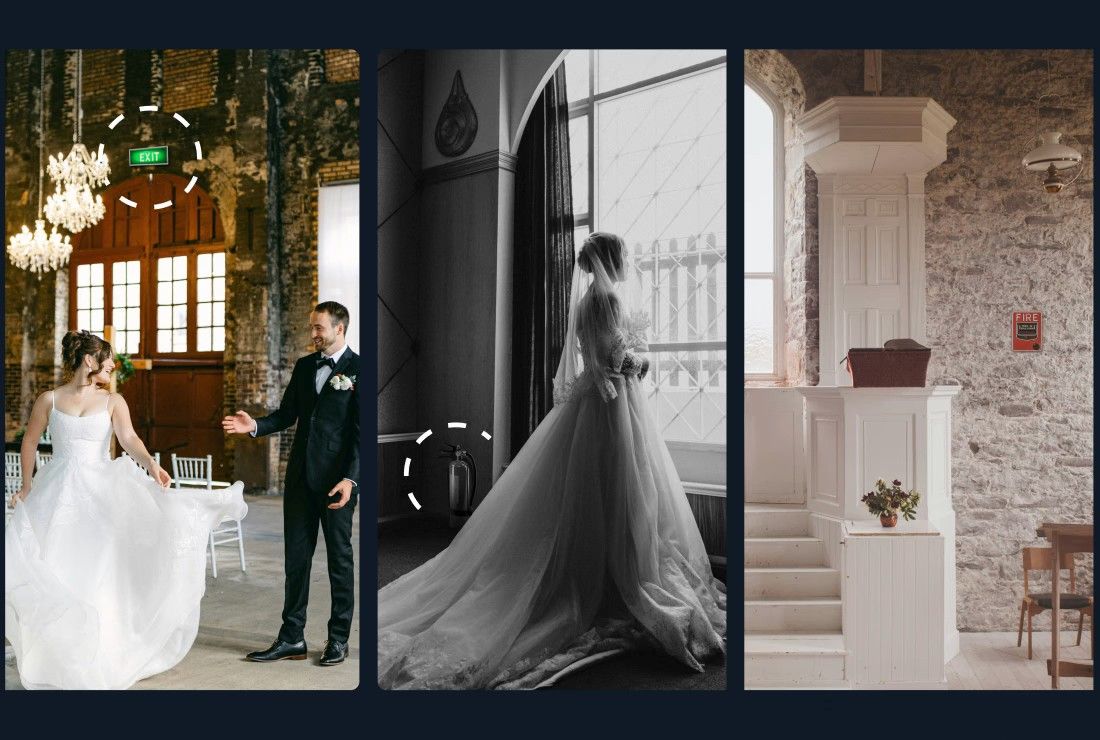
Object Removal automatically detects and removes exit signs, fire alarms, fire extinguishers, and fire stickers from your photos — across your entire gallery, in the cloud, without Photoshop.
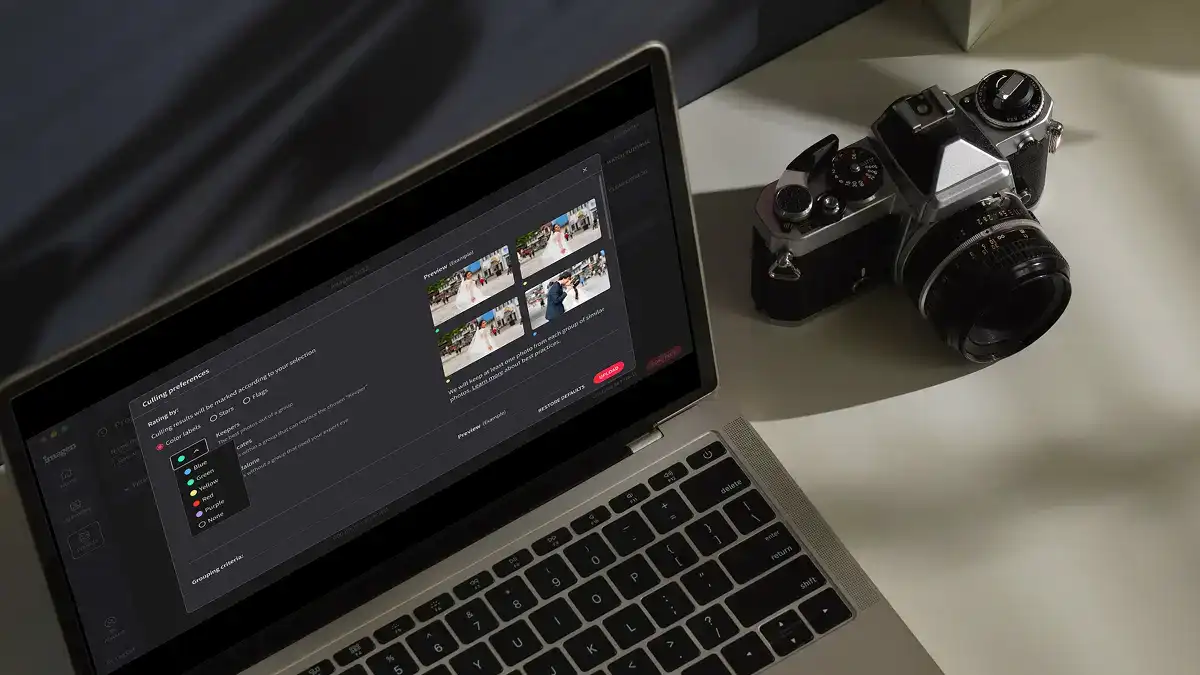
Edit thousands of photos in your style automatically. Imagen's AI learns your editing preferences and applies them consistently across entire projects, so you deliver faster without losing your creative touch.
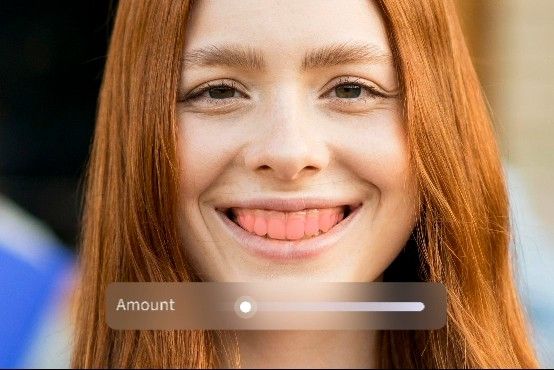
Whiten Teeth detects and brightens teeth in each photo automatically, so every smile looks its best without manual retouching.
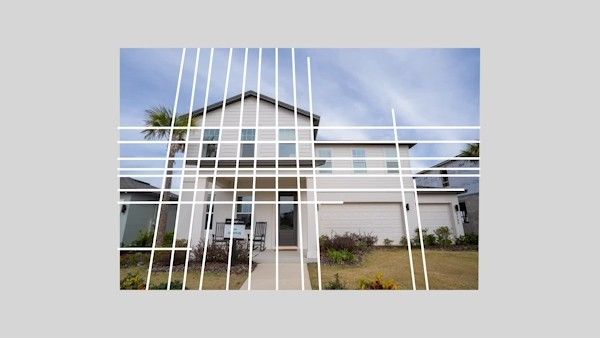
Automatically fix distorted lines and tilted horizons using an AI image perspective correction tool that analyzes each photo, with full control to review and adjust every result.
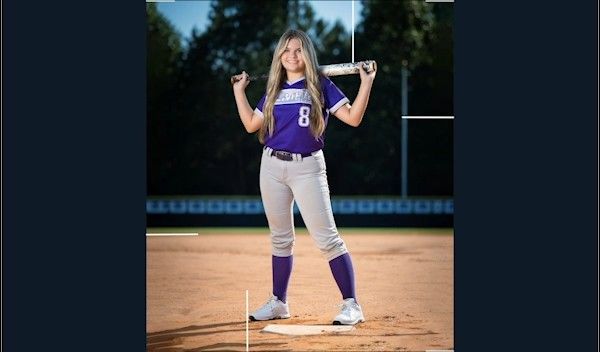
Automatically crop hundreds of portrait photos to a consistent frame using an AI portrait crop tool that detects each subject and places them perfectly — so every face lands exactly where it should.
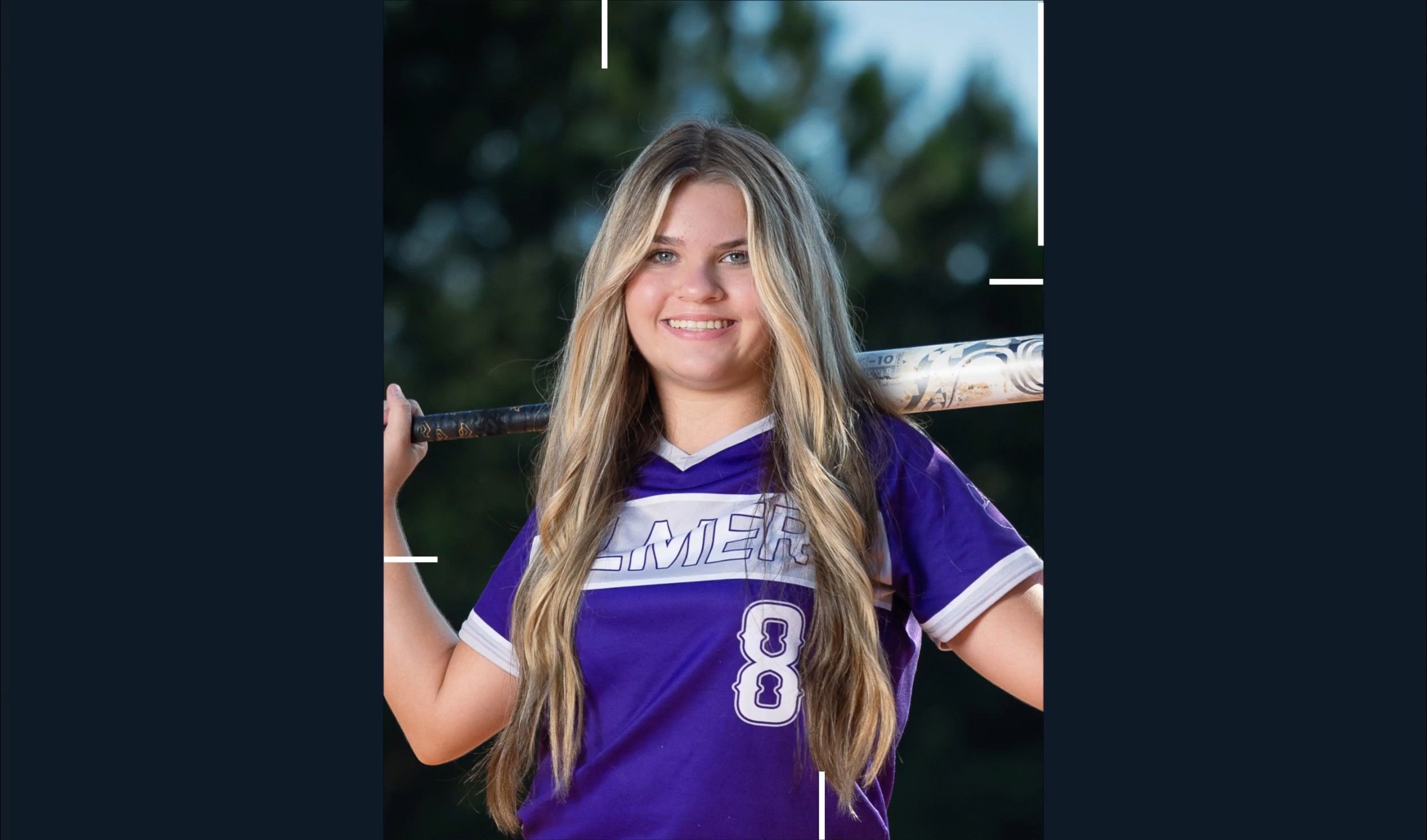
Automatically crop headshots with an AI headshot photo cropper that detects every subject and frames each shot consistently, with full control to review and adjust every result.
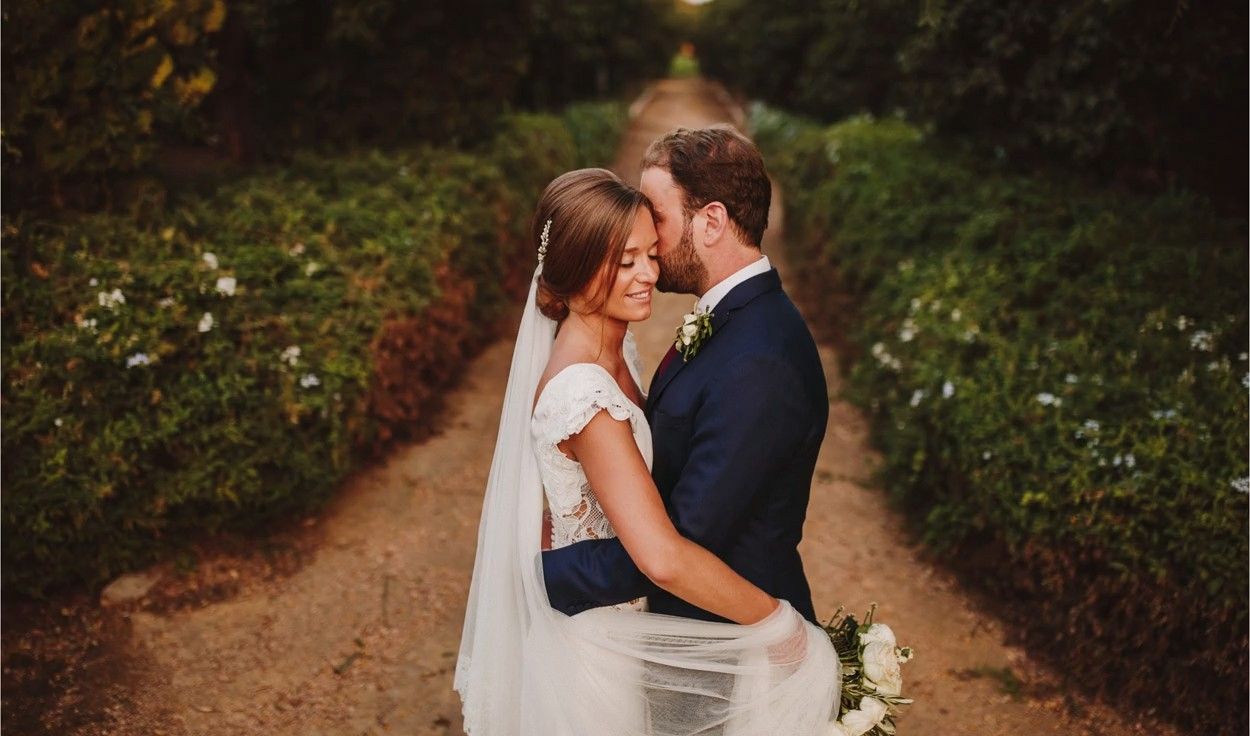
Mask the background in every photo automatically and adjust its exposure, color and texture on their own, so your subject stands out. Review and refine every result in Lightroom Classic.
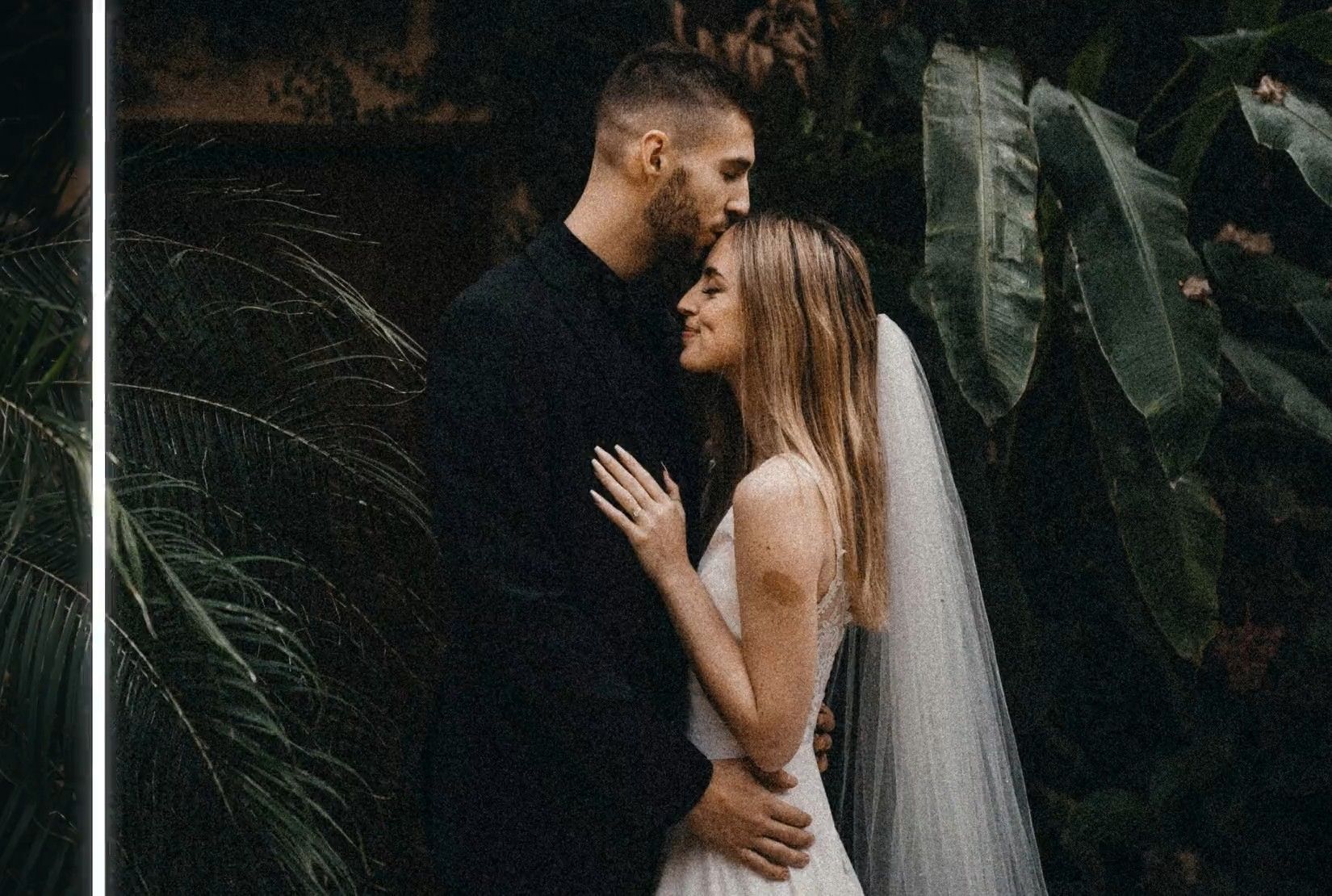
Remove grain from high-ISO and low-light RAW photos automatically. Imagen sets the strength for each photo, keeps the detail and your editing style, and sends the results to Lightroom Classic.

Automatically extract subjects from any photo using an AI-powered background remover that keeps edges clean, detail sharp, and every result ready to review.
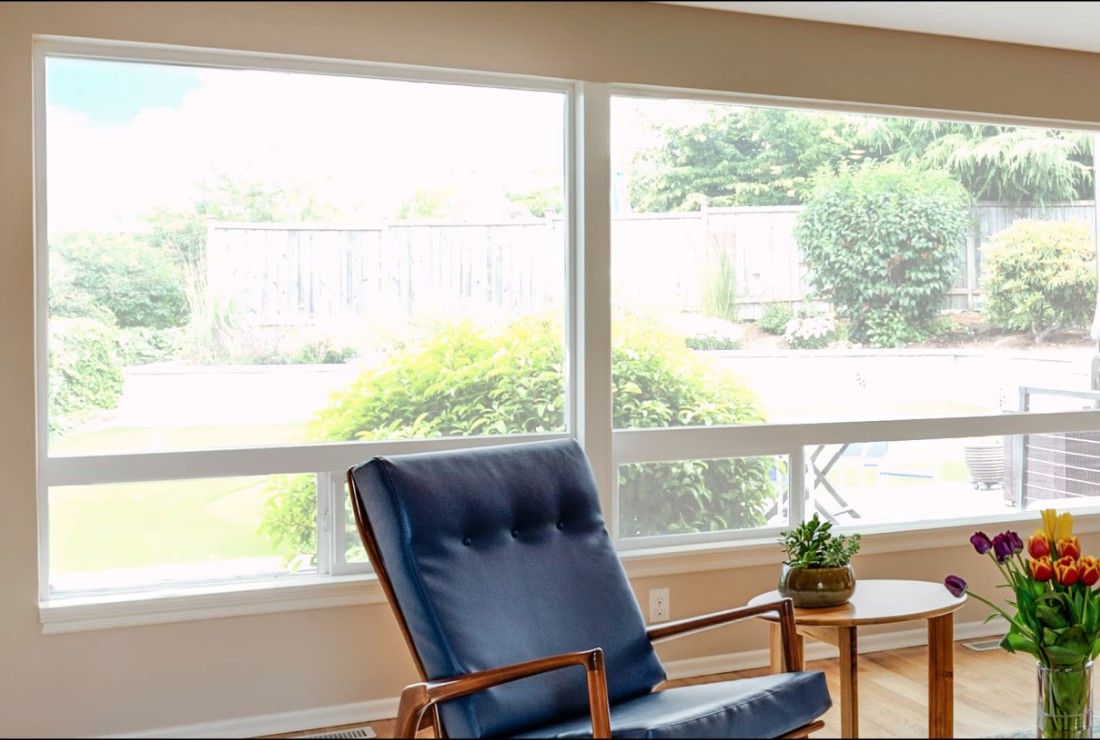
Balance bright windows with indoor subjects using an AI-powered tool that detects overexposed areas and pulls back highlights, with full control to review and adjust every result.
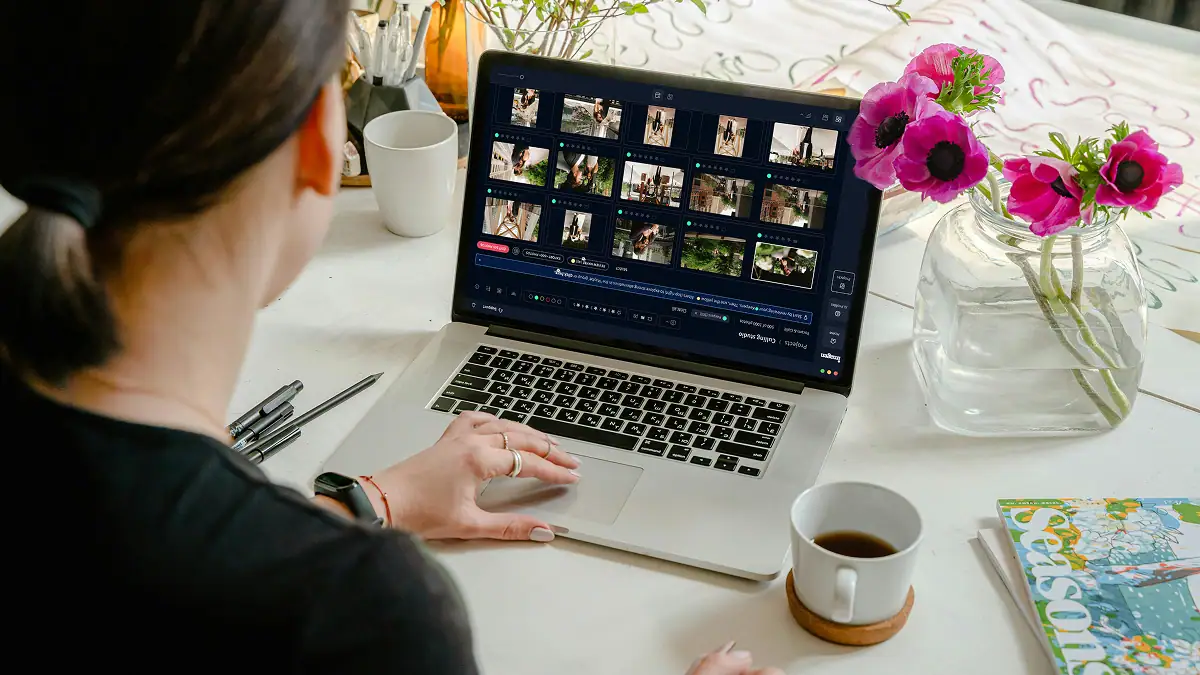
Export final JPEGs straight from Imagen to Pic-Time galleries or your local folder. Complete your entire workflow from camera to client, without switching apps.
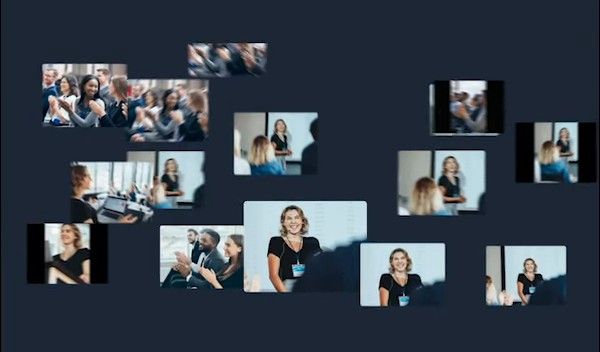
Imagen's AI culling groups similar shots and keeps only the best. Duplicate Removal happens automatically, so you review fewer photos and deliver faster.

Imagen's AI analyzes every face in your photos and detects closed eyes automatically. Blink Detection flags the issue so you keep the shots where everyone looks their best.
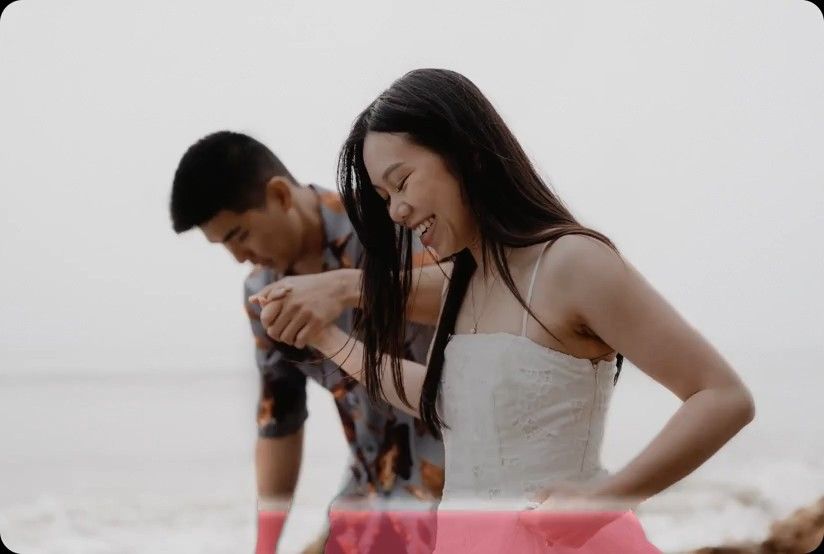
Imagen's AI Subject Mask finds the main subject in every photo and adjusts it on its own, so it stands out. No manual brushwork, no repetitive masking: consistent results across your whole project, ready in Lightroom Classic.
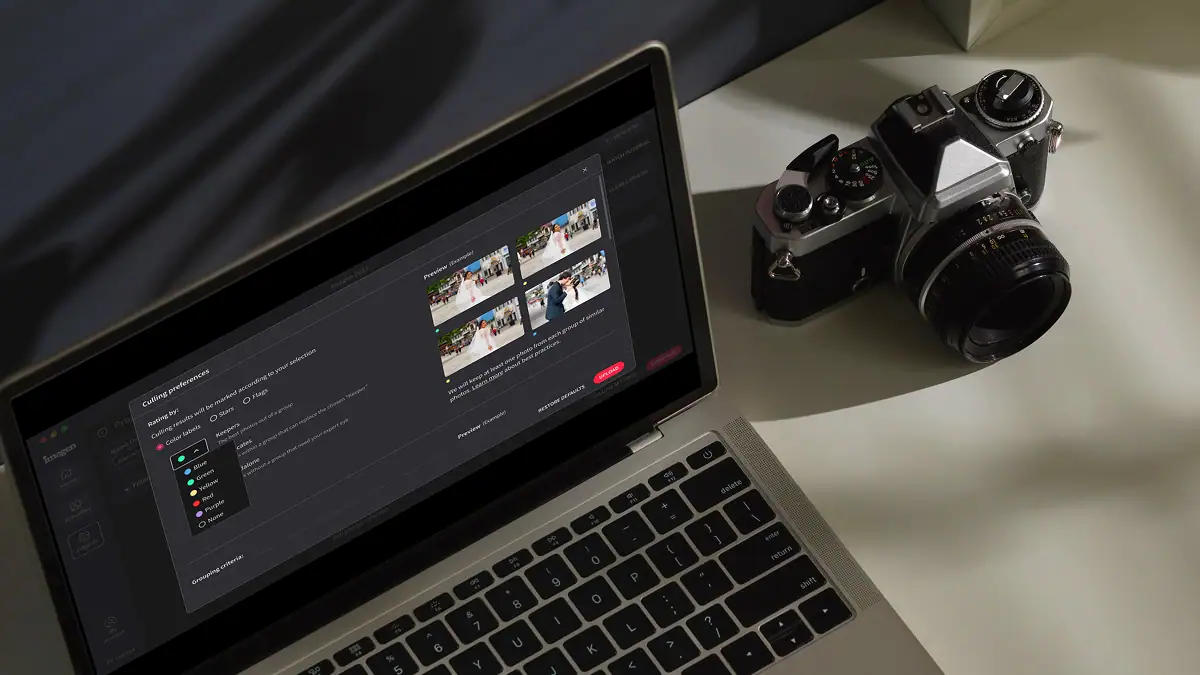
Automatically detect the sharpest photos in every set using an AI-powered Sharpness Check that analyzes focus accuracy — so you cull faster and choose with confidence.
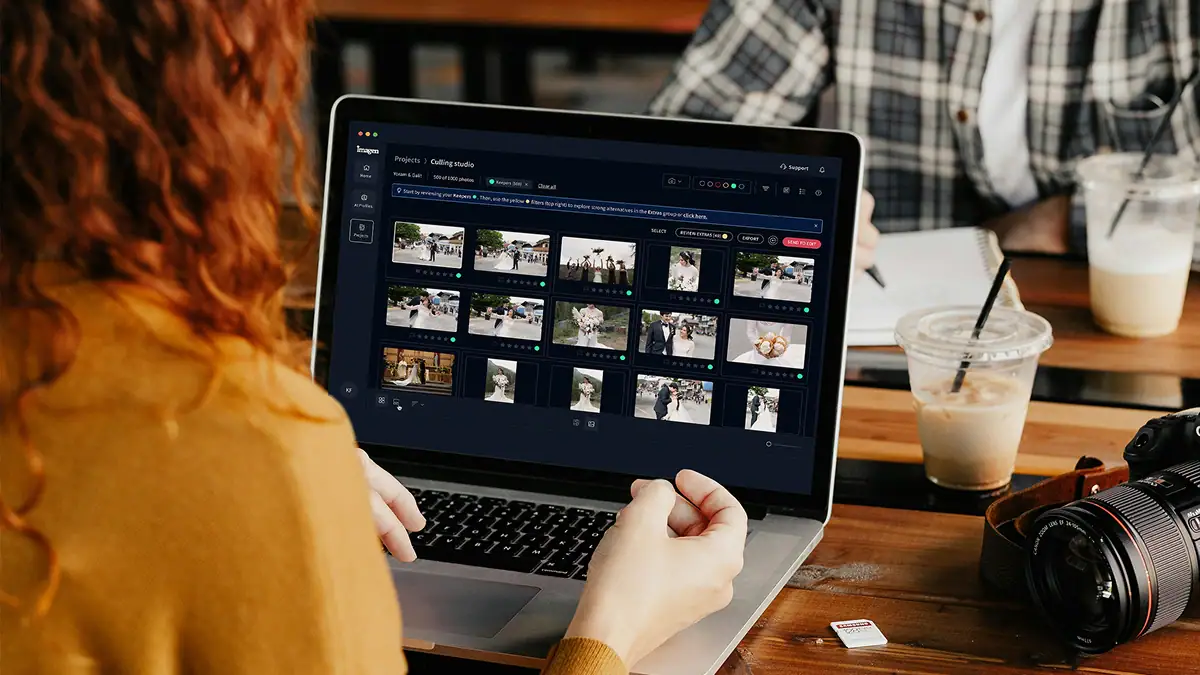
Automatically back up your original RAW files to secure cloud storage as you work — so your client photos are always protected, without any extra steps.

Store full-resolution photos at up to 75% smaller file size — so your photo storage goes 4x further, uploads faster, and your work stays protected without the cost of raw file bloat.
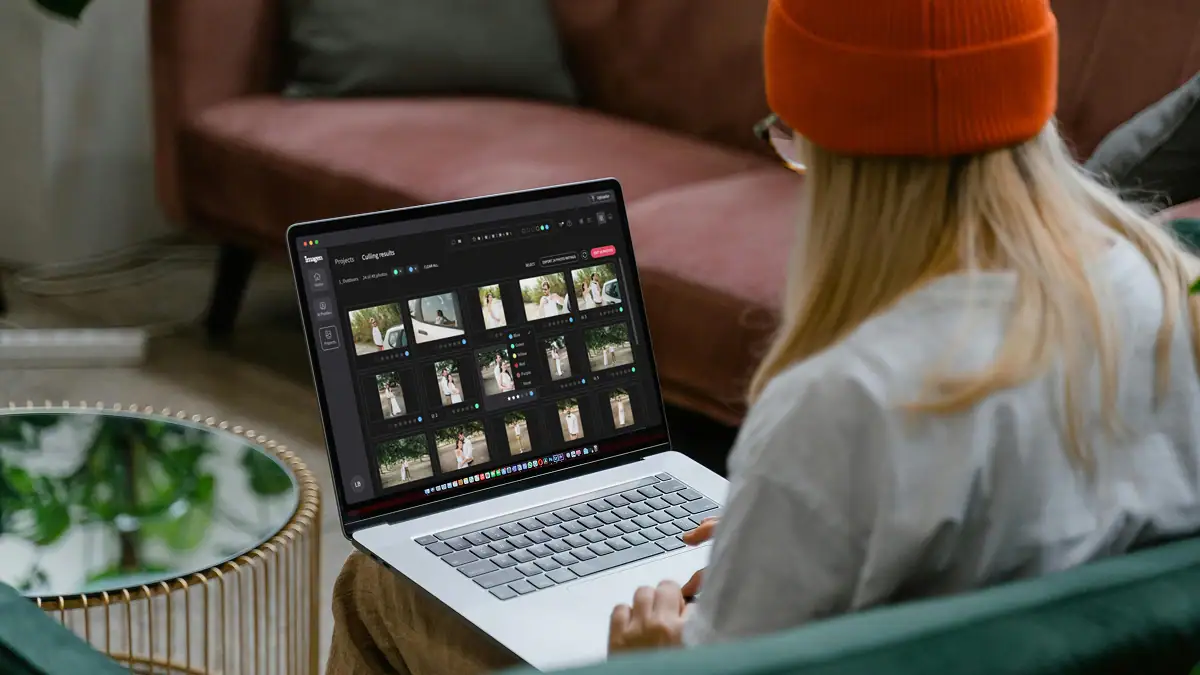
The Imagen API lets developers connect Imagen's AI editing engine directly to any app, platform, or workflow — so your photos get edited automatically, at any scale, without the desktop app.
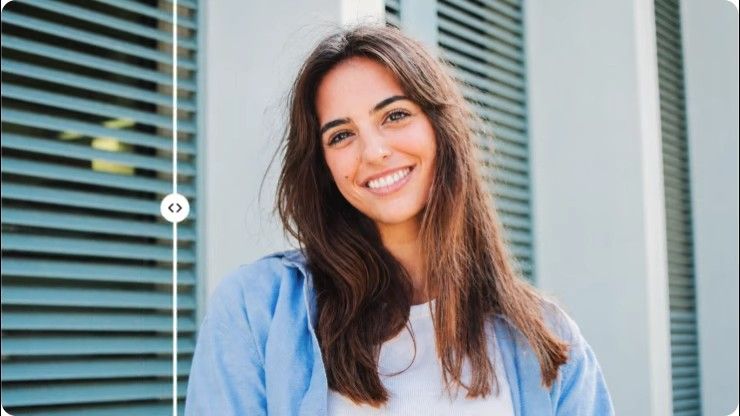
Stray Hair detects flyaways in each portrait and removes them automatically, so every photo looks polished without hours of manual retouching.

Face Retouch detects and corrects common skin imperfections in each portrait. Blemishes, under-eye shadows, uneven texture; so every photo looks polished without tedious manual work.
Early bird discount
No contracts, cancel anytime. Save money with pricing built for real estate photographers.
30% off first month
No commitment, pay for what you need.
US$0.22/ photoWasUS$0.32
First month 30% off, then US$0.32/photo. Applied at checkout. Cancel anytime.
Start free trial Full AI editing suite for property imagesHDR merge, sky replacement, window pull, perspective correctionOne-click AI fixesVirtual staging, digital twilight, green grass, black TV screens, and remove camera5 human revisions per listingUp to 6K resolution outputRAW and JPEG supportPrivacy blur for faces and license plates, property lines, branded watermark
* Prices in USD. Billed at the end of each month for that month’s edited photos.
For teams processing 25,000+ photos/year
Custom
Volume pricing for real estate teams and high-output agencies.
Schedule a callEverything in the Pay-as-you-go plan plus:
 Volume discountsDedicated account managerPriority processing
* Tailored to your workflow. Tell us your volume and we’ll build a quote.
Ask us anything, connect with our customer success team.
We go beyond troubleshooting - we’re your partners in optimizing workflows and realizing your creative vision.
No credit card required.
You get your time back by letting our software handle the tedious grouping and blending of your bracketed exposures automatically. When you shoot real estate, you capture multiple frames of the same room to balance bright windows and dark corners. Sorting through 1,000 frames to find the sharpest sets takes hours. Imagen acts as your AI bracket culling software to group these ambient brackets instantly. It detects blurry shots, ignores duplicates, and selects the sharpest sequences in minutes. After culling, the HDR Merge process blends those perfect sets together. This creates a single file with perfect dynamic range that retains all your bright highlights and deep shadows. You skip the painful pre-edit step of manually stacking files in your catalog. You jump straight to the creative editing process with perfectly blended interior and exterior shots ready to go. By eliminating manual sorting and blending, you easily cut your prep time by 80 percent and deliver galleries to your listing agents much faster.
You save hours of tedious screen time because the system analyzes and groups your files at incredible speed. When you dump 3,000 RAW files from a large property shoot onto your hard drive, finding the best sequences manually is exhausting. As dedicated AI bracket culling software, Imagen scans every single image to identify your bracketed exposures automatically. It checks every frame for perfect focus and eliminates any ruined shots before the merge happens. If a ceiling fan is blurry, the AI flags it instantly. It rates and selects the best sets that match your specific shooting style. Once the sorting is done, it performs the HDR Merge to balance your highlights and shadows perfectly. You never have to manually stack or color label 5 frames of the same living room again. You get perfectly grouped, culled, and merged files delivered right back to your catalog in minutes, leaving you entirely in control of the final creative edit.
You finish your prep work in minutes instead of hours because we eliminate the manual clicking, stacking, and rendering required by traditional software. Doing this by hand means you sit at your desk grouping 5 bracketed exposures for every single room. You have to wait for the computer to process the dynamic range, check the shadows, and hope the window highlights look natural. Imagen automates this entire painful pre-edit phase. It groups thousands of frames, culls out the blurry mistakes, and runs the HDR Merge in the background while you step away from your desk. You get a clean, natural merge of your ambient brackets, but at a massive scale. The AI evaluates every pixel to ensure crisp details without the fake, over-processed look that older plugins create. You keep total creative control over the final look of the property, but you skip the agonizing hours of repetitive data management and file sorting.
You retain all the rich data of your original files because our system processes your RAW formats natively. Shooting real estate requires maximum flexibility to pull details out of dark corners and retain the view outside bright windows. Converting files to smaller formats before blending destroys that data. Imagen reads your RAW bracketed exposures directly during the culling phase. It analyzes the raw sensor data to check for sharpness, groups the sequences, and performs the HDR Merge without losing any quality. The resulting file gives you massive dynamic range to work with. You can push the shadows and pull the highlights just as far as you would with a manual blend. Whether you shoot natural light only or add a flash frame that you blend yourself afterwards, the software handles the heavy lifting of sorting and merging your ambient brackets while preserving the pristine RAW quality. You get back a high resolution file that is perfectly prepped for your final creative adjustments.
You can deliver finished property galleries up to 4 times faster when you let AI handle the tedious sorting and blending. Listing agents expect incredibly fast turnarounds, often demanding photos the very next morning. Spending your evening manually grouping bracketed exposures and waiting for progress bars kills your productivity. By using our AI bracket culling software, you drop thousands of frames into the app and walk away. It detects blurry shots, groups your sequences, and runs the HDR Merge in minutes. By the time you pour a cup of coffee, your catalog is fully prepped with perfectly balanced highlights and shadows. This massive reduction in pre-edit time means you can book more houses in a single day without working late into the night. You get your life back, and your clients get their marketing materials faster than ever before. You stay in complete control of the final look while we handle the heavy data processing.
You get perfectly sharp final images because the AI rigorously checks every single frame for focus before any blending occurs. Real estate shoots move fast, and it is easy to bump the tripod during a sequence of bracketed exposures. If you accidentally include a soft frame in a manual blend, the final image looks muddy and unprofessional. Imagen eliminates this risk entirely. It acts as highly precise AI bracket culling software that zooms in on the pixel level to detect motion blur and missed focus. It automatically rejects the bad frames and only uses the sharpest files for the HDR Merge. This ensures your final image has crisp window details, sharp furniture edges, and perfectly clean shadows. You save countless hours of zooming in at 100 percent to check focus yourself. The software takes care of the tedious quality control so you can focus purely on making the property look beautiful.
No. Imagen does not blend flash and ambient frames, and it does not use a flash frame as a color or lighting reference. It culls and groups your ambient brackets, and HDR Merge merges them: it groups them automatically by capture time, de-ghosts them, and sends back one 16-bit DNG. If you shoot flambient, you have two good options. First, shoot and upload ambient brackets only. You get the same results from Imagen with less work on location. Second, if you want the flambient look, blend your flash and ambient frames yourself, for example in Photoshop, and upload the finished blend so your Personal AI Profile can edit it in your style. Many photographers merge the ambient brackets with HDR Merge first, then blend the flash frame by hand on that DNG.
You get results that match your exact taste because the system learns your specific preferences for grouping and selecting files. Every real estate photographer has a unique method for shooting bracketed exposures. You might shoot 3 frames for a small bedroom but 7 frames for a living room with bright windows. Imagen adapts to your personal workflow. During the culling phase, it evaluates the dynamic range of the scene and selects the ideal frames just like you would. It ignores the redundant exposures and flags the ones with the best balance of highlights and shadows. When it performs the HDR Merge, it only uses the frames necessary to create a clean, natural look. You don't have to worry about the AI making bad choices or creating flat, muddy images. You retain total control over the parameters, keeping the software acts as a perfect extension of your own creative eye while saving you hours of manual sorting.
You save massive amounts of hard drive space and editing time because the software automatically identifies and removes useless test shots from your workflow. When you walk into a property, you often fire off a few test frames to check your flash power or exposure settings. Manually digging through 1,000 files to delete these mistakes is incredibly tedious. Imagen acts as your dedicated AI bracket culling software to spot these outliers instantly. It recognizes when an image doesn't fit into a proper sequence of bracketed exposures. It flags duplicate angles and poorly exposed test frames, keeping them out of your final selection. This keeps that only the cleanest, most intentional sequences are sent to the HDR Merge process. By filtering out the garbage automatically, you get a clean, organized catalog with perfect dynamic range and zero clutter. You get back to the fun part of editing faster, without ever having to manage the tedious sorting process.
You maintain 100 percent creative control over your final images because the merged files remain fully editable in your catalog. We know that real estate photographers need the flexibility to tweak a final image to perfection. The AI handles the brutal, time consuming work of culling your bracketed exposures and blending them together, but it doesn't lock you into a rigid result. The HDR Merge creates a rich, high quality file with incredible dynamic range. When you open it, you can still adjust the exposure, open up the shadows, or pull back the bright window highlights exactly how you want them. The software simply eliminates the painful pre-edit phase of stacking and rendering. Whether you shoot ambient brackets only or blend a flash frame by hand afterwards, you get a massive head start on your workflow. You spend your time doing the high value creative editing that your listing agents actually pay you for, while we handle the boring data management.
Start a free trial – no installation, no credit card needed. Or book a 20-minute demo and we’ll process a sample batch using your own photos.
Start free trial