
AI Beauty Retouching Tools: What to Look For
Table of contents
- Natural results over an obviously retouched look
- Control matters as much as the initial result
- Consistency across a full shoot, not just one hero image
- Being honest about what these tools cannot do yet
- A quick example: testing before a big shoot
- A practical way to evaluate before committing a full gallery
- Keeping the photographer in the driver’s seat
- Frequently asked questions
- What is the biggest mistake to watch for in AI beauty retouching?
- Can I adjust an AI beauty retouching result if it goes too far?
- How do I keep retouching consistent across a whole bridal party or headshot session?
- Does testing an AI photo beauty retouching website or tool cost anything before I commit?
Search for an AI photo beauty retouching website today and you will find no shortage of options promising flawless skin in one click. The harder question is not whether a tool can smooth skin, almost all of them can, but whether it can do so while still looking like the person in the photo, and whether it leaves you enough control to pull back when it goes too far. Those two questions matter far more than any single before-and-after example on a marketing page, and they are exactly what is worth testing before you commit a real gallery to a new tool.
The short version: evaluate for natural results first, control second, and consistency across a full shoot third. A tool that scores well on all three will save you real time. One that only looks good in a cherry picked demo usually costs you time fixing it afterward.

Natural results over an obviously retouched look
The most common failure in beauty retouching, AI powered or otherwise, is over smoothing until skin loses its texture entirely and starts to look waxy or artificial. Good retouching softens genuine blemishes and evens out tone while leaving enough texture behind that the skin still looks like skin. When you are testing any AI photo beauty retouching website or tool, push it on a few different skin tones and lighting conditions rather than judging it from one flattering sample image, since a tool that performs well in soft, even light can behave very differently under harsher conditions.
Eyes deserve the same scrutiny. Brightening and sharpening eyes can look genuinely striking or noticeably fake depending entirely on how far the tool pushes the effect and how much say you have over that intensity. A tool that only offers one fixed strength setting is far less useful than one that lets you dial the effect to match the photo in front of you.
The right amount of retouching also depends heavily on who is in the photo and what the gallery is for. A bridal portrait gallery generally tolerates a touch more polish than a corporate headshot batch, where a client usually wants to still look unmistakably like themselves to colleagues who see them daily. Testing a tool against the specific kind of session you shoot most, rather than a generic sample, tells you far more about whether it fits your actual work.
Control matters as much as the initial result
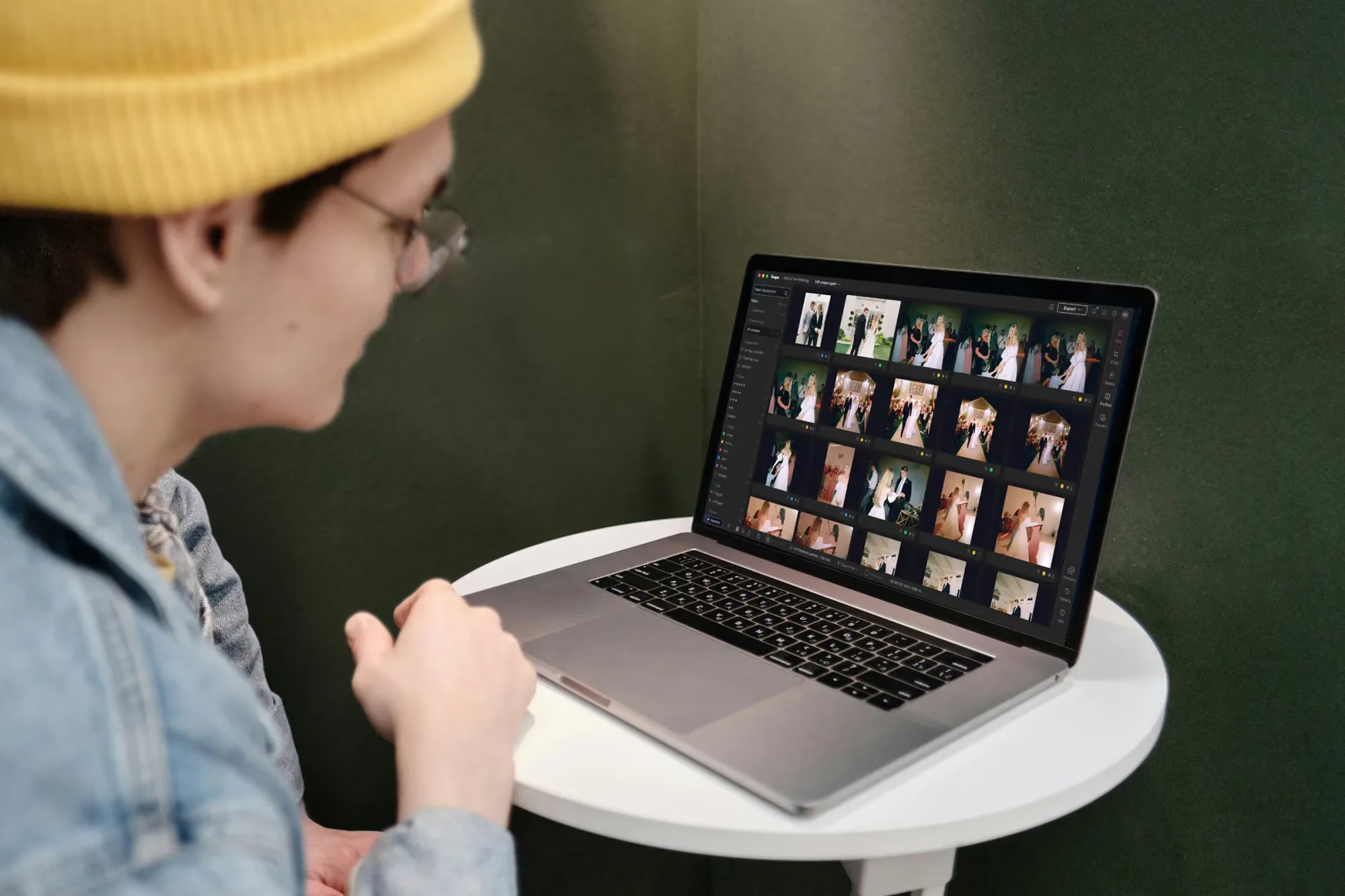
An AI pass is a starting point, not a final word, and the tools worth using treat it that way. Manual sliders and a histogram sitting right alongside the AI powered retouching mean you can dial an effect back on one photo, push it slightly further on another, or make a small correction the automated pass did not quite get right, all without leaving the same project or reaching for a separate application. Versions add a useful safety net here too, letting you branch a photo to compare a stronger and a lighter retouch side by side before deciding which one actually belongs in the final gallery.
This matters most on the photos that carry the most weight, a couple’s hero portrait, a headshot a client will use everywhere for years. Those are exactly the frames where you want the final say, even after a strong AI pass has done most of the work.
It is also worth checking how the tool behaves on a subject wearing glasses, or on a close, tightly cropped headshot versus a wider three quarter portrait, since retouching that looks seamless on one framing can behave differently on another. A tool that only performs well under one narrow set of conditions will eventually meet a photo it was not built for, and knowing that in advance is far better than finding out during a delivery deadline.
Consistency across a full shoot, not just one hero image
A single great retouched portrait is easy to produce. Producing forty or fifty that all look like they belong to the same shoot is the harder, more valuable skill, and it is where AI assisted retouching genuinely pulls ahead of doing everything by hand. Applying your Personal AI Profile across a whole bridal party or an entire headshot session gives every subject a consistent baseline treatment, so nobody in the gallery looks noticeably more or less retouched than anyone else standing next to them.
With culling, editing, and review sharing the same project, edited batches still arrive grouped by timestamp as they finish, so you can spot check consistency on the earliest portraits while a larger session keeps processing the rest behind the scenes.
Being honest about what these tools cannot do yet
Any tool worth trusting is upfront about its limits, and this is a fair place to be direct about them. The assistant built into the new Studio experience can find photos by natural language description, every close up portrait from a session, for example, but it knows what is in a photo rather than precisely where within the frame, so it cannot drop a mask on one exact spot for you today. It does not generate new imagery and has no voice input either. None of that changes what makes beauty retouching itself effective, but it is worth knowing before you assume a tool can do more than it currently does.
Searching a gallery by what is in the photos in Imagen
A quick example: testing before a big shoot
Say you are about to shoot a two hundred person conference with headshots for every attendee, and you are considering a new retouching tool for the first time on a job that size. Rather than committing the whole batch on day one, pull ten frames spanning a genuine range of skin tones, ages, and lighting positions in the room, and run the retouching pass on just those. Compare the results side by side against the originals, and specifically check whether anyone looks noticeably different from how they actually look in person.
If those ten hold up, you have real evidence the tool will behave well across the other one hundred and ninety, rather than a hope based on a marketing page. If something looks off on even one or two, you have caught it while it costs you ten minutes instead of two hundred complaints.
A practical way to evaluate before committing a full gallery
Because exploring a tool costs nothing until you export, the smartest evaluation approach is also the cheapest one. Run a handful of frames spanning different skin tones, lighting setups, and expressions through the retouching pass before trusting it on anything client facing. Compare versions side by side rather than judging a single result in isolation, and specifically check whether you can dial the effect down as easily as you can push it up. Only once a tool clears that bar on a small test batch does it make sense to apply it across a full shoot.
- Test across varied skin tones and light, not just one flattering sample.
- Check how easily you can adjust intensity, both stronger and lighter.
- Compare versions side by side before committing to one treatment.
- Confirm consistency across a full set, not just a single hero image.
Keeping the photographer in the driver’s seat
The best use of AI beauty retouching treats it as a fast, consistent first pass that a photographer still directs and finishes, not a replacement for a trained eye. Pair the AI Profile’s consistency with your own manual review on the frames that matter most, and the result reads as your work at a faster pace, rather than an automated look stamped over every subject the same way regardless of what each individual photo actually needed.
This division of labor also tends to age well as a shoot gets bigger. On a small session, doing every retouch by hand is perfectly realistic. On a stadium sized conference or a large bridal party, that same manual approach stops being practical, and leaning on a consistent AI pass first, with your own review reserved for the frames that actually need it, is what keeps the quality bar from slipping as the numbers climb.
For more on building a retouching workflow that stays consistent across a full shoot, our valuable tips library covers presets, profiles, and batch editing in more depth.
What’s new in Imagen: For portrait work, Imagen is now an intelligent, agentic Studio for professional photographers: one project to cull, edit, review and export, in whatever order suits the day. Your Personal AI Profile carries your own taste across a shoot, and the built-in editor (Beta) offers manual sliders and a histogram so you can finish each frame the way you want. The Studio is rolling out gradually.
Frequently asked questions
What is the biggest mistake to watch for in AI beauty retouching?
Over smoothing until skin loses its natural texture is the most common issue. Testing a tool across a few different skin tones and lighting conditions, rather than trusting one flattering sample, usually reveals this quickly, particularly on frames with visible skin texture up close.
Can I adjust an AI beauty retouching result if it goes too far?
Yes, when the tool is built for it. Manual sliders alongside the AI pass let you dial an effect back or push it further on a specific photo, and versions let you compare treatments before committing to one, which is worth doing on every new tool rather than only the first time you try it.
How do I keep retouching consistent across a whole bridal party or headshot session?
Applying a Personal AI Profile across the full set gives every subject the same baseline treatment, so the gallery reads as one consistent shoot rather than a collection of individually retouched photos, even when the group spans a wide range of skin tones.
Does testing an AI photo beauty retouching website or tool cost anything before I commit?
No. Exploring and comparing tools on your own photos is free. You are only charged once you export a finished photo, which makes testing on a small batch before committing to a full shoot essentially risk free, so there is little reason to commit a full shoot to an untested tool.
Curious how your own portraits hold up? Start a project in Imagen’s new Studio, where you cull, edit and export together, and test your Personal AI Profile on a real gallery at imagen-ai.com.
