Crop & Straighten
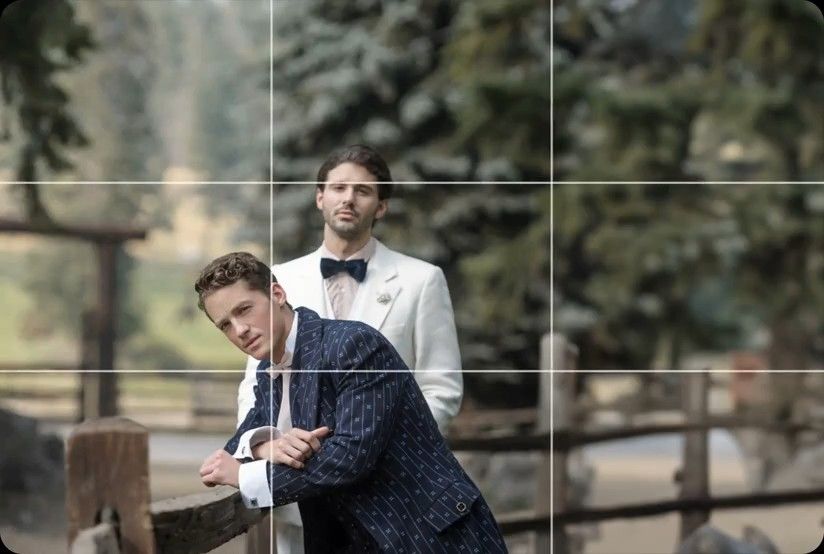
AI levels tilted horizons and crops every photo around its subject, automatically, across your whole shoot. Review and adjust every result in Lightroom Classic.


You'll deliver listing galleries to agents by 9 AM. Process HDR brackets in minutes and scale your photography team with brand consistency.
Compatible with:


 No credit card required.





Rated 5 out of 5
“The term 'game changer' gets thrown out a lot, but for any busy photographer, this software will change your life.”
 Michael AntonyMichael Antony Photography, USA
Rated 5 out of 5
“My survival is due to Imagen… I would MARVEL at how little I had to adjust.”
 Charmi Patel PeñaWedding Photographer, USA
Rated 5 out of 5
“It’s so refreshing to start with a high level of quality, and it leaves me with much more energy to spend on my favorite photos.”
 Sam HurdSam Hurd Photography, USA
Rated 5 out of 5
“Discovering Imagen has been like someone inventing toilet paper. Simply essential and now life is unthinkable without it. I now know that those years of editing backlogs are a thing of the past. I'm truly grateful.”
 Sarah EdmundsPortrait & Wedding Photographer, Italy
Rated 5 out of 5
“It’s a must for me after my culling process. Love Imagen since day one.”
 Fer JuaristiFer Juaristi Photography, Mexico
Rated 5 out of 5
“Thanks to Imagen, I can actually enjoy editing… I have recovered hundreds of hours back.”
 Daniel AlonsoPeople TrueLove Tellers, Spain
Stop spending countless hours on repetitive editing tasks.
Focus on what matters most: your creativity and your clients.

Cut your post-production time dramatically with AI-powered automation.

Apply consistent edits across hundreds of photos in seconds, not hours.

Let AI identify and remove blurry shots, duplicates, and closed eyes automatically.

Edit entire events shoots or portrait sessions while you focus on your next creative work.
Next-morning delivery
Get your evenings back. We handle the professional photo editing overnight so you'll deliver galleries right on time. Process your HDR brackets in minutes while you get some sleep.
Try for free
Brand consistency
You don't sacrifice quality to grow your team. We apply your exact style to every property listing with a Personal AI Profile. Keep twilight shots consistent across 10 photographers.
Try for free
AI levels tilted horizons and crops every photo around its subject, automatically, across your whole shoot. Review and adjust every result in Lightroom Classic.
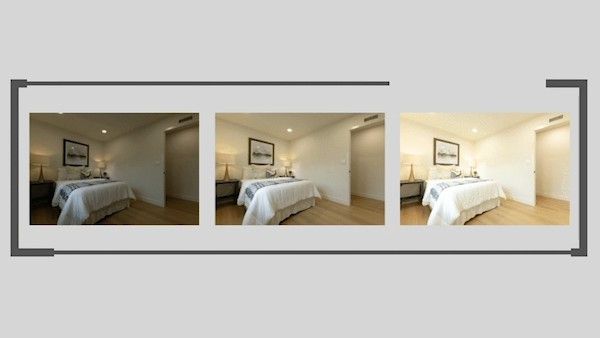
Automatically combine 3–9 bracketed exposures into one perfectly balanced photo using an AI HDR photo merge tool that handles indoor and outdoor lighting in one shot.
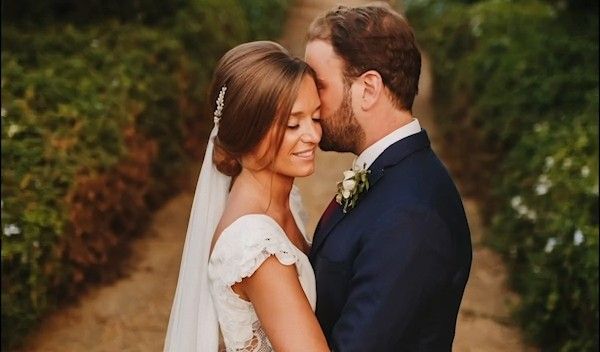
Smooth Skin finds every face, masks the skin and softens it automatically, so every portrait looks polished and natural without manual retouching.
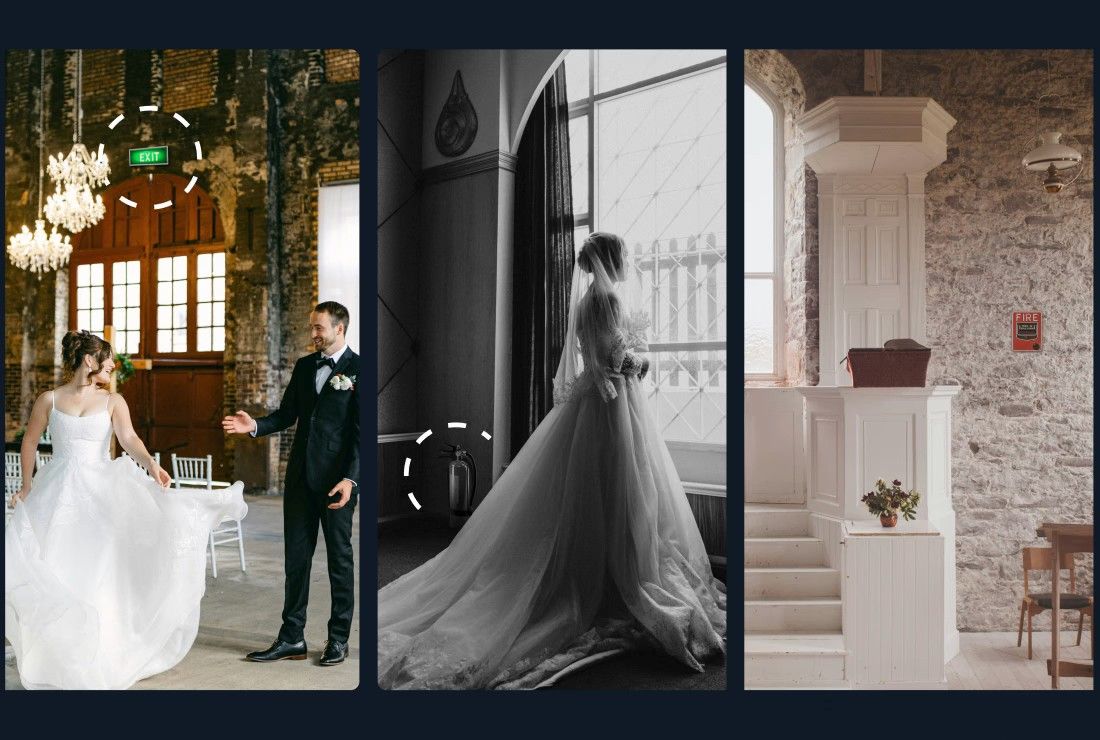
Object Removal automatically detects and removes exit signs, fire alarms, fire extinguishers, and fire stickers from your photos — across your entire gallery, in the cloud, without Photoshop.
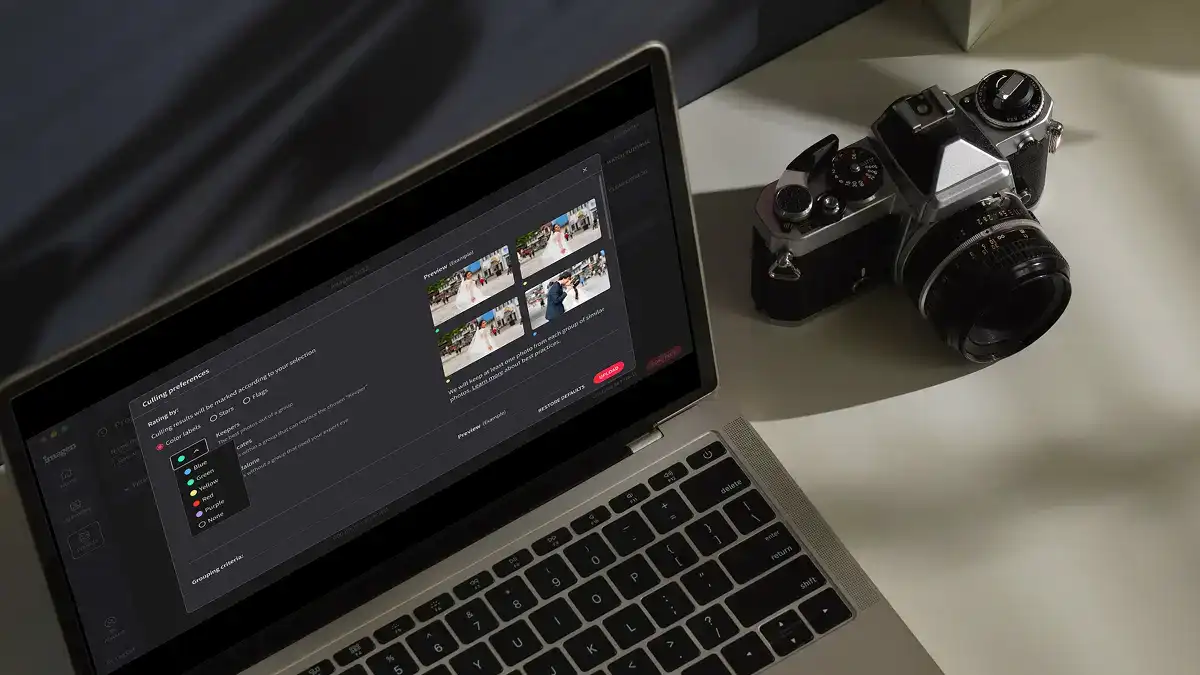
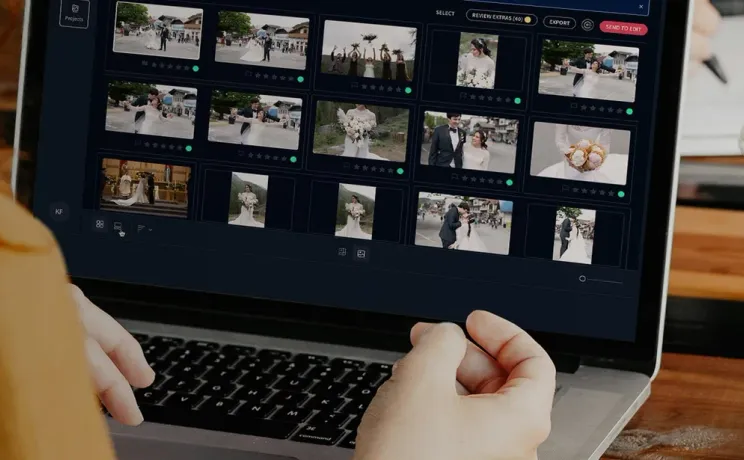
Edit thousands of photos in your style automatically. Imagen's AI learns your editing preferences and applies them consistently across entire projects, so you deliver faster without losing your creative touch.
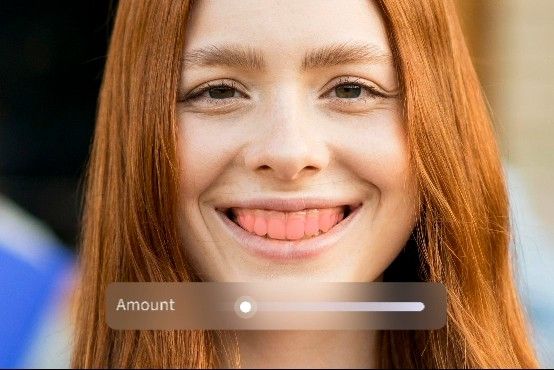
Whiten Teeth detects and brightens teeth in each photo automatically, so every smile looks its best without manual retouching.
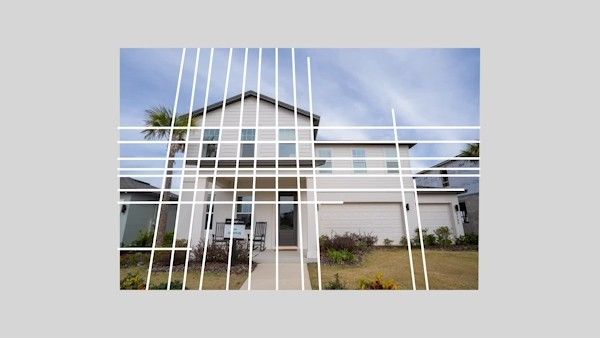
Automatically fix distorted lines and tilted horizons using an AI image perspective correction tool that analyzes each photo, with full control to review and adjust every result.
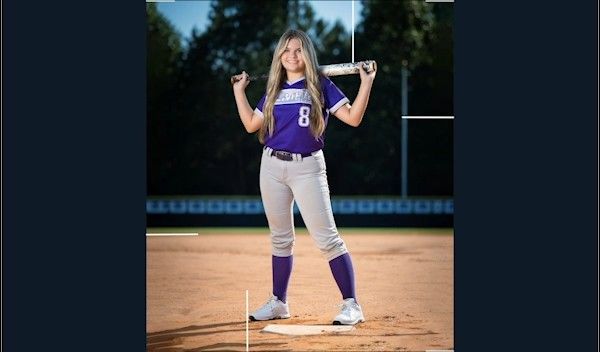
Automatically crop hundreds of portrait photos to a consistent frame using an AI portrait crop tool that detects each subject and places them perfectly — so every face lands exactly where it should.
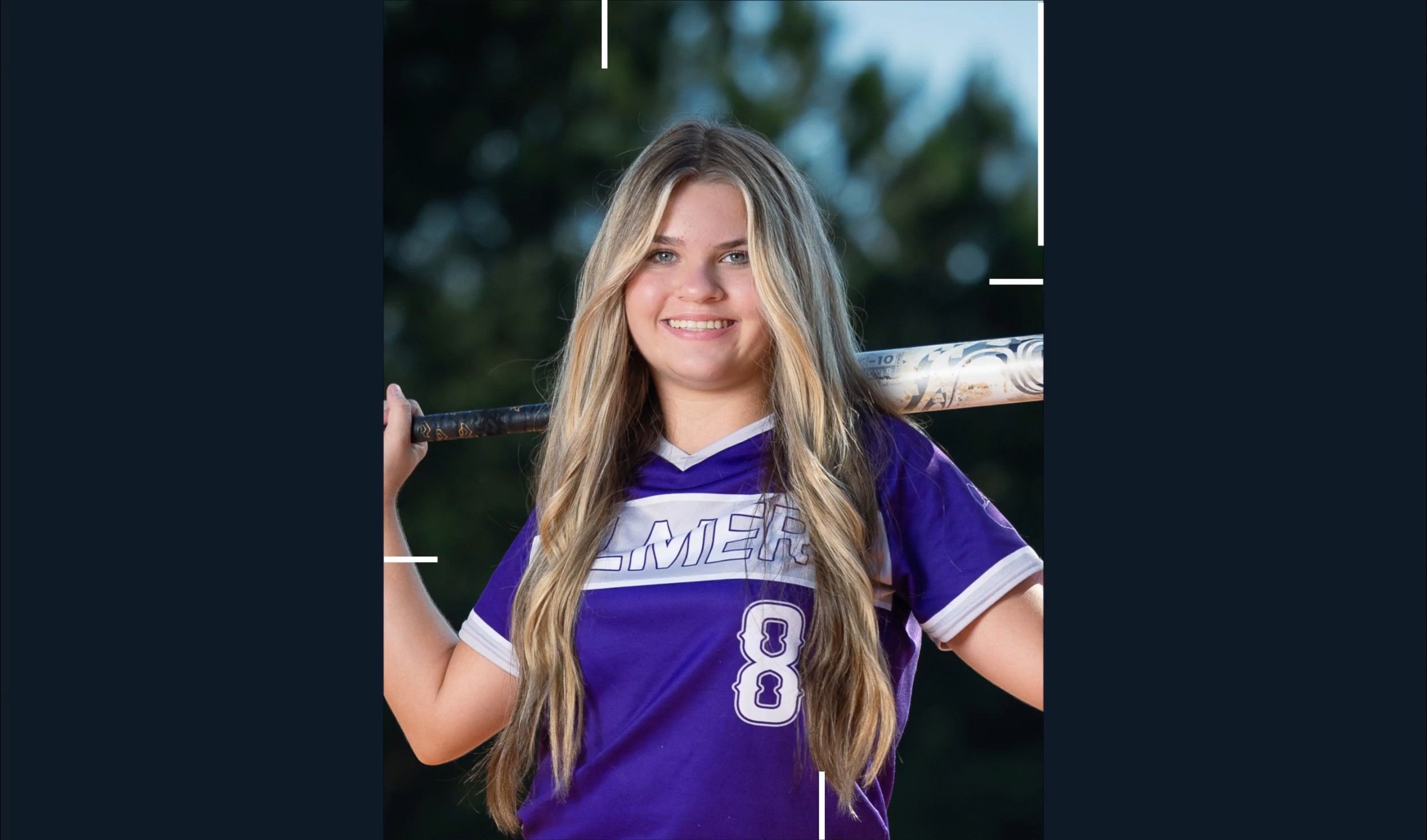
Automatically crop headshots with an AI headshot photo cropper that detects every subject and frames each shot consistently, with full control to review and adjust every result.
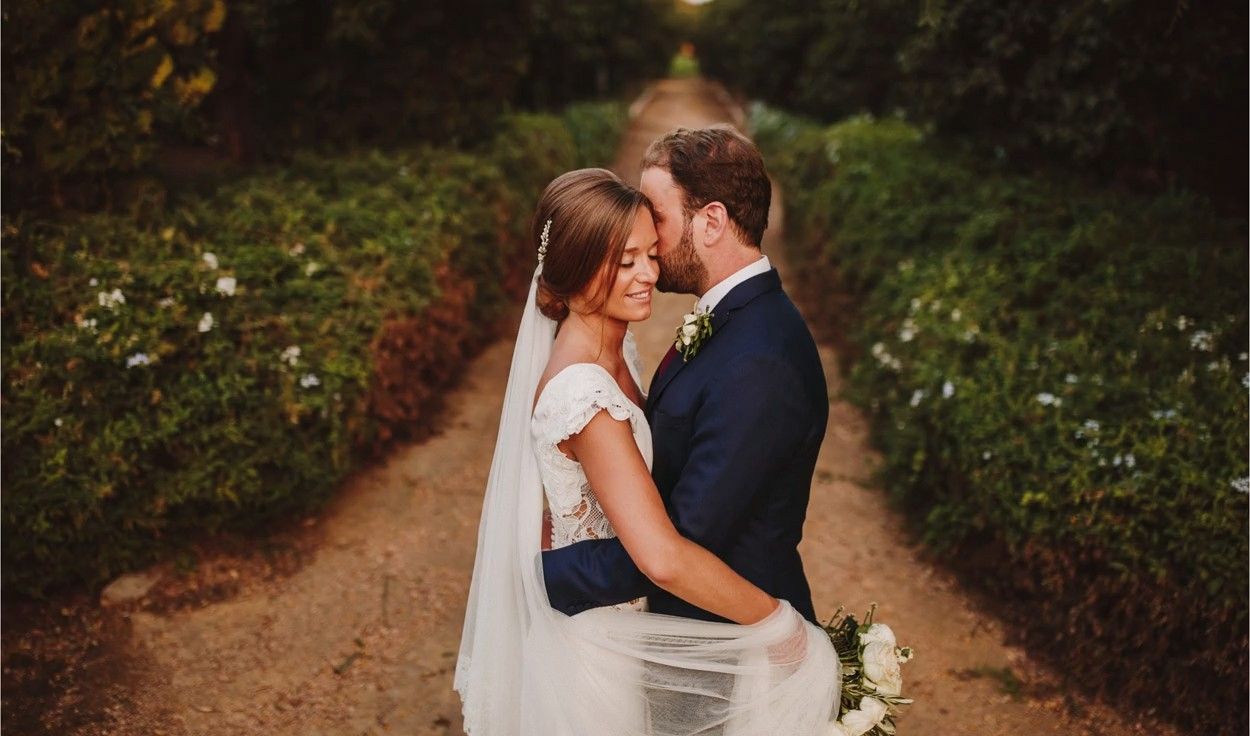
Mask the background in every photo automatically and adjust its exposure, color and texture on their own, so your subject stands out. Review and refine every result in Lightroom Classic.

Remove grain from high-ISO and low-light RAW photos automatically. Imagen sets the strength for each photo, keeps the detail and your editing style, and sends the results to Lightroom Classic.

Automatically extract subjects from any photo using an AI-powered background remover that keeps edges clean, detail sharp, and every result ready to review.
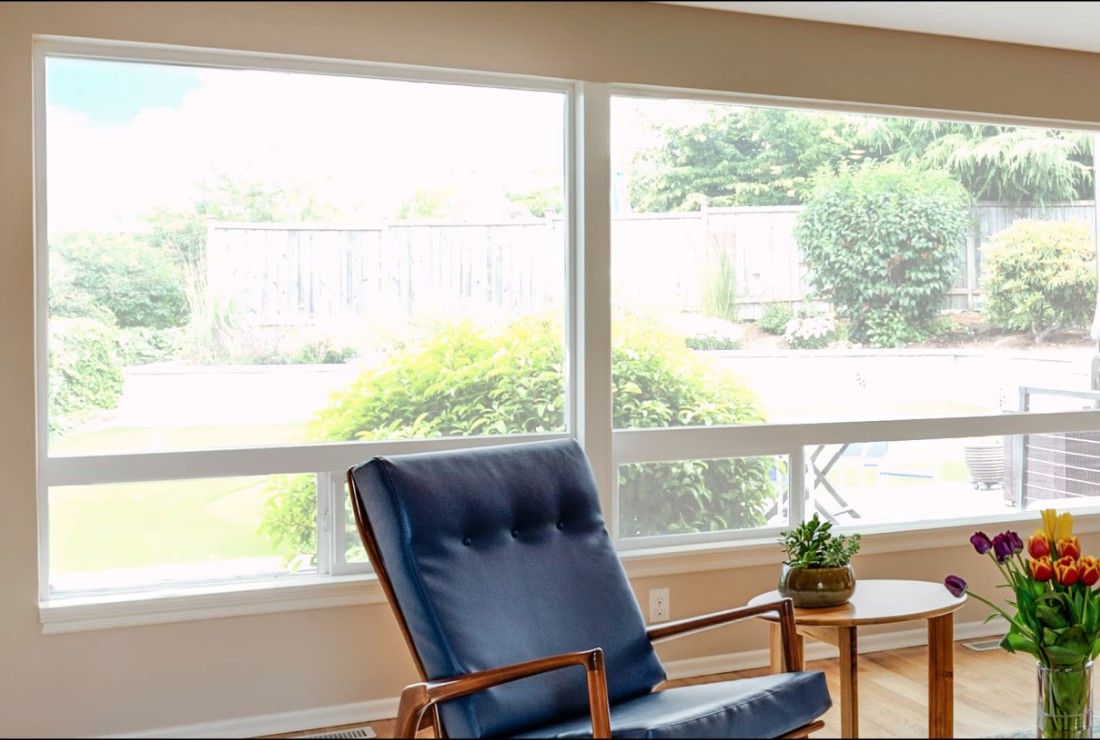
Balance bright windows with indoor subjects using an AI-powered tool that detects overexposed areas and pulls back highlights, with full control to review and adjust every result.
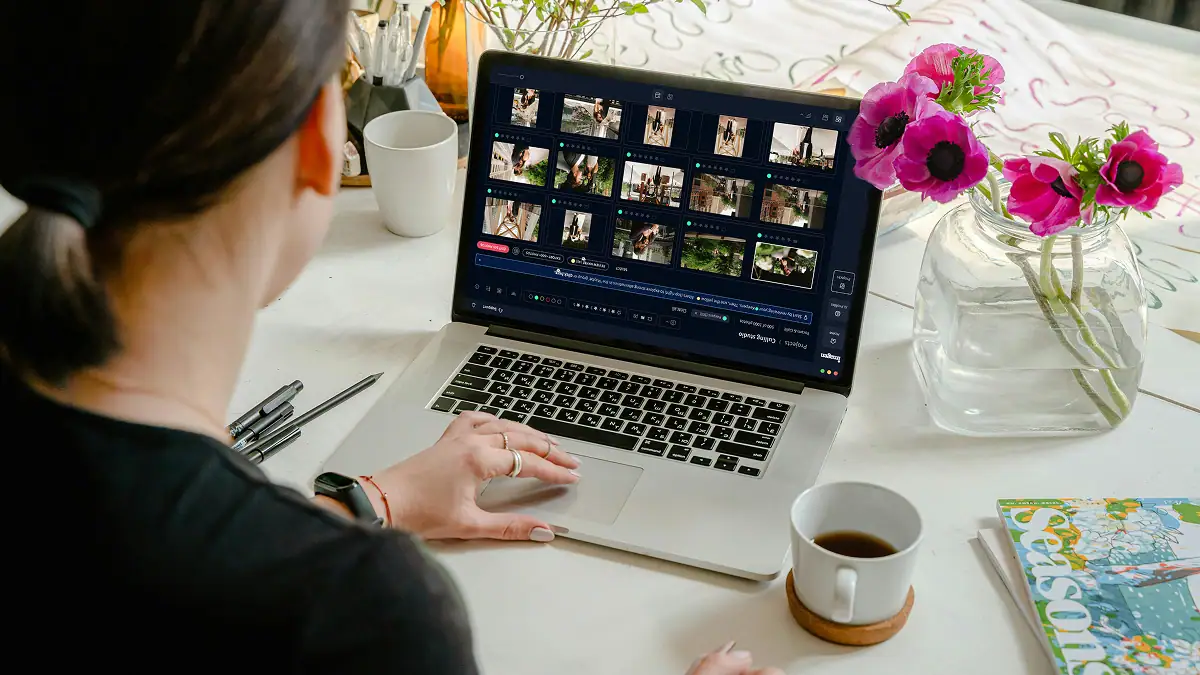
Export final JPEGs straight from Imagen to Pic-Time galleries or your local folder. Complete your entire workflow from camera to client, without switching apps.

Imagen's AI culling groups similar shots and keeps only the best. Duplicate Removal happens automatically, so you review fewer photos and deliver faster.

Imagen's AI analyzes every face in your photos and detects closed eyes automatically. Blink Detection flags the issue so you keep the shots where everyone looks their best.

Imagen's AI Subject Mask finds the main subject in every photo and adjusts it on its own, so it stands out. No manual brushwork, no repetitive masking: consistent results across your whole project, ready in Lightroom Classic.
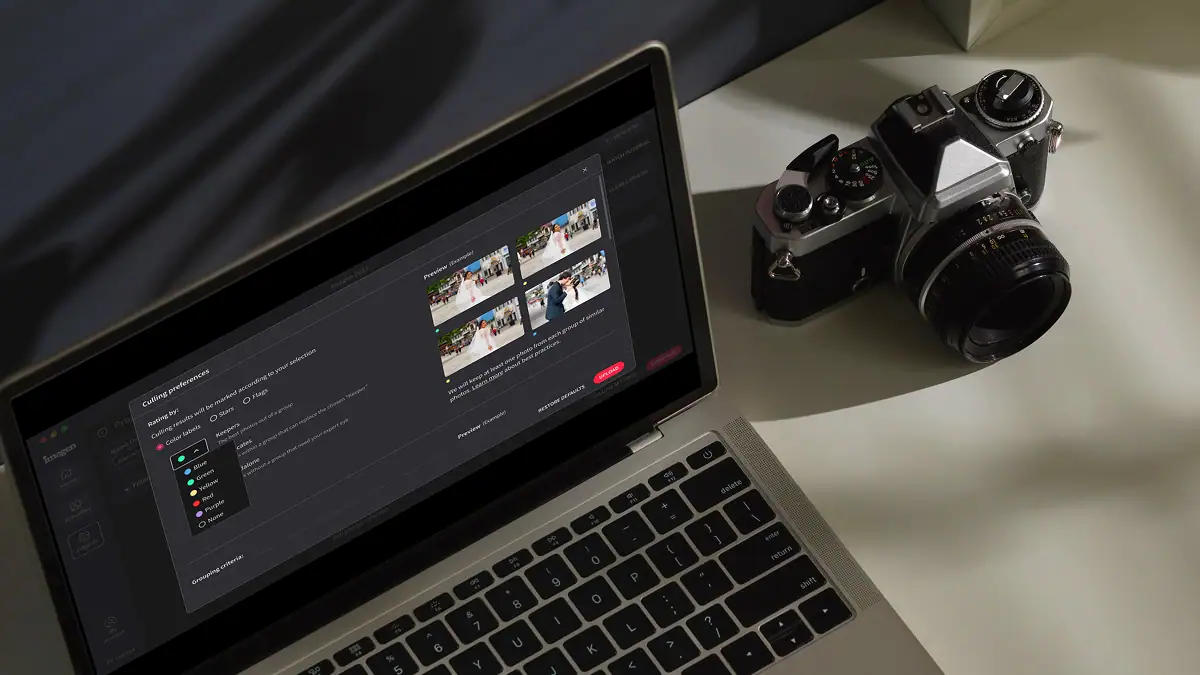
Automatically detect the sharpest photos in every set using an AI-powered Sharpness Check that analyzes focus accuracy — so you cull faster and choose with confidence.
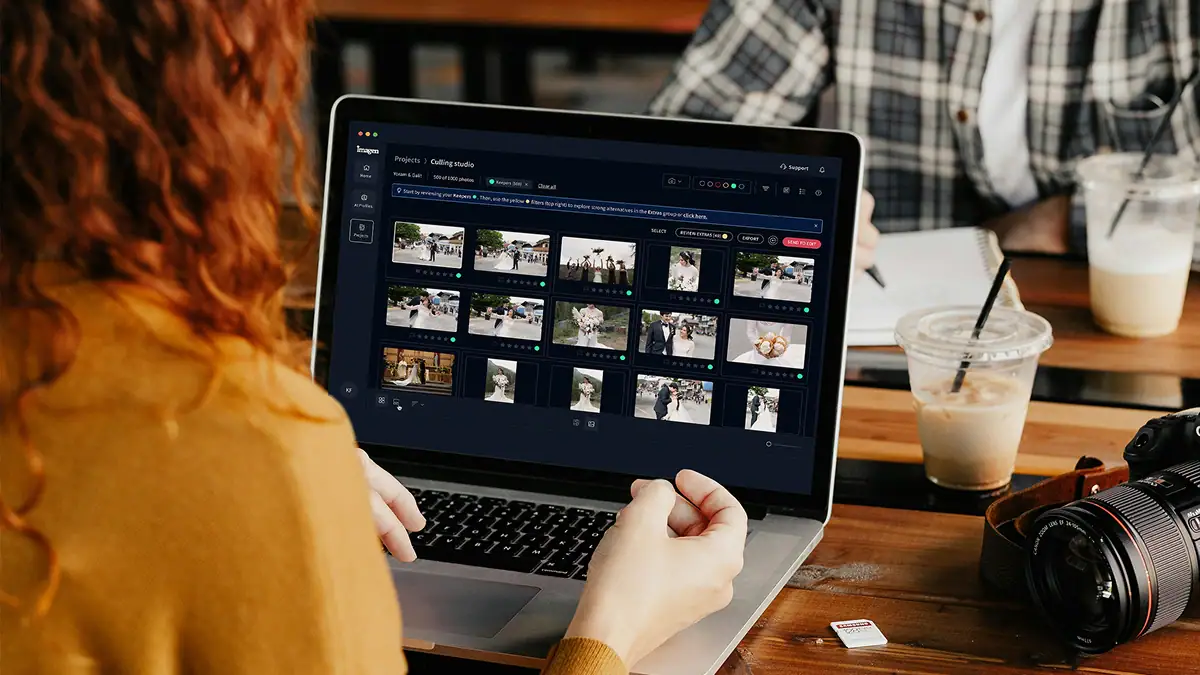
Automatically back up your original RAW files to secure cloud storage as you work — so your client photos are always protected, without any extra steps.

Store full-resolution photos at up to 75% smaller file size — so your photo storage goes 4x further, uploads faster, and your work stays protected without the cost of raw file bloat.
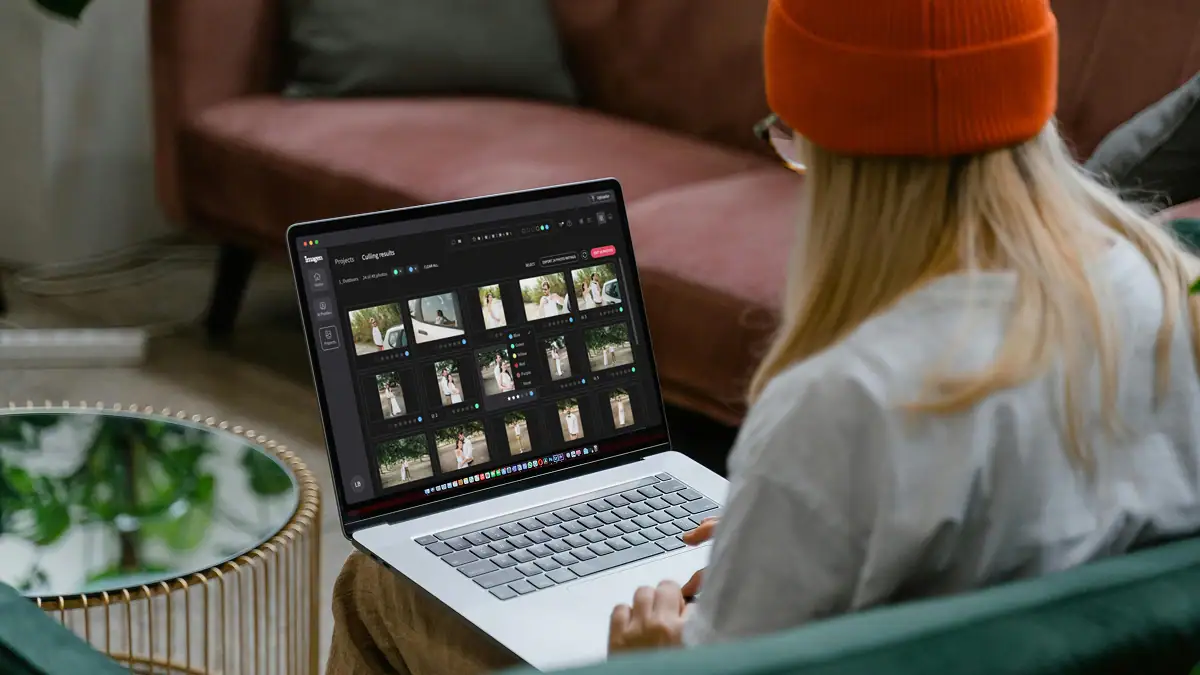
The Imagen API lets developers connect Imagen's AI editing engine directly to any app, platform, or workflow — so your photos get edited automatically, at any scale, without the desktop app.
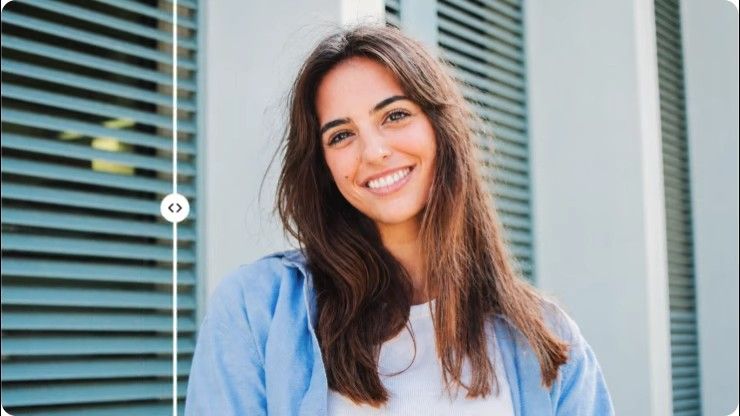
Stray Hair detects flyaways in each portrait and removes them automatically, so every photo looks polished without hours of manual retouching.

Face Retouch detects and corrects common skin imperfections in each portrait. Blemishes, under-eye shadows, uneven texture; so every photo looks polished without tedious manual work.
Early bird discount
No contracts, cancel anytime. Save money with pricing built for real estate photographers.
30% off first month
No commitment, pay for what you need.
US$0.22/ photoWasUS$0.32
First month 30% off, then US$0.32/photo. Applied at checkout. Cancel anytime.
Start free trial Full AI editing suite for property imagesHDR merge, sky replacement, window pull, perspective correctionOne-click AI fixesVirtual staging, digital twilight, green grass, black TV screens, and remove camera5 human revisions per listingUp to 6K resolution outputRAW and JPEG supportPrivacy blur for faces and license plates, property lines, branded watermark
* Prices in USD. Billed at the end of each month for that month’s edited photos.
For teams processing 25,000+ photos/year
Custom
Volume pricing for real estate teams and high-output agencies.
Schedule a callEverything in the Pay-as-you-go plan plus:
 Volume discountsDedicated account managerPriority processing
* Tailored to your workflow. Tell us your volume and we’ll build a quote.
Ask us anything, connect with our customer success team.
We go beyond troubleshooting - we’re your partners in optimizing workflows and realizing your creative vision.
No credit card required.
Fallback is your safety net for delivering a complete real estate gallery without missing a single image. When you use Imagen for professional photo editing, you might train your Personal AI Profile specifically for interior property shots. If you upload a batch of 50 images and 5 of them are exterior drone photos, the fallback feature automatically steps in. It applies a secondary AI Profile to those specific photos so your workflow never stops. You get your entire listing back at once, fully edited and ready for review. You don't need to manually sort your files before uploading. You keep your editing process fast and maintain total control over the final results. The system simply recognizes when an image falls outside your primary training data and switches to your chosen backup profile. This guarantees visual consistency across the entire property. You save hours of manual work and deliver stunning photos to your clients up to 96% faster.
The fallback system seamlessly processes tricky lighting situations to keep your real estate gallery looking perfect. Sometimes you encounter a property with extremely dark basements or wildly mixed color temperatures that your primary Personal AI Profile doesn't recognize. Instead of skipping those files or applying a bad edit, Imagen automatically routes them to your designated fallback profile. You tell the software exactly which backup profile to use for these challenging listing photos. If you select a robust interior profile as your fallback, it corrects the white balance and exposure for those specific mixed lighting shots. You maintain complete consistency across the entire batch of 100 or more photos. You don't ever have to stop and manually adjust the settings for one weirdly lit room. The AI acts as your reliable tool to process the heavy lifting, while you review the final edits. This ensures your professional photo editing stays on track and your clients get their photos on time.
The fallback system activates automatically the moment it detects an image that doesn't fit your primary profile data. If you train your main AI Profile exclusively on indoor property photos, it knows exactly how to handle kitchens and living rooms. When you include 10 exterior shots in that same listing upload, the software instantly switches to your fallback profile for those specific files. You don't need to separate your interior and exterior folders before you start your professional photo editing process. Imagen does the sorting for you in the background. This automatic switch keeps your exterior skies look blue and your grass looks green while your interior shots maintain perfect window pulls. You get a complete real estate gallery back in minutes. You maintain absolute consistency from the front curb to the backyard patio. You stay in total control of the final look because you choose exactly which profile serves as the backup before you click start.
Using a fallback profile slashes your turnaround time by keeping your professional photo editing process moving without interruptions. When an editing program hits an image it can't process, it usually stops the entire batch or spits out an error. That forces you to spend 30 minutes manually fixing the problem. With a fallback profile in place, Imagen never pauses. It processes a full real estate gallery of 50 photos in just a few minutes. If 5 of those images require the backup profile, the software handles them instantly and delivers the complete property folder at once. You skip the tedious task of dividing your listing into separate batches for different lighting scenarios. This continuous workflow helps you return photos to your agents faster than ever. You deliver high quality results with perfect consistency and win more clients through sheer speed. The AI does the repetitive sorting work so you don't have to, letting you focus on shooting your next house.
You have complete control over which AI Profile serves as your fallback for every single upload. When you set up your professional photo editing workflow in Imagen, you select your primary profile first. Then you pick any other available profile from your account to act as the safety net. You might choose a bright and airy profile for your main interior real estate shots. For your fallback, you can select a specialized exterior profile or a standard HDR Merge profile to handle the tricky exposures. This flexibility means you tailor the editing process to match the exact needs of each specific property. You don't ever have to rely on a generic backup that ruins your visual consistency. You decide exactly how the software handles the outliers in your listing. This keeps the power in your hands while the AI does the heavy lifting. You get a beautiful and cohesive gallery back every single time without doing the manual sorting yourself.
Relying on a fallback profile saves you from opening Photoshop to rescue 15 improperly edited photos from every property shoot. When you edit manually, a batch preset often fails on images with unique lighting or different camera settings. You end up spending an extra 45 minutes tweaking those specific files by hand to match the rest of the listing. The fallback feature takes care of this problem automatically during the initial processing phase. Imagen detects the images that don't fit your primary profile and applies your chosen backup profile before you ever see the final gallery. You receive a fully edited folder where the outliers already match your overall style. This gives you incredible visual consistency without the tedious manual labor. You still review the final results and make quick tweaks, but you eliminate the heavy lifting of fixing major exposure issues. Your professional photo editing workflow becomes a fast and predictable process for your real estate business.
The fallback system works perfectly with RAW files from your drone to complete your real estate gallery. Drone photos often have completely different exposure values and color profiles than your interior camera shots. If your main Personal AI Profile focuses on indoor property lighting, it might struggle to process an aerial view accurately. When you upload your entire listing folder, the software recognizes those drone RAW files as outliers. It immediately applies your designated fallback profile to process the aerial shots with the correct sky colors and contrast. This ensures your professional photo editing covers every angle of the house smoothly. You don't have to edit the drone files in a separate program or run a second batch process. You get all 40 interior and exterior photos back in one cohesive folder. You maintain strict consistency across all your deliverables and save valuable time on every single shoot.
Using a fallback profile actually protects the consistency of your real estate gallery by preventing bad edits on tricky photos. If you force a single AI Profile to edit an image it doesn't understand, you get weird colors and blown out windows. That ruins the look of your entire property listing. The fallback system prevents this by applying a more suitable backup profile to those specific outlier images. You choose a backup profile that closely matches your signature style. When Imagen switches to this secondary profile for a few exterior or basement shots, it ensures those photos look just as good as the rest of the batch. This smart routing gives you a cohesive and professional photo editing result across all 60 images in your folder. You avoid the jarring visual jumps between rooms that happen with basic presets. You deliver a beautiful and uniform gallery that keeps your agents coming back for more.
You can easily see exactly which photos used your fallback profile when you review your completed listing. After Imagen finishes your professional photo editing batch, you open the project in your desktop app. The software clearly labels the images that required the backup profile. This transparency keeps you in total control of your real estate workflow. You can quickly double check those specific property photos to ensure the exposure and color balance meet your standards. If you notice the fallback profile activates frequently for certain types of rooms, you can use that information to improve your primary Personal AI Profile. You simply make your final tweaks and upload the updated edits to train your main profile further. This constant feedback loop helps you achieve perfect consistency across every gallery. You always know exactly how the AI processed your files, so you don't have to guess, allowing you to trust the tool and speed up your daily delivery schedule.
The fallback profile is a essential tool for scaling your team and handling massive real estate volume. When you have five different photographers shooting 20 houses a day, you deal with unpredictable lighting and varying camera settings. A rigid editing process breaks down quickly under that kind of pressure. By setting up a reliable fallback profile, you guarantee that every single listing moves through your professional photo editing pipeline without stopping. If a junior shooter brings back poorly exposed property photos, the software automatically catches the errors and applies the backup profile. Your editing manager doesn't have to spend hours sorting files, fixing errors, or rescuing bad batches. You maintain strict quality control and visual consistency across every gallery your company creates. This automated safety net allows your team to process thousands of images a week confidently. You take on more clients and grow your revenue while delivering perfect photos on time.
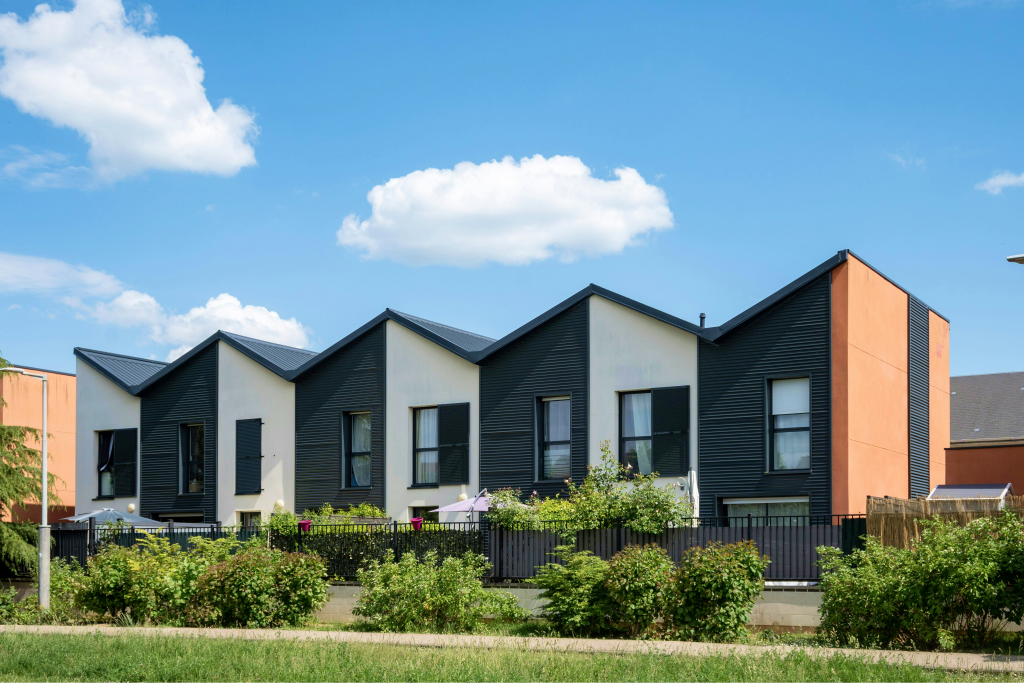
Start a free trial – no installation, no credit card needed. Or book a 20-minute demo and we’ll process a sample batch using your own photos.
Start free trial