
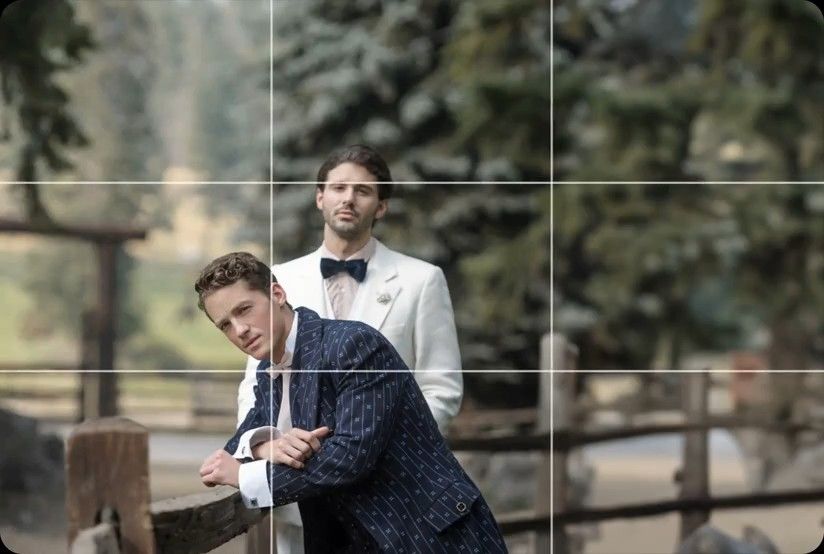
Crop & Straighten
AI levels tilted horizons and crops every photo around its subject, automatically, across your whole shoot. Review and adjust every result in Lightroom Classic.

Unlimited cloud backup keeps your HDR brackets secure. You'll deliver real estate galleries by 9 AM and scale without losing brand consistency.
Compatible with:


 No credit card required.





Rated 5 out of 5
“The term 'game changer' gets thrown out a lot, but for any busy photographer, this software will change your life.”
 Michael AntonyMichael Antony Photography, USA
Rated 5 out of 5
“My survival is due to Imagen… I would MARVEL at how little I had to adjust.”
 Charmi Patel PeñaWedding Photographer, USA
Rated 5 out of 5
“It’s so refreshing to start with a high level of quality, and it leaves me with much more energy to spend on my favorite photos.”
 Sam HurdSam Hurd Photography, USA
Rated 5 out of 5
“Discovering Imagen has been like someone inventing toilet paper. Simply essential and now life is unthinkable without it. I now know that those years of editing backlogs are a thing of the past. I'm truly grateful.”
 Sarah EdmundsPortrait & Wedding Photographer, Italy
Rated 5 out of 5
“It’s a must for me after my culling process. Love Imagen since day one.”
 Fer JuaristiFer Juaristi Photography, Mexico
Rated 5 out of 5
“Thanks to Imagen, I can actually enjoy editing… I have recovered hundreds of hours back.”
 Daniel AlonsoPeople TrueLove Tellers, Spain
Stop spending countless hours on repetitive editing tasks.
Focus on what matters most: your creativity and your clients.

Cut your post-production time dramatically with AI-powered automation.

Apply consistent edits across hundreds of photos in seconds, not hours.

Let AI identify and remove blurry shots, duplicates, and closed eyes automatically.

Edit entire events shoots or portrait sessions while you focus on your next creative work.
Fast RAW backup
We built a Backblaze alternative cloud storage for photographers. You'll back up unlimited RAW files securely, retrieve HDR brackets instantly, and send your property listings by morning.
Try for free
Secure team storage
Scale your team with total peace of mind. You'll back up every interior and twilight shot to one secure archive. Your photographers access the same RAW files to keep your brand consistent.
Try for free
AI levels tilted horizons and crops every photo around its subject, automatically, across your whole shoot. Review and adjust every result in Lightroom Classic.
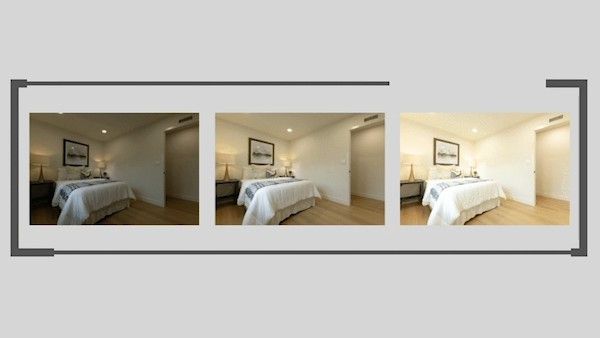
Automatically combine 3–9 bracketed exposures into one perfectly balanced photo using an AI HDR photo merge tool that handles indoor and outdoor lighting in one shot.

Smooth Skin finds every face, masks the skin and softens it automatically, so every portrait looks polished and natural without manual retouching.
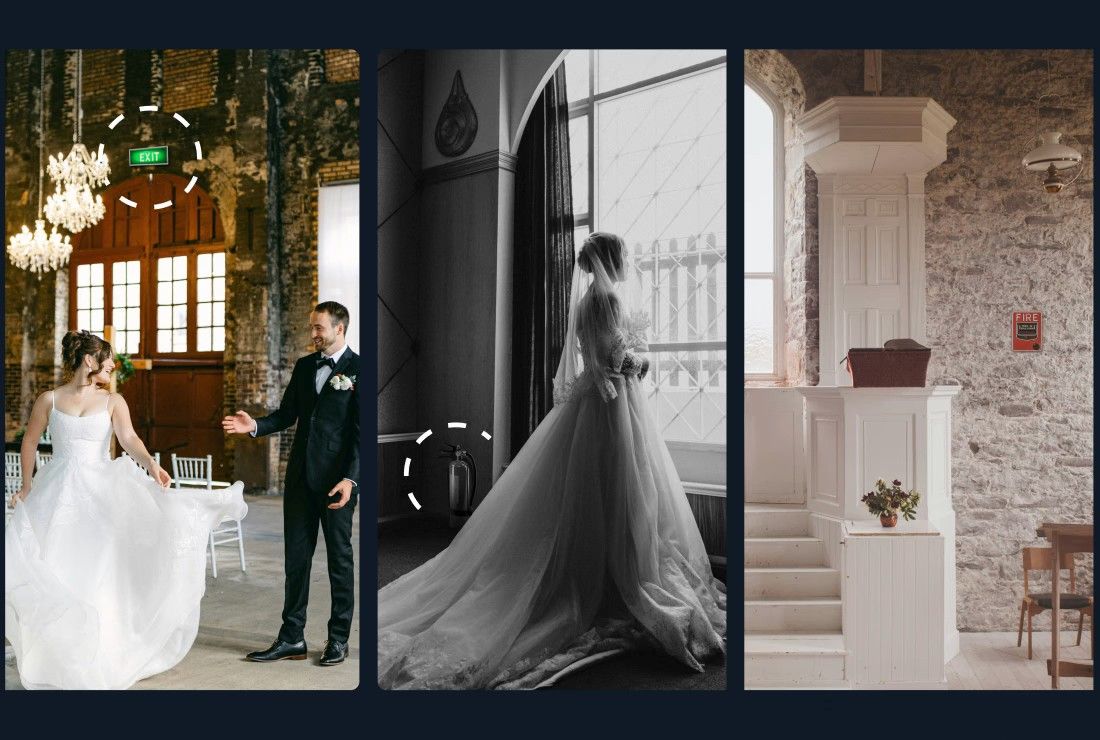
Object Removal automatically detects and removes exit signs, fire alarms, fire extinguishers, and fire stickers from your photos — across your entire gallery, in the cloud, without Photoshop.
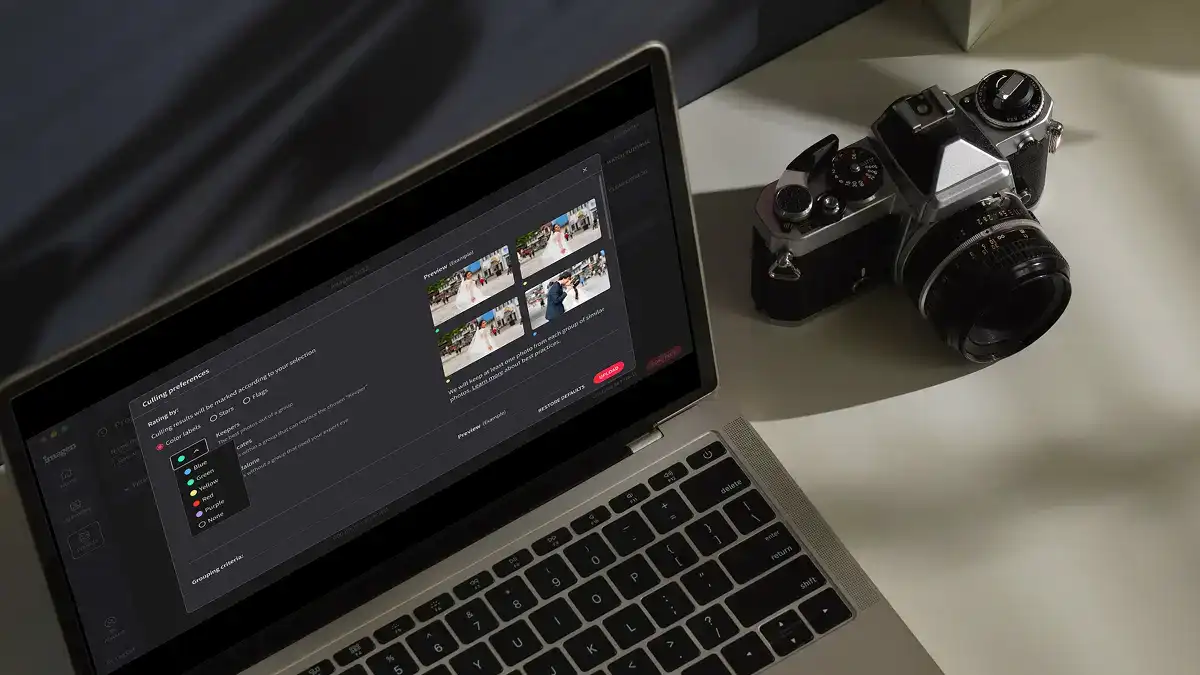
Edit thousands of photos in your style automatically. Imagen's AI learns your editing preferences and applies them consistently across entire projects, so you deliver faster without losing your creative touch.

Whiten Teeth detects and brightens teeth in each photo automatically, so every smile looks its best without manual retouching.
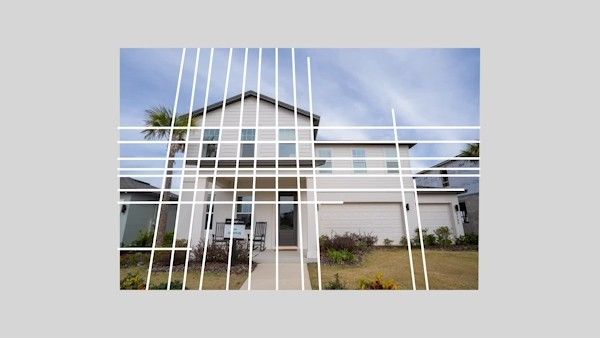
Automatically fix distorted lines and tilted horizons using an AI image perspective correction tool that analyzes each photo, with full control to review and adjust every result.

Automatically crop hundreds of portrait photos to a consistent frame using an AI portrait crop tool that detects each subject and places them perfectly — so every face lands exactly where it should.
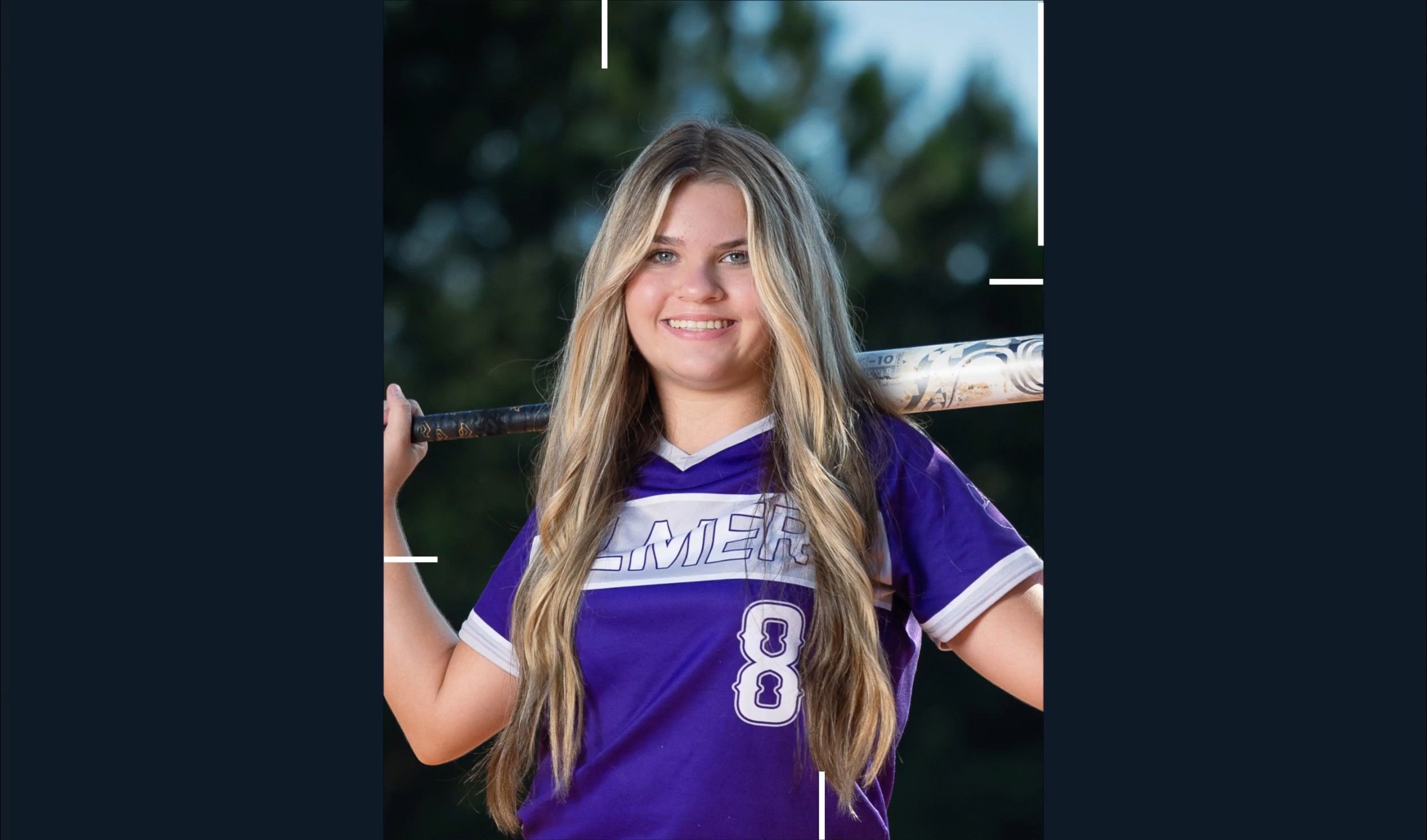
Automatically crop headshots with an AI headshot photo cropper that detects every subject and frames each shot consistently, with full control to review and adjust every result.
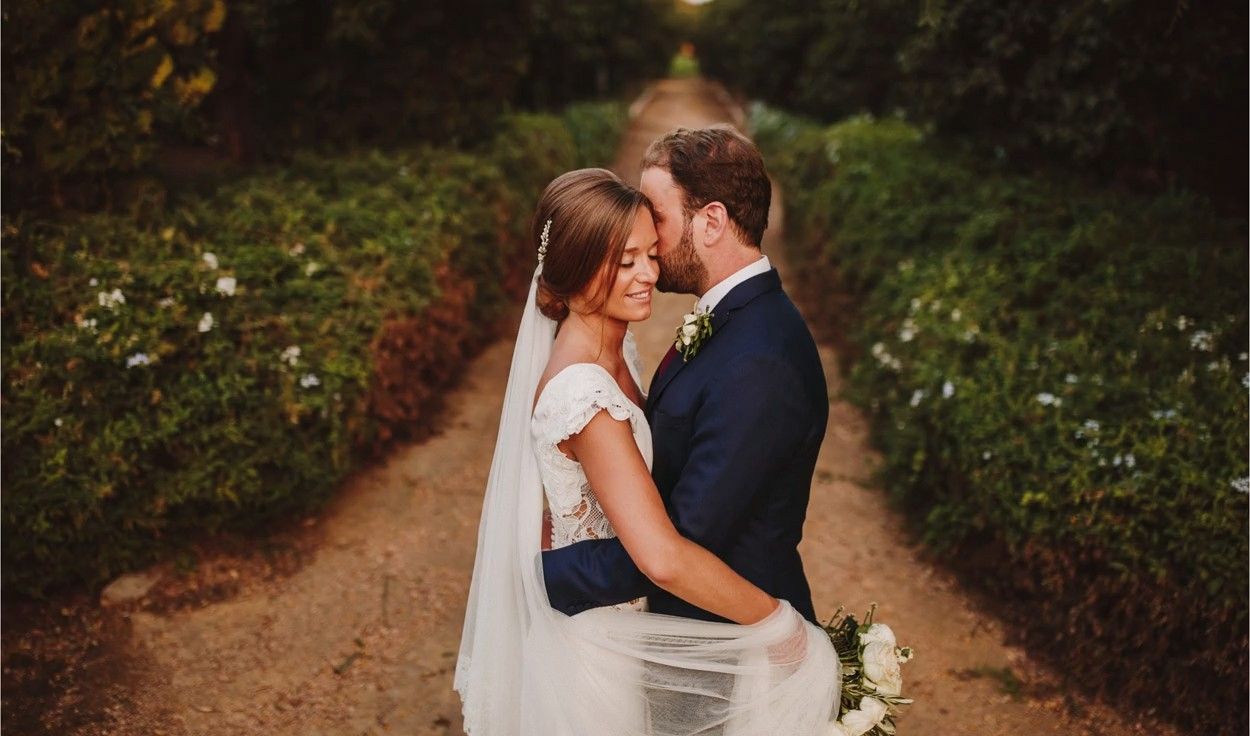
Mask the background in every photo automatically and adjust its exposure, color and texture on their own, so your subject stands out. Review and refine every result in Lightroom Classic.

Remove grain from high-ISO and low-light RAW photos automatically. Imagen sets the strength for each photo, keeps the detail and your editing style, and sends the results to Lightroom Classic.

Automatically extract subjects from any photo using an AI-powered background remover that keeps edges clean, detail sharp, and every result ready to review.
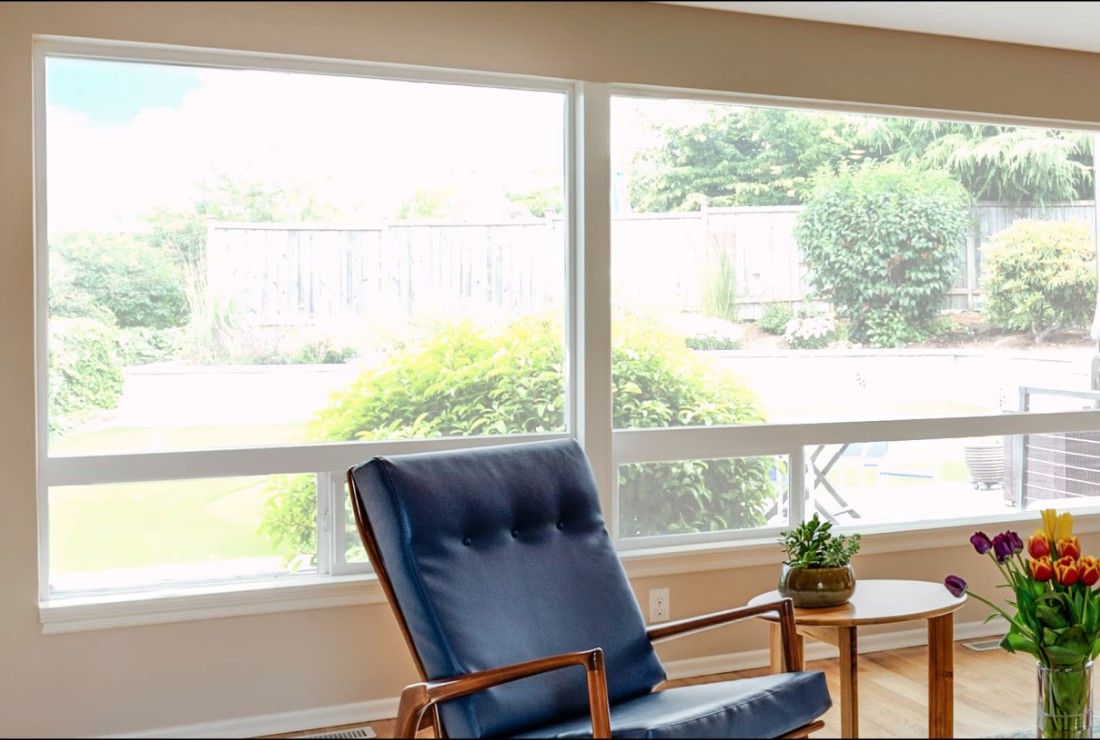
Balance bright windows with indoor subjects using an AI-powered tool that detects overexposed areas and pulls back highlights, with full control to review and adjust every result.

Export final JPEGs straight from Imagen to Pic-Time galleries or your local folder. Complete your entire workflow from camera to client, without switching apps.

Imagen's AI culling groups similar shots and keeps only the best. Duplicate Removal happens automatically, so you review fewer photos and deliver faster.

Imagen's AI analyzes every face in your photos and detects closed eyes automatically. Blink Detection flags the issue so you keep the shots where everyone looks their best.

Imagen's AI Subject Mask finds the main subject in every photo and adjusts it on its own, so it stands out. No manual brushwork, no repetitive masking: consistent results across your whole project, ready in Lightroom Classic.
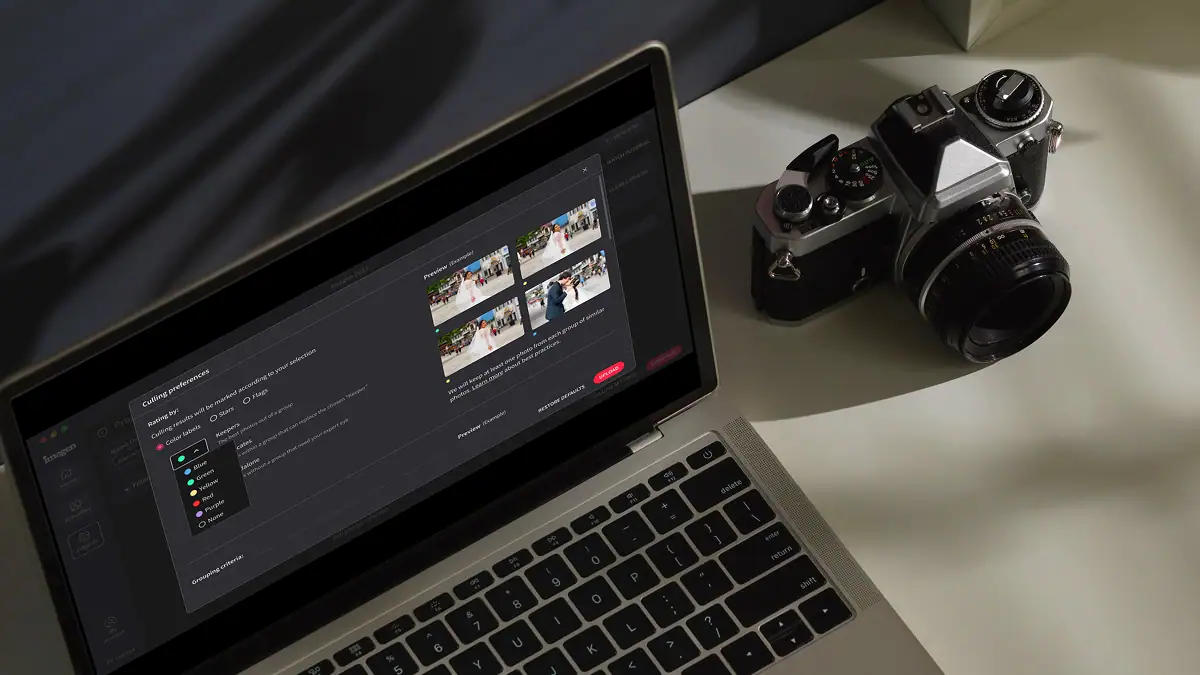
Automatically detect the sharpest photos in every set using an AI-powered Sharpness Check that analyzes focus accuracy — so you cull faster and choose with confidence.
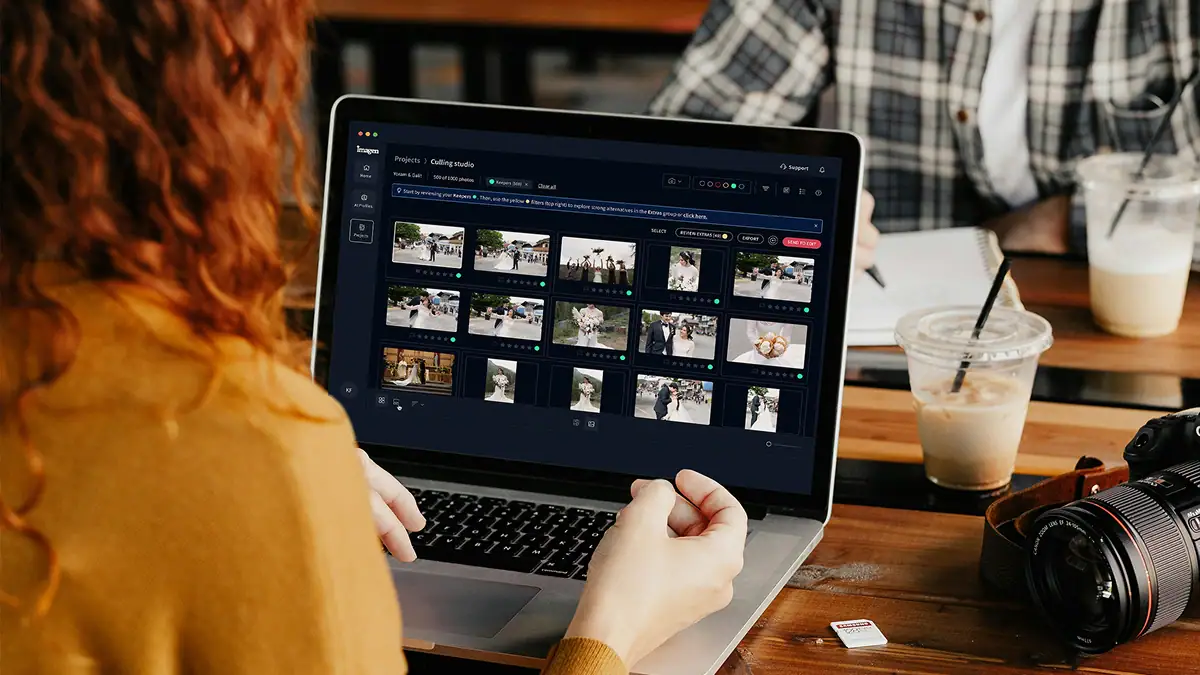
Automatically back up your original RAW files to secure cloud storage as you work — so your client photos are always protected, without any extra steps.

Store full-resolution photos at up to 75% smaller file size — so your photo storage goes 4x further, uploads faster, and your work stays protected without the cost of raw file bloat.
The Imagen API lets developers connect Imagen's AI editing engine directly to any app, platform, or workflow — so your photos get edited automatically, at any scale, without the desktop app.

Stray Hair detects flyaways in each portrait and removes them automatically, so every photo looks polished without hours of manual retouching.

Face Retouch detects and corrects common skin imperfections in each portrait. Blemishes, under-eye shadows, uneven texture; so every photo looks polished without tedious manual work.
Get started with 1,000 free edits. Edit your projects faster without sacrificing quality.
Pay only for what you need
Starting at
US$0.05 / photo
US$7/monthly base fee
Any unused balance rolls over to next month as export credit
Rolls over as export credit
One simple price for unlimited use
Billed annuallyBilled monthly
US$129US$165 / month
Save US$432/year
* Looking for Imagen for Real Estate? The web app for real estate is priced separately. See real estate pricing
* Not sure which plan? Start with Pay-as-you-go and switch later.
Speed, consistency, and scale for high-volume businesses and studios
Talk to us
Custom plan
Ask us anything, connect with our customer success team.
We go beyond troubleshooting - we’re your partners in optimizing workflows and realizing your creative vision.
No credit card required.
A fallback backup strategy means you always have a secure and automatic secondary copy of your RAW files stored safely offsite. Real estate photographers deal with massive files every single day. When you finish shooting a property and head back to your desk, relying on a single local hard drive puts your entire business at risk. A proper fallback ensures that if your main drive crashes or gets corrupted, your files remain perfectly safe in the cloud. We built Imagen to act as that seamless safety net. As a true Backblaze Alternative Cloud Storage for Photographers, our system automatically uploads your high-resolution files in the background while you focus on other tasks. You get total peace of mind knowing your client photos are secured without any extra manual steps. This automated approach guarantees consistency across your entire workflow. You never have to worry about losing a gallery because a physical drive failed. Your files are always ready for fast retrieval exactly when you need them.
A cloud fallback protects your business by keeping an exact copy of your RAW files on remote servers that are immune to local hardware crashes. Hard drives fail at the worst possible times. If a drive dies right before you deliver a gallery to an eager agent, you risk losing the client and your reputation. By using our Backblaze Alternative Cloud Storage for Photographers, your files sync to the cloud automatically. This means a spilled cup of coffee or a dropped hard drive will never destroy a shoot. You simply log in from a new computer, download your RAW files, and get right back to work. Maintaining this level of reliability keeps consistency in your delivery times. Your agents expect fast turnarounds, and a secure fallback system guarantees you meet those deadlines no matter what happens to your physical gear. We give you the ultimate safety net so you can scale your real estate media business without the constant fear of data loss.
You need a dedicated cloud fallback system because physical hard drives are highly vulnerable to physical damage, theft, and mechanical failure. Keeping 2 external drives on your desk does not protect your real estate business from a fire or a break-in. A true offsite fallback removes the physical risk entirely. When you use a Backblaze Alternative Cloud Storage for Photographers, you send your heavy RAW files to a secure server located miles away from your office. If disaster strikes your workspace, your property photos remain completely untouched. This setup also removes the human error of forgetting to plug in a backup drive after a long day of shooting. Your files upload automatically, which brings absolute consistency to your archival process. You can confidently promise your clients that their images are safe for years to come. When an agent asks for an old gallery from 3 years ago, you can retrieve it in minutes without digging through boxes of dusty hard drives.
An automated fallback storage tool runs silently in the background while manual copying forces you to waste hours dragging and dropping files every week. Time is money in the real estate media industry. Manually managing local backups eats into the time you could spend shooting another property or growing your client base. A manual process also relies on your memory, which inevitably leads to missed backups and broken consistency. Our system acts as an invisible safety net that secures your RAW files without any extra clicks. As a specialized Backblaze Alternative Cloud Storage for Photographers, Imagen handles the heavy lifting of uploading massive folders automatically. You simply ingest your cards, and the fallback process begins immediately. This guarantees that every single shoot is backed up correctly every single time. When an agent requests a missing gallery, you know exactly where to find it. You eliminate the tedious chore of managing physical drives and gain the confidence that your business is fully protected against data loss.
Yes, a proper cloud fallback strategy effortlessly handles the massive RAW files generated by modern cameras. Real estate photographers often shoot hundreds of high-resolution images per property, creating terabytes of data very quickly. Generic storage providers often throttle upload speeds or compress your files, which ruins your archival quality. We built our platform specifically to handle the heavy demands of professional RAW formats. As a dedicated Backblaze Alternative Cloud Storage for Photographers, we securely back up your original, uncompressed files exactly as they came out of the camera. The software runs quietly in the background, pushing your heavy data to the cloud while you work on other tasks. This automated reliability keeps consistency across your entire backup routine. You never have to manually select which folder gets saved and which one gets deleted to save space. Every single gallery is protected in its full original quality, giving you a perfect fallback copy ready for fast retrieval whenever you need it.
A remote fallback system centralizes all your data so every team member backs up their RAW files to 1 secure, unified location. When you manage multiple real estate photographers, tracking down physical hard drives becomes a logistical nightmare. A cloud fallback keeps that no matter where your team shoots a property, their files automatically sync to your main account. This creates perfect consistency across your entire business operations. You never have to wonder if a junior shooter remembered to copy their cards at the end of the day. As a reliable Backblaze Alternative Cloud Storage for Photographers, our platform gives you administrative control over your entire archive. If an agent needs an old shoot instantly, you can access the files from any team member in seconds. You deliver the exact same high-quality gallery experience to your clients regardless of who actually pressed the shutter. A unified fallback strategy removes the friction of scaling your team and keeps your data perfectly organized.
If your primary drive crashes without a fallback in place, you instantly lose all the original RAW files stored on that device. For a real estate photographer, this means losing unpaid work, breaking client trust, and potentially facing legal issues for failing to deliver a contracted job. Hardware recovery services cost thousands of dollars and offer 0 guarantees of success. A reliable fallback prevents this nightmare entirely. By using a Backblaze Alternative Cloud Storage for Photographers, you ensure a perfect copy of every property shoot lives safely in the cloud. If your local drive dies, you simply boot up a new drive, connect to your account, and download your files. This level of protection brings absolute consistency to your business. You never have to make that terrible phone call to an agent explaining why their gallery is gone. A proper fallback acts as a cheap insurance policy for your reputation, ensuring your data survives any local hardware disaster.
You can retrieve a full gallery from your fallback storage in minutes directly through our desktop application. Real estate agents frequently lose their downloaded photos and ask for a resend months after the shoot. Digging through a closet full of old external hard drives wastes your valuable time. With our Backblaze Alternative Cloud Storage for Photographers, your entire archive is indexed and searchable. You simply type in the property address, locate the exact shoot, and hit download. This fast retrieval process ensures total consistency in your client service. You look like a hero to your client because you deliver the missing files almost instantly. We built Imagen to make accessing your fallback data incredibly fast and intuitive. You do not have to wait days for a physical hard drive to be mailed to you, which is a common issue with generic backup services. Your files are always ready and waiting exactly when you or your clients need them.
A tailored storage solution provides a better fallback because it is built specifically to handle the massive volume of RAW files that real estate photographers generate daily. Generic cloud drives are designed for small text documents and simple spreadsheets. They often struggle, freeze, or throttle your bandwidth when you try to upload a 50-gigabyte property shoot. We built our platform to embrace the heavy lifting of professional photography. As a true Backblaze Alternative Cloud Storage for Photographers, our system integrates directly into your existing workflow. You get unlimited RAW backup that runs silently without slowing down your computer. This creates perfect consistency in your daily operations. You never have to manually zip folders or break up a large gallery just to get it to upload. We understand that your final photos are your livelihood, so we provide an archival fallback system that prioritizes speed, security, and unlimited capacity for massive camera files.
Implementing an automated fallback routine actually improves your daily turnaround time by completely eliminating manual backup chores from your schedule. When you shoot real estate, speed is everything. Agents expect their property photos delivered by the next morning. If you spend 45 minutes every night manually copying RAW files to external drives, you delay your entire workflow. Our platform acts as a secure fallback that runs automatically in the background the moment you ingest your cards. You can focus entirely on preparing the gallery for delivery while your files safely sync to the cloud. This seamless process guarantees consistency in your delivery times. You never miss a deadline because you were stuck waiting on a slow local file transfer. Using a dedicated Backblaze Alternative Cloud Storage for Photographers gives you back those wasted hours. You get the peace of mind that your files are safely archived offsite without ever slowing down your rapid daily turnaround.




Start your free trial today - no commitment required