

Batch photo editing software for engagement photographers: A Complete 2026 Guide
Table of contents
- Why engagement sessions need batch editing, not one-off edits
- What batch photo editing software actually does
- Using Imagen to batch edit an engagement gallery
- Building a reusable style so every session matches
- Where manual editing still belongs in the workflow
- Choosing the right batch tool for your engagement work
- Frequently Asked Questions
- What is the best batch photo editing software for engagement photographers?
- How long does it take to batch edit an engagement session?
- Can batch editing keep skin tones consistent across different locations?
- Does batch software handle heavy retouching or background swaps?
- How much does Imagen cost, and is there a free trial?
An engagement session sounds small until you sit down to edit it. One golden-hour shoot at a park, a downtown walk, and a few frames at the couple’s favorite coffee spot can easily fill two or three cards. When you deliver that gallery, the couple expects every frame to look like it belongs together, even though the light changed three times and you moved through five locations. Batch photo editing software for engagement photographers exists to solve exactly that problem: apply one consistent look across the whole set, fast, without editing each frame from scratch. This guide walks through how batch editing actually works for engagement work, what to look for, and where a batch tool fits alongside the manual steps that still need a human hand.
The short answer is that the right batch editor should cull the take, grade color and tone in your own style across every frame, and hand you a finished gallery in a fraction of the time, so you spend your energy shooting and booking rather than pushing sliders past midnight.
Why engagement sessions need batch editing, not one-off edits
Engagement photography sits in an awkward middle. It is not a single portrait you can perfect over an hour, and it is not a 2,000-frame wedding either. A typical session lands somewhere between 200 and 600 keepers, shot across changing light and multiple backdrops in a single evening. That volume is too large to edit frame by frame if you shoot several sessions a week, but the consistency bar is just as high as a wedding gallery. Couples share these images widely, so a set where the skin tones drift warm in one location and cold in the next reads as unpolished, even to someone who cannot name what feels off.
Batch editing answers this by treating the shoot as one unit. Instead of opening each image and rebuilding your adjustments, you define the look once and let the software carry it across the entire session. The frames shot in open shade and the frames shot against a bright sunset come back matched, so the gallery feels like a single coherent story rather than a stack of separate edits. That is the core reason engagement photographers move to a batch-first workflow: the job is inherently a whole-set job.
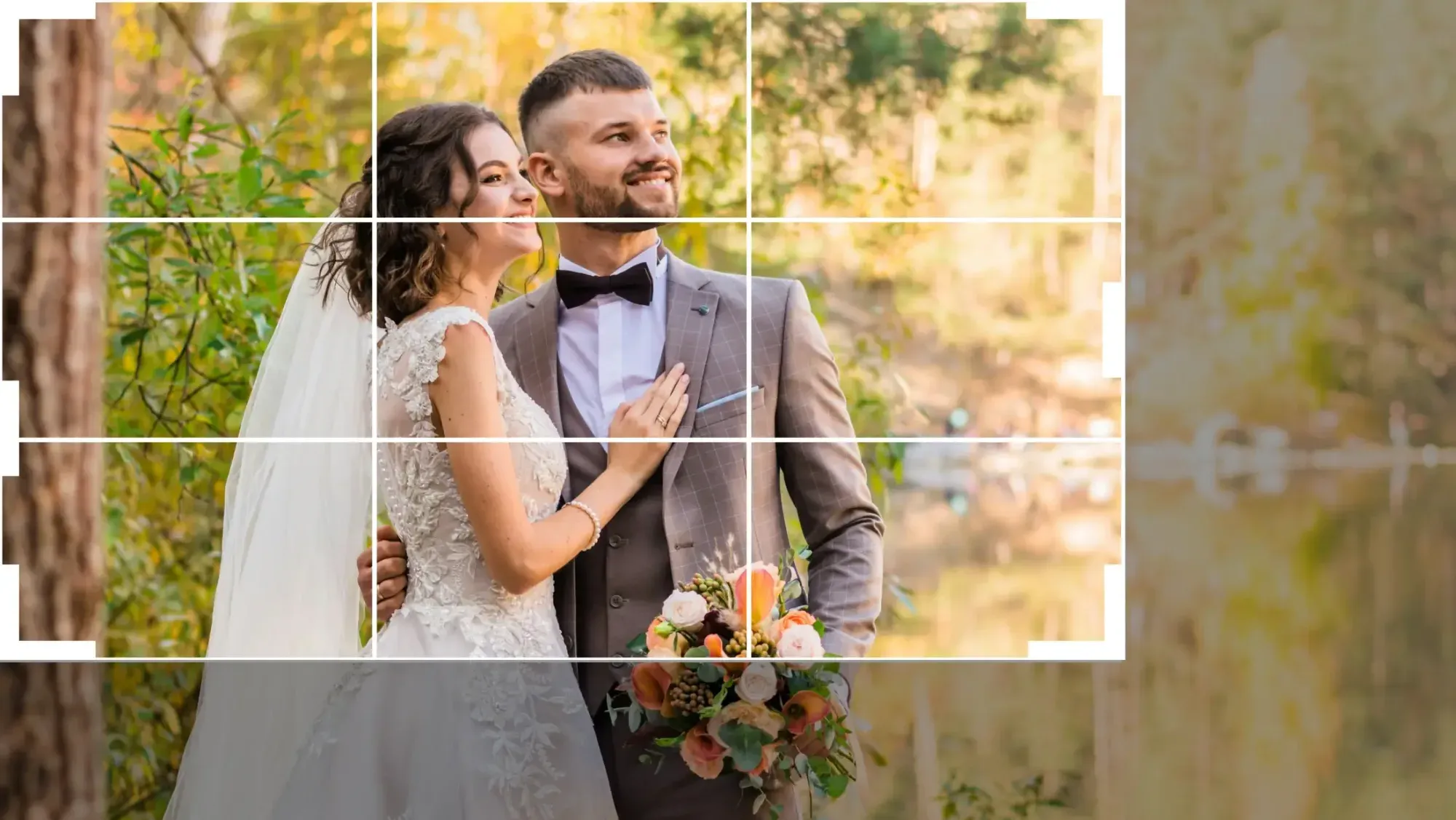
What batch photo editing software actually does
At its heart, batch editing software applies color correction, exposure balancing, and white balance across a group of images at once, using a look you have defined. The best tools go further and learn your personal editing style, so the batch does not just apply a generic preset but reproduces the specific choices you would have made by hand. For engagement work, that usually means consistent skin tones, controlled highlights on backlit hair, and a color palette that stays true whether the couple is standing in a leafy park or a concrete alley.
Modern batch tools pair this with culling. A single engagement pose is often captured as a burst of near-identical frames, especially during walking shots or candid laughter, and culling narrows those bursts down to the strongest frames before you spend time reviewing. When culling and grading live in the same flow, you move from a full card of raw captures to a polished, trimmed gallery in one continuous pass instead of three separate sessions in three separate programs.
It helps to be clear about what batch editing is not. It is not the place for heavy, one-off manual work. Rebuilding a background, compositing several exposures into one frame, or doing frequency-separation skin retouching on a hero portrait are deliberate, per-image tasks. Batch software handles the consistent foundation across the whole set; the rare frame that needs deep manual attention is a separate step, and that is a healthy division of labor rather than a shortcoming.
Using Imagen to batch edit an engagement gallery
Imagen is now an intelligent Studio, a desktop app for Mac and Windows where you cull, edit, review and export a whole shoot in one project, which maps neatly onto how engagement sessions work. It does not need a separate catalog program running underneath it. You upload the session, and your Personal AI Profile applies color correction, exposure, and white balance in your own consistent style across every frame. The result is the matched, whole-gallery look that engagement clients expect, produced from a style you control rather than a generic filter. You can see how it fits a full shoot on the Imagen site.
The workflow starts with AI culling to narrow the near-duplicate bursts, then the batch grade runs across the set, and Imagen reports that the first batch finishes in under 10 minutes, with edited photos arriving in batches so you can start reviewing early frames while the rest finish. Because your look lives in a reusable style profile, the second session you edit stays consistent with the first, which matters when a couple books both an engagement shoot and a wedding with you and expects the two galleries to feel related. For the occasional frame that needs individual attention, the AI Assistant handles per-photo finishing such as object removal and background or plate blur, so a stray trash can behind the couple or a busy background does not force you into a full manual detour.
Pricing is pay-as-you-go, with a monthly base fee plus a charge for the photos you export. Exploring the tools is free, so you can grade a whole real shoot before deciding, and you pay only when photos leave Imagen. Two honest limits are worth stating plainly: Imagen does not sharpen or deblur a soft or missed-focus capture, and it does not replace a full background or upscale, although it does include AI denoise. It grades, culls, and finishes what your camera actually recorded, and within that lane it is built for exactly the volume and consistency an engagement gallery demands.
Building a reusable style so every session matches
The real payoff of batch software for engagement photographers is not just speed on a single gallery; it is consistency across your whole body of work. When your edit lives in a reusable style profile rather than in your memory of which sliders you nudged last week, every couple who books you gets the look they saw in your portfolio. That is what turns a one-time client into a referral, because the images they share look unmistakably like your work.
To build a style that travels well, start by editing a representative set of frames the way you want the whole session to look, covering a range of light: open shade, backlight, and a warmer sunset frame. A batch tool that learns from your choices will generalize from that range far better than one trained on a single lighting condition. Once the profile is set, resist the urge to tweak it per session. The point is that the engagement gallery you deliver in spring matches the one you deliver in autumn, so your brand stays recognizable across every couple you photograph.
Where manual editing still belongs in the workflow
A batch-first workflow does not mean everything happens automatically. Certain jobs are genuinely per-image and reward the time you invest by hand. Deep skin retouching on a close portrait, where frequency separation and careful dodge and burn matter, is craft work best done frame by frame in a dedicated retouching tool. Compositing several frames into one, swapping a distracting background entirely, or merging a true bracketed exposure set into a single high-dynamic-range image are also deliberate, manual tasks that a batch grade is not meant to cover.
The productive way to think about it is layered. Cull and batch-grade the entire session first so the whole gallery is consistent and delivery-ready, then hand the two or three frames that need special treatment to the dedicated tool for that job. A soft or slightly out-of-focus frame belongs with a specialized detail-enhancement tool, since sharpening and denoising are their own category and even those have limits and cannot invent focus that was never captured. Keeping these steps separate means you are not forcing one program to do everything, and you are spending manual effort only where it genuinely changes the final image.
Choosing the right batch tool for your engagement work
Start with volume and consistency, because those two facts point straight at the answer for engagement photography. If you shoot multiple sessions a week and need every gallery to match your signature look, prioritize a tool that learns your personal style and applies it across the full set, with culling built into the same flow. Cloud-based tools that need nothing installed are worth weighing if you edit from more than one machine or want to start a batch and step away from the desk.
Confirm the tool works with your RAW files so you keep full latitude for color and exposure, and check that pricing matches how you actually work. A pay-as-you-go model suits the uneven rhythm of engagement bookings better than a heavy fixed commitment during a slow month. Finally, test on a real session rather than a handful of hero frames. Exploring Imagen on an actual engagement gallery tells you far more about consistency across changing light than a curated three-image demo ever will. Match the tool to the job, and let it remove the editing bottleneck that keeps you at the desk instead of behind the camera.
If your work spans weddings as well as engagements, a few related guides go deeper on the parts that eat the most hours. See batch photo editing software for wedding photographers, photo culling software for wedding photographers, and color grading software for wedding photography. You can also browse the full library of photography workflow tips for more on batch editing, culling, and consistent grading.
What’s new in Imagen: Imagen is now an intelligent, agentic Studio for professional photographers, with culling, editing, review and export together in one project. For batch work, you can apply more than one AI Profile to a selected set of photos, which takes some processing time, alongside your own Personal AI Profile learned from your past edits. The Studio is rolling out gradually as a beta.
Frequently Asked Questions
What is the best batch photo editing software for engagement photographers?
The strongest choice is a tool that learns your personal editing style and applies it consistently across an entire session, with culling built into the same flow. Imagen fits engagement work well because your Personal AI Profile grades color, exposure, and white balance in your own style across every frame, and the first batch finishes in under 10 minutes, so a full gallery stays consistent without editing frame by frame.
How long does it take to batch edit an engagement session?
With a batch-first tool, the bulk of a session is handled in a single pass rather than image by image. Imagen reports that the first batch finishes in under 10 minutes once your style is set, and culling narrows the near-duplicate bursts in the same flow. The time you add after that is only for the occasional frame that needs individual finishing, which you can do by hand in the built-in editor (Beta).
Can batch editing keep skin tones consistent across different locations?
Yes, that is the main reason to use it. Batch editing applies color correction and white balance from one defined look across the whole set, so frames shot in open shade and frames shot against a bright sunset come back matched. A tool that learns your style reproduces the skin-tone choices you would make by hand, which keeps the gallery coherent across changing light and multiple backdrops.
Does batch software handle heavy retouching or background swaps?
No, and that is by design. Batch software builds a consistent foundation across the whole session, while deep skin retouching, full background replacement, and compositing are per-image manual tasks best done in a dedicated tool. The productive approach is to cull and batch-grade the full set first, then hand the rare frame that needs special work to the specialized tool for that job.
How much does Imagen cost, and is there a free trial?
Imagen is pay-as-you-go, with a monthly base fee plus a charge for the photos you export. Exploring the tools is free, so you can grade an actual engagement shoot before committing.
