

AI photo editing for event photographers: A Complete 2026 Guide
Table of contents
- Why Event Photography Punishes a Manual Editing Workflow
- What AI Actually Does Well in an Event Pipeline
- The Imagen Batch-Editing Layer for Event Shooters
- Where AI Batch Editing Stops and Specialist Tools Begin
- Building a Practical End-to-End Event Workflow
- How to Choose the Right AI Editing Approach for Your Events
- Internal Resources for Event Editing Workflows
- Frequently Asked Questions
Event photography is a volume business with a deadline attached. One conference keynote, one gala dinner, or one full wedding day can leave you with three or four thousand frames shot under mixed, shifting light, and the client expects a polished gallery within days. AI photo editing for event photographers exists to close that gap: it takes the repetitive work of grading a whole shoot to a consistent look, and it narrows down the near-identical bursts so you edit fewer, better frames. This guide walks through where AI genuinely helps an event workflow, where it does not, and how to build a pipeline that gets you from card to delivery without living in front of a screen all weekend.
The short answer is that the highest-value use of AI for event work is batch color and tone grading plus culling, because that is where the hours actually go. Specialized jobs like deep skin retouching, recovering a soft frame, or building a composite still belong to dedicated tools. Below we cover the full event workflow, the AI batch-editing layer in detail, honest limits, and how to choose what fits the events you actually shoot.
Why Event Photography Punishes a Manual Editing Workflow
Events do not give you controlled light. A ceremony starts in open shade, moves into a candlelit reception, and finishes on a dance floor lit by colored LEDs. A corporate awards night mixes stage spotlights with dim table seating. You shoot fast, you shoot a lot, and you rarely get to reset your settings between moments. The result is a card full of frames that all need correcting toward one coherent look, but each starts from a slightly different white balance and exposure.
Edited by hand, that is hours of nudging sliders on frame after frame, and the risk is that your gallery drifts: the first hundred images look warm and the last hundred look cool because you got tired. Clients notice inconsistency even when they cannot name it. This is exactly the pattern AI batch editing was built to break, because a trained model can hold one look steady across two thousand frames far more reliably than a person working late.
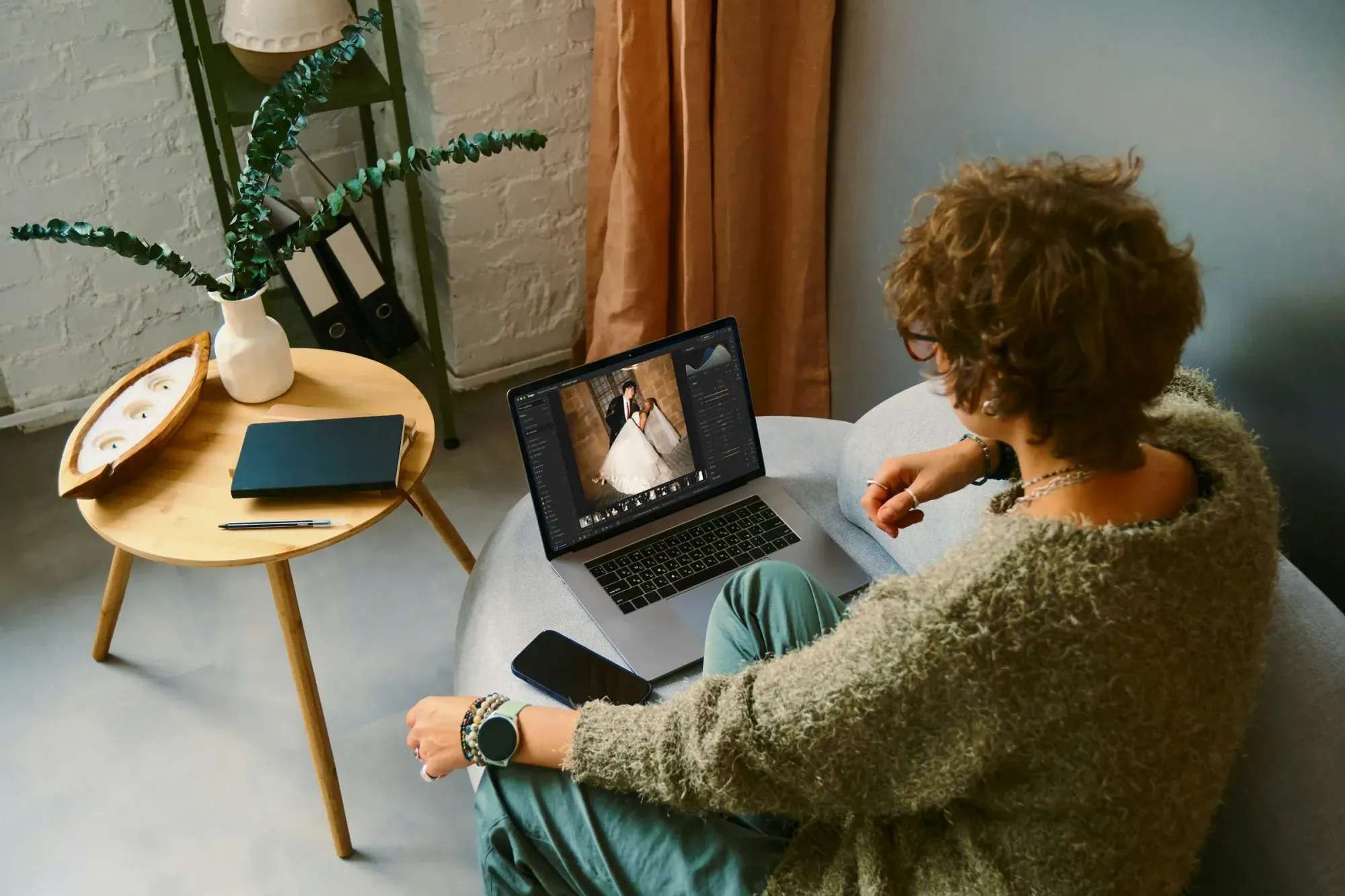
What AI Actually Does Well in an Event Pipeline
It helps to be precise about which parts of event editing AI handles well, because the marketing around AI photography can blur the line. Three jobs are genuinely strong fits.
The first is consistent color and tone grading across an entire shoot. You define your style once, and the AI applies matching exposure, white balance, and color correction to every frame, so the shade-lit ceremony and the tungsten-lit reception come back looking like one gallery. The second is culling. Event shooting produces long bursts of nearly identical frames, and AI culling narrows those bursts so you review a tighter set instead of scrolling through ten versions of the same handshake. The third is targeted per-photo finishing on the exceptions, such as removing a stray exit sign from a background or blurring a distracting plate behind the subject.
What ties these together is that they are all high-volume, repeatable tasks. AI is at its best when the job is “do this same correction well, thousands of times, without getting tired,” which is the daily reality of event delivery.
The Imagen Batch-Editing Layer for Event Shooters
Imagen is a desktop app for Mac and Windows built for photographers who deliver whole shoots rather than single hero images, with the AI processing running in the cloud, which suits the reality of turning around an event gallery on a tight timeline. It is now a Studio where you cull, edit and export in one project, in any order.
The core of Imagen is batch editing that learns your style. You point it at a full event, and it applies color correction, exposure balancing, and white balance in your own consistent look across every frame, so the mixed lighting of a real event resolves into one coherent gallery. Culling runs in the same flow, narrowing the near-duplicate bursts that events produce so heavily. It works on RAW files, and it is built around a Personal AI Profile learned from your past edits, so the output matches how you already edit rather than a generic preset. Where individual frames need attention, an AI Assistant handles per-photo finishing such as object removal and background or plate blur, and you can fine-tune by hand in the built-in editor (Beta).
Pricing is pay-as-you-go: you pay for the photos you export, and you see every edit in the gallery first, so you can try a real event in it before committing. For an event photographer, the practical value is simple: the whole-shoot grade and the culling, the two tasks that eat the most hours, get handled in one cloud workflow so you can spend your time on client delivery instead of slider work.
Where AI Batch Editing Stops and Specialist Tools Begin
It is just as important to know what a batch-grading tool like Imagen does not do, so you route those jobs correctly instead of expecting one app to cover everything. Imagen grades, culls, and finishes what your camera actually recorded. It does not generate images from scratch, and it does not sharpen or deblur a soft or missed-focus capture. If a key moment landed slightly out of focus, no batch grader will rescue it.
Several event needs belong to dedicated categories. Deep skin retouching, the frequency-separation beauty work you might want on a formal portrait, is the domain of a dedicated retouching tool that treats each face as craft. Recovering detail from a noisy, high-ISO reception frame, or enlarging a shot for a large print, is the job of a specialized detail-enhancement tool that sharpens, denoises, and upscales. Full background replacement or a built composite is the work of a layer-based editor with pixel-level control. None of these are batch jobs, and none of them are what an AI grader is for. The healthy way to read this is not as a weakness but as a division of labor.
Building a Practical End-to-End Event Workflow
The workflow most efficient event photographers settle on runs in a clear order. First, ingest the full card and run AI culling to narrow the near-duplicate bursts down to the frames worth keeping. Second, run the whole surviving set through AI batch editing to apply your consistent color and tone grade in one pass, so the entire gallery matches regardless of the lighting each moment was shot under. Third, walk the graded gallery and use per-photo finishing only on the handful of frames that need an object removed or a distraction blurred.
Then, and only then, hand off the rare exceptions to specialist tools: the one formal portrait that needs deep skin work, the dim frame that needs noise reduction, or the shot that needs a composite. This order matters because it front-loads the volume work into an automated pass and reserves your manual attention for the few frames that truly deserve it. A common setup pairs a batch-first grader for the fast, style-consistent pass with a specialist app kept on standby for those exceptions. The point is to match each tool to the job it does best, not to force one app to do all of it.
How to Choose the Right AI Editing Approach for Your Events
Start with your volume and your genre, because those two facts point straight at the answer. If you deliver large event galleries and consistency across the shoot is the whole game, a batch-first tool that grades and culls in one flow removes your biggest bottleneck. If your bread and butter is formal portraits where one immaculate face matters more than a thousand consistent frames, weight your budget toward a dedicated retouching tool instead. If your recurring problem is dim, noisy reception frames, a detail-enhancement tool earns its place in the kit.
Also weigh how you like to work. A cloud-processed editor hands the heavy lifting to remote servers, which keeps your own computer free and suits photographers who travel between events. Pay-as-you-go pricing, which for Imagen means you pay for the photos you export, keeps your editing cost tied to the work you actually book. Test any approach on a real event before you commit your season to it, because the only meaningful benchmark is whether it holds your look across a full, mixed-lighting gallery and saves you the hours it promises.
Internal Resources for Event Editing Workflows
If you want to go deeper on the individual pieces of this pipeline, three companion guides break them down. See our overview of AI photo editing tools for professional photographers for the wider landscape, our look at AI photo culling software for narrowing those long event bursts, and our guide to AI photo color grading tools for holding one consistent look across a shoot. You can also browse the full library of photography workflow tips for more on batch editing, culling, and delivery.
What’s new in Imagen: Imagen has grown into an intelligent, agentic Studio for professional photographers, one project where you cull, edit, review and export in any order. After a long event, AI culling can narrow the near-identical bursts, or you can skip it and cull manually for free, and edited photos arrive in batches so you can start reviewing early frames while the rest finish. The Studio is rolling out gradually as a beta.
Frequently Asked Questions
What is the best use of AI photo editing for event photographers?
The highest-value use is batch color and tone grading combined with culling, because those two tasks consume the most time on an event gallery. AI can hold one consistent look across thousands of mixed-lighting frames and narrow the near-identical bursts that events produce, letting you review and deliver a tighter, coherent set far faster than editing by hand.
Can AI editing keep my whole event gallery looking consistent?
Yes. A batch editor learns your style and applies matching exposure, white balance, and color correction across every frame, so a shade-lit ceremony and a tungsten-lit reception come back looking like one gallery. Imagen builds personalized editing profiles so the output matches how you already edit rather than a generic preset.
How much does Imagen cost, and is there a free trial?
Imagen is pay-as-you-go: you pay for the photos you export. That lets you try a real event in it before committing.
Can AI fix a blurry or noisy frame from a dark reception?
A batch-grading tool like Imagen does not sharpen or deblur a soft, missed-focus capture, and it does not upscale, but its AI denoise can clean up a noisy frame from a dark reception. Sharpening and enlarging belong to a dedicated detail-enhancement tool, and even that works within limits and cannot invent focus that was never there.
Should event photographers use one AI tool or several?
Many use two or more. A batch-first tool handles the volume grade and culling, while specialist tools take on deep skin retouching, heavy sharpening, or compositing when a single frame needs it. Match each tool to the job it does best rather than forcing one app to do everything across a full event.

