
frame 1261152884

Get 50% off your workflow essentials for a limited time.

FAQ by Imagen

How does Imagen’s AI Photo Editing work?

How does Imagen’s AI Photo Editing work?

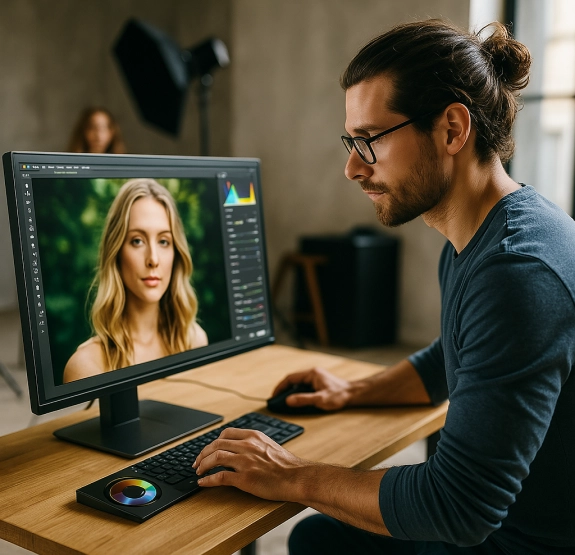
Imagen uses AI to analyze your photo edits and build a personal AI editing profile that grows smarter over time. It’s like having a virtual editing assistant.

Imagen is designed to learn from your own unique editing style and replicate it across any number of photos. It works like this:

  • Step 1: Create your Personal AI Profile – Upload 3,000+ edited images from your Lightroom catalog.

    Alternatively, you can start small by using one of the premade Talent AI Profiles, or purchasing one of the AI Profiles from the Imagen’s Profile Shop
  • Step 2: Apply your style to new photos – Imagen will use your profile to make the same edits on new photos. 
  • Step 3: It gets smarter – As you upload more edits, Imagen refines and fine-tunes your profile and gets more accurate over time.

Whether you prefer light and airy, dark and moody, or something unique, Imagen helps you get consistent photo results — without spending hours manually editing.

Learn more about photo editing

How to master photo editing faster with modern tools and software?

Can AI handle specific photography editing styles?

Which photo editor is the best for beginner photographers?

Which AI tool is best for professional photo editing?

What makes AI tools stand out from other photo editing software?

What is the easiest photo editing software to learn?

What is Imagen photo editing app, and how does it work?

What are the best photo editing apps in 2025?

What are the advanced photo editing capabilities of AI?

How to use AI to create stunning photo edits?

How to edit photo colors using AI?

How does AI learn and replicate my photo editing style?

Does AI offer automated workflows for repetitive photo editing tasks?

Can I use AI to edit photos professionally?

How does automatic photo editing differ from manual photo editing?

What is photo editing software powered by AI?

More on our blog

Talking Post Session Workflows with Dave Shay

Dave Shay is all about workflows in his wedding and commercial photography business from start to finish. In fact, Dave attributes his workflows to the success of his business. He did not...

Talking Business Workflows with Charmi Patel-Peña

Charmi Patel-Peña is locally known for photographing multi-day weddings where she might end with over 10,000 captured photographs. Of course, Charmi does not deliver that many, due to her photo culling workflow. Her...

What Makes Imagen an Essential Editing & Culling Tool for Photographers?

AI image editing app Imagen can help give you back your life to do things you enjoy the most. Imagen learns your editing style based on the photos you have already edited....
We use Third party cookies to bring you the best web experience, analyze visitor activity and assist with our marketing efforts.
Skip to content