
When to Skip AI Culling and Upload Your Own Selects
Table of contents
- Why skipping AI culling is sometimes the better call
- How to skip AI culling at project setup
- What uploading your own selects actually looks like
- You can still cull manually, for free, whenever you want
- What stays exactly the same after you skip
- What this means if you work with an assistant editor or second shooter
- Pricing does not change either way
- When it is worth turning AI culling back on
- A few quick examples: portrait days, corporate events, and conference coverage
- Frequently asked questions
Some photographers finish a shoot already knowing exactly which frames matter. A headshot session with twelve looks and eight clients has an obvious shortlist before the lights are even packed away. A tethered product session where you checked the back of the camera between every setup leaves you with selects before you get home. For sessions like these, running a full AI culling pass across the whole card can feel like extra motion for no real benefit. The good news is that you do not have to run it. Imagen lets you skip AI culling entirely at project setup and upload only the frames you already chose, then treat the rest of the project exactly like any other.
This article walks through when skipping culling makes sense, how to set it up, what still happens for you once you have made that choice, and where an automated first pass earns its place back.

Why skipping AI culling is sometimes the better call
AI culling earns its keep on a five thousand frame wedding or a same day turnaround event, where a first pass through thousands of near duplicates saves real hours. But not every shoot looks like that. A curated editorial session, a small family portrait sitting, or a shoot where you already flagged favorites in camera does not need a second opinion on which frames survive. In those cases, culling software of any kind, AI or manual, is solving a problem you do not actually have on that job.
There is also a trust factor worth naming honestly. Some photographers prefer to make every keep or reject decision themselves, on every job, without exception. That preference is entirely reasonable, and it is one of the main reasons the option to skip culling exists in the first place rather than being buried behind a mandatory automated step.
This shows up across specific niches more than others. Photojournalists and event photographers who flag frames in camera during the shoot, sports photographers tracking a handful of key plays, and product photographers who already know which angle made the final cut all tend to arrive at their computer with the decision already made. For them, an automated culling pass is not wrong. It is simply solving a problem that was already solved earlier, by someone who was looking through the viewfinder at the time.
How to skip AI culling at project setup
The choice happens right at the start, when you create a new project. Instead of letting the culling step run automatically, you choose to skip it and upload just the photographs you have already picked. From that point forward the project behaves like any other Imagen project: your Personal AI Profile can still edit the batch, and the images move through review and export in the same non-linear space as every other shoot you run.
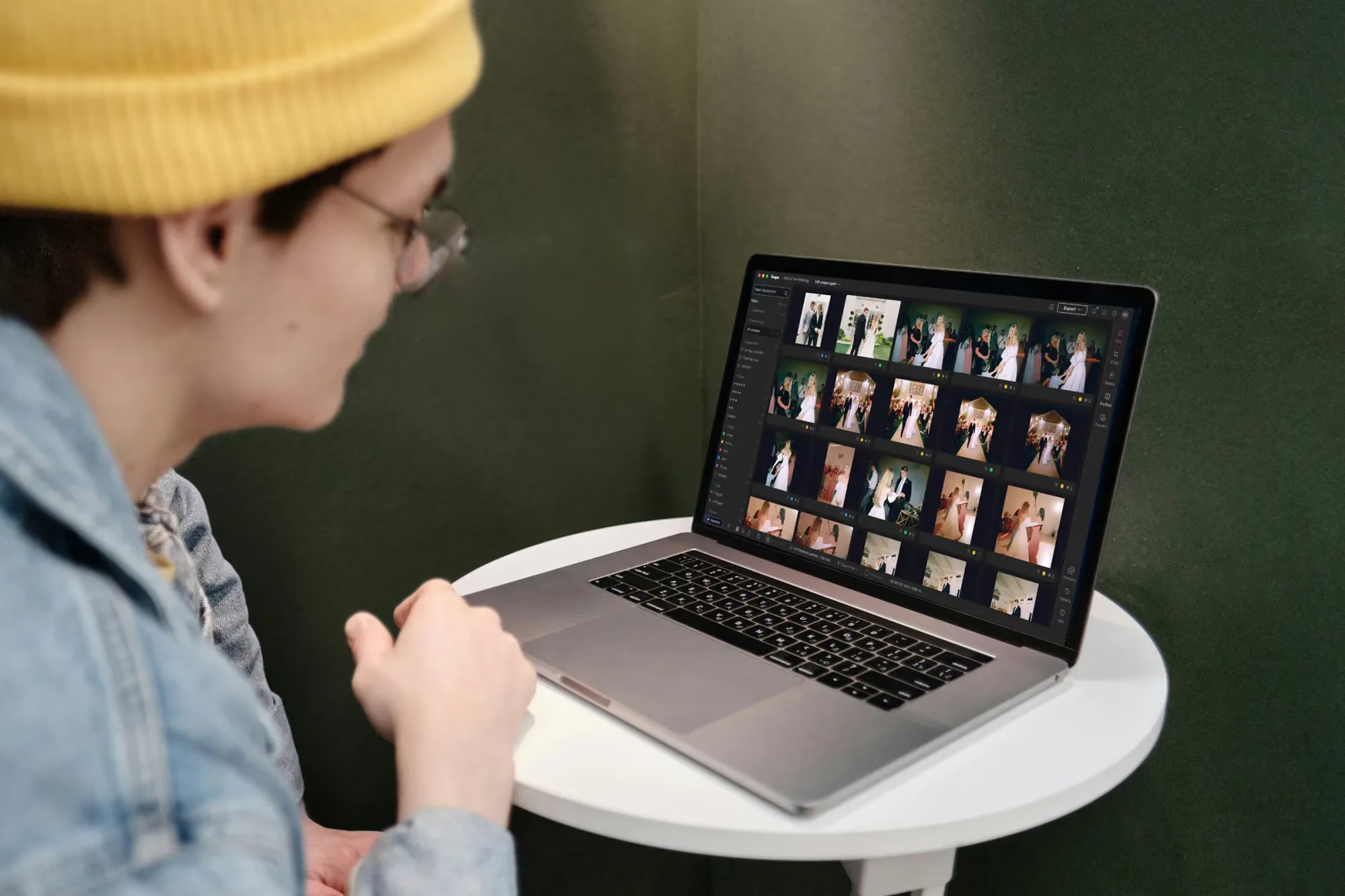
Culling a shoot inside the Imagen project view
Nothing about your export, delivery, or editing options changes because you skipped culling. The only difference is that the gallery you started with is the gallery you built, rather than a machine generated shortlist waiting for your approval.
What uploading your own selects actually looks like
In practice, this is not a different upload process, just a different starting point. You gather the files you have already chosen, whether that means pulling flagged frames off your camera’s memory card, exporting a folder from a separate culling pass you did elsewhere, or simply copying over the handful of images a client already approved. You bring that folder into the same project creation screen you would use for any shoot, mark the culling step as skipped, and confirm the count before the upload begins. There is no conversion step, no special file format, and no extra screen to learn.
Because the upload itself does not change, you are not locked into deciding once and for all how you will always work. A photographer new to the platform might run AI culling on their first few projects just to see how it performs, then switch to uploading pre-selected frames on jobs where they already trust their own eye. Both paths lead to the same editing and export experience once the gallery is in place.
You can still cull manually, for free, whenever you want
Skipping AI culling does not mean giving up on culling altogether. Manual culling is free and available inside the same project at any point. Rate frames, flag your favorites, and apply color labels the old fashioned way, on your own schedule, without a separate app or a second upload. If you change your mind partway through a project and decide you want a second pass before editing finishes, that option sits right there in the same workspace.
This matters because culling was never meant to be all or nothing. A photographer might skip AI culling for the ceremony portion of a wedding, where the handful of vows and ring shots that count are already obvious, while still running an automated first pass on the reception, where the frame count is higher and the picks are far less obvious at a glance.
What stays exactly the same after you skip
Every other part of the Studio experience works whether or not AI culling ran. Editing happens in batches as photos finish processing, so you are not stuck waiting on the whole shoot before you can start reviewing. The built in editor, still in beta, gives you manual sliders, a histogram, crop and straighten, and presets you can build yourself or bring over from Lightroom. The assistant can still help you find photos using plain language once the gallery is uploaded, whether those photos went through AI culling or arrived as your own hand picked set.
In other words, skipping culling removes one step from the pipeline. It does not remove the rest of the toolkit, and it does not push you into a smaller or simpler version of the project than everyone else gets.
What this means if you work with an assistant editor or second shooter
Photographers who bring in a second shooter or hand editing off to an assistant editor gain a specific benefit from skipping AI culling on the right jobs. When you upload your own selects, there is no ambiguity for anyone else looking at the project about which frames were meant to be edited. An automated culling pass makes a judgment call that a human collaborator then has to trust or double check against their own read of the shoot. Uploading your own picks removes that extra layer entirely, because the frames sitting in the project are, by definition, the frames you already decided matter.
This is particularly useful on jobs with a tight brief, such as a commercial shoot where the client specified exactly which setups they need delivered. There is little reason to run every frame from the day through a culling pass when the deliverable list was agreed before the shutter ever clicked.
Pricing does not change either way
It is worth saying plainly: whether you skip AI culling or run it, the pricing model underneath stays the same. Pay as you go photographers pay when they export finished photos, not for exploring or organizing them. Curiosity, including trying an AI Profile on a set you uploaded yourself, is free. Skipping culling is a workflow choice, not a way to unlock a discount, and running culling is not a hidden fee you are avoiding. Choose based on what the shoot needs, not on what you think it might cost you either way. This is worth repeating because it is easy to assume automation costs extra, or that skipping a step somehow unlocks a cheaper path. Neither is true. The bill you see reflects what you export, full stop, regardless of how the gallery got assembled before that point.
When it is worth turning AI culling back on
The flip side is just as useful to know. Large weddings, multi day events, and any shoot where the frame count runs into the thousands are exactly where an automated first pass pays for itself. If you are staring down a memory card with four thousand images from a wedding day and only a rough sense of the highlights, culling software can narrow that down to a manageable shortlist far faster than scrolling through everything by hand. The point is not that manual selection is outdated. It is that you get to choose, shoot by shoot, which approach fits the work sitting in front of you that week.
A few quick examples: portrait days, corporate events, and conference coverage
Picture a solo portrait photographer who shoots twenty five setups a week for corporate headshots. Each sitting produces maybe forty frames, and the client picks a favorite three or four on the spot, right after the session ends. By the time that photographer sits down to edit, the selects are already decided. Uploading all forty frames and skipping AI culling means the project starts exactly where it needs to: with the handful of keepers, ready for a Personal AI Profile pass, a quick manual check with the sliders, and an export that goes straight to the client that same day.
Now compare that to the same photographer’s occasional corporate event booking, where three hundred candid shots come back from a single evening reception. There, nobody has pre selected anything, the frame count is high, and letting an automated pass surface the strongest candidates first is clearly the faster path. Same photographer, same tools, two different choices depending on the job in front of them.
A third variation shows up in conference and event photojournalism. A photographer covering a two day conference might flag the handful of keynote moments that matter in camera, during the event itself, simply because there is no time to make that call later. Uploading just those flagged frames and skipping AI culling means the project starts with exactly the moments worth editing, without an extra pass over hours of footage that was never going to make the final gallery anyway.
If you want more detail on culling strategy for different shoot sizes, our valuable tips library has practical breakdowns for weddings, portraits, and high volume events.
What’s new in Imagen: Imagen is now an intelligent, agentic Studio for professional photographers, one project where you cull, edit, review and export in any order. That includes the freedom to skip AI culling, cull manually for free, or use AI filters such as blur and closed eyes to narrow a shoot, with your Personal AI Profile still editing the photos you keep. The Studio is arriving gradually as a beta.
Frequently asked questions
Does skipping AI culling limit what I can do later in the project?
No. Editing, review, and export all work the same way regardless of whether AI culling ran. The only thing that changes is who built the initial shortlist, and that choice does not follow you into any later stage of the project.
Can I skip culling for part of a shoot and use it for the rest?
The skip choice applies at project setup. Many photographers handle mixed needs by splitting a shoot into separate projects when one portion clearly needs an automated first pass and another clearly does not, then treating each project independently from there.
Is manual culling really free?
Yes. Rating, flagging, and labeling photos manually inside a project costs nothing, no matter how many frames you work through. Pricing only comes into play when you export finished photos.
Will I lose the option to use a Personal AI Profile if I skip culling?
Not at all. Your Personal AI Profile still edits whatever photos you upload, whether they arrived through AI culling or as your own hand picked selection, with no difference in quality or consistency either way.
Ready to set up your next project on your own terms? Start a project, choose to skip culling when it makes sense, and see how the rest of Imagen’s new Studio, where you cull, edit and export in one project, fits your workflow at imagen-ai.com.
