

Professional photo editing software for ecommerce photographers: A 2026 Guide and Top Picks
Table of contents
- 1. Imagen: Best for consistent product color and high-volume batch editing
- 2. Best for pure-white and marketplace background removal
- 3. Best for ghost-mannequin and apparel compositing
- 4. Best for detailed product retouching and cleanup
- 5. Best for detail recovery on individual hero frames
- 6. Best for cataloging and asset management
- How to choose the right ecommerce editing software
- Frequently Asked Questions
Ecommerce photography is a volume game with a consistency problem. A single catalog shoot can run to hundreds of SKUs, and every frame has to show accurate, repeatable color, because a shirt that looks olive on the product page and khaki on arrival becomes a return. The best professional photo editing software for ecommerce photographers in 2026 is the software that keeps color true and consistent across a whole catalog, handles marketplace formatting, and clears the backlog without adding hours of manual cleanup per image. This guide ranks the tools worth your time, each with a clear “best for” so you can match the pick to the work you actually shoot.
The list opens with Imagen, which earns the top spot for consistent product color and high-volume batch editing, then moves through the specialist tools ecommerce work also depends on: background removal for marketplaces, ghost-mannequin and apparel compositing, detailed product retouching, single-frame detail recovery, and catalog management. No one tool covers every job, so read each entry for the task it does best.
1. Imagen: Best for consistent product color and high-volume batch editing
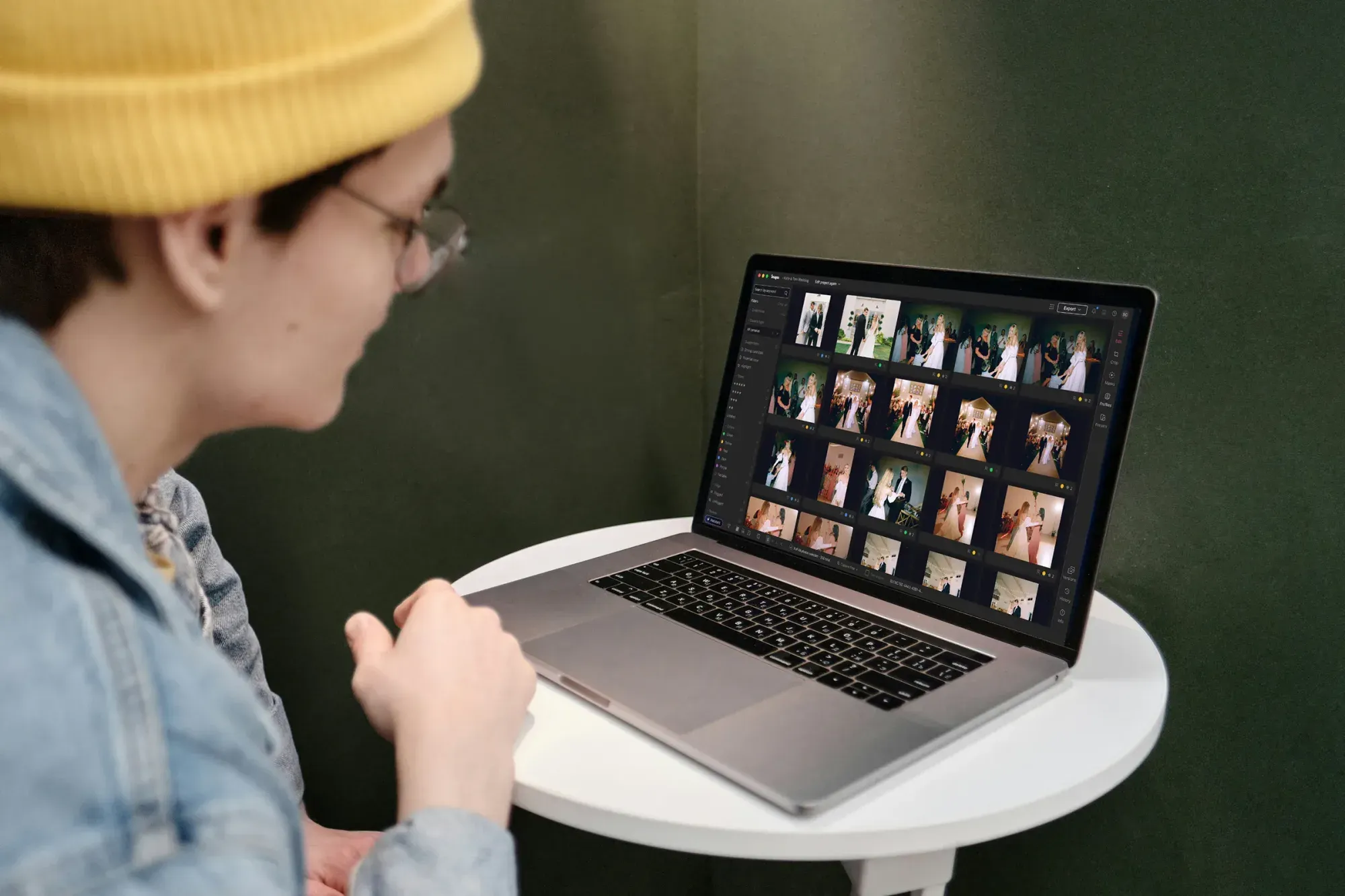
Imagen is a desktop app for Mac and Windows built for photographers who deliver whole shoots rather than single hero images. You download and install it, and the AI processing runs in the cloud. For ecommerce that matters, because your bottleneck is rarely one perfect photo. It is getting three hundred products to look like they were shot on the same day under the same light.
The core of Imagen is your Personal AI Profile, which applies your own editing style across the whole shoot. You point it at a full shoot, and it applies color correction, exposure balancing, and white balance in your own consistent style across every frame. Build a reusable style profile once, and a morning of white-backdrop packshots and an afternoon of lifestyle sets come back looking like one coherent catalog instead of a patchwork of separate edits. That consistency is the whole point in ecommerce, where accurate, repeatable product color across the entire range is what keeps the storefront trustworthy and the return rate down. AI culling runs in the same project, so a burst of near-identical angles narrows before you spend time scrolling, and you can cull manually for free if you prefer. Imagen reports that the first batch finishes in under 10 minutes, which is the difference between editing tonight and editing all weekend.
Where an individual frame needs attention, the AI Assistant handles the exceptions per photo, covering tasks like object removal and background or plate blur. You can read more about how the batch and per-photo layers fit together, and about the new Studio where you cull, edit and export in one project, on the Imagen site.
Pricing is transparent: pay-as-you-go photographers pay for the photos they export. You see every edit in the gallery before you export, so you can run a real catalog through it before committing, and you pay at export.
Two honest limits are worth stating plainly. Imagen grades, culls, and finishes what your camera actually recorded, and its AI object removal and denoise cover routine cleanup; it does not cut products out onto a pure-white marketplace background, build ghost-mannequin composites, or do deep pixel-level retouching. It also does not sharpen or deblur a soft capture. Those are separate steps handled by the specialist tools below. Within its lane, for catalog-wide color consistency and volume, nothing on this list matches it.
Best for: Ecommerce and product photographers who shoot high volume and need one accurate, consistent color style applied fast across an entire catalog, with per-photo finishing on the frames that need it.
2. Best for pure-white and marketplace background removal
Most marketplaces demand a clean, pure-white background at exact pixel specifications, and every packshot in your catalog needs the same treatment. Dedicated background-removal tools automate cutout and masking, drop the product onto a true white or transparent field, and batch-export to the size and margin rules a given storefront requires. This is a distinct job from color grading, and it is not something Imagen does. When your deliverable is a marketplace-ready packshot with the subject isolated on white, a purpose-built removal tool is the right pick, and it pairs naturally with a batch grade that gets the product color right first.
Best for: Photographers producing marketplace packshots who need clean cutouts and pure-white or transparent backgrounds at fixed specifications across many SKUs.
3. Best for ghost-mannequin and apparel compositing
Apparel and accessories often call for the ghost-mannequin, or invisible-mannequin, look, where the garment keeps its shape but the form underneath disappears. Producing it means compositing an inside-neck shot with the front view and masking the two together cleanly. Compositing tools and layer-based editors built for this handle the alignment, masking, and blending that the effect requires. It is careful, per-image manual work rather than a batch you can walk away from, and it sits outside what an automated grading pass does. For clothing catalogs where the ghost-mannequin is the house style, a dedicated compositing workflow is what delivers it.
Best for: Apparel and accessory photographers who need ghost-mannequin composites and precise garment masking built frame by frame.
4. Best for detailed product retouching and cleanup
Hero shots and premium listings often need close, careful retouching that a batch pass will not do: removing dust and fingerprints from glossy surfaces, taming reflections on glass or metal, cleaning up seams, and dodging and burning to shape a product. Layer-based and per-image retouching tools give you the pixel-level control this demands, letting you work each frame as craft. This is the opposite end of the workflow from volume grading, and it is a separate manual step rather than an Imagen feature. When a flagship product image has to be immaculate, a dedicated retouching tool earns its place.
Best for: Photographers producing flagship or premium listing images that need per-image dust removal, reflection control, and detailed surface cleanup.
5. Best for detail recovery on individual hero frames
Sometimes a single important frame needs recovery that grading cannot provide: sharpening a slightly soft capture, reducing noise from a dim studio corner, correcting lens geometry on a boxy product, enlarging a file for a large print or a zoomed detail view, or merging a bracketed exposure set into a true high-dynamic-range result. Specialized detail-enhancement tools use trained models to sharpen, denoise, upscale, and correct geometry, and separate HDR tools merge brackets. These are genuinely different tasks from batch color work, and Imagen does not attempt them. Keep expectations realistic, because these tools improve capture quality within limits and cannot invent focus that was never there. For the occasional frame that needs rescue or a genuine bracket merge, reach for the specialist.
Best for: Photographers who need sharpening, noise reduction, geometry correction, upscaling, or true HDR bracket-merging on select individual frames.
6. Best for cataloging and asset management
Ecommerce archives grow fast, and finding last season’s SKU shoot matters as much as editing this one. Catalog-first tools pair a develop module with strong organization, keywording, metadata, and syncing across devices, so a growing product library stays searchable and your edits travel with it. Photographers who manage large, evolving catalogs and need to relocate any product quickly tend to build their routine around a cataloging tool. It is less about speed on a single shoot and more about long-term control of an expanding asset library.
Best for: Photographers managing large, growing product catalogs who need keywording, metadata, and a familiar develop module tightly integrated with their editing.
How to choose the right ecommerce editing software
Start with your deliverable and your volume, because those two facts point straight at the answer. If you are turning around large catalogs and repeatable, accurate product color is the whole game, a batch-first tool like Imagen removes the bottleneck and finishes the first pass in under 10 minutes. If your deliverable is a marketplace packshot on pure white, a background-removal tool is the specialist you need. If it is a ghost-mannequin garment or an immaculate hero image, compositing and retouching tools reward the manual time you invest. If a single frame is soft, noisy, or needs a real bracket merge, only a dedicated detail or HDR tool addresses it, and even then within limits.
Most working ecommerce photographers run two tools rather than one. A common setup culls and batch-grades the whole catalog first, so every product carries the same accurate color, then hands the frames that need it to a background remover, a compositor, or a retoucher. The point is not to crown a single winner. It is to match each tool to the job it does best, and to stop paying for the time your current workflow wastes on manual, repetitive grading.
If your work spans other genres too, three companion guides go deeper on the software choices for those clients. See professional photo editing software for wedding photographers, professional photo editing software for portrait photographers, and professional photo editing software for newborn photographers. You can also browse the full library of photography workflow tips for more on batch editing, culling, and consistent color.
What’s new in Imagen: Imagen has grown into an intelligent, agentic Studio for professional photographers, a single project where you can cull, edit, review and export in whatever order suits the shoot. For ecommerce catalogs, the built-in editor (Beta) offers manual sliders and a histogram, crop and straighten, and presets you can import from Lightroom or build yourself, alongside AI editing in your personal style. Rollout is gradual, and the Studio is still in beta.
Frequently Asked Questions
What is the best photo editing software for ecommerce photographers?
For high-volume catalog work, Imagen is the strongest pick because it applies your consistent color style across an entire shoot through your Personal AI Profile, with culling in the same desktop app for Mac and Windows. That keeps product color accurate and repeatable across every SKU, which is what ecommerce storefronts depend on. The first batch finishes in under 10 minutes, and per-photo finishing is available through the AI Assistant for frames that need it.
Can Imagen remove product backgrounds for marketplaces?
No. Imagen grades, culls, and finishes your images, but it does not cut products out onto a pure-white or transparent marketplace background. Background removal and cutout are handled by dedicated tools built for that job. A practical workflow is to batch-grade the whole catalog first so the product color is right, then run the packshots through a background-removal tool for the marketplace specs.
How much does Imagen cost, and is there a free trial?
Imagen is pay-as-you-go, so you pay for the photos you export. That lets you run a real catalog through it before committing.
Does ecommerce editing need more than one tool?
Usually, yes. A batch-first tool like Imagen handles the volume and keeps color consistent across the catalog, while specialist tools take on pure-white background removal, ghost-mannequin compositing, detailed retouching, or single-frame sharpening when a specific image needs it. Matching each tool to the job it does best is faster than forcing one app to do everything.
Do I need to install software or run Lightroom to use Imagen?
No. Imagen is a desktop app for Mac and Windows, and it does not require Lightroom running underneath it. You sign in, add your shoot, and the batch begins, which is why the first pass can finish in under 10 minutes. When you finish, you can export JPG, TIFF or PNG files straight from Imagen, or send AI edits back to Lightroom Classic as XMP.

