

How Long Skin Tone Correction Takes for Corporate Event Photographers (and How to Speed It Up)
Table of contents
- Why Corporate Events Make Skin Tone Correction Slower
- What Skin Tone Correction Actually Involves
- A Realistic Manual Editing Timeline
- Mistakes That Add Hours to Your Edit Time
- How Batch AI Editing Changes the Math
- Building a Repeatable Workflow for Recurring Corporate Clients
- When Manual Retouching Is Still Worth the Time
- Frequently asked questions
For a corporate event shoot of a few hundred images, manual skin tone correction typically adds up to several hours of editing time, not minutes. The exact number depends on how many people you photographed, how much the lighting changed across the venue, and how consistent you need every headshot and candid to look next to each other. A single portrait taken under even, diffused light might need only a quick white balance nudge. The same portrait taken under mixed stage lighting, fluorescent ceiling panels, and a window wall can take several times longer to correct properly, and a full event gallery multiplies that difference across every frame.
The honest answer is that there is no single number that applies to every shoot. What you can control is how much of that time is spent on repetitive, frame-by-frame correction versus how much goes toward the images that actually need a trained eye. Below is a realistic breakdown of what drives the timeline for corporate event work, where the time actually goes during manual correction, and how batch AI tools change that math without pretending the process becomes instant.
Why Corporate Events Make Skin Tone Correction Slower
Corporate events are one of the harder skin tone correction jobs in photography, mostly because the lighting rarely stays consistent for more than a few minutes. A single conference might move from a stage lit with colored LED wash, to a networking area under mixed fluorescent and tungsten fixtures, to a lobby with strong daylight coming through glass. Each of those environments shifts the color temperature and tint your camera records, and skin tones are the most visually sensitive part of any image to that shift. A slightly green cast from fluorescent light or a warm orange cast from tungsten reads as wrong to a viewer almost immediately, even if they can’t say exactly why.
The second factor is subject diversity. A corporate gallery usually includes a wide range of skin tones across dozens or hundreds of attendees, and a correction that looks accurate on one person can look off on another under the same lighting. That means a photographer can’t apply one blanket adjustment to an entire folder and trust it evenly. The third factor is turnaround pressure. Event clients frequently want a same-day or next-day gallery, which compresses the time available for careful, frame-by-frame review right when the volume of images is highest.
What Skin Tone Correction Actually Involves
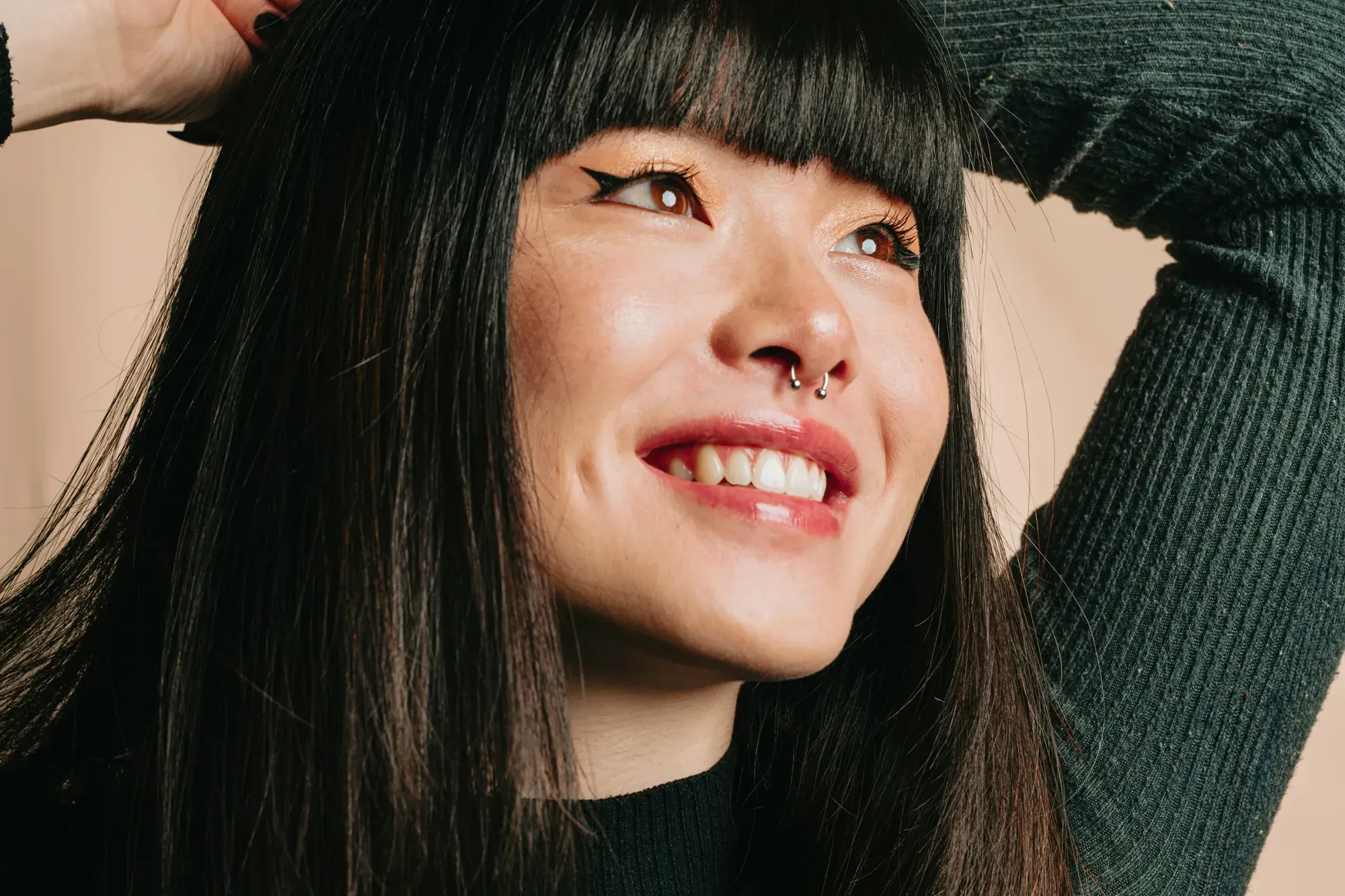
Skin tone correction is really a combination of several adjustments working together, not one single slider. It starts with white balance, which sets the overall color temperature and tint so that neutral tones in the frame actually look neutral. From there it involves exposure balancing, since underexposed or blown-out skin loses the subtle tonal variation that makes a portrait look natural. On top of that sits color grading, which fine-tunes hue and saturation in the skin tone range specifically, separate from the rest of the image, so a jacket or a background wall doesn’t shift the same way a face does.
Done well, this process should be invisible. A correctly graded corporate headshot doesn’t look edited. It just looks like the person looked in the room, minus the color cast from whatever light was actually falling on them. That invisibility is exactly why the process takes real attention. An editor has to compare each face against a mental reference of accurate human skin tone, adjust for the specific lighting that frame was shot under, and do it consistently enough that a gallery of two hundred people looks like it came from one coordinated shoot rather than two hundred separate experiments.
A Realistic Manual Editing Timeline
If you’re correcting corporate event images by hand in a tool like Lightroom, the timeline usually breaks into three phases. The first is culling, where you sort through everything shot and select the frames worth editing at all, which for a busy event can mean discarding a large share of the raw capture. The second is building a base correction for each distinct lighting setup in the venue, since the stage, the lobby, and the breakout rooms each need their own starting point rather than one preset applied everywhere. The third phase is the frame-by-frame pass, where you apply and fine-tune that base correction on each individual image, checking skin tone against the person in front of you rather than trusting the preset blindly. That third phase is where most of the time actually goes, because skin tone correction resists a pure copy-paste workflow. Even with a solid starting point per lighting setup, individual faces still need small adjustments for how the light hit them at that exact moment, whether they were standing near a window, under a spotlight, or in shadow from someone walking past. Multiply a few careful adjustments per image by a few hundred images, and the hours add up quickly, especially when a client wants the gallery back the next morning.
Mistakes That Add Hours to Your Edit Time
A few habits quietly stretch out the correction timeline more than photographers expect. The first is treating every image as its own project instead of grouping by lighting setup first. Without that grouping, you end up rebuilding the same correction logic dozens of times instead of reusing a base adjustment across a batch of similarly lit frames. The second is skipping a consistent workflow order, jumping between white balance, exposure, and color grading in a different sequence on every image, which makes it harder to build muscle memory and slows every single frame down slightly.
The third mistake is chasing perfection on images that will never be the client’s featured shots. Not every photo from a three-hundred-image event needs the same depth of manual attention as the two dozen images likely to end up on a website or in a press release. Spending equal time on every frame is a common reason event turnaround slips past a client’s deadline. The fourth is not maintaining any kind of personal style profile or preset library across events, which means starting from a blank slate every single time instead of building on decisions you’ve already made and refined.
How Batch AI Editing Changes the Math
This is exactly the kind of repetitive, high-volume correction work that batch AI editing is built to absorb. Instead of manually rebuilding a base correction for each lighting setup and then hand-tuning every face against it, a tool that applies AI-driven color, white balance, and tone correction across a whole batch can carry that consistency automatically across the entire gallery, then let you review and refine rather than build from zero on every frame. Imagen is a desktop app for Mac and Windows, with the AI processing in the cloud, built around exactly that workflow. You add a shoot, it applies consistent color, exposure, and tone correction across every image using a Personal AI Profile learned from your own past edits, and it also runs automatic, batch-wide retouching tools like natural skin smoothing, teeth whitening, and exposure blending that give you a strong, consistent starting point across the whole gallery rather than one frame at a time.
For corporate event photographers specifically, that shoot-wide consistency is the real time saver, because it removes the need to rebuild a correction from scratch for every lighting change in the venue. If you’re regularly delivering large event galleries and want to see how an AI skin smoothing app built for batch retouching fits into your turnaround, that’s the part of Imagen’s workflow worth testing on your own shoot. It’s worth being clear about what this does and doesn’t replace. Imagen is an editing tool, not a file backup or archive system, so you should still keep your own copies of the raw event capture. And it isn’t a substitute for the kind of hand retouching a dedicated retoucher does on a single hero image, like careful frequency-separation work on an executive portrait going on a printed annual report. What it does well is remove the repetitive, batch-level correction work that eats hours on a typical event gallery.
Building a Repeatable Workflow for Recurring Corporate Clients
If you shoot for the same company or agency repeatedly, the biggest time savings usually come from consistency between events rather than speed on any single one. A personal AI style profile that learns from your past edits means each new event benefits from every previous one, so the correction gets more accurate to your eye and to that client’s brand expectations over time rather than starting fresh every time. That’s especially valuable for corporate work, where a client often wants their internal brand photography, headshots, and event galleries to share a consistent look across the year, not just within a single event.
It also helps to standardize your culling and delivery process alongside the correction itself. Deciding in advance how many finished images a typical event needs, and which shots deserve extra manual attention beyond the batch pass, keeps the review stage from ballooning back into the same frame-by-frame slog you’re trying to avoid. Pairing a consistent batch correction step with a clear, repeatable review checklist is usually what separates a photographer who dreads event turnaround from one who has made it a predictable part of the job.
When Manual Retouching Is Still Worth the Time
Batch correction closes most of the time gap, but it isn’t meant to replace every kind of manual work. A handful of images from any event, usually the ones destined for a website hero, an executive bio, or a large printed piece, still benefit from a dedicated retoucher’s manual pass, including detailed dodge-and-burn or frequency-separation work that a batch pass isn’t built to do. The practical approach most event photographers land on is letting batch correction handle the full gallery for consistent, on-time delivery, then reserving true manual retouching for the small handful of images that will get the most visibility. That split keeps turnaround realistic without asking a repetitive batch tool to do a specialist’s job on the one image that needs it. For a general starting point on any shoot, Imagen’s homepage outlines how the batch editing workflow fits into a photographer’s existing process, including the new Studio where you cull, edit and export in one project.
What’s new in Imagen: Imagen is now an intelligent, agentic Studio for professional photographers, built so you can cull, edit, review and export in one project without waiting on a separate step. Edited photos arrive in batches as they process, which lets you review early frames while the rest finish, and the Assistant can find photos for you when you ask in plain language. The Studio is rolling out gradually as a beta.
Frequently asked questions
How long does skin tone correction take for a typical corporate event gallery? It depends heavily on venue lighting and gallery size. Events shot under one consistent light source correct faster than events that move between stage lighting, fluorescent rooms, and daylight, since each lighting change usually needs its own base correction before individual frames get fine-tuned.
Why does skin tone correction take longer at events than at portrait sessions? Portrait sessions usually happen under one controlled lighting setup with a smaller number of subjects. Corporate events combine multiple lighting environments with a much larger and more diverse group of people, which means more base corrections and more individual review per gallery.
Can batch editing replace manual skin tone correction entirely? Batch editing handles the repetitive, shoot-wide correction work well, but it isn’t meant to replace a retoucher’s manual attention on a small number of hero images that need detailed hand work, like an executive portrait going to print.
What does Imagen cost for correcting a large event gallery? Imagen’s pay-as-you-go pricing is based on the photos you export, so you can explore the tools on the whole event gallery for free and pay when photos leave Imagen.
