
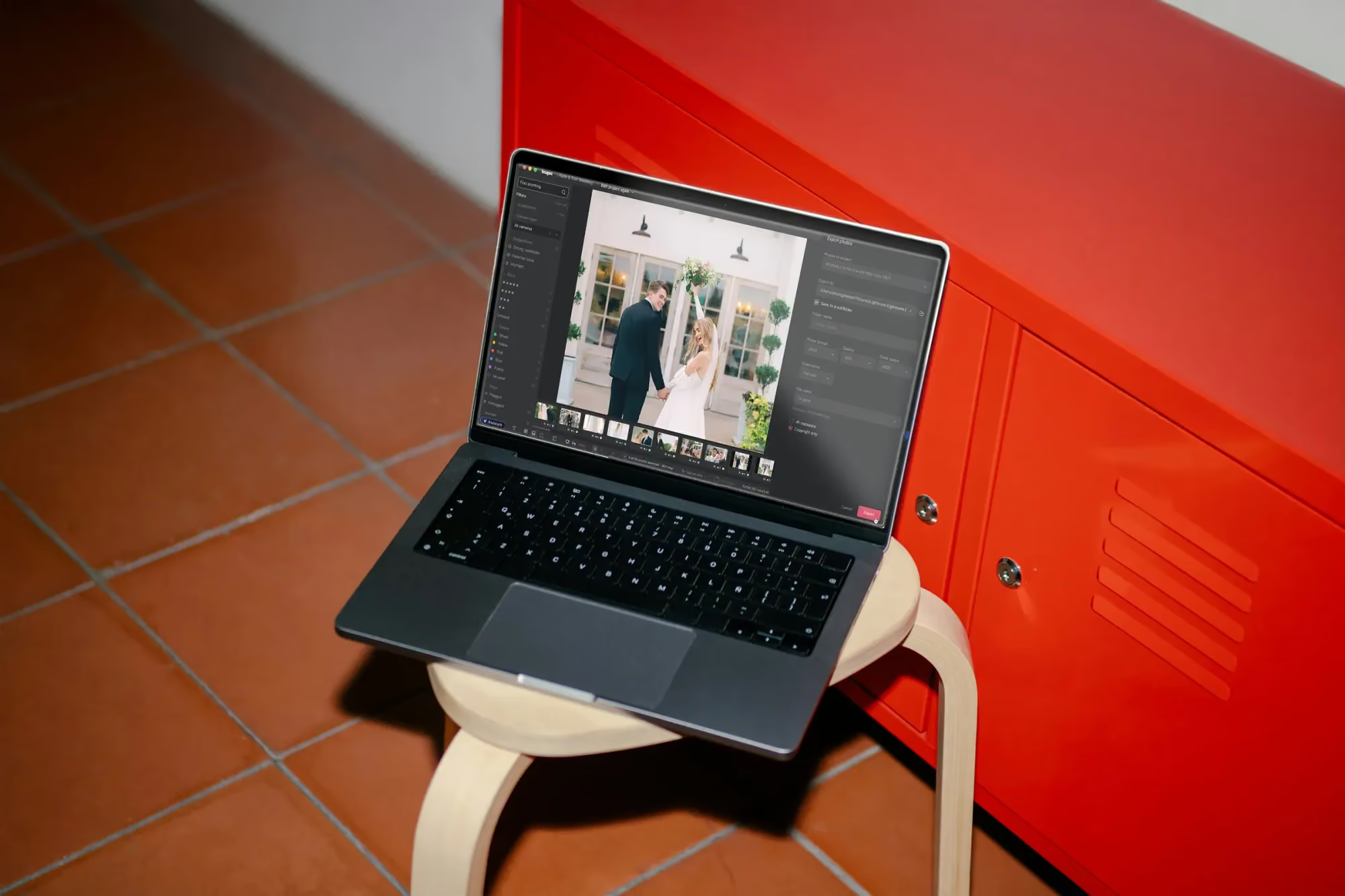
Keeping Creative Control While the Assistant Does the Legwork
Table of contents
Hand a repetitive task to automation and get more time for the parts of the job that actually need you: that is the trade the Studio is built around. The assistant can find photos and act on them in natural language, and Imagen’s AI Profiles can carry your editing style across an entire shoot, but neither one is meant to make the creative call for you. Here is how that split actually works in practice, and why it is built that way on purpose.
Think about a portrait session that ends with four hundred frames of the same family in slightly different poses. Somebody still has to decide which forty photos actually get delivered, and that decision depends on things no algorithm can weigh the same way a photographer can: who is mid-blink versus who looks natural, which pose feels most like the client, which shot has the expression that will end up framed on a wall. Automation can help you get to that decision faster. It should never be the one making it.

Automation should support your eye, not replace it
There is a version of “AI-powered editing” that quietly takes decisions away from the photographer: one style applied everywhere, one selection made for you, take it or leave it. That is not the model here. Imagen’s Personal AI Profile learns your editing style so the first pass looks like your work, not a generic preset, and every result stays fully editable afterward. The assistant works the same way: it finds and acts on photos based on what you ask it to do, but it is not deciding what the shoot should look like. That decision stays with you, from the first cull to the final export.
The practical effect is that automation removes repetition, not judgment. A hundred near-identical frames from a burst still need one person to pick the best one. Automation can get you to that hundred faster and even flag likely candidates, but the pick is still yours.
Where the assistant helps most
The assistant is at its best on tasks that are easy to describe but tedious to do by hand: pulling every five-star frame from a large gallery, finding the shots where a specific moment happens, or narrowing thousands of photos down to a working shortlist before you start a real review. Ask it in plain language, and it works through the gallery so you are not clicking through frames one at a time just to locate what you already know you want.
The Imagen assistant finding and editing photos from a plain-language request
It is honest about its limits, too, which matters for creative control. It knows what is in a photo, not where within the frame something is located, so it will not place a mask on a specific spot. It does not generate imagery of any kind, since Imagen only works with your real photos. And genuinely subjective requests, the kind two photographers might answer differently, are still a stretch for it. Those are exactly the calls that should stay with you anyway.
Consider a real case: two frames from the same handshake, both technically clean, one with a slightly more natural smile. Asking the assistant to “find the better handshake photo” is the kind of subjective call it is not built to settle, and it should not try to. Asking it to “find every photo from the handshake moment” so you can compare those two frames yourself is exactly the kind of request it handles well. The line between the two is the same line that keeps creative control with you.
There is also no voice input, so every request goes through text, and the assistant only works with real photos from your shoot. It does not generate any imagery of its own. That may sound like a restriction, but it is really a description of what the tool is for: finding and acting on what you already captured, not inventing anything you did not shoot.
Where your judgment still leads
A few tools exist specifically so the final look stays in your hands, not the algorithm’s:
- Manual sliders and a histogram for granular, real-time adjustments on any photo, whenever the automated pass is not quite right.
- Crop and straighten you can apply by hand after an AI batch pass, since composition is a creative decision, not a technical one.
- Versions, so you can branch a photo to try a different treatment without touching or losing the original.
- Presets you import from Lightroom or build yourself, which travel with you regardless of which tool did the first pass.
Because the AI tools and the manual tools live side by side in the same project, moving between an automated pass and a precise hand adjustment does not mean switching apps or breaking your flow. You can lean on automation for ninety photos and take the tenth one fully by hand, in the same session.
None of these tools are hidden behind a separate mode either. Familiar shortcuts and a layout close to what you already know keep the switch between automated and manual work quick enough that it does not feel like a switch at all. That matters more than it sounds: a control that takes thirty seconds to reach might as well not exist on a deadline day, and a control that is one keystroke away actually gets used.
Multiple AI Profiles, still your call
One underrated form of creative control is choosing which AI Profile runs where. You can apply more than one AI Profile to a selected set of photos in the same shoot: a black-and-white profile for a handful of dramatic frames, your standard color profile for the rest, for example. That takes some processing time rather than happening instantly, but the decision about which look goes where is entirely yours to make, frame by frame or set by set, not a single style forced across the whole gallery.
Reviewing before you commit
Eager editing means edited photos arrive in batches by timestamp as Imagen works through a shoot, instead of making you wait for the entire gallery to finish before you can look at anything. That matters for creative control, because you get to check the direction of an edit early and adjust course, whether that means trying a different AI Profile on the frames still processing or picking up the manual sliders in the built-in editor (Beta) on what has already come back. You are never locked into a result you only discover at the very end.
A quick example from a real session
Say you shoot a corporate headshot day with a dozen employees back to back. You apply your standard AI Profile across the whole batch so every result starts from a consistent, on-brand look. As the first few sets arrive, you notice one person’s frames need warmer skin tones than the profile is giving them, so you branch a version and adjust the manual sliders for just that set, without touching anyone else’s photos. Two employees asked for a black-and-white option for internal use, so you apply a second AI Profile to only those two sets. Everyone else exports straight from the first pass. The automation did the repetitive ninety percent. You made three specific calls, and the gallery reflects your decisions, not a single style forced on everyone.
A simple way to think about the split
It can help to write the rule down once and keep reusing it on every shoot, rather than re-deciding the boundary each time under deadline pressure. If you want a rule of thumb: let automation handle anything that is repetitive, describable, and would otherwise cost you scrolling or clicking time. Keep anything subjective, anything that involves comparing two similar options, and anything that defines the final creative direction of a gallery in your own hands. The assistant and your AI Profile are there to clear the busywork out of the way so that when a genuine decision comes up, you have the time and attention to make it properly, instead of arriving at it exhausted from everything that came before. If you want more detail on how the pieces fit together day to day, the valuable tips library walks through culling, editing, and delivery one topic at a time.
What’s new in Imagen: Imagen is now an intelligent, agentic Studio for professional photographers: a single project where you cull, edit, review, and export in any order, with you steering throughout. Edit in your personal style with a Personal AI Profile learned from your past edits, or choose a ready-made AI Profile, and look over the results before anything goes out. The Studio is rolling out gradually as a beta.
Frequently asked questions
Does the assistant make editing decisions for me?
No. It finds and acts on photos based on what you ask it in plain language, such as pulling five-star frames or locating a specific moment. The creative decisions, including which photos make the final selection and how they should look, stay with you from start to finish.
Will my AI Profile apply the same look to every photo automatically?
Your Personal AI Profile learns your editing style and applies it as a first pass, and you can apply more than one profile to different sets of photos in the same shoot rather than being locked into one look for everything. Every result stays fully editable afterward, so nothing is final until you decide it is.
What should I still do manually to keep creative control?
Anything subjective: choosing between similar frames, adjusting composition with crop and straighten, or fine-tuning a look with the manual sliders and histogram. Versions let you try alternatives without losing the original.
Can I mix automated and manual work in the same project?
Yes. AI tools and manual tools live side by side in one non-linear project, so you can rely on automation for most of a shoot and take specific frames fully by hand without leaving the project or switching tools.
Want automation that leaves the creative decisions to you? Start a project in Imagen’s new Studio and see the balance for yourself at imagen-ai.com.
