

Color grading software for newborn photography: A Complete 2026 Guide
Table of contents
- What color grading means in newborn photography
- Why newborn galleries live or die on consistency
- What to look for in color grading software for newborn work
- Batch grading a full newborn session with Imagen
- Culling the session before you grade
- Where grading stops and delicate skin work begins
- Building a reusable newborn style profile
- How to choose the right approach for your newborn workflow
- Frequently Asked Questions
- What is the best color grading software for newborn photography?
- How is color grading different from skin retouching for newborns?
- How much does Imagen cost, and is there a free trial?
- Can color grading software fix a soft or out-of-focus newborn photo?
- Why does consistency matter so much in a newborn gallery?
The best color grading software for newborn photography is the tool that gives an entire session one calm, consistent look without forcing you to touch every frame by hand. Newborn work is quiet, warm, and pale by nature, and clients expect a gallery that feels like a single soft mood from the first wrapped pose to the last family shot. This guide walks through what color grading actually means for newborn photographers, what to look for in the software, and how a batch-first workflow lets you deliver a tender, uniform set in a fraction of the time.
Color grading and delicate skin retouching are two different jobs, and it helps to keep them separate from the start. Grading sets the color, tone, and mood across the whole shoot. Fine skin work on the hero frame is a slower, per-image craft. The sections below explain where each one belongs so you can build a workflow that is both fast and gentle.
What color grading means in newborn photography
Color grading is the process of shaping the color and tonal character of your images so they carry a deliberate, repeatable look. For newborn photographers this usually means soft, creamy skin tones, gentle contrast, warm neutrals, and highlights that never blow out on a tiny cheek or a swaddle. It is different from a single quick fix on one photo. Grading is about the feel of the whole gallery.
A newborn session moves through several setups in one sitting. You might shoot a posed baby on a beanbag near a window, then a parent holding the baby against a darker backdrop, then a sibling shot in a brighter corner of the room. Each setup lands at a slightly different white balance and exposure. Grading pulls all of those back into one coherent story, so the family scrolls through a set that feels intentional rather than a mix of separate edits.
Why newborn galleries live or die on consistency
Consistency is the single most visible quality signal in a newborn gallery. A parent may not know the technical reason a set looks polished, but they feel it instantly when every image shares the same warmth and softness. When one frame drifts cool and green while the next runs warm and pink, the gallery reads as amateur even if each photo is technically fine on its own.
This is exactly why color grading software matters more than one-off editing for this genre. Newborn skin is delicate and reflective, and it picks up color casts from wraps, blankets, and nearby walls. Correcting those casts one photo at a time is slow and, worse, inconsistent, because your eye adapts as you work. Software that applies your grade evenly across the set removes that drift and protects the calm, uniform mood the work depends on.
What to look for in color grading software for newborn work
Not every editing tool is built for the newborn photographer who delivers full galleries. When you evaluate color grading software for this genre, a few capabilities matter far more than the rest.
Look for true batch grading, meaning the software can apply your color, tone, and white balance decisions across an entire session at once rather than one file at a time. Look for consistency across mixed lighting, so a window-lit pose and a shadowed parent shot come back matched. Look for the ability to save and reuse your look, so the warm, soft style you are known for carries forward to the next baby without rebuilding it. Look for RAW support, because newborn skin holds far more recoverable tone in a RAW file than in a JPEG. And look for a workflow that handles volume gracefully, since a single newborn session can still produce hundreds of frames once you count the parent and sibling variations.
It is also worth being honest about what grading software is not for. Deep skin retouching, compositing a baby from two frames into one safe pose, sharpening a soft capture, or merging bracketed exposures into a single high-dynamic-range file are separate jobs handled by different, specialized tools. Keeping those out of your grading step keeps the grading step fast.
Batch grading a full newborn session with Imagen
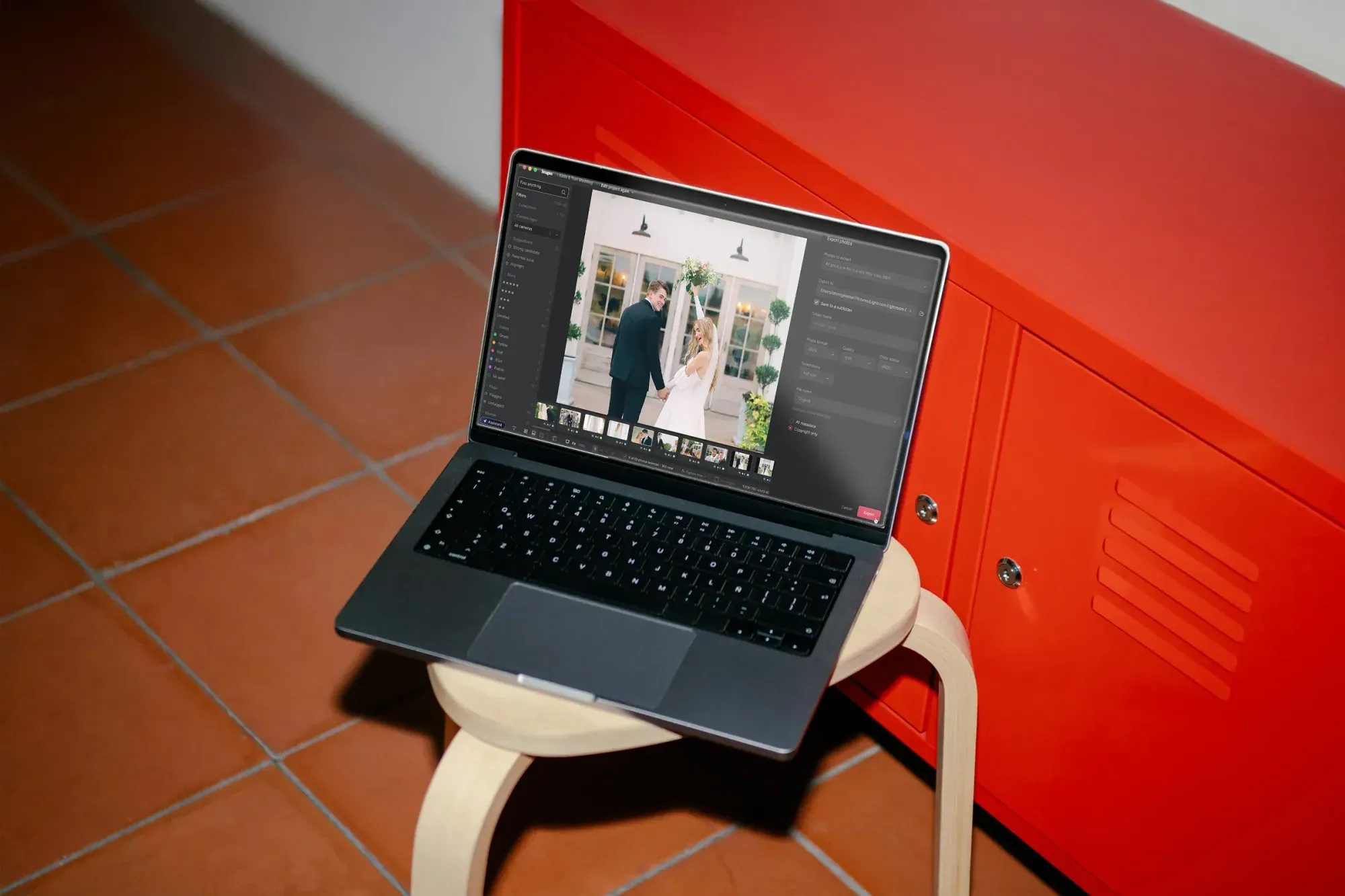
Imagen is a desktop app for Mac and Windows built for photographers who deliver whole shoots, and batch color and tone grading is exactly its core strength. You download and install it, and the AI processing runs in the cloud. You add a newborn session, and Imagen applies color correction, exposure balancing, and white balance across every frame in your own consistent style. The window-lit posed shots and the darker parent-and-baby frames come back looking like one gentle, coherent gallery instead of a patchwork. Its new Studio lets you cull, edit and export in one project.
The practical payoff is speed with control. The first batch finishes in under 10 minutes, which for a newborn shooter is the difference between grading during the baby’s next nap and grading late into the night. Edited photos arrive in batches as they process, so you can start reviewing early frames while the rest finish. Culling runs in the same flow, so a burst of nearly identical wrapped poses narrows down before you start scrolling. For the occasional frame that needs individual attention, the AI Assistant handles per-photo finishing such as object removal, so a stray pacifier or a bright outlet on the wall behind the beanbag can be cleared from a single image.
Pricing is pay-as-you-go: a monthly base fee plus a charge for the photos you export, and you see every edit in the gallery first, so you can run the grade on a real newborn session before you commit. Two honest limits are worth stating plainly. Imagen grades and finishes what your camera recorded, so it does not sharpen or deblur a soft capture, and it does not do deep frequency-separation retouching of a single frame or merge bracketed exposures into a single HDR file, though it does include AI smooth-skin and face-retouch tools for consistent cleanup. Those belong to the separate steps described below.
Culling the session before you grade
Newborn sessions generate quiet, repetitive frames on purpose. You shoot the same pose several times waiting for the baby to settle, relax a hand, or turn away from a shadow. That means the raw take is full of near-duplicates, and grading all of them is wasted effort.
Culling first is the smart order of operations. When your software narrows the burst of ten similar wrapped poses down to the two or three keepers before the grade runs, you grade fewer frames and deliver a tighter gallery. A batch tool that culls and grades in one pass, rather than making you export to a separate app and back, keeps the whole newborn workflow inside a single quick sitting.
Where grading stops and delicate skin work begins
Color grading gives you a beautiful, consistent base across the whole set. It does not replace the careful, close skin work that a hero image sometimes needs. Newborn skin can show peeling, redness, milia, or a bit of jaundice, and softening those areas convincingly is a per-image craft, not a batch operation.
For that work, a dedicated skin-retouching tool is the right hero. These specialized editors let you smooth and even out skin frame by frame with control, which is what a magazine-quality newborn portrait calls for. The healthy way to combine the two is sequential. Cull the session, apply your consistent batch grade across the entire gallery first, then hand the one or two frames that will be printed large or featured to a dedicated retoucher for the fine skin pass. The grade sets the mood for everyone, and the slow craft is reserved only for the frames that earn it. Heavier jobs such as compositing two frames into one safe pose, or merging a bracketed set into a single high-dynamic-range image, are likewise separate, specialized steps rather than part of the grade.
Building a reusable newborn style profile
The real long-term value of color grading software is that your look becomes repeatable. Newborn photographers build their brand on a recognizable style, whether that is airy and warm, soft and muted, or rich and creamy. If you rebuild that look from scratch on every session, the style drifts over time and clients notice.
Software that saves your grade as a reusable style profile solves this. Once your newborn look is captured, every future session starts from that same base automatically, so the gallery you deliver in March matches the one you delivered in January. This is where a batch-first tool like Imagen pays off across a whole year of work, because the consistency lives in the profile rather than in your memory or your mood on a given editing night. Your Personal AI Profile learns from your past edits in Lightroom Classic, and ready-made AI Profiles are there when you want another starting point.
How to choose the right approach for your newborn workflow
Start with the truth of how you actually shoot. If you deliver full newborn galleries and consistency across the session is the whole game, a batch-first color grading tool removes the bottleneck and gives you a uniform, tender set in one quick pass. If your priority on a particular image is flawless close-up skin, a dedicated retouching tool rewards the time you invest in that single frame. If a capture is soft or noisy, only a specialized detail tool addresses it, and even then within limits.
Most working newborn photographers end up running two tools rather than one. A common setup pairs a batch grader for the fast, style-consistent color across the whole session with a specialist retoucher for the rare hero frame that needs deep skin work. The point is not to crown one winner. The point is to match each tool to the job it does best, and to stop spending your evenings hand-matching color that software can grade in minutes.
For photographers who shoot more than newborns, the same batch-and-grade logic applies to other high-volume genres. See our guides on batch photo editing software for wedding photographers and photo culling software for wedding photographers, and if color is your focus, our companion piece on color grading software for wedding photography. You can also browse the full library of photography workflow tips for more on batch editing and culling.
What’s new in Imagen: Imagen is now an intelligent, agentic Studio for professional photographers, one project where you cull, edit, review and export in any order. For newborn color, apply your Personal AI Profile or a ready-made AI Profile across the session, then review early frames as edited batches arrive. Export finished files from Imagen, or send AI edits back to Lightroom Classic. It is rolling out gradually as a beta.
Frequently Asked Questions
What is the best color grading software for newborn photography?
The best option for most newborn photographers is a batch-first color grading tool that applies your consistent color, tone, and white balance across an entire session at once. Imagen is a strong fit because it grades a full shoot in your own style in under 10 minutes, culls near-duplicate poses in the same flow, and saves your look as a reusable profile so every future session starts from the same warm, soft base.
How is color grading different from skin retouching for newborns?
Color grading sets the color, tone, and mood across the whole gallery so every frame matches. Skin retouching is close, per-image work on a single hero frame, smoothing redness, peeling, or milia by hand. Grading is a fast batch job, while fine skin work is a slower craft. The healthy workflow is to grade the whole set first, then send only the featured frames to a dedicated retoucher.
How much does Imagen cost, and is there a free trial?
Imagen’s pay-as-you-go plan pairs a monthly base fee with a charge for the photos you export. You see every edit in the gallery before you export, so you can run the grade on a real newborn session before you pay for any export, and the pricing page has the current rates. Imagen also offers a free trial.
Can color grading software fix a soft or out-of-focus newborn photo?
No. Color grading shapes color and tone, but it cannot restore focus that was never captured. Imagen grades and finishes what your camera recorded and does not sharpen or deblur a soft frame, so a missed-focus capture needs a dedicated detail-enhancement tool, and even that has limits. The same applies to heavy compositing and to merging bracketed exposures into a single high-dynamic-range image, which are separate specialized steps.
Why does consistency matter so much in a newborn gallery?
Newborn skin is delicate and reflective, so it picks up color casts from wraps, blankets, and nearby walls, and each setup in a session lands at a slightly different white balance. Parents feel it immediately when one frame drifts cool while the next runs warm. Batch color grading applies your look evenly across every frame, which removes that drift and delivers the calm, uniform mood the work depends on.

