

Color grading software for ecommerce photography: A Complete 2026 Guide
Table of contents
- Why color accuracy is the whole game in ecommerce
- What color-accurate ecommerce grading actually requires
- How batch color grading keeps a whole catalog consistent
- Where background removal and heavy retouching belong
- Building a repeatable ecommerce color workflow
- How to choose color grading software for your store
- Frequently Asked Questions
Ecommerce photography lives or dies on color. A shopper who receives a sweater two shades warmer than the product page looks feels misled, and that gap drives returns, refunds, and lost trust. The right color grading software for ecommerce photography solves the problem at scale, keeping every product shot true to the real item and consistent with the rest of your catalog. This guide walks through what color-accurate grading actually demands, how batch tools keep a full catalog looking like one coherent store, and where separate steps like background work and deep retouching belong in the pipeline.
If you shoot for a store, a marketplace, or a brand, the core challenge is rarely one perfect image. It is hundreds or thousands of them, shot across different days, lights, and cameras, that all have to match. This guide is built around that reality, so you can match the software to the job you actually do.
Why color accuracy is the whole game in ecommerce
In editorial or wedding work, color is a creative choice. In ecommerce, color is a promise. When a customer buys a navy dress, a slate mug, or a walnut side table, the photo is the only reference they have before the box arrives. If the grade pushes the navy toward black or the walnut toward orange, the product looks wrong on delivery even when it is exactly right in person.
That is why ecommerce grading is judged against a different standard than any other genre. The goal is not a mood or a signature look. The goal is a neutral, repeatable, true-to-life rendering of the product, with white balance locked, exposure even, and the same tone applied to every variant in a line. Color grading software for ecommerce photography has to serve that discipline first, and any style you add sits on top of an accurate base.
What color-accurate ecommerce grading actually requires
A few technical needs separate ecommerce color work from everyday photo editing, and they shape which software fits.
The first is consistent white balance across a shoot. Studio strobes drift, daylight shifts through the afternoon, and a product moved between two setups can pick up two different casts. Good grading corrects those so a red is the same red on frame one and frame four hundred. The second is even exposure and tone, so a white background reads as clean white on every listing rather than gray on some and blown out on others. The third, and the one most stores underestimate, is catalog-wide consistency. A single beautifully graded hero shot means little if the twelve related images around it do not match.
The last requirement is speed that survives volume. A seasonal drop, a new supplier feed, or a full re-shoot can put thousands of frames in the queue at once. Software that grades one image elegantly but forces you to repeat every decision by hand does not scale to a real catalog. This is exactly where batch-first tools earn their place.
How batch color grading keeps a whole catalog consistent
The most useful category for ecommerce color work is batch editing software that applies your grade across an entire set at once. Instead of correcting each product photo alone, you define the look you want, accurate white balance, even exposure, true product color, and the tool carries that decision across every frame in the shoot. That is the difference between a catalog that looks like one store and a page that looks assembled from a dozen different shoots.
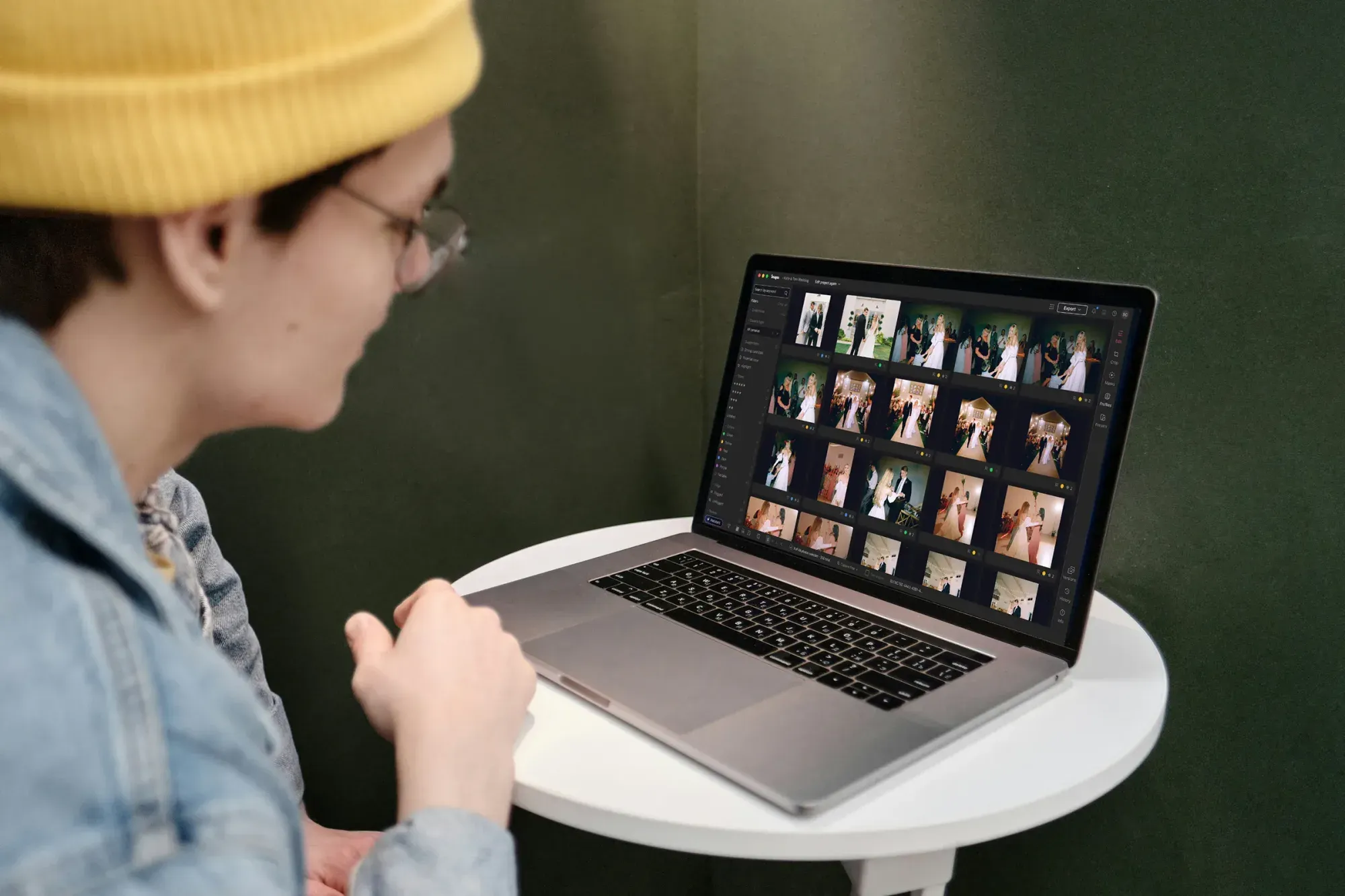
Imagen is a strong fit here. It is a desktop app for Mac and Windows built for photographers who deliver whole shoots rather than single hero images. You download and install it, and the AI processing runs in the cloud, which matters when you are turning around a large product drop on a deadline. The core is your Personal AI Profile: you point it at a full set and it applies color correction, exposure balancing, and white balance in your own consistent style across every frame. A product shot under warm morning light and the same product shot later under cooler studio strobes come back matching, so a category page reads as one coherent line rather than a patchwork. Edited photos arrive in batches as they process, so you can start reviewing early frames while the rest finish. Try Imagen’s new Studio, where you cull, edit and export in one project.
Culling runs in the same flow, narrowing the near-identical frames from a burst before you spend time scrolling. For per-frame exceptions, the built-in editor (Beta) lets you fine-tune the individual images that need extra care. Pricing is pay-as-you-go, a monthly base fee plus a charge for the photos you export, and you see every edit in the gallery first, so you can test the batch on a real product set before committing.
Two honest limits are worth stating plainly. Imagen grades and finishes what your camera actually recorded, so it does not generate product images from scratch, and it does not sharpen or deblur a soft capture. It applies a consistent, color-accurate batch grade and handles per-photo finishing, and within that lane, for catalog volume and color consistency, it is a genuine fit for ecommerce teams.
Where background removal and heavy retouching belong
Color grading is only one stage of the ecommerce pipeline, and it helps to keep the other stages clearly separate. Full background removal or replacement, dropping a product onto a pure white or a lifestyle scene, is its own task. Dedicated background tools and clipping-path services are built for that specific job, and they are the right pick when a marketplace demands a clean cutout on every listing. That is a separate step from grading, not something a batch color pass should be expected to do.
The same is true of deep retouching and detail recovery. Frequency-separation cleanup of a leather texture, careful removal of dust and fingerprints on a glossy surface, or compositing several exposures into one is manual, frame-by-frame craft that a layer-based editor handles best. Detail-enhancement tools that sharpen, denoise, or upscale a file, and true HDR bracket-merging that fuses multiple exposures, are also their own specialized categories. These jobs sit outside color grading, and treating them as separate steps keeps each stage doing what it does well.
The practical takeaway is a division of labor. Use a batch grading tool to lock accurate, consistent color across the whole catalog, use a background tool for cutouts, and hand the rare frame that needs heavy retouching or exposure merging to a specialist app. Trying to force one tool to do all four ends in compromises on every one.
Building a repeatable ecommerce color workflow
A workflow that survives volume tends to follow the same order every time. Start by shooting with color reference in mind, using a gray card or a color checker in the first frame of each setup so you have a known neutral to correct against. Consistent capture makes every downstream step easier and reduces the guesswork in grading.
Next, cull the set down to the keepers before you grade, so you are not spending edits on frames you will never publish. Then apply your batch grade, locking white balance, exposure, and true product color across the whole set at once, which is where a batch-first tool removes the bottleneck. After the grade is consistent, route the frames that need a clean cutout to your background tool, and send the rare problem frame that needs deep retouching or exposure merging to a specialist. Finishing in that order means color is settled and uniform before any per-frame work begins, so a late edit never breaks the match across your catalog.
The reward for a repeatable pipeline is not just speed. It is predictability. When every product line goes through the same steps in the same order, a new supplier feed or a seasonal refresh slots into a process you already trust rather than becoming a fresh scramble each time.
How to choose color grading software for your store
Start with your volume and your catalog size, because those two facts point straight at the answer. If you deliver large sets and consistency across a line is the whole game, a batch-first grading tool removes the bottleneck and keeps every listing matching. If you process a handful of hero images a month, a lighter single-file editor may be enough, though it will not scale when the catalog grows.
Then weigh how the tool fits the rest of your pipeline. The best setups keep grading, background work, and heavy retouching as separate, specialized steps rather than asking one app to do everything. Look for software that nails accurate, consistent color at volume, and pair it with dedicated tools for cutouts and detail work. Match each tool to the job it does best, and your catalog stays true to the product while your workflow stops wasting the hours a manual, frame-by-frame approach burns.
If your volume work overlaps with weddings or events, several related guides go deeper on the parts that eat the most hours. See our guides on batch photo editing software for wedding photographers, photo culling software for wedding photographers, and color grading software for wedding photography. You can also browse the full library of photography workflow tips for more on batch editing, culling, and color-accurate finishing.
What’s new in Imagen: Imagen is now an intelligent, agentic Studio for professional photographers, where you cull, edit, review and export inside one project, in whatever order the job needs. For color work, AI editing follows your personal style, a Personal AI Profile learned from your past edits, or you can start from a ready-made AI Profile. The Studio is rolling out gradually as a beta.
Frequently Asked Questions
What does color grading software do for ecommerce photography?
Color grading software corrects white balance, exposure, and tone so product photos render true to the real item and match each other across a catalog. In ecommerce the priority is accurate, neutral, repeatable color rather than a creative look, because the photo is the only color reference a shopper has before the product arrives. Batch tools apply that correction across a whole set at once so every listing stays consistent.
How does batch color grading keep a product catalog consistent?
Batch grading lets you define one accurate look, correct white balance, even exposure, and true product color, and apply it across an entire shoot instead of editing each frame alone. A product photographed under different lights on different days comes back matching, so a category page reads as one coherent store. Imagen does this with your Personal AI Profile and reports that the first batch finishes in under 10 minutes. When the look is approved, send the AI edits back to Lightroom Classic as XMP or export finished JPG, TIFF or PNG files straight from Imagen.
Can color grading software remove or replace backgrounds?
Background removal and replacement is a separate task from color grading, handled by dedicated background tools and clipping-path services built for clean cutouts. A batch grading tool locks accurate, consistent color across your catalog, and you route frames that need a pure white or lifestyle background to a specialized tool as a distinct step. Keeping the two stages separate lets each do what it does best.
How much does Imagen cost, and is there a free trial?
Imagen is pay-as-you-go: a monthly base fee plus a charge for the photos you export. You see every edit in the gallery before you export, so you can test the batch grade on a real product set before committing. Imagen also offers a free trial. It is a desktop app for Mac and Windows that you download and install.
Does color grading software fix blurry or noisy product photos?
Color grading and detail recovery are different jobs. Sharpening, noise reduction, and upscaling belong to specialized detail-enhancement tools, and true HDR bracket-merging that fuses multiple exposures is its own category. Imagen grades and finishes what the camera recorded and does not sharpen or deblur a soft capture, so a missed-focus or noisy frame needs a dedicated tool for that specific step.

