

Color grading software for automotive photography: A Complete 2026 Guide
Table of contents
- What color grading does for automotive photography
- Why consistency is the real challenge in a car shoot
- Batch color grading a full shoot with Imagen
- Cull the take before you grade
- Reusable style profiles for a signature automotive look
- Where dedicated tools take over
- How to choose color grading software for automotive photography
- Frequently Asked Questions
- What is the best color grading software for automotive photography?
- How do I keep car paint color consistent across an entire shoot?
- Can color grading software fix reflections or replace a car’s background?
- Does Imagen work with RAW files and how much does it cost?
- Should I use one tool or several for automotive editing?
Color grading software for automotive photography has one job that separates it from general photo editing: it has to keep paint, chrome, and interior trim looking true and consistent across an entire shoot. A dealership listing, a launch gallery, or a detailer’s portfolio can run to hundreds of frames shot under mixed light, and a red that reads crimson in one image and orange in the next quietly tells the buyer the photos are not to be trusted. The right software fixes that at scale, applying a single, deliberate look across every frame instead of forcing you to grade car after car by hand. This guide walks through what color grading actually does for automotive work, how to keep a full inventory consistent, and where a fast batch tool ends and a specialist app begins.
We will start with the fundamentals, move through batch grading and culling for high-volume car shoots, and finish with a clear framework for choosing the software that matches the work you actually deliver.
What color grading does for automotive photography
Color grading is the deliberate shaping of color and tone after capture. In automotive work it covers white balance so the paint reads accurately, exposure so the body panels hold detail instead of blowing out under showroom lights, and a consistent tonal curve so the whole gallery feels like one shoot. This is different from heavy retouching. Grading sets the mood and corrects the color of what your camera recorded, while retouching rebuilds pixels, removes reflections, or composites in a new sky.
Cars are unusually demanding subjects for color. Glossy paint acts like a mirror, so it picks up the color of whatever surrounds it, and metallic and pearlescent finishes shift hue as the light angle changes. A silver sedan photographed next to a red wall can pick up a warm cast that a buyer will notice immediately. Good grading software gives you control over these shifts and, more importantly, lets you lock in the correction so it repeats across every similar frame rather than being re-solved image by image.
Why consistency is the real challenge in a car shoot
The hardest part of automotive photography is rarely a single hero frame. It is delivering a hundred frames that belong together. An inventory shoot moves from a shaded lot to a sunlit forecourt to a fluorescent-lit indoor bay, and each lighting environment pushes color in a different direction. If you correct each image on its own, small differences accumulate, and the finished set looks uneven even when every frame is individually acceptable.
Consistency is also a commercial signal. Marketplaces and brand guidelines increasingly expect a uniform look across a listing or a campaign, and a coherent gallery reads as more professional and more trustworthy. That is why the most useful color grading software for automotive photography is built around repeatable, style-consistent editing rather than one-off adjustments. You define the look once, then apply it everywhere, and you only step in on the frames that genuinely need individual attention.
Batch color grading a full shoot with Imagen
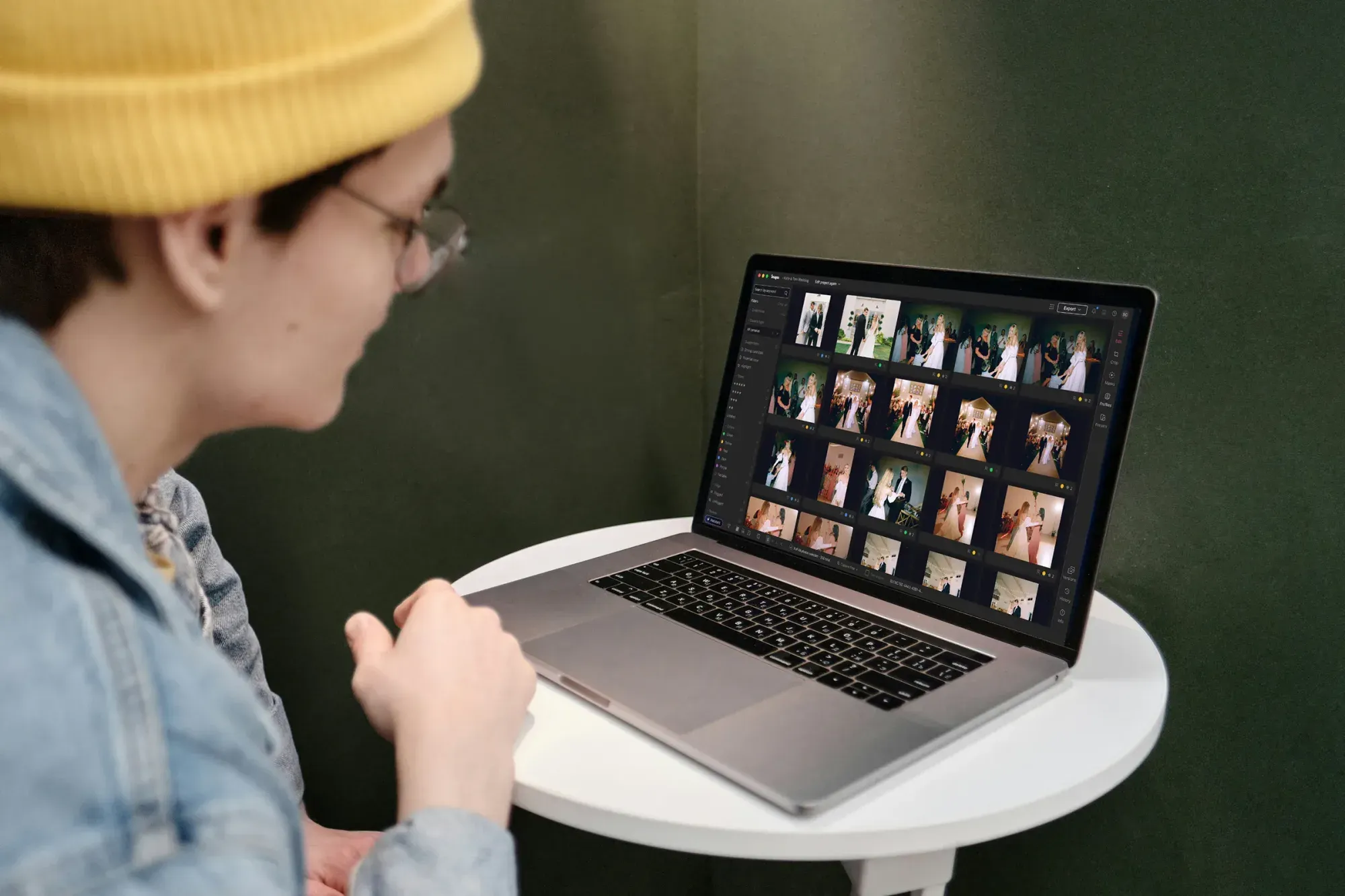
Imagen is now an intelligent Studio, a desktop app for Mac and Windows where you cull, edit, review and export in one project, built for photographers who deliver whole shoots rather than single images. It does not need a desktop catalog application running underneath it. You sign in, upload the shoot, and the AI processing runs in the cloud, which suits automotive photographers working through a busy inventory day.
The core of the tool is AI batch editing in your personal style. You point it at a full set of frames, and it applies color correction, exposure balancing, and white balance in your own consistent style across every image. A car shot in open shade and the next one shot under bright forecourt sun come back looking like one coherent gallery instead of a patchwork of separate edits. For automotive work this is the exact problem worth solving, because paint accuracy and a uniform tone across the inventory are what make a listing look credible. The first batch finishes in under 10 minutes, which is the difference between delivering tonight and grading all weekend.
Imagen works from your RAW files, so you keep the latitude to recover highlight detail in bright panels and open up shadowed wheel wells. Pricing is pay-as-you-go, with a monthly base fee plus a charge for the photos you export, and you see every edit in the gallery first, so you can test the batch on a real car shoot before committing.
Two honest limits are worth stating plainly. Imagen grades and finishes what your camera actually captured, including AI denoise for noisy frames. It does not sharpen or deblur a soft frame, it does not upscale, and it does not replace a background or composite a car onto a new plate. Within its lane, batch color and tone grading in a consistent style, it removes the biggest bottleneck in a high-volume automotive workflow.
Cull the take before you grade
Automotive shoots generate duplicates. You bracket exposures, you shoot the same angle several times to catch a clean reflection, and you fire bursts on rolling shots. Grading every one of those frames wastes time on images you will never deliver. Culling first, narrowing the near-identical frames down to the keepers, means your grading pass only touches the images that matter.
Imagen includes AI culling in the same flow as its batch editing, so the burst of ten near-identical frames narrows before you spend a second scrolling. For a fleet or inventory job, culling the take and then batch grading the survivors in one consistent style is the fastest path from card to finished gallery. It also keeps your costs honest, because you pay for the photos you export rather than the whole take, and you can skip AI culling and cull manually for free if you prefer.
Reusable style profiles for a signature automotive look
A recognizable look is part of an automotive photographer’s brand. Studio car work leans clean and neutral, editorial and lifestyle car photography often runs warmer and moodier, and dealership inventory usually wants bright, true-to-life color that shows the vehicle honestly. The advantage of style-consistent grading software is that you can define each of these looks once and reuse it.
With Imagen you build your look into a reusable style profile that applies across a whole shoot, so a client who books you for a recurring inventory refresh gets the same treatment every time without you rebuilding the grade from scratch. That repeatability is what turns grading from a nightly chore into a predictable, deliverable service. It also makes teamwork easier, because a shared profile keeps a second shooter’s frames matched to yours.
Where dedicated tools take over
Batch grading solves color and tone across the set, but automotive photography sometimes needs work that lives outside that lane, and it is worth naming those jobs honestly so you route them to the right software.
True HDR bracket merging is common in car interiors and showroom scenes, where you blend several exposures into one file to hold both the bright windows and the dark footwells. That merge is a distinct step handled by dedicated exposure-blending software, not by a batch color grade. Heavy retouching and compositing, such as replacing a cluttered background behind a car, removing a distracting reflection from a door panel, or dropping the vehicle onto a new location plate, belongs to layer-based editors and specialist retouching tools that give you pixel-level control. Recovering a soft frame through sharpening, reducing high-ISO noise from a dim indoor bay, or upscaling for a large print are jobs for dedicated detail-enhancement tools, and even those work within limits and cannot invent focus that was never captured. Correcting strong lens distortion or perspective on a wide-angle interior is a geometry task that dedicated correction tools handle best.
None of this competes with batch grading. The practical workflow is to cull the take, batch grade the whole set into a consistent look, and then hand the handful of frames that need a merge, a composite, or deep detail recovery to the specialist tool built for that job.
How to choose color grading software for automotive photography
Start with your volume and the kind of automotive work you deliver, because those two facts point straight at the answer. If you shoot inventory, fleets, or high-volume listings and consistency across the whole gallery is the entire game, a batch-first tool that applies one style across every frame removes the bottleneck and finishes the first pass fast. If your work is a single built composite or one immaculate studio hero frame, a layer-based editor or a specialist retoucher rewards the time you invest. If your problem is a soft or noisy capture, only a dedicated sharpening and detail tool addresses it, and even then within limits.
Also weigh how you work day to day. A desktop app with cloud AI processing, like Imagen, suits photographers who move between locations with a laptop, keeps the heavy lifting off your machine, and reads RAW so you retain editing latitude. A transparent, pay-as-you-go price lets you match cost to a variable inventory schedule instead of paying a flat subscription in slow months. Most working automotive photographers end up running two tools rather than one: a batch grader for the fast, consistent pass across the set, and a specialist app for the rare frame that needs a merge, a composite, or heavy detail work. The goal is not to crown a single winner. It is to match each tool to the job it does best and stop paying for the time your current workflow wastes.
If your volume work overlaps with events and weddings, or if culling is where your hours disappear, three practical guides go deeper on the parts that eat the most time. See batch photo editing software for wedding photographers, photo culling software for wedding photographers, and color grading software for wedding photography. You can also browse the full library of photography workflow tips for more on batch editing, culling, and consistent color.
What’s new in Imagen: Imagen is now an intelligent, agentic Studio for professional photographers, one project where you cull, edit, review and export in any order. Grade a car shoot with a Personal AI Profile learned from your past edits, then adjust by hand in the built-in editor (Beta), which has manual sliders, a histogram, and presets you can import from Lightroom. The Studio is rolling out gradually as a beta.
Frequently Asked Questions
What is the best color grading software for automotive photography?
For high-volume automotive work like inventory, fleets, and listings, a batch-first tool is the strongest fit because paint accuracy and a consistent look across the whole gallery matter more than any single frame. Imagen applies your consistent style across an entire shoot with your Personal AI Profile and culling in one desktop app flow, and the first batch finishes in under 10 minutes. For a built composite or a single studio hero image, a layer-based editor or a specialist retoucher is the better choice.
How do I keep car paint color consistent across an entire shoot?
Grade the whole set in one pass rather than image by image. Batch color grading software applies the same white balance, exposure, and tonal treatment across every frame, so a car shot in shade and one shot under bright sun end up matching. Correcting each frame on its own tends to drift, which shows up as an uneven gallery even when each image looks fine alone. A reusable style profile locks the correction in so it repeats on future shoots.
Can color grading software fix reflections or replace a car’s background?
No. Removing a reflection from a door panel or replacing the background behind a car is retouching and compositing work, which rebuilds pixels rather than correcting color and tone. Those jobs belong to layer-based editors and specialist retouching tools. Color grading, including batch tools like Imagen, corrects the color, exposure, and tone of what your camera actually captured and does not composite or replace elements.
Does Imagen work with RAW files and how much does it cost?
Yes, Imagen works from your RAW files, so you keep the latitude to recover highlights in bright panels and open up shadowed areas. It is pay-as-you-go, with a monthly base fee plus a charge for the photos you export. You see every edit in the gallery before you export, so you can test it on a real car shoot before committing.
Should I use one tool or several for automotive editing?
Many professionals use two. A batch-first tool like Imagen handles the volume by culling the take and grading the whole set into a consistent look, while a specialist tool takes on HDR bracket merging, compositing, or heavy sharpening when a single frame needs it. Match each tool to the job it does best rather than forcing one app to do everything.

