

8 Best AI Forest Photo Editing Software in 2026
Table of contents
Forest and woodland scenes push editing software harder than almost any other subject. Dense green foliage collapses into one flat tone, dappled light blows out highlights while shadows swallow the undergrowth, and a thin layer of mist can turn a rich scene into gray soup. On top of that, you usually shoot a series, so every frame needs to match in mood, color, and contrast. The right AI photo editing software helps you separate the greens, recover shadow detail, hold onto atmosphere, and keep a whole set looking consistent without hours of manual sliders. This guide walks through eight tools that handle forest work well, starting with Imagen, which learns your personal style and applies it across an entire shoot. Each entry is honest about what the tool does and who it suits, so you can match a workflow to the way you actually shoot.
Key Takeaways
- Imagen learns your Lightroom or Capture One editing style and applies it consistently across a full forest series, plus it culls and retouches in one connected workflow.
- Lightroom and Capture One remain the strongest catalog-based editors for color separation in greens and precise masking.
- Topaz Photo AI and DxO PhotoLab lead on noise reduction and detail recovery in low-light forest interiors.
- Luminar Neo and ON1 Photo RAW offer fast, atmospheric looks with AI masking that suits mist and mood work.
- Match the tool to your volume. High-frame series reward a style-learning workflow, while single hero frames reward manual pixel control.
1. Imagen
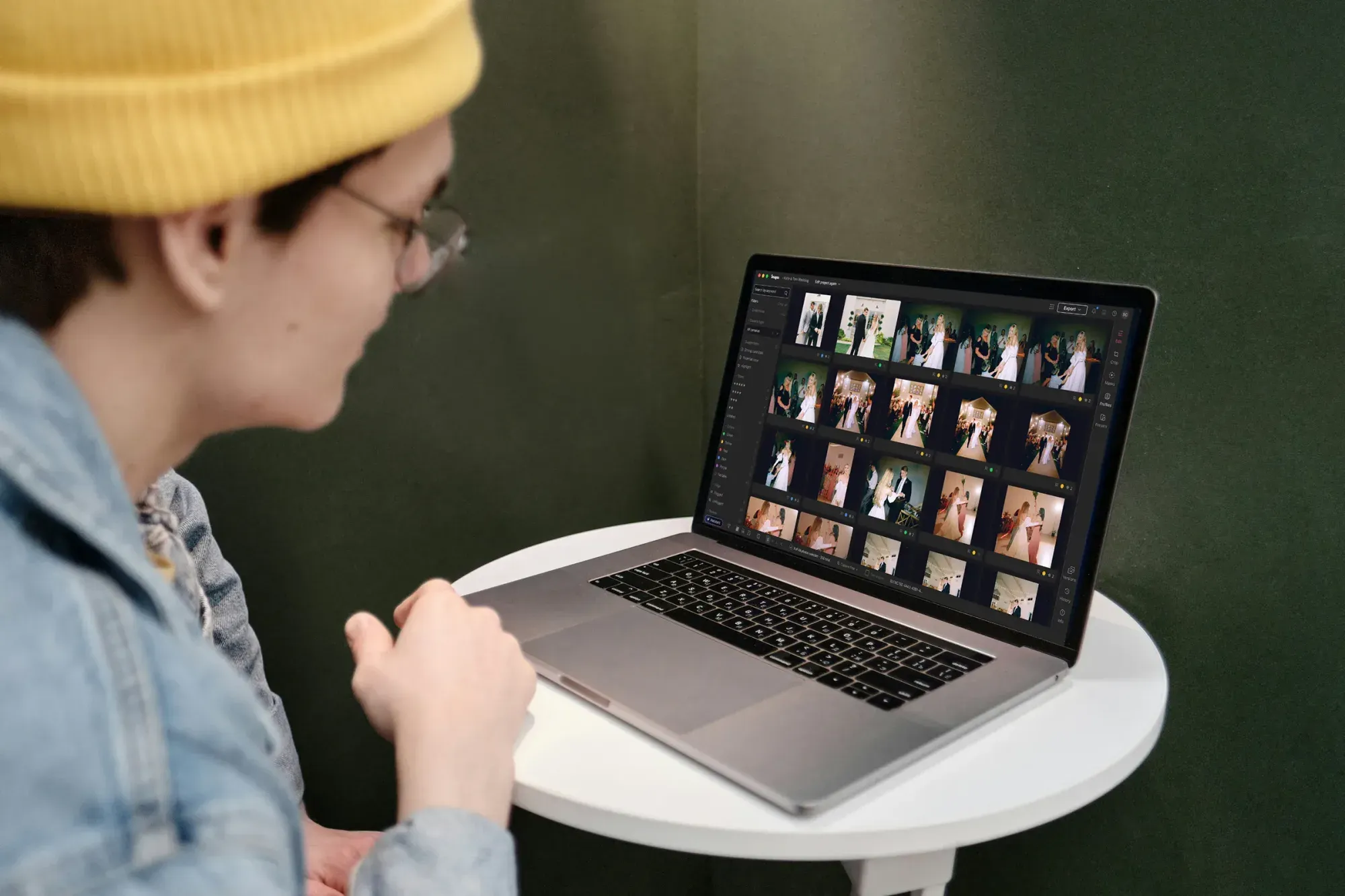
Imagen takes a different approach from the other tools here. Instead of giving you a fresh set of sliders and presets to fight, it learns how you already edit. You point it at your Lightroom or Capture One catalog, and it studies your past decisions on white balance, exposure, contrast, tone, and color. It then applies that personal style across an entire forest shoot, frame by frame, so a hundred woodland images come back looking like you edited every one by hand. For photographers who shoot long hikes or seasonal series, that consistency is the whole game. When you do want to adjust a frame by hand, the built-in editor (Beta) is there too.
Forest work benefits directly from this. Greens that need careful separation, mist that has to keep its softness, and shadow detail under the canopy all get handled the way you would handle them, because the AI is copying your taste rather than imposing its own. Imagen is not an image generator. It edits, culls, and retouches the real photos you shot. The AI culling picks the sharp, well-composed frames out of a large take, and the AI retouching cleans up distractions, all inside one connected workflow so you are not exporting between apps.
Pricing follows a pay on export model: pay-as-you-go photographers pay for the photos they export. You see every edit in the gallery before you export, so you can run a full forest shoot through and judge the results on your own images. That makes it easy to see whether the style learning holds up on tricky green and low-light scenes before you commit.
Imagen suits working photographers who deliver volume and want their series to look coherent without spending nights on the slider. It pairs naturally with a Lightroom or Capture One catalog, so you keep your existing library and let Imagen handle the heavy lifting. Start your free trial.
2. Adobe Lightroom
Adobe Lightroom is the default catalog editor for a large share of landscape and forest photographers, and for good reason. Its raw processing handles green foliage well, and the color mixer lets you pull apart the yellows, greens, and aquas that pile up in woodland scenes. That separation is what stops a forest from reading as a single wall of green. The masking tools, including select sky, select subject, and radial and linear gradients, make it straightforward to lift shadow detail under a canopy without lifting the whole frame.
For mist and atmosphere, the dehaze and clarity controls give you fine control over how much mood you keep or clear. Lightroom also syncs edits across selected images, which helps with series consistency, though it copies settings rather than learning your personal style. It runs on a subscription model and ties into the wider Adobe ecosystem, so it fits photographers who want cloud sync, mobile editing, and a deep preset market. It is a dependable all-rounder for forest work that rewards a bit of manual attention per frame.
3. Adobe Photoshop
Adobe Photoshop is the tool you reach for when a single forest frame needs to become a finished piece. Where Lightroom edits globally and with masks, Photoshop gives you pixel-level control, layers, and compositing. That matters for woodland photographers who blend exposures to hold both the bright sky through the trees and the dark undergrowth, or who want to build fog and light rays with careful dodging and burning.
Its AI features, including generative fill and neural filters, help remove distracting branches, hikers, or trail markers from an otherwise clean scene. Sky replacement can rescue a flat white sky behind a treeline, though forest work often calls for restraint there. Photoshop uses the same subscription structure as Lightroom and is usually bought alongside it. It is overkill for high-volume series editing, but for a hero shot that deserves real retouching time, nothing gives you more command over the final pixels.
4. Luminar Neo
Luminar Neo, from Skylum, leans into fast, atmospheric results with AI-driven tools. Its strength for forest photography is speed to a mood. The atmosphere tool can add realistic fog and depth to a woodland scene, which is handy when the mist you hoped for never showed up. AI-powered masking selects skies, foliage, and other elements automatically, so you can warm the light hitting the canopy or cool the shadows without drawing masks by hand.
The relight and enhance features lift shadow detail under trees quickly, which suits photographers who prefer a look-driven, less technical workflow. Luminar Neo is available as a one-time license or a subscription, and it can run standalone or as a plugin to Lightroom and Photoshop. It is a good fit for photographers who want an expressive, mood-first result on woodland scenes and value speed over granular manual control.
5. Topaz Photo AI
Topaz Photo AI focuses on image quality rather than creative grading, and that focus pays off in the forest. Woodland interiors are often dim, so you push ISO and end up with noise in the shadows. Topaz handles denoise and sharpening with models trained for exactly this kind of recovery, cleaning up grain while holding onto the fine texture of bark, needles, and leaves. That detail retention is what separates good forest noise reduction from the plasticky kind.
It also upscales, which helps if you crop tight into a dense scene and still want print resolution. Topaz Photo AI runs as a standalone app or as a plugin inside Lightroom, Photoshop, and Capture One, so it slots into a workflow rather than replacing it. It uses a one-time license with optional paid upgrades. Treat it as a quality specialist you run before or after your main edit, not as your primary grading tool.
6. Capture One
Capture One is the editor many color-focused photographers trust over Lightroom, and forest work is where its color engine shines. The advanced color editor lets you target and refine specific greens with real precision, which is exactly what a canopy full of overlapping tones demands. Its layers and masking are strong, and the tethering and catalog tools make it a favorite for photographers who want deliberate, high-quality output.
For shadow detail and highlight recovery in high-contrast woodland light, Capture One gives you controlled, natural-looking results. It offers both a subscription and a one-time license, so you can choose how you pay. The learning curve is steeper than Lightroom, but for photographers who care most about color accuracy in complex green scenes, that investment is worth it. Imagen can also learn from a Capture One catalog, so the two pair well for volume delivery.
7. DxO PhotoLab
DxO PhotoLab is known for two things that forest photographers care about, optical corrections and low-light detail. Its lens and camera profiles correct distortion and sharpness across the frame automatically, which keeps straight tree trunks straight and edges crisp. Its DeepPRIME noise reduction is among the strongest available, recovering clean detail from high-ISO shadows deep in the woods without smearing texture.
The local adjustment tools, including its control point system, let you lift specific areas of undergrowth or dial back a bright patch of sky through the trees. DxO PhotoLab uses a one-time license, which appeals to photographers who prefer to own their software rather than rent it. It is a strong technical base for forest raw files, especially when you shoot in dim conditions and need the cleanest possible starting point before you grade.
8. ON1 Photo RAW
ON1 Photo RAW bundles a catalog, raw editor, effects, and AI tools into one package, which makes it a flexible all-in-one for forest photographers who want variety without juggling apps. Its AI masking selects skies and subjects quickly, and its noise reduction and detail tools handle low-light woodland files well. The effects and preset stack make it easy to build an atmospheric, moody look on mist and dappled light.
ON1 works as a standalone editor or as a plugin to Lightroom and Photoshop, and it is available as a one-time license or a subscription. It is a practical choice for photographers who want a capable editor with a broad toolset at a friendly entry point, and who like experimenting with looks on their forest series. It does not learn your personal style the way Imagen does, but it gives you plenty of manual room to shape one.
Forest Photo Editing Software Compared
| Tool | Best for | Pricing model |
|---|---|---|
| Imagen | Consistent style across a full forest series, plus culling and retouching | Pay-as-you-go: pay on export |
| Adobe Lightroom | All-round catalog editing and green color separation | Subscription |
| Adobe Photoshop | Pixel-level retouching and compositing on hero frames | Subscription |
| Luminar Neo | Fast atmospheric looks and added fog | One-time license or subscription |
| Topaz Photo AI | Noise reduction and detail recovery | One-time license |
| Capture One | Precise color control in complex greens | Subscription or one-time license |
| DxO PhotoLab | Optical corrections and low-light detail | One-time license |
| ON1 Photo RAW | Flexible all-in-one editor with AI masking | One-time license or subscription |
How to Choose the Right Forest Photo Editing Software
Start with your volume. If you deliver large forest series and want every frame to match, a style-learning workflow like Imagen saves the most time and keeps your set coherent. If you mostly finish single hero frames, a pixel editor like Photoshop or a color-first editor like Capture One gives you the control those images deserve. Most photographers land somewhere in between and end up using two tools together.
Next, weigh your biggest technical problem. If low light and noise are your main enemy under the canopy, prioritize a strong denoise engine like Topaz Photo AI or DxO PhotoLab. If color separation in greens is the struggle, Capture One and Lightroom give you the finest control. If you want mood and fog quickly, Luminar Neo and ON1 Photo RAW get you there with less effort.
Finally, think about how you like to pay and where you already keep your images. Subscription tools fold into the Adobe ecosystem, one-time licenses suit photographers who want to own their software, and pay-as-you-go fits variable workloads. Because Imagen learns from an existing Lightroom or Capture One catalog, you can keep your current library and add style-based automation on top rather than switching everything. For a wider view across genres, see our guide to the best AI photo editing software for photographers, the best AI nature photo editing software, and the best AI mountain photo editing software. You can also browse the full valuable tips hub for more workflow guides.
What’s new in Imagen: Forest series reward a steady look, and Imagen is now an intelligent, agentic Studio for professional photographers, one project where you cull, edit, review and export in any order. Edited photos arrive in batches as they process, so you can start reviewing early frames while the rest finish, and AI filters such as blur help you set aside soft frames. The Studio is rolling out gradually as a beta.
Frequently Asked Questions
What is the best AI software for editing forest photos consistently?
Forest and woodland photography brings its own challenges, with dense greens, dappled light, and often low contrast to work around. If you shoot a high volume of forest work and want a consistent style applied automatically across the set, start with Imagen. Imagen offers a free trial, then you pay at export.
How do I separate the greens in dense forest photos?
Use an editor with a targeted color engine. Capture One and Lightroom both let you adjust specific green and yellow hues independently, which pulls apart overlapping foliage tones so the scene reads with depth instead of a flat wall of green. Adjusting luminance and saturation on individual color bands is the core technique.
Which tool handles noise best in dark woodland shots?
Topaz Photo AI and DxO PhotoLab lead on noise reduction. Both use AI models trained to clean high-ISO grain from shadows while preserving fine texture like bark and needles, which is exactly what forest interiors demand. You can run either as a quality pass before your main edit.
Do I have to leave Lightroom to use Imagen?
No. Imagen works with your existing Lightroom or Capture One catalog, so you keep your current library and workflow. It adds style-based automatic editing, culling, and retouching on top rather than replacing the software you already use. You can send AI edits back to Lightroom Classic or export finished JPG, TIFF or PNG files straight from Imagen.
Conclusion
Forest photography rewards software that respects both the technical challenge and the mood you are chasing. Lightroom and Capture One give you color control, Topaz and DxO give you clean detail, and Luminar Neo and ON1 give you fast atmosphere. If your priority is delivering a full series that looks like you edited every frame yourself, Imagen learns your style and applies it across the whole shoot while handling culling and retouching in one place. Run your own woodland set through Imagen’s new Studio, where you cull, edit and export in one project, with the free trial, and see how consistent your greens, shadows, and mist can look.

