

Batch photo editing software for travel photographers: A Complete 2026 Guide
Table of contents
- Why travel work needs batch editing more than most genres
- What batch photo editing software actually does
- Where Imagen fits for travel photographers
- The jobs batch editors do not do, and what handles them instead
- How to build a travel editing workflow that scales
- Choosing the right batch editor for how you travel
- Frequently Asked Questions
Travel photography produces a specific kind of backlog. One trip can span a sunrise over a desert, a blue-hour street scene in an old city, a shaded canyon at noon, and a dim restaurant interior, all shot across two weeks on a single card. The best batch photo editing software for travel photographers in 2026 is the software that pulls that scattered set into one coherent look without asking you to grade every frame by hand. This guide walks through what batch editing actually solves for a traveling shooter, where a dedicated single-image tool is the honest answer instead, and how to build a workflow that turns a whole trip around in an evening rather than a month.
The short version is this. If your problem is volume and consistency across mixed locations and light, a batch editor that learns your style and applies it to the entire trip is the tool that removes the bottleneck. If your problem is a soft frame, a noisy high-ISO capture, a tilted horizon, or a true bracketed HDR merge, those are separate jobs handled by separate, specialized tools. Knowing which bucket a task falls into is most of the battle.
Why travel work needs batch editing more than most genres
A studio photographer controls the light. A travel photographer accepts whatever the day gives them and keeps shooting. That freedom is the whole appeal of the genre, but it means your take is inconsistent by nature. White balance drifts from golden morning to overcast afternoon to warm tungsten indoors. Exposure wanders as you react to fast scenes. By the time you are home, you might have 1,500 to 3,000 usable frames that all need to feel like one body of work, even though no two were shot under the same conditions.
Editing that set one image at a time is where trips go to die on a hard drive. Batch editing flips the model. Instead of treating every photo as a fresh decision, you define your look once and let the software carry it across the entire trip, then step in only on the handful of frames that need individual attention. That is the difference between a gallery you deliver or publish this week and one that sits half-finished until the next trip buries it.
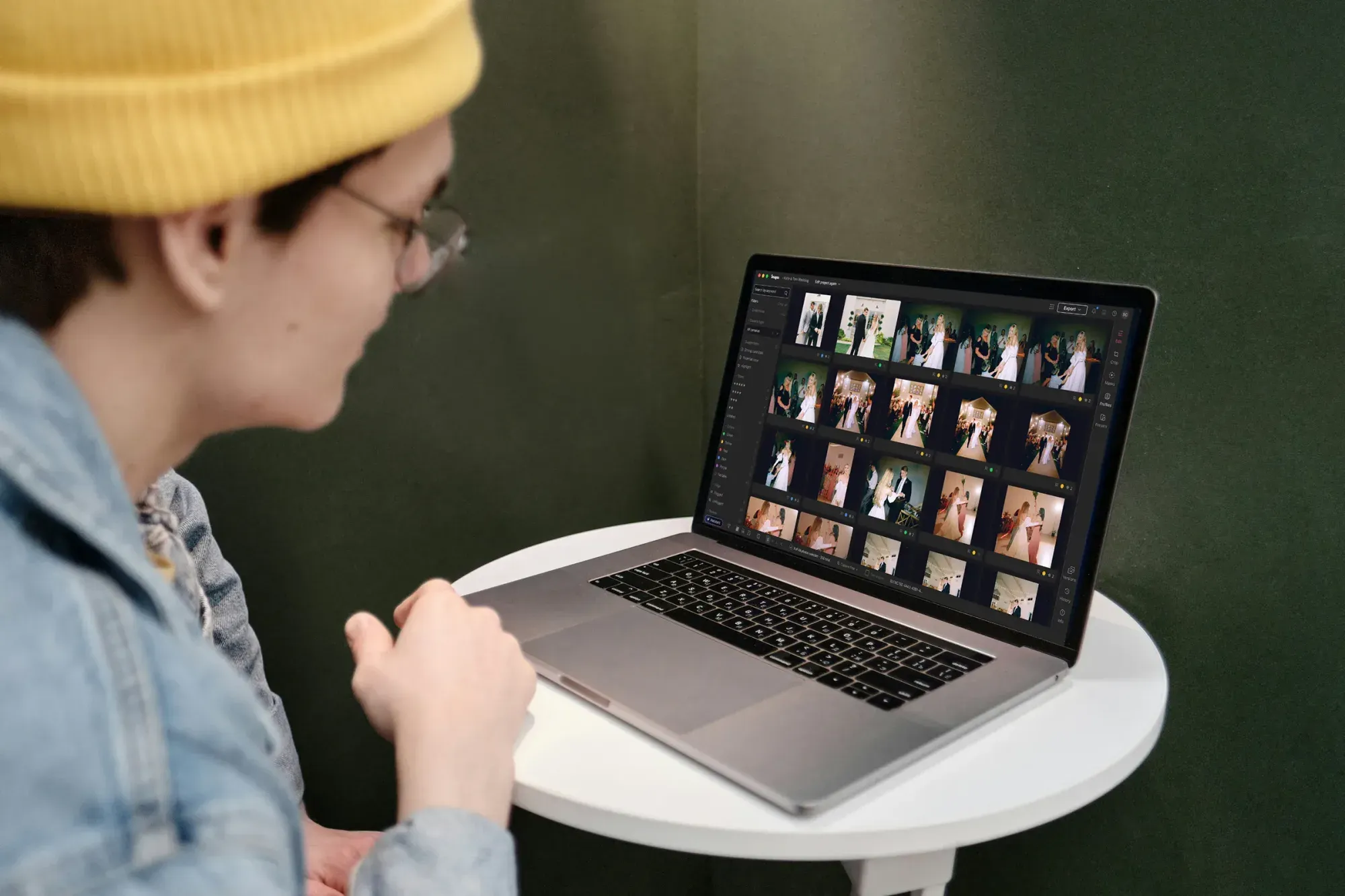
What batch photo editing software actually does
Batch editing covers a few distinct jobs that travel shooters lean on heavily. The first is culling, which means narrowing the near-duplicate runs you inevitably shoot when a scene is moving or the light is changing fast. You rarely need all nine frames of the same market stall, and a good culling pass surfaces the keepers so you are not scrolling through repeats.
The second job is consistent color and tone. This is the core of batch editing. The software applies color correction, exposure balancing, and white balance across every frame in your own style, so the shaded canyon and the tungsten-lit cafe come back looking like they belong in the same set. The third job is applying a reusable look, sometimes called a profile or a personal style, that stays stable from trip to trip so your travel work is recognizable as yours. Together these three jobs, culling, consistent grade, and a repeatable style, are what let one person process thousands of frames without flattening the images into a preset-stamped sameness.
Where Imagen fits for travel photographers
Imagen is a desktop app for Mac and Windows built for photographers who deliver whole shoots rather than single hero frames. You download and install it on your laptop, and the AI processing runs in the cloud, which matters when you are editing on the road or clearing a backlog the week you get home. It sits squarely in the batch-editing lane described above, and it now works as a Studio where you cull, edit and export in one project.
The center of Imagen is your Personal AI Profile. You point it at the full trip, and it applies color correction, exposure, and white balance in your own consistent style across every frame, so a set shot across mixed locations and light comes back as one coherent gallery instead of a patchwork. Culling runs in the same project, with AI culling or free manual culling, narrowing those near-identical bursts before you spend time on them. Imagen reports that the first batch finishes in under 10 minutes, and edited photos keep arriving in batches as they process, so you can start reviewing early frames while the rest finish. That is the practical line between editing tonight and editing all month. For the occasional frame that needs individual work, the AI Assistant handles per-photo finishing such as object removal and background or plate blur, so a stray tourist or a distracting bin can go without leaving the tool.
Pricing is pay-as-you-go, with a monthly base fee plus a charge for the photos you export. You see every edit in the gallery before you export, so you can run a real trip through it first. Two limits are worth stating plainly, because they route you to other tools below. Imagen does not sharpen or deblur a soft capture, and it does not upscale, though it does include AI denoise. It grades and finishes what your camera actually recorded, and within that lane, for volume and consistency across a whole trip, it is exactly the tool the genre asks for.
The jobs batch editors do not do, and what handles them instead
A consistent batch grade is not the same as pixel-level rescue work, and it helps to be clear about the boundary so you do not blame the wrong tool. Several common travel-editing tasks live outside batch editing entirely, and each has its own dedicated category.
Sharpening, noise reduction, and upscaling are their own discipline. When you push ISO in a dim temple or crop hard into a distant subject, a dedicated detail-enhancement tool uses trained models to recover detail and clean up grain, within limits, and it cannot invent focus that was never captured. Geometry and lens correction, meaning straightening a leaning building, fixing converging verticals in architecture, or removing wide-angle distortion, is handled by tools built for that specific correction. Sky replacement, where you swap a blown-out white sky for a dramatic one, is a compositing task that belongs to a tool designed for it, and it is a creative choice rather than a color grade. True HDR bracket-merging, where you combine several exposures of the same high-contrast scene into one file with full shadow and highlight detail, is a separate merge step handled by dedicated HDR software, and it is distinct from simply brightening a single frame.
None of these are failures of a batch editor. They are simply different jobs. The practical takeaway is that a healthy travel workflow usually runs a batch editor for the whole trip and reaches for one or two specialists only on the specific frames that need rescue, correction, a swapped sky, or a real HDR merge.
How to build a travel editing workflow that scales
Start by separating your trip into the volume pass and the exception pass, because those two need different tools and different amounts of your time. The volume pass is where a batch editor earns its place. Import the full trip, run culling to clear the near-duplicates, then apply your consistent style across everything so the entire set lands on one look in a single pass. For most travel galleries, that pass alone gets you most of the way to delivered.
The exception pass is the short list. After the batch, walk the set and flag the frames that need something batch editing does not provide. The noisy indoor shot goes to a detail-enhancement tool. The leaning cathedral goes to a geometry-correction tool. The blown-out sky over the coastline goes to a sky-replacement step if that is the look you want. The high-contrast canyon you bracketed goes to an HDR merge. Keeping this list genuinely short is the point, because the fewer frames you touch by hand, the faster the trip closes out.
Finally, protect your style so it survives from trip to trip. The value of a batch editor compounds when your look is stable, because next year’s trip inherits this year’s decisions instead of starting from zero. A reusable personal style is what keeps a growing travel archive recognizable as one photographer’s work rather than a folder of unrelated edits.
Choosing the right batch editor for how you travel
Match the tool to your volume and your delivery deadline. If you come home from every trip with thousands of frames and you want them consistent and finished fast, a batch-first desktop app like Imagen removes the bottleneck, with the built-in editor (Beta) available for the frames that need individual finishing. If you shoot lightly and process a modest set at a relaxed pace, you may not need batch tooling at all, and a single-image editor is enough. If your work leans heavily on rescue and correction, noisy captures, architectural geometry, dramatic sky swaps, or true HDR merges, budget for a specialist tool alongside your batch editor rather than expecting one app to cover both.
The honest answer for most working travel photographers is two tools, not one. A batch editor carries the whole trip to a consistent, delivered look, and a specialist handles the handful of frames that fall outside its lane. That pairing beats forcing a single app to do everything, and it beats the alternative most trips actually get, which is sitting unedited because the backlog felt too big to start.
For related workflow deep-dives, see our guides on batch photo editing software for wedding photographers, photo culling software for wedding photographers, and color grading software for wedding photography. You can also browse the full library of photography workflow tips for more on batch editing, culling, and consistent color across a shoot.
What’s new in Imagen: Imagen is now an intelligent, agentic Studio for professional photographers, one project where you cull, edit, review and export together. For batch work on the road, you can apply a Personal AI Profile learned from your past edits, or a ready-made AI Profile, to a selected set of photos and review early frames as each batch finishes processing. The Studio is rolling out gradually as a beta.
Frequently Asked Questions
What is batch photo editing software for travel photographers?
It is software that applies your editing decisions across an entire trip at once instead of one frame at a time. It handles culling to narrow near-duplicate shots, then applies consistent color, exposure, and white balance in your style across every image, so a set shot in mixed locations and light comes back looking like one coherent gallery. A tool like Imagen runs this batch from a desktop app for Mac and Windows, with the AI processing in the cloud.
Can batch editing software fix blurry, noisy, or tilted travel photos?
Partly. Batch editing handles color, tone, and consistency, not pixel-level rescue. Imagen includes AI denoise for noisy frames and AI straighten for a tilted horizon. A soft frame needs a dedicated sharpening tool, which improves capture quality within limits and cannot restore focus that was never there, and a leaning building needs a lens-correction tool. Imagen does not sharpen, deblur, or correct lens geometry, so those frames go to a specialist.
Is HDR bracket-merging part of batch photo editing?
No. True HDR bracket-merging combines several exposures of the same high-contrast scene into one file with full shadow and highlight detail, and it is handled by dedicated HDR software as a separate merge step. Batch editing applies a consistent grade across many different frames, which is a different task. If you bracket high-contrast scenes on your trips, plan to run those through an HDR merge before or after your batch grade.
How much does Imagen cost, and can I try it for free?
Imagen is pay-as-you-go, with a monthly base fee plus a charge for the photos you export. You see every edit in the gallery before you export, so you can run a real trip through it before committing, and you pay for the photos you export. Imagen also offers a free trial. It is a desktop app for Mac and Windows, so you download and install it before your first batch.
Do I need one editing tool or several for travel photography?
Most working travel photographers use two. A batch editor carries the whole trip to a consistent, finished look and handles culling and per-photo touch-ups, while a specialist tool takes on the frames that need heavy sharpening, noise reduction, geometry correction, sky replacement, or a true HDR merge. Matching each tool to the job it does best is faster than forcing a single app to do everything.

