

Batch photo editing software for landscape photographers: A Complete 2026 Guide
Table of contents
- Why landscape photographers need batch editing in the first place
- What a consistent batch grade actually does across a location set
- Where Imagen fits for landscape batch editing
- The landscape jobs that are a separate step, not batch editing
- Building a landscape workflow around batch and specialist steps
- How to choose batch editing software for landscape work
- Frequently Asked Questions
- What is batch photo editing software for landscape photographers?
- Can batch editing software merge bracketed exposures into HDR?
- Does batch editing handle focus stacking, sky replacement, or sharpening?
- How much does Imagen cost, and can I try it for free?
- Should landscape photographers use one tool or several?
Landscape work rarely ends with a single frame. A sunrise session at one overlook, a mid-morning hike to a waterfall, and a golden-hour return to the ridge can leave you with several hundred RAW files shot under light that shifted every twenty minutes. Batch photo editing software for landscape photographers exists to solve exactly that problem: it lets you cull the take and apply one coherent look across an entire location set, so the whole shoot reads as a single body of work instead of a folder of mismatched exposures. This guide walks through what batch editing actually does for landscape shooters, where it fits in your workflow, which jobs still belong to dedicated single-image tools, and how to pick the right setup for the way you shoot.
The short answer is that a good batch tool handles the repetitive grade across many frames, finishes the first pass in minutes rather than a weekend, and leaves your creative decisions intact. The longer answer, below, separates the parts a batch grader does well from the specialized steps such as focus stacking, sky replacement, deblurring, and true multi-exposure HDR merging that are better handled as their own step.
Why landscape photographers need batch editing in the first place
Landscape shooting produces volume in a way that surprises people who assume it is a slow, contemplative genre. You bracket for safety, you shoot multiple compositions at each stop, and you often return to the same scene as the light changes. By the end of a productive day you can easily have three or four hundred frames spanning cool pre-dawn blues, flat overcast midday, and warm low-angle evening light. Editing each of those by hand means re-deciding your white balance, contrast, and color treatment over and over, and the results drift no matter how disciplined you are.
Batch editing flips that math. Instead of grading frame by frame, you define the look once and let the software carry it across the set. The payoff is consistency and time. A gallery meant for a print series, a client license, or a travel feature needs to feel like one visual voice, and that is precisely what a consistent batch grade across the full location set delivers. This is the core reason landscape photographers reach for batch tools rather than treating every image as a standalone project.
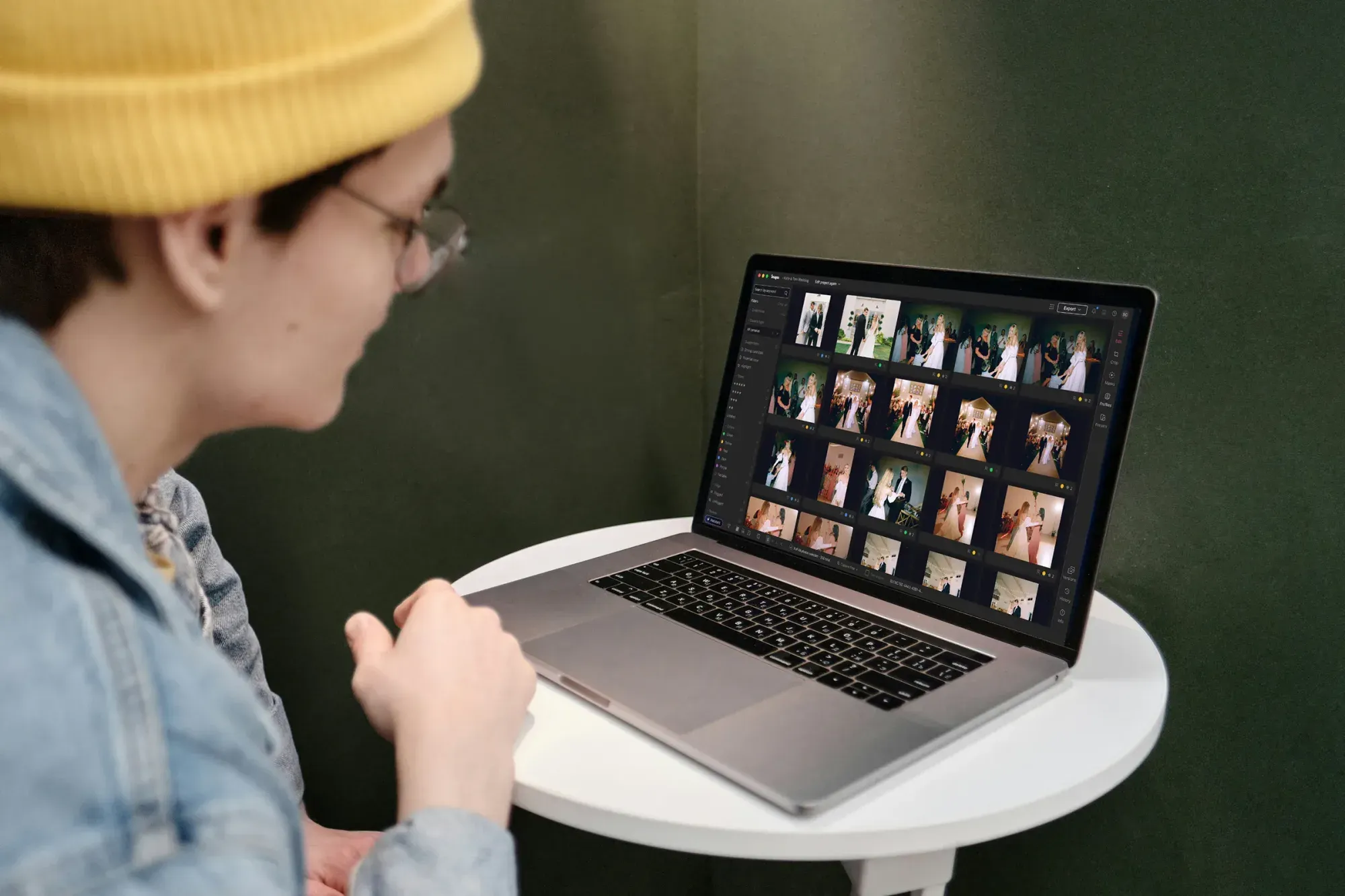
What a consistent batch grade actually does across a location set
A modern AI batch editor learns your editing style from your past choices, then applies color correction, exposure balancing, and white balance in that style to every frame you feed it. For landscape work this is the load-bearing feature. A meadow shot in open shade and a summit shot ten minutes later under breaking sun come back looking like they belong together, because the tool is matching them to your established look rather than treating each in isolation.
The practical effect is that the tedious eighty percent of the edit, the part that is the same repetitive decision on hundreds of frames, disappears into a single pass. You are left to spend your attention on the handful of hero frames that deserve individual care. That division of labor, batch for the set and manual for the exceptions, is the heart of an efficient landscape workflow, and it is why software framing beats a per-image mindset when your output is measured in full galleries rather than one wall print.
Where Imagen fits for landscape batch editing
Imagen is a desktop app for Mac and Windows built for photographers who deliver whole shoots, and its new Studio lets you cull, edit and export in one project. You download and install it, and the AI processing runs in the cloud. You add a location set, and your personal AI style applies color correction, exposure, and white balance across every frame. AI culling runs in the same project (or you can cull manually for free), so a bracketed burst of near-identical compositions narrows down before you spend time scrolling through duplicates. For a landscape shooter, that is the difference between delivering tonight and losing a weekend to the develop module.
Pricing is pay-as-you-go, with a monthly base fee plus a charge for the photos you export. You see every edit in the gallery before you export, so you can run a genuine location set through it and judge the consistency for yourself. For per-frame touch-ups, the built-in editor (Beta) and retouching tools let you finish the occasional hero image by hand.
It is worth being clear about the boundaries. Imagen grades and finishes the light your camera actually recorded across the whole set. It is the batch and consistency layer, not a detail-recovery or compositing engine. The next section covers the landscape-specific jobs that sit outside that lane and belong to a separate, dedicated step.
The landscape jobs that are a separate step, not batch editing
Several tasks that landscape photographers care about are genuinely different processes from applying a consistent grade, and it helps to route each to the right tool rather than expecting one batch pass to cover them. Treat the following as their own step in the pipeline:
True HDR from bracketed exposures. Merging a set of bracketed frames into a single high-dynamic-range image, or blending exposures by hand to hold both a bright sky and a shadowed foreground, is a dedicated exposure-merging job. A batch grader applies a look across finished frames; it does not fuse multiple exposures of the same scene into one merged file. For that, use a dedicated exposure-blending or HDR-merge tool as a distinct step, then send the merged result through your batch grade for consistency.
Focus stacking. Combining several frames focused at different distances to get front-to-back sharpness in a foreground-heavy composition is a specialized alignment-and-blend task. It belongs to a dedicated focus-stacking tool, not a batch color pass.
Sky replacement. Swapping a flat white sky for a dramatic one is a compositing operation. A dedicated sky-replacement or layer-based tool handles the selection, masking, and relighting that a convincing swap requires.
Deblur, denoise, and sharpening. Recovering a soft or missed-focus capture, cleaning high-ISO noise from a blue-hour frame, or sharpening for a large print are detail-enhancement jobs. Specialized tools use trained models to sharpen, denoise, and upscale within limits, and they cannot invent focus that was never captured. A batch grader does not attempt any of this, so keep a dedicated detail-enhancement tool in your kit for the frames that need it.
Geometry and perspective correction. Straightening converging verticals in a shot that includes architecture, or correcting heavy wide-angle distortion, is a targeted geometry step best handled by a dedicated lens-correction or transform tool.
None of these are failings of batch editing. They are simply different operations. The efficient approach is to run the specialized step where it is needed, then let the batch grade unify the entire set at the end.
Building a landscape workflow around batch and specialist steps
A workflow that respects those boundaries tends to look like this. First, import the day’s take and cull hard, dropping the safety frames, the blinks in a bracket, and the compositions that did not work. Second, run any specialist steps on the frames that need them: merge your bracketed exposures into HDR files, stack your foreground-sharp compositions, and hand any soft-but-precious frame to a detail-enhancement tool. Third, send the whole set, merged files and single frames alike, through a consistent batch grade so the gallery reads as one voice. Finally, do per-frame finishing on the few hero images that want an object removed or a small local adjustment.
The point of ordering it this way is that each stage does the job it is genuinely good at. You are not asking a batch grader to stack focus, and you are not hand-editing three hundred frames one at a time to chase consistency you could have applied in a single pass. Most working landscape photographers end up running two or three tools rather than one, and that is the correct answer, not a compromise. Match each tool to the job it does best and the backlog stops being the thing that limits how much you shoot.
How to choose batch editing software for landscape work
Start with volume and consistency, because those two facts point straight at the answer. If you deliver large galleries and a coherent look across a full location set is the whole game, a batch-first tool that applies your style in one pass removes the bottleneck and finishes the first pass in minutes. Look for genuine style learning rather than a fixed set of presets, since a preset cannot adapt a shade frame and a full-sun frame to the same intent the way a learned style can.
Then account for the specialist steps. Confirm which jobs your batch tool deliberately does not do, so you know where a dedicated HDR-merge, focus-stacking, sky-replacement, or detail-enhancement tool needs to slot in. A batch editor that is honest about its lane is easier to build a reliable pipeline around than one that promises to do everything and does several things poorly. Finally, test on a real shoot. Running an actual location set through Imagen will tell you more about whether the consistency holds than any feature list, because the only test that matters is whether the finished gallery looks like your work.
If your batch work leans toward events and clients as well as landscapes, two companion guides go deeper on the highest-volume genres. See batch photo editing software for wedding photographers and photo culling software for wedding photographers. For the color side of the workflow, color grading software for wedding photography covers how a consistent grade holds across a full set. You can also browse the full library of photography workflow tips for more on batch editing and culling.
What’s new in Imagen: Imagen is now an intelligent, agentic Studio for professional photographers, one project where you cull, edit, review and export together. For batch landscape work, apply your Personal AI Profile or a ready-made AI Profile across a location set, then review the early frames while later batches finish processing. When you are done, send AI edits back to Lightroom Classic or export finished files from Imagen. It is rolling out gradually as a beta.
Frequently Asked Questions
What is batch photo editing software for landscape photographers?
It is software that applies your editing style, color, exposure, and white balance, across an entire set of frames at once instead of one at a time. For landscape work it keeps a full location set consistent, so a shade frame and a full-sun frame taken minutes apart come back looking like one coherent gallery. Imagen does this from a desktop app for Mac and Windows, with AI culling in the same flow.
Can batch editing software merge bracketed exposures into HDR?
No, true HDR from bracketed exposures is a separate step. Merging or blending multiple exposures of the same scene into one high-dynamic-range file is handled by a dedicated exposure-merging tool, not by a batch grader. The efficient approach is to merge your brackets first, then send the merged files through a consistent batch grade so they match the rest of the set.
Does batch editing handle focus stacking, sky replacement, or sharpening?
Those are all separate, specialized jobs. Focus stacking, sky replacement, geometry correction, and deblurring or denoising a soft capture belong to dedicated tools built for each task. Imagen grades and finishes the light your camera actually recorded across the whole set, and does not stack focus, replace skies, or sharpen a missed-focus frame, so keep those specialist tools in your pipeline.
How much does Imagen cost, and can I try it for free?
Imagen is pay-as-you-go, with a monthly base fee plus a charge for the photos you export. You see every edit in the gallery before you export, so you can run a real location set through it and judge the consistency before committing, and you pay for the photos you export. Imagen also offers a free trial.
Should landscape photographers use one tool or several?
Most use several, and that is the right call. A batch-first tool applies your consistent grade across the whole set and finishes fast, while dedicated tools handle exposure merging, focus stacking, sky replacement, and detail recovery on the frames that need them. Match each tool to the job it does best rather than forcing one app to do everything.

