

The Complete Guide to AI Chinese Wedding Photo Editing in 2026
Table of contents
- What Makes Chinese Wedding Photos Hard to Edit
- Where AI Fits, and What It Does Not Do
- Step 1: Import and Back Up Your Take
- Step 2: Cull Fast With AI Culling
- Step 3: Build and Apply Your Style in Batch
- Step 4: Correct Color and Light Across Mixed Scenes
- Step 5: Retouch and Finish the Hero Frames
- Step 6: Export and Deliver the Gallery
- Choosing the Right Tool for Chinese Wedding Work
- Try Imagen on Your Next Wedding
- Frequently Asked Questions
- Conclusion
AI Chinese wedding photo editing means using tools that learn your style and apply it consistently across a full gallery packed with deep reds, gold accents, and mixed indoor light, so you skip the slow manual work. The fastest path in 2026 is to cull your take, batch-edit the whole set to your signature look, then finish the hero frames by hand. This guide walks through that entire workflow step by step, shows where AI saves the most time on the tricky red and gold tones, and names the tools worth knowing so you can match one to how you actually shoot and deliver.
What Makes Chinese Wedding Photos Hard to Edit
Chinese weddings put strong, saturated color at the center of the day. The bride’s qipao or cheongsam is usually a rich red, the qun kua carries heavy gold embroidery, and decor leans on double happiness symbols, red lanterns, and warm gold detailing. Red is famously difficult to photograph well, since it clips fast, shifts toward orange under warm bulbs, and can swallow fabric texture if you push saturation too hard.
The harder part is holding those colors steady across a long, multi-stage day. A single wedding often moves from a bright morning door game to a warm indoor tea ceremony to a dim banquet hall lit by mixed tungsten and colored stage lights. Every frame needs accurate skin tones and a red that stays true, and doing that by hand across 800 to 1,500 images is where the hours disappear. That consistency problem is exactly what AI batch editing is built to solve. For the creative side of these choices, our walkthrough on how to edit Chinese wedding photos with AI pairs well with the workflow below.
Where AI Fits, and What It Does Not Do
It helps to be clear about what AI editing actually is here. The tools in this guide edit, cull, and retouch the real photos you shot. They correct exposure, tame red, balance skin tones, match your style, clean distractions, and speed up the repetitive passes. They do not invent scenes, guests, dresses, decorations, or backgrounds, and they do not fabricate a wedding that did not happen. That honesty matters for wedding work, because the couple and their families are trusting you to represent their real day.
Imagen is a good example of this approach. It learns your personal editing style from your Lightroom or Capture One catalog, then applies that style consistently across a full shoot, and it adds AI culling and AI retouching in one connected workflow. It works on your actual captures rather than generating new imagery, so it edits and retouches the real photographed qipao, gold jewelry, banquet tables, and family portraits without inventing outfits, decor, or fake scenes. The red you dial in stays true to the moments you photographed.
Step 1: Import and Back Up Your Take
Start by pulling your cards onto a fast drive and creating an immediate backup before you touch anything. A full wedding is irreplaceable, so a second copy is non-negotiable. Import the raw files into your catalog, add the couple’s names and the date, and keep everything in one organized folder so your edits and exports stay tidy later.
A clean import sets up everything that follows. Use these basics on every wedding:
- Copy raw files to your working drive, then to a separate backup, before editing.
- Name the folder by couple and date so galleries never get mixed up.
- Shoot in raw for maximum latitude, which you need to recover clipped reds and hold detail.
- Note the tricky sections, such as the tea ceremony and the banquet, so you can treat them separately.
Step 2: Cull Fast With AI Culling
Culling is the first real time sink of any wedding. You might shoot 3,000 frames across the door games, tea ceremony, and banquet, then deliver 800, which means reviewing thousands of near-duplicates for focus, closed eyes, and expression. Doing this by hand can eat several hours before you have edited a single photo.
AI culling speeds this up by grouping similar shots, flagging blurry or closed-eye frames, and surfacing the strongest expressions so you make faster keep-or-cut calls. Imagen includes AI culling in the same workflow as its editing, so you move from a raw take to a clean selection without switching tools. You stay the final judge on every pick, but the sorting work is handled for you. You can also skip AI culling and cull manually for free. Tools such as Aftershoot also focus heavily on AI-assisted culling if that single step is your main bottleneck.
Step 3: Build and Apply Your Style in Batch
This is the heart of Chinese wedding editing and the step where AI saves the most time. Instead of adjusting each frame from scratch, you define your look once and apply it across the whole gallery. The goal is a cohesive set where every image shares the same white balance, tone, and color feel, with reds that stay rich but controlled and skin that reads natural against them.
The most powerful version of this is a personal style model. Imagen learns your style from your existing edited catalog, so it does not just apply a generic preset, it applies your creative choices. Once trained, it edits a full wedding to that look in minutes, holding your reds and gold tones steady from the bright morning to the dim banquet. Edited photos arrive in batches as they process, so you can start reviewing early frames while the rest finish. If you build looks by hand, Adobe Lightroom presets and profiles are the classic way to start a batch, and Capture One offers deep color grading control for photographers who prefer to shape tones manually. Aim for these targets when you set your style:
- A red that stays saturated but keeps fabric texture instead of clipping to a flat blob.
- Accurate white balance so warm bulbs do not push the qipao toward orange.
- Skin tones that stay natural and warm next to strong red and gold surroundings.
- Gold detailing that reads bright and clean rather than muddy or greenish.
For a deeper, section-by-section breakdown of building this look at scale, see our Chinese wedding photo editing workflow guide.
Step 4: Correct Color and Light Across Mixed Scenes
A Chinese wedding day moves through wildly different light. The door games are often bright and busy, the tea ceremony sits in warm indoor light with heavy red and gold in frame, and the banquet mixes tungsten bulbs with colored stage lighting during toasts and performances. Even with a strong batch style applied, some sections need a corrective pass so the whole gallery still feels like one set.
Group your images by lighting scene and check white balance and exposure per group. A good AI editor carries your style through while adapting exposure and color to each frame, which keeps a dim banquet from looking muddy and a bright ceremony from blowing out the dress. Pay special attention to red channel clipping, since a red qipao under warm light is the easiest thing to overexpose. The result you want is even color, controlled red, and skin tones that look right in every environment.
Step 5: Retouch and Finish the Hero Frames
Once the full gallery shares a consistent look, turn to the images that deserve extra care. These are the portraits, the tea ceremony with the parents, the key banquet moments, and the shots the couple will print. Light retouching keeps these natural while removing small distractions.
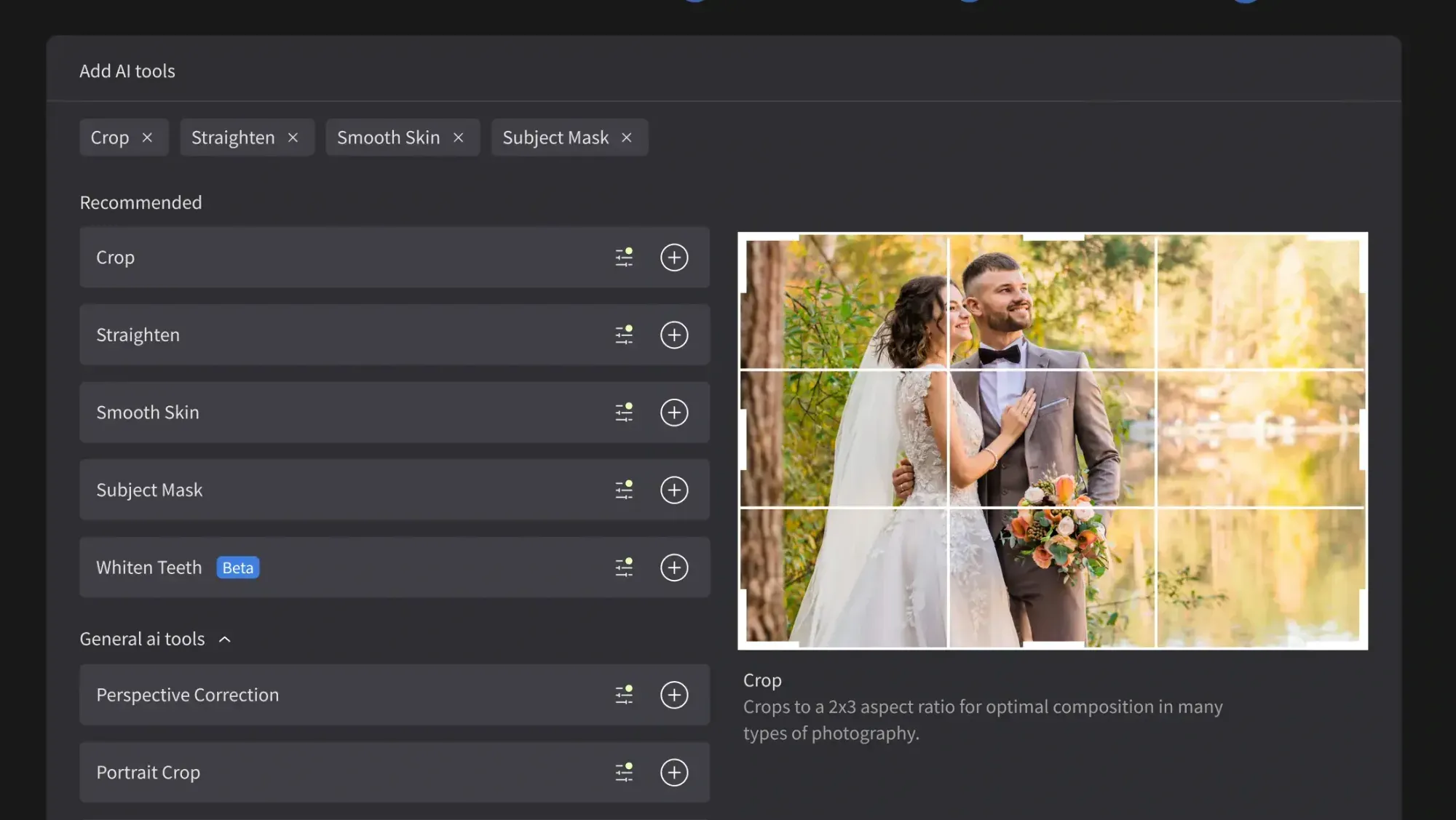
AI retouching handles the repetitive parts, such as smoothing skin gently, cleaning blemishes, and softening distractions, while keeping texture realistic. Imagen includes AI retouching in the same connected workflow, so you finish hero frames without exporting to a separate app, and the built-in editor (Beta) covers quick sliders, crop and straighten. Keep your retouching honest and subtle, so portraits look real rather than heavily airbrushed. Focus your finishing time on:
- Gentle skin cleanup that keeps natural texture and avoids a plastic look.
- Removing stray distractions, such as a bright exit sign or a cluttered banquet background.
- Cleaning reflections and glare on gold jewelry and embroidered detailing.
- Final crops and straightening on the frames you know will be printed large.
Some photographers still take their top few images into Adobe Photoshop for detailed compositing or complex cleanup, and that pass fits naturally at the end once the batch work is done.
Step 6: Export and Deliver the Gallery
With editing and retouching finished, export your gallery in the right sizes for the couple. Deliver high-resolution files for printing and web-optimized versions for sharing online, and keep your color settings consistent so the reds and gold tones you crafted survive on screens and in prints. Sequence the gallery to tell the story of the day, from the morning door games through the tea ceremony to the banquet celebration.
This is also where a fast AI workflow pays off most. When culling, batch editing, and retouching all happen in one connected process, you can deliver a full wedding in a fraction of the time a manual edit takes, which means happier couples and room for more bookings. You can export finished JPG, TIFF or PNG files straight from Imagen, or send the AI edits back to Lightroom Classic as XMP. To keep learning, browse more tutorials and comparisons on the Imagen photography tips hub.
Choosing the Right Tool for Chinese Wedding Work
Start with your biggest bottleneck. If culling thousands of frames is what wrecks your week, a tool built around AI culling helps most. If you want your finished look applied automatically and your evenings back, a personal style editor that batch-edits the whole set is the bigger win. Many wedding photographers combine approaches, using a manual editor like Adobe Lightroom or Capture One for control and an AI batch tool for speed.
Imagen fits high-volume Chinese wedding work well because it connects culling, personal-style batch editing, and retouching in one place, and it learns your look rather than forcing a generic preset. Pricing is pay-as-you-go, so you pay for the photos you export. That structure ties your cost directly to what you deliver, which suits the uneven pace of wedding season. Sliders, crops, and masks you do yourself are always free. Compare tools on real weddings before you commit, since the right fit is the one that matches how you shoot, cull, and finish.
Try Imagen on Your Next Wedding
If a rich, consistent Chinese wedding gallery delivered in a fraction of the usual time sounds good, this is the easiest way to feel the difference. Imagen learns your personal style, culls and edits a full wedding to that look, and helps you retouch the hero frames in one connected workflow. Start a free trial, run a real wedding through Imagen’s new Studio, where you cull, edit and export in one project, and see how much time you get back.
What’s new in Imagen: Imagen is now an intelligent, agentic Studio for professional photographers, one project where culling, editing, review and export happen together. Run AI culling on a big Chinese wedding take, or skip it and cull manually for free, then let your Personal AI Profile, learned from your past edits, carry your look across the keepers. It is rolling out gradually as a beta at Imagen.
Frequently Asked Questions
What is the fastest way to edit Chinese wedding photos with AI?
The fastest workflow is to cull with AI, apply your personal style to the whole gallery in batch, then finish only the hero frames by hand. A tool that learns your style and edits a full wedding in minutes removes the slowest steps, and you still keep final control over your selections, your reds, and your finishing.
How do I keep red qipao and gold tones accurate?
Set a target that keeps red saturated without clipping and holds accurate white balance so warm bulbs do not push it orange. A personal style AI editor applies that target across every frame and corrects by lighting scene, so the qipao and gold detailing stay true from the tea ceremony to the dim banquet.
Does AI editing invent or fake parts of the photos?
The tools in this guide edit the real photos you shot rather than generating new scenes. Imagen corrects color, matches your style, culls, and retouches your actual captures, and it does not invent guests, dresses, decorations, or backgrounds. That keeps your wedding gallery an honest record of the real day and the real people in it.
Can I still edit by hand after using AI?
Yes, and most photographers do. AI handles culling and the consistent batch edit, then you refine the frames that matter most. You can take top images into a manual editor for detailed work, so the AI pass saves hours while you keep full creative control over the finished look.
Conclusion
Chinese wedding editing lives or dies on rich, controlled reds and consistent color held across a huge gallery, and that is exactly the work AI is built to speed up. The workflow is clear: back up your take, cull fast, apply your personal style in batch, correct color across mixed scenes, retouch the hero frames, and export a gallery that tells the story of the day. Imagen brings culling, style-matched batch editing, and retouching into one connected process that works on your real photos, so you deliver faster without losing your signature look. Start a free trial on your next wedding, and see how much of your evening you get back.

