

Building a Faster Image Cropping Workflow for Headshot Photographers
Table of contents
- Building Faster Image Cropping Workflow for Headshot Photographers
- Why cropping is the hidden bottleneck in headshot delivery
- Start the workflow in camera: frame loose and consistent
- Standardize your crop rules before you touch a single image
- Crop the whole batch at once instead of frame by frame
- Fold cropping into one delivery pipeline
- How Imagen removes the cropping bottleneck
- What a cropping workflow does not cover
- Frequently asked questions
Building Faster Image Cropping Workflow for Headshot Photographers
For headshot photographers, cropping is rarely the creative part of the job, yet it quietly eats more time than almost anything else after the shoot. A corporate roster of 40 faces, an acting agency batch, or a conference speaker set all arrive with the same demand: every image needs consistent head-and-shoulders framing, the eyes in the same place, verticals that stand straight, and one uniform aspect ratio across the whole group. The fastest workflow is not the one where you crop faster by hand. It is the one where you crop once at the batch level, standardize the rules up front, and let an automated step apply that same framing to every frame while you move on to selects and delivery.
This guide lays out a headshot cropping workflow built for speed and repeatability, from how you frame in camera to how you standardize crops across a roster to where the manual nudging disappears entirely. The point is not to teach you how to crop a single face well, which most working photographers already know, but to remove the bottleneck that shows up when you have to crop the fortieth face exactly like the third one, session after session, without your eye drifting or your evening vanishing.
Why cropping is the hidden bottleneck in headshot delivery
Most headshot photographers underestimate how much of their post-production clock the crop actually consumes. Each individual crop feels quick, a few seconds of nudging a box, so it never registers as a problem. Multiply those few seconds across a full team shoot, add the mental effort of matching each new frame to the ones before it, and the crop quietly becomes one of the longest repetitive tasks in the pipeline.
The reason is uniformity. A single portrait can be cropped by feel, but a headshot set has to look like one cohesive body of work. When 40 employees land on the same About page, or 200 actor headshots go into an agency database, the grid only looks professional if every face sits in the same relative position with the same headroom and the same aspect ratio. Achieving that by hand means holding a mental template across hundreds of images while your attention slowly fatigues. By frame 150 your crops no longer match frame 5, and the drift is visible the moment the client tiles them together.
A faster workflow attacks this at the source. Instead of trying to reproduce the same crop hundreds of times through willpower, you define the framing rules once and apply them mechanically to the entire batch. The individual crop stops being a decision you make repeatedly and becomes a standard you set a single time.
Start the workflow in camera: frame loose and consistent
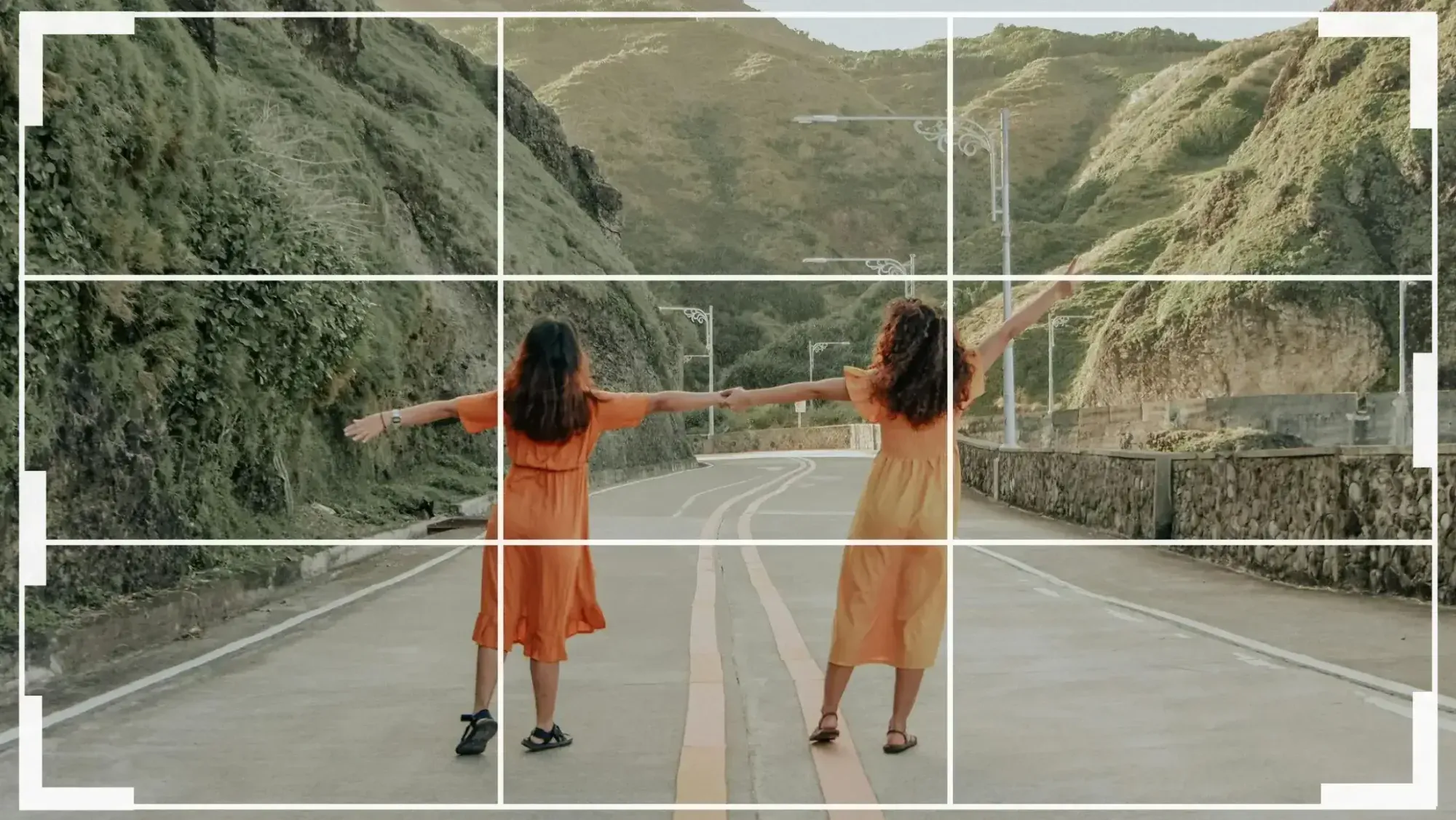
Speed in cropping begins before you ever open an editor. How you frame at capture decides how much crop work is left afterward, so the first step in a fast workflow is to shoot with the crop already in mind. For headshots, that means framing a touch looser than your tightest intended delivery and keeping your camera-to-subject distance and framing consistent from one sitter to the next.
Framing slightly loose gives you room to produce more than one aspect ratio from a single frame without running out of pixels. Corporate clients routinely want a square for the directory grid and a 4:5 vertical for LinkedIn from the same session, and actors need the 8x10 with a set amount of chest showing. If you frame perfectly tight in camera, you have nothing left to give when a client suddenly needs a wide banner crop for an event page. A little breathing room at capture is cheap insurance that saves you a reshoot later.
Consistency at capture matters just as much for speed. If every sitter is framed at roughly the same distance with the same head position, an automated crop step has a predictable subject to work from and your results come out uniform with far less correction. When your in-camera framing wanders, you push all that variance downstream into cropping, which is exactly where you are trying to save time.
Standardize your crop rules before you touch a single image
The core of a fast cropping workflow is a written standard, not a faster mouse hand. Before you crop anything, decide the rules that will govern the entire set, then hold to them without renegotiating on every frame. For headshots, a workable standard covers four things: eye placement, aspect ratio, tightness, and vertical alignment.
For eye placement, a common starting point puts the eyes along the upper third of the frame, roughly a third of the way down from the top edge, which gives the face natural dominance and leaves flattering headroom. Lock that as your target for the whole job. For aspect ratio, pick the primary delivery shape based on where the images will live, and note any secondary ratio the client also needs. For tightness, choose one level, whether a tighter mid-forehead-to-collarbone crop for executives and actors or a looser full-head-and-chest crop for a corporate directory, and apply it uniformly. For vertical alignment, commit to straight verticals so no sitter appears to lean.
Writing these down turns cropping from a series of fresh judgments into the execution of a known recipe. The moment your crop is a recipe rather than a decision, it can be handed to an automated step and reproduced across an entire batch without your eye tiring or your standard shifting.
Crop the whole batch at once instead of frame by frame
Here is where a workflow either stays slow or gets genuinely fast. The traditional approach is to open each image, position the crop box, check it against the last one, and move on, repeating that loop for every frame. It works, but it scales linearly with the size of the shoot and it is the single most tedious stretch of headshot post-production.
A faster workflow replaces that per-image loop with a batch operation. When your crop rules are standardized, you can apply consistent head-and-shoulders framing to the entire set in one pass: the subject is detected, the eyes are placed on your target line, the image is straightened so verticals stand up, and one aspect ratio is enforced across every frame. Instead of cropping 200 images, you set the standard once and review the output.
The time saved is not marginal. Batch cropping turns what used to be an evening of repetitive nudging into a quick review pass, and it removes the consistency risk entirely, because the same logic hits the first frame and the last frame identically. For high-volume headshot photographers shooting back-to-back corporate sessions, this is the step that gives the evening back.
Fold cropping into one delivery pipeline
Cropping is only one stage of headshot delivery, and a fast workflow treats it as part of a single pipeline rather than an isolated chore. After the crop, every image still needs consistent color and tone, culling of the frames you will not deliver, and a fast turnaround to the client. When those stages live in separate tools with manual handoffs between them, the time you saved on cropping leaks back out at the seams.
The efficient pattern is to keep cropping, grading, and culling in one place so a set moves through in a continuous flow. You crop the batch, apply your editing style across the whole shoot so 40 office headshots match under mixed light, cull down to the keepers, and export, all without exporting and re-importing between apps. The uniformity you built into the crop then carries straight through to a uniform grade and a clean, consistent delivery.
This is also where turnaround becomes a selling point rather than a stressor. A corporate client who expected proofs next week is impressed when a same-day gallery lands, and a repeatable pipeline is what makes that promise safe to make on every job instead of only when the shoot is small.
How Imagen removes the cropping bottleneck
Imagen is an AI batch photo editing platform built for high-volume photographers, and it is designed to collapse exactly the workflow described above into a few steps. Its crop and straighten in seconds tool auto-crops, straightens, rotates, and applies a consistent aspect ratio across a whole batch at once, so the eyes land in the same place and every headshot in a corporate roster matches from the first frame to the last without manual nudging. You set the framing standard, and the batch inherits it. For the odd headshot that needs a hand crop, the built-in editor (Beta) has crop and straighten right inside Imagen.
Cropping is only part of what the pipeline handles, though. Imagen learns your editing style through a personal AI profile and applies consistent color and tone across an entire shoot, which is what keeps 40 team headshots looking uniform under mixed office light. It works on RAW files in a desktop app with the AI processing in the cloud, culls the frames you do not need, and returns edited photos in batches as they process, so you can start reviewing early headshots while the rest finish. The pricing is usage-based: pay as you go is a monthly base fee plus a charge for the photos you export, so a big team shoot stays predictable to budget rather than open-ended.
The practical payoff is time and consistency in the same move. The automated crop, the batch grade, and the culling together remove the repetitive work that used to follow every corporate session. You can explore Imagen’s new Studio for free, where you cull, edit and export in one project, and pay on export. Point Imagen at a real headshot set from the Imagen homepage to see how the crop and the color hold up across your own frames.
What a cropping workflow does not cover
It helps to draw a clear line around where cropping ends, so you reach for the right tool and keep the workflow lean. Automated cropping, straightening, and consistent batch grading handle the vast majority of headshot delivery. A few adjacent tasks are separate steps that belong to dedicated software rather than a crop or a color pass.
If a headshot needs a distracting object removed from behind the subject, that is a job for a dedicated object-removal tool. Swapping the background entirely is a dedicated background-replacement step. Filling in a wall or extending the frame beyond what the sensor captured is a dedicated content-aware fill or generative expand tool, not a cropping decision. Knowing which of these you actually need keeps your pipeline fast, because most headshot sets need clean, consistent cropping and matching color far more than they need heavy compositing. Reserve the dedicated tools for the rare frame that truly calls for them, and let the batch workflow carry everything else.
What’s new in Imagen: For corporate headshot sessions, Imagen is now an intelligent, agentic Studio for professional photographers, with culling, editing, review and export together in one project. Ask the assistant in plain language to find the frames you want to look at, with you steering, and let your Personal AI Profile keep every team member’s color and tone consistent. The assistant finds frames by what they show, while framing stays your call. Rollout is gradual, and the Studio is still in beta.
Frequently asked questions
How can headshot photographers crop faster without losing consistency?
Stop cropping frame by frame and standardize your rules first: fix the eye placement, aspect ratio, tightness, and straight verticals for the whole job, then apply that standard to the entire batch in one pass rather than reproducing it by hand. An automated crop step applies the same framing logic to every image, so the set stays uniform while the manual nudging disappears. The speed comes from setting the standard once, not from moving the crop box faster.
What is the best aspect ratio to standardize on for headshots?
It depends on where the images will live, so pick the primary destination and note any secondary need. Corporate and social profiles usually want a square for directory grids and a 4:5 vertical for LinkedIn, while actor headshots use the 8x10 as a near-default. Frame slightly loose in camera so a single capture can produce more than one ratio, and enforce your chosen ratio uniformly across the batch so every face sits the same way in the grid.
Should cropping happen before or after color editing?
Crop early in the pipeline, then grade, then cull, and keep those stages in one place so the set moves through in a continuous flow. Cropping first gives you a clean, consistent frame to color against, and folding the stages into a single tool avoids the time you lose exporting and re-importing between separate apps. The uniformity you build into the crop then carries straight through to a uniform grade and a clean delivery.
Does an automated crop replace all my retouching?
No, and it is not meant to. Automated cropping, straightening, and batch grading handle the bulk of headshot delivery, but heavier tasks stay separate. Removing an object from behind a subject is a dedicated object-removal tool, replacing a background is a dedicated background-replacement step, and extending the frame is a dedicated content-aware fill or generative expand tool. Keep those for the occasional frame that needs them, and let the fast batch workflow carry the routine cropping and color.
