
What is panning in photography?
Table of contents
- 1. Empowering Your Photography Workflow with AI
- The Professional Photographer’s Core Challenges in Post-Production
- Reimagining Culling: Smarter Selections, Faster Workflow
- Achieving Editing Perfection with AI Profiles
- Streamlining Volume Photography: Weddings, Real Estate, and Events
- Beyond Photos: Exploring AI for Video Editing
- The Power of a Unified Post-Production Platform
- Practical Tips for Integrating AI into Your Workflow
- Frequently Asked Questions About AI in Photography
- The Future of Professional Photography with AI
- Conclusion: Empowering Your Creative Journey
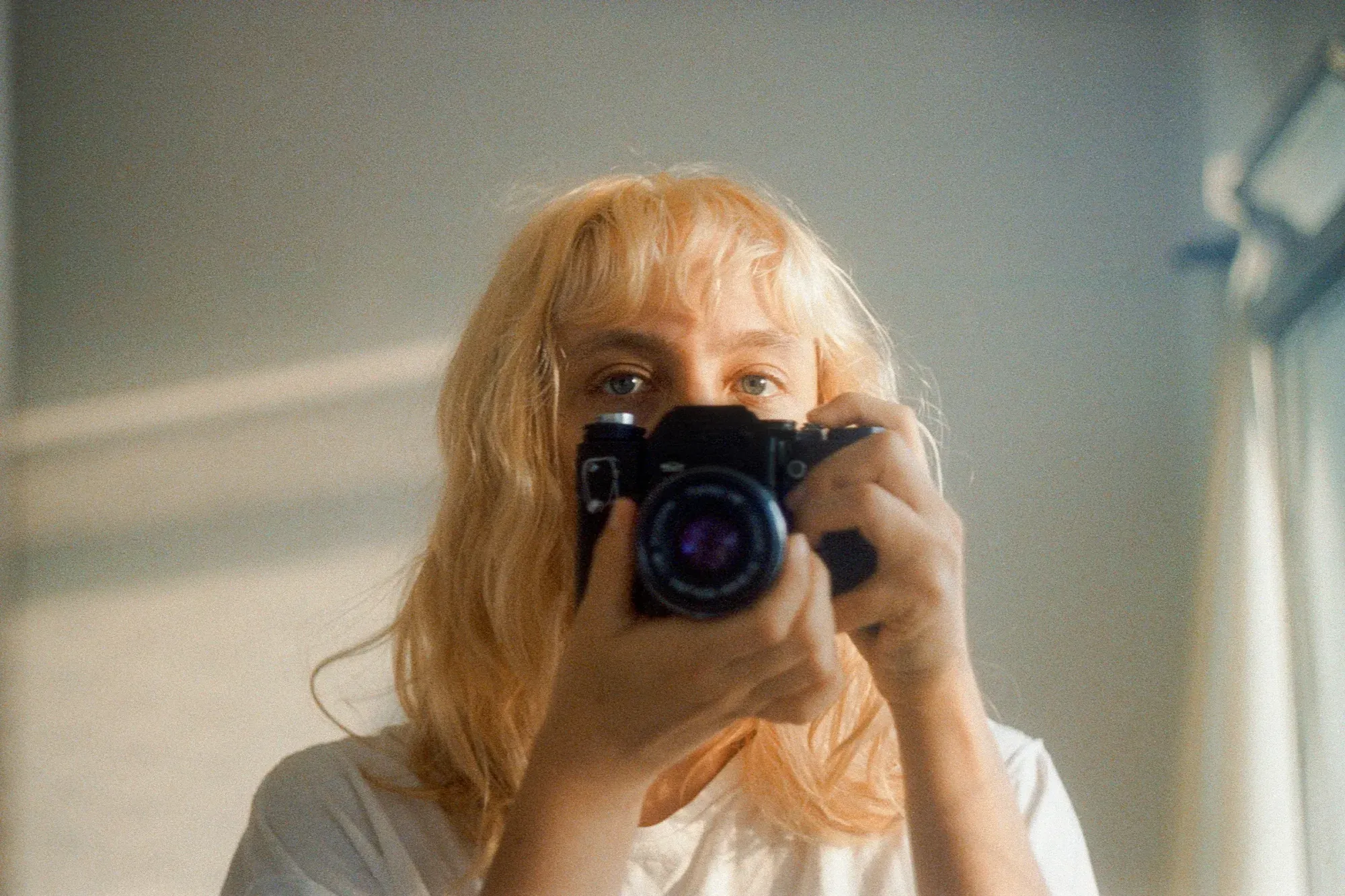
1. Empowering Your Photography Workflow with AI
As professional photographers, we live and breathe our craft. We’re always seeking ways to capture that perfect moment, tell a compelling story, and deliver stunning images to our clients. But let’s be honest: the work doesn’t stop when we put the camera down. The post-production process – culling, editing, and delivering – often consumes a significant portion of our valuable time. What if there was a way to reclaim that time, enhance consistency, and still maintain your unique artistic vision? The answer lies in the smart integration of Artificial Intelligence into your workflow.
The Professional Photographer’s Core Challenges in Post-Production
Every photographer faces a similar set of hurdles after a shoot concludes. Whether you specialize in weddings, portraits, real estate, or volume photography, the demands on your time and creative energy are immense. We’re not just artists; we’re also business owners, marketers, and project managers. The pressure to deliver high-quality work quickly can be overwhelming, and post-production often becomes the biggest bottleneck.
The Culling Conundrum
Imagine shooting a wedding with thousands of images. Before you can even begin editing, you need to sort through every single shot, selecting only the best and discarding duplicates, out-of-focus frames, or unflattering expressions. This process, known as culling, is incredibly time-consuming and mentally exhausting. It requires a keen eye and often feels like a necessary evil before the real creative work can begin. Spending hours staring at a screen, clicking through thousands of photos, can drain your energy and take away from other important tasks, like connecting with clients or planning your next shoot.
The Editing Marathon
Once you’ve culled your images, the editing begins. This is where your unique style comes to life, but it’s also another massive time commitment. Applying consistent color grading, exposure adjustments, white balance corrections, and retouching across hundreds or even thousands of photos manually is a monumental task. The sheer repetition can lead to fatigue, eye strain, and, sometimes, even inconsistent results if you’re not careful. Keeping every image aligned with your brand’s aesthetic requires meticulous attention to detail on every single shot.
Consistency Across the Board
Client satisfaction often hinges on consistency. Whether it’s a multi-day event or a series of branding headshots, clients expect a uniform look and feel across all delivered images. Achieving this consistency manually, especially when working on multiple projects or with tight deadlines, can be challenging. Slight variations in exposure or color temperature can detract from the overall professional presentation. This is where maintaining a cohesive brand aesthetic can become a struggle, demanding constant vigilance and manual effort.
Reimagining Culling: Smarter Selections, Faster Workflow
Let’s talk about culling. For years, we’ve relied on manual processes, often using star ratings or flags in traditional photo editing software. While effective, these methods are far from efficient. This is precisely where AI-powered solutions like Imagen’s Culling Studio step in to address the pain point of slow culling.
Imagen’s Culling Studio is designed to learn from your past culling decisions. It analyzes your preferences – what you keep, what you discard – and then applies that intelligence to new projects. Imagine feeding thousands of RAW files into a system, and within minutes, receiving an initial selection that closely matches your style and standards. This isn’t just about speed; it’s about intelligent, personalized selection. The system helps you identify sharp, well-exposed images with open eyes, while filtering out blurs or duplicates, letting you focus on the artistic nuances of your selection.
The benefits are clear. First, the speed is transformational. You can slash the time spent on initial culling, often reducing hours to mere minutes. Second, it enhances accuracy. By learning your preferences, the AI helps ensure that the images presented for your final review are already highly curated, aligning with your standards for quality and composition. This frees you up to dedicate your creative energy to refining the selected images and spending more time on the aspects of your business that truly matter. It allows you to focus on the story each image tells, rather than getting bogged down by the initial sorting process.
To dive deeper into how this works and streamline your culling process, check out Imagen’s Culling Studio, or learn more about photography culling reimagined. We also have a comprehensive guide to culling photographs that provides valuable insights.
Achieving Editing Perfection with AI Profiles
Once the culling is done, the editing begins. The challenge here is not just speed, but also maintaining that critical consistency across every single image, especially when facing tight deadlines or large galleries. Inconsistent edits can dilute your brand and disappoint clients. This is where Personal AI Profiles become a game-changer, directly addressing the issue of inconsistent edits and lengthy manual adjustments.
With Imagen’s Personal AI Profiles, you train an AI model with your actual edited images. The AI learns your unique editing style – your preferences for color, tone, exposure, and even specific nuances like skin smoothing or dodge and burn techniques. It’s like having a digital assistant that understands your artistic voice. When you upload new RAW files, your AI Profile applies these learned adjustments automatically and consistently across the entire batch.
The process is straightforward: you provide the AI with examples of your work, and it builds a profile based on your creative decisions. This profile then acts as a blueprint, ensuring that every image processed reflects your signature look. Because the AI works with RAW files, it has the full spectrum of data to make intelligent, non-destructive adjustments, preserving the integrity and quality of your captures.
The benefits are immense. You achieve unparalleled consistency across all your projects, reinforcing your brand identity and ensuring client satisfaction. More importantly, you dramatically reduce the time spent on repetitive editing tasks, often by a staggering 96%. This means less time staring at your screen and more time for creative pursuits, client relations, or personal life. It means your clients receive a cohesive, professional gallery every time, without you having to manually tweak hundreds of individual settings.
Discover more about how AI photo editing can transform your workflow and explore the range of AI photo editing tools available to you.
Streamlining Volume Photography: Weddings, Real Estate, and Events
For photographers specializing in high-volume genres like weddings, real estate, sports, or school portraits, the challenges of culling and editing are amplified. Thousands of images from a single event can quickly become a logistical nightmare. The need for speed, consistency, and efficient delivery is paramount.
Imagen’s tools are built to scale. For a wedding photographer, this means handling hundreds or thousands of photos from a single day, ensuring every image from the ceremony to the reception reflects the same beautiful aesthetic. For real estate photographers, delivering consistent, perfectly exposed images for multiple properties in a short timeframe is crucial for client satisfaction and quick listings. AI ensures that every room, every angle, has the optimal exposure, white balance, and clarity.
Consider a school or sports photographer who might process tens of thousands of individual portraits or action shots. Manual editing at this scale is simply not sustainable. AI automates the basic corrections, freeing up the photographer to focus on individual retouches or creative enhancements, rather than the mundane adjustments. This allows you to process entire batches of images efficiently, maintaining quality and consistency across a vast number of diverse subjects.
Explore specialized solutions for real estate photography and learn about optimizing workflows for sports and school volume photography. If you’re looking for insights into wedding photography, we also have valuable tips for wedding photographers.
Beyond Photos: Exploring AI for Video Editing
As the digital landscape evolves, so do the demands on photographers. Many are expanding their services to include video, recognizing its power to engage audiences and tell even richer stories. The post-production challenges for video are often even more complex and time-consuming than for still photography. Just like with photos, maintaining a consistent look, color grade, and overall aesthetic across an entire video project can be incredibly difficult and labor-intensive.
Recognizing this growing need, the power of AI is now extending to video editing. Just as AI learns your photographic style, it can also learn your video editing preferences. This means automating color grading, exposure adjustments, and even some aspects of sequence optimization, allowing you to apply a consistent visual identity to your video content with significantly less manual effort. This development offers an exciting frontier for photographers looking to expand their creative offerings without drowning in hours of additional post-production work.
Discover how AI is revolutionizing video post-production by visiting Imagen Video and reading about the transition from AI photo to AI video editing.
The Power of a Unified Post-Production Platform
One of the biggest frustrations for many photographers is “Getting lost between software.” We often find ourselves jumping from one application for culling, to another for editing, and perhaps a third for organizing or delivering files. This fragmented workflow is inefficient, prone to errors, and adds unnecessary complexity to our already busy schedules.
This is precisely why a comprehensive, all-in-one platform is so powerful. Imagine a single environment where your culling, AI editing, and cloud storage are seamlessly integrated. This isn’t just a convenience; it’s a fundamental shift in how you manage your post-production. Imagen offers this integrated approach, simplifying your entire workflow from start to finish. You can cull your images, have them edited by your Personal AI Profile, and then manage them, all within one connected system.
The different components, such as Culling Studio, AI Editing with Personal AI Profiles, and efficient cloud integration, are designed to work together harmoniously. This eliminates the need for constant file transfers, application switching, and ensures that your data flows smoothly through each stage of your post-production. The result is a streamlined, efficient, and cohesive process that saves you time and reduces stress, allowing you to focus more on your artistry and your clients.
Practical Tips for Integrating AI into Your Workflow
Adopting new technology can sometimes feel daunting, but integrating AI into your photography workflow is simpler than you might think. Here are some practical tips to get you started:
- Start with a small project: Don’t jump straight into your biggest wedding gallery. Begin with a smaller portrait session or a personal project to get comfortable with the AI culling and editing process. This allows you to learn the ropes without high-stakes pressure.
- Refine your AI Profile: Your AI Profile is a living thing. The more you use it and provide feedback (by making manual adjustments to AI-edited images), the smarter it becomes. Take the time to fine-tune your profile to truly reflect your unique style. Consistency in your own edits will help the AI learn faster.
- Utilize batch processing: AI shines when handling large volumes. Once your profile is trained, use it to process entire batches of images from a single shoot. This is where you’ll see the most significant time savings and consistency benefits.
- Stay updated with new features: AI technology is constantly evolving. Keep an eye on updates and new features that can further enhance your workflow. The photography community is a great resource for learning about new capabilities. You can connect with others and share experiences in the Imagen Community.
Frequently Asked Questions About AI in Photography
It’s natural to have questions when considering a significant change to your workflow. Here are some common questions about using AI in professional photography:
| Question | Answer |
|---|---|
| How does AI learn my editing style? | AI learns your style by analyzing a collection of your past edited photos and their corresponding RAW files. It identifies patterns in your exposure, color grading, white balance, and other adjustments. |
| Is it safe for my RAW files? | Absolutely. AI photo editing typically works non-destructively. It applies adjustments on top of your original RAW files without altering them directly, similar to how traditional editing software handles edits. |
| Can I override AI suggestions or edits? | Yes, you maintain full creative control. AI provides a fantastic starting point, but you can always make manual adjustments to any AI-edited image to fine-tune it to your exact preferences. |
| Does AI replace my creative vision? | Not at all. AI is an assistant that handles the repetitive, time-consuming tasks. It frees you up to focus on the truly creative aspects of photography, client interaction, and exploring new artistic directions. |
The Future of Professional Photography with AI
The integration of AI into professional photography is not about replacing human creativity; it’s about augmenting it. AI acts as a powerful assistant, taking care of the mundane and repetitive tasks that often steal time away from the artistic and business sides of our profession. This shift allows photographers to spend more time behind the lens, connecting with clients, developing new skills, and exploring their creative passions. It means delivering exceptional results faster, maintaining a consistent brand identity, and ultimately, growing a more sustainable and enjoyable business.
The evolution of AI in photography is rapid and exciting. It promises a future where post-production is no longer a bottleneck but a seamless extension of the creative process, allowing us to focus on what we do best: capturing and telling incredible stories. For a deeper look into this evolving landscape, explore insights on the ways AI will affect the future of photography editing.
Conclusion: Empowering Your Creative Journey
As professional photographers, our time is our most valuable asset. By embracing AI solutions for culling and editing, we gain back hours each week, enhance the consistency and quality of our work, and streamline our entire post-production workflow. The days of getting lost between different software applications or struggling with inconsistent edits are fading. With tools like Imagen’s Culling Studio and Personal AI Profiles, we can achieve exceptional results with remarkable efficiency, all while maintaining our unique artistic fingerprint.
This isn’t just about faster editing; it’s about empowering your creative journey, giving you the freedom to focus on what truly matters: capturing the moments that your clients will cherish forever. It’s about working smarter, not harder, and elevating your photography business to new heights. If you’re ready to transform your workflow, explore how a comprehensive, all-in-one platform can simplify your entire post-production process and allow you to dedicate more time to your craft.

