
What is image stabilization (IS/VR/OIS)?
Table of contents
- Taking Your Photography Workflow to the Next Level with AI
- The Post-Production Puzzle: Common Challenges for Photographers
- How AI Transforms Your Photography Workflow
- Imagen: Your Comprehensive Post-Production Partner
- AI in Action: Tailored Solutions for Various Photography Niches
- Practical Steps: Integrating AI into Your Workflow
- Looking Ahead: The Future of AI in Photography
- Choosing the Right Partner for Your AI Journey
- Conclusion: Embracing Efficiency, Elevating Artistry
Taking Your Photography Workflow to the Next Level with AI
As professional photographers, we know the journey doesn’t end when the shutter clicks. In fact, that’s often just the beginning of a whole new process: post-production. From sorting through hundreds, or even thousands, of images to meticulously editing each one, it’s a huge part of our work. I’ve spent years in this field, and I’ve seen firsthand how challenging it can be to maintain efficiency and consistency while delivering top-notch results. The good news? Artificial intelligence (AI) is changing the game, offering powerful tools that can streamline your workflow and help you focus more on your craft and less on the repetitive tasks.
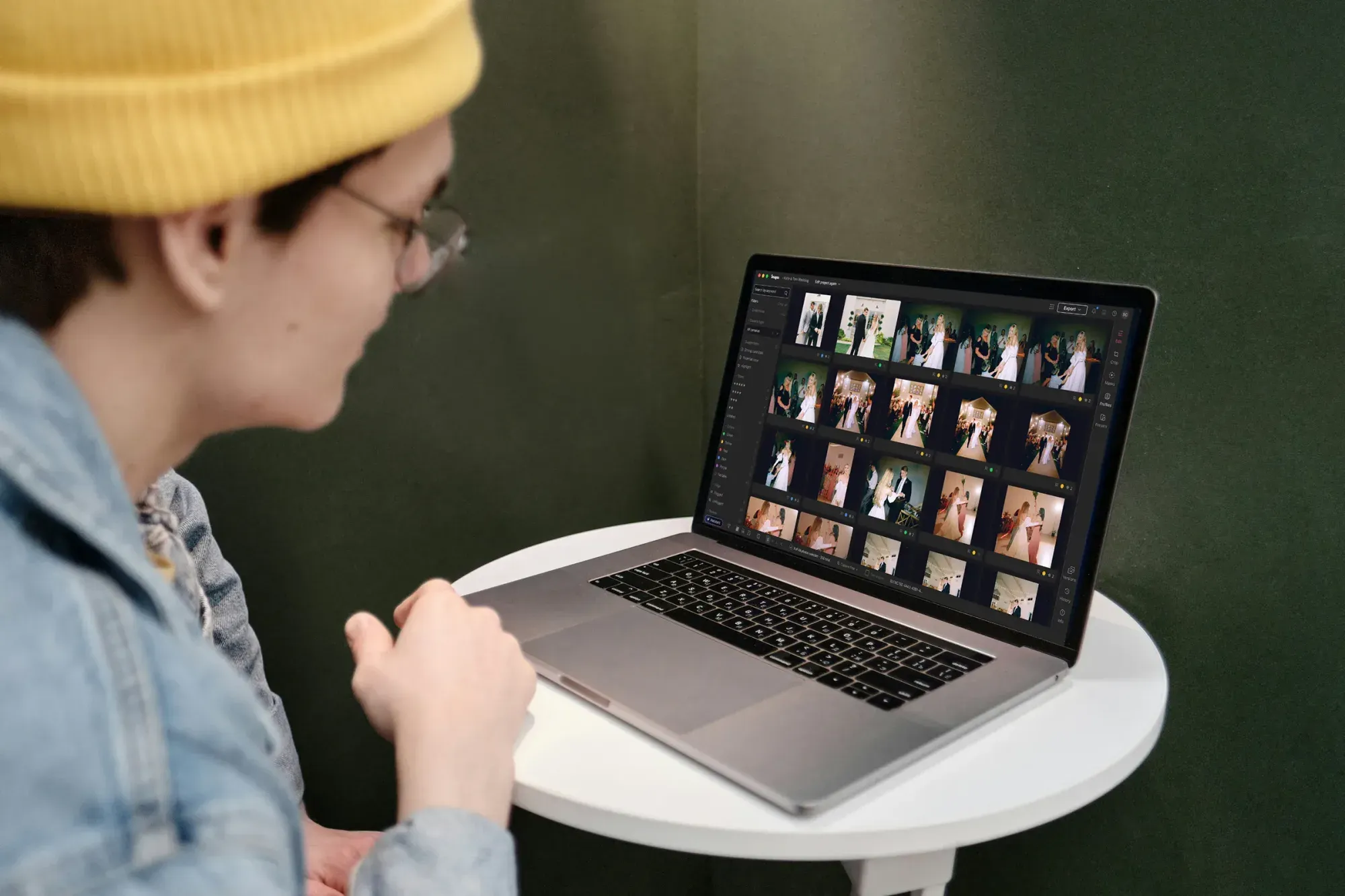
The Post-Production Puzzle: Common Challenges for Photographers
Think about your typical week. How much time do you spend behind the camera versus behind the computer screen? For many of us, the balance is heavily weighted towards post-production. This isn’t just about editing; it encompasses the entire process from start to finish. Let’s break down some of the biggest hurdles we often face.
Culling: The First Big Hurdle
After a big shoot, you’re usually looking at a massive collection of RAW files. The first step is always culling – selecting the best images and discarding the rest. This process is crucial because it sets the stage for everything that follows. But it can also be incredibly time-consuming and mentally exhausting, especially after a long day of shooting. You’re constantly asking yourself: Is this one sharp? Is the client’s expression just right? Did I miss a better shot?
- Time consumption: Sifting through thousands of similar frames takes hours, sometimes days.
- Decision fatigue: Making countless small decisions leads to exhaustion and potential errors.
- Inconsistency: Different sessions or even different parts of the same session can lead to varied culling standards.
I remember spending entire weekends just culling wedding photos. It was necessary, but it certainly wasn’t the most enjoyable part of the job. You want to get to the creative editing, but you can’t until the culling is done right.
Inconsistent Edits and Maintaining Your Style
Once you’ve culled your images, the real editing begins. Here’s where we infuse our artistic vision into the photographs. However, maintaining a consistent style across an entire gallery, or even across different projects, is a significant challenge. Lighting conditions change, our mood fluctuates, and manual adjustments can vary subtly from one image to the next.
- Manual adjustments are time-intensive: Each slider, each brush stroke, takes time.
- Difficulty in replicating a look: Achieving the exact same color grading or exposure across hundreds of images is tough.
- Client expectations: Clients expect a cohesive look, especially for events like weddings or branding shoots.
Have you ever finished editing a gallery, only to look back and notice slight variations in skin tone or white balance between shots? It happens to the best of us. This inconsistency can detract from the overall professional presentation of your work.
The Endless Cycle of Software Switching
Another common pain point is jumping between different software applications for various stages of the workflow. You might use one program for culling, another for RAW conversion and initial edits, perhaps a different one for retouching, and then back to another for final exports. This constant switching breaks your flow and can introduce inefficiencies.
This “getting lost between software” issue is something many photographers struggle with. Each application has its own interface, its own learning curve, and its own way of handling files. It adds complexity to an already demanding process.
How AI Transforms Your Photography Workflow
This is where AI steps in as a powerful ally. It doesn’t replace your artistic eye; instead, it handles the repetitive, analytical tasks, freeing you up to focus on the creative aspects of your work. Think of AI as a highly efficient assistant that learns your preferences and applies them consistently.
AI for Smart Culling: Faster Decisions, Better Selections
Imagine having a tool that could intelligently pre-select your best images based on criteria like sharpness, focus, and even eye openness. That’s exactly what AI-powered culling offers. It quickly analyzes your entire shoot and identifies potential keepers, flagging duplicates or out-of-focus shots, which significantly reduces the amount of manual work you need to do.
Imagen’s Culling Studio is a prime example of this technology. It doesn’t just guess; it learns. By analyzing your entire shoot, it identifies the best images, spots duplicates, and removes technically flawed shots. This means you spend less time sifting through thousands of frames and more time on the photos that truly matter. You can review its suggestions, making final decisions quickly and confidently. For a deeper dive into smart culling, check out Imagen’s Culling Studio features or our comprehensive guide to culling photographs.
AI for Consistent and Personalized Photo Editing
Maintaining your unique style is essential. AI editing tools learn your specific editing preferences and apply them consistently across entire batches of photos. This isn’t about applying a generic filter; it’s about replicating your personal touch.
With Imagen’s Personal AI Profiles, you train the AI using your own edited Lightroom catalog. It learns your style – your exposure adjustments, white balance, color grading, cropping, and more – and then applies it to new RAW files with remarkable consistency. This means every image in a gallery will have your signature look, reducing the time you spend on manual adjustments and ensuring a cohesive final product. You can learn more about this process on the Imagen editing page or discover other AI photo editing tools.
How Personal AI Profiles Work
The process is straightforward:
- Upload your edited photos: You provide a collection of your previously edited work, typically from a Lightroom catalog.
- AI learns your style: Imagen’s AI analyzes your adjustments, understanding your unique preferences.
- Receive your custom AI Profile: Once trained, this profile becomes your personal editing assistant.
- Apply to new photos: Upload your new RAW files, select your custom profile, and let the AI do the heavy lifting.
This system delivers rapid results, often within minutes, and allows you to confidently edit large volumes of images while maintaining your specific creative vision. This isn’t just batch editing; it’s personalized, intelligent batch editing. You can explore how it differs from traditional methods in our article on batch photo editing.
Imagen: Your Comprehensive Post-Production Partner
What if you didn’t have to switch between culling software, editing platforms, and cloud storage solutions? This is the core idea behind Imagen – to provide a comprehensive, all-in-one platform that simplifies your entire post-production workflow. The goal is to eliminate the pain point of “getting lost between software” by integrating these crucial components into a seamless experience.
Imagen’s different components – such as Culling Studio, AI Editing, and its cloud services – are designed to work together. This integration allows you to move from selecting your best images to applying your custom edits, and even previewing your gallery, all within one ecosystem. It’s about providing a unified environment where every stage of your post-production is handled efficiently and intelligently.
Key Benefits of an Integrated Platform
Using an integrated platform like Imagen offers several distinct advantages:
- Streamlined Workflow: No more importing and exporting between different applications.
- Time Savings: AI handles repetitive tasks, freeing up your valuable time.
- Consistent Results: Your unique style is applied uniformly across all images.
- Reduced Stress: Less time on tedious tasks means more energy for creativity.
- Scalability: Easily handle larger volumes of work without sacrificing quality.
To put it simply, integrating AI means a significant shift in how you manage your post-production. Here’s a quick look at the core differences:
| Aspect of Workflow | Traditional Manual Approach | AI-Powered Workflow (e.g., Imagen) |
|---|---|---|
| Culling Time | Hours to days, prone to decision fatigue | Minutes to hours, AI pre-selects best images |
| Editing Consistency | Challenging to maintain across large galleries | Learned personal style applied uniformly |
| Software Juggling | Frequent switching between multiple tools | Integrated platform for culling, editing, storage |
| Time for Creativity | Limited, due to repetitive tasks | Increased, AI handles routine work |
| Project Scalability | Difficult with high volume shoots | Easily manage thousands of images with speed |
By bringing culling and editing together, Imagen helps professional photographers regain control over their workflow, making it faster and more enjoyable. You can spend more time shooting, connecting with clients, or simply enjoying life outside of the editing suite.
AI in Action: Tailored Solutions for Various Photography Niches
AI isn’t a one-size-fits-all solution; its power lies in its adaptability. Different photography genres have unique demands, and AI can be configured to meet those specific needs, boosting efficiency and consistency across the board.
Wedding Photography: Managing High Volumes with Precision
Wedding photographers often return from a single event with thousands of photos. The sheer volume makes manual culling and editing daunting. AI helps by quickly sifting through these images, identifying duplicates, blurred shots, or missed focus, and then applying your signature style to the keepers. This ensures the couple receives a beautifully consistent gallery, from the getting-ready shots to the final dance, much faster than traditional methods.
This allows you to take on more weddings or spend less time bogged down in post-production for each one. Explore more valuable tips for wedding photography, like avoiding the pitfalls of a cheap wedding photographer, on our blog.
Portrait Photography: Enhancing Individual Artistry
For portrait photographers, consistency in skin tones, lighting, and overall mood across a session is key. AI editing profiles learn your specific preferences for retouching and color grading, applying them uniformly. This means less time manually adjusting each portrait and more time focusing on the subtle creative enhancements that make each photo shine. The AI respects your unique artistic vision while delivering efficient results.
Real Estate Photography: Delivering Professional and Consistent Listings
In real estate, speed and consistency are paramount. Every property needs to look its best, often under varied lighting conditions. AI can rapidly correct exposure, white balance, and perspective across a full set of property photos, ensuring every room and exterior shot is presented professionally and consistently. This speed is crucial for meeting tight deadlines and helping agents get listings live quickly. You can discover more about how AI supports real estate photography workflows.
Sports and School Volume Photography: Mastering Efficiency at Scale
Volume photography, like sports or school events, involves an immense number of subjects and photographs. AI’s ability to quickly cull and apply consistent edits across thousands of images is a game-changer here. It reduces the processing time for massive projects, allowing photographers to deliver proofs and final products much faster, enhancing client satisfaction and business scalability. Learn how AI can transform sports and school volume photography.
Practical Steps: Integrating AI into Your Workflow
Thinking about integrating AI into your existing photography workflow? It’s simpler than you might imagine. Here’s a general framework for making the transition smooth and effective.
Step-by-Step AI Integration
- Assess your current workflow: Identify your biggest time sinks and pain points in post-production. Is it culling, editing consistency, or managing files?
- Choose your AI tools: Based on your assessment, look for AI solutions that address those specific challenges. For comprehensive support, platforms like Imagen offer integrated culling and editing.
- Train your AI Profile: If using an AI editor, upload a significant body of your past edited work. This teaches the AI your personal style and preferences. The more data you provide, the smarter your AI Profile becomes.
- Start with a test batch: Don’t jump straight into a major client project. Test the AI on a smaller, less critical set of images to get comfortable with the results and make any necessary adjustments.
- Refine and review: After the AI processes your images, always review the results. This is your chance to make any final artistic tweaks and to continue guiding the AI’s learning process.
- Scale up: Once you’re confident, begin integrating AI into your larger projects, observing the significant time savings and consistency improvements.
Integrating AI isn’t about giving up control; it’s about gaining efficiency and consistency while retaining your artistic input at critical junctures. It allows you to produce high-quality work more consistently and rapidly.
Looking Ahead: The Future of AI in Photography
The role of AI in photography is continually expanding. We’re already seeing incredible advancements, and the future promises even more sophisticated tools that will further enhance our creative capabilities and streamline our businesses.
Beyond Photos: AI Video Editing
Just as AI is transforming photo editing, it’s also making its way into the world of video. Imagine an AI that can learn your video editing style – your color grades, transitions, and pacing – and apply it to raw footage, giving you a strong first cut. For color, that is already here. In Imagen Video, you choose an AI Profile or upload your own LUT, and the AI adapts that look to each clip, while transitions, pacing, and the cut stay in Premiere Pro or DaVinci Resolve. A LUT made from your Lightroom preset with Imagen’s free Lightroom preset to LUT tool keeps your video close to your photos. You can read more about this exciting development in our post from AI photo to AI video editing.
The implications for photographers who also offer videography services are huge. It means more consistent client deliverables and a much faster turnaround for combined packages.
Enhanced Creative Freedom and Business Growth
Ultimately, AI empowers us to be better photographers and more effective business owners. By automating the mundane, it frees us up to:
- Spend more time shooting: Focus on perfecting your craft behind the lens.
- Engage more with clients: Build stronger relationships and understand their needs better.
- Explore new creative projects: Have the bandwidth to experiment and push artistic boundaries.
- Grow your business: Take on more clients or offer new services with confidence.
AI isn’t here to replace human creativity, but to augment it. It’s a tool that helps us manage the increasing demands of the digital age, ensuring we can continue to deliver high-quality, personalized work without burning out.
To keep up with how AI will continue to shape our industry, take a look at our article on the future of photography editing.
Choosing the Right Partner for Your AI Journey
When considering an AI solution, it’s important to choose a platform that understands the needs of professional photographers. Look for accuracy, speed, personalization, and a commitment to protecting your unique artistic style. Transparency in how the AI learns and operates is also key.
Imagen stands out by prioritizing the photographer’s individual style. By training an AI Profile directly on your own work, it ensures that your unique vision remains at the forefront. This approach supports a workflow that is not only efficient but also deeply personal to your brand. From seamless culling to intelligent editing, Imagen provides tools designed to enhance every step of your post-production process. You can explore our community or our talents section to see how other photographers are benefiting.
Conclusion: Embracing Efficiency, Elevating Artistry
The landscape of professional photography is always evolving, and embracing new technologies like AI is crucial for staying competitive and sustainable. As photographers, our time is our most valuable asset. By leveraging AI for tasks like culling and editing, we can significantly reduce the hours spent in front of a screen, freeing us up to do what we love most: create stunning images and build meaningful connections with our clients.
AI isn’t just about saving time; it’s about elevating the consistency and quality of our output, allowing our unique artistic voice to shine through with every single image. It’s about working smarter, not harder, and ensuring that our passion for photography remains vibrant and unburdened by repetitive tasks. Explore how Imagen can help transform your workflow today at imagen-ai.com.

