
What is an off-camera flash?
Table of contents
- Elevating Your Photography Workflow with Smart Technology
- The Modern Photographer’s Challenge: Time and Consistency
- Streamlining Your Selection Process: The Art of Culling
- Achieving Editorial Perfection: The Power of AI Photo Editing
- Beyond Photos: AI’s Role in Video Editing
- The Integrated Workflow: Imagen as Your All-in-One Partner
- Practical Steps for Incorporating AI into Your Workflow
- The Future is Now: How AI Shapes Photography
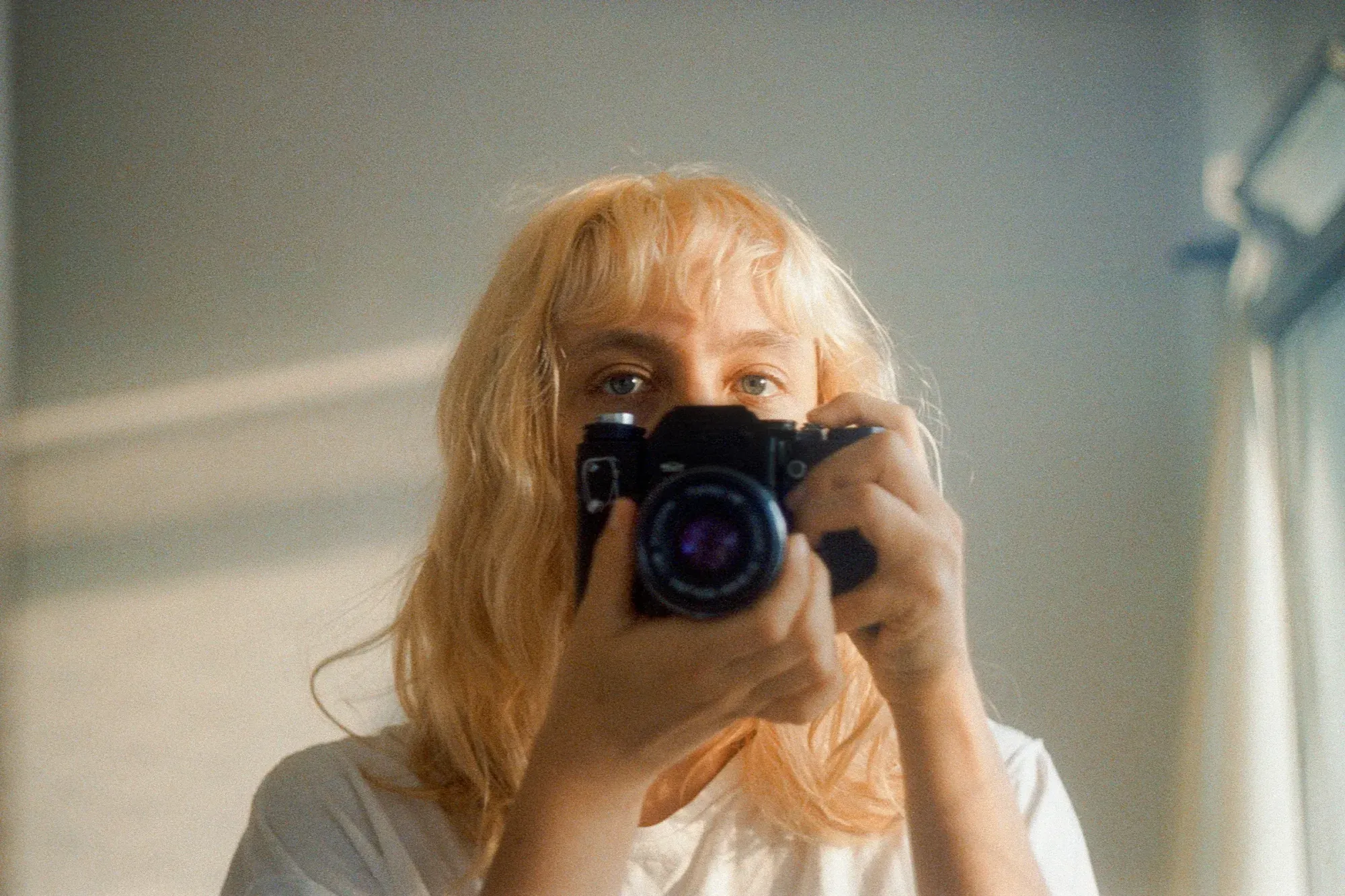
Elevating Your Photography Workflow with Smart Technology
As a professional photographer, you understand the incredible demands of our craft. It’s more than just capturing moments; it’s about delivering a consistent, high-quality final product to our clients, often under tight deadlines. We’re always looking for ways to refine our process, gain back valuable time, and ensure every image reflects our unique artistic vision. In today’s fast-paced world, embracing smart technology isn’t just an option; it’s a necessity for staying competitive and thriving.
I’ve been in your shoes, spending countless hours in front of the screen, meticulously culling and editing thousands of images. It’s a labor of love, but it can also be a significant drain on our time and energy. That’s why I’m excited to share how integrating AI into my workflow has truly transformed the way I work, allowing me to focus more on shooting and client interaction, and less on repetitive post-production tasks. It’s about working smarter, not just harder.
The Modern Photographer’s Challenge: Time and Consistency
Let’s be honest, the life of a professional photographer is a constant juggle. We’re expected to be artists, marketers, business managers, and expert editors, all at once. The sheer volume of images we capture, especially in genres like wedding, event, or volume photography, can be overwhelming. Each shoot means thousands of frames that need to be carefully reviewed, selected, and perfected.
One of the biggest hurdles we face is maintaining a consistent visual style across an entire gallery, or even across multiple projects. Our clients come to us for our unique look, and delivering anything less than that perfect, cohesive aesthetic isn’t an option. This often means hours spent on repetitive tasks, trying to match colors, tones, and exposure perfectly, image after image.
- The Volume Dilemma: High client expectations combined with an ever-increasing number of images per shoot.
- The Consistency Quest: Ensuring every photo in a gallery reflects your signature style.
- The Time Sink: Culling and editing often consume more hours than actual shooting.
These challenges can lead to burnout, missed opportunities, and ultimately, less time doing what we love most: creating stunning photographs. We need solutions that tackle these pain points head-on, allowing us to reclaim our time without compromising quality.
Streamlining Your Selection Process: The Art of Culling
Culling is where the magic begins – or where the headache often starts. It’s the critical first step of going through thousands of images to select only the best ones to deliver to your client. It’s not just about deleting bad shots; it’s about identifying the frames that tell the story, capture the emotion, and meet your quality standards. Traditionally, this process is incredibly time-consuming and often requires intense focus.
Traditional Culling Pain Points
- Eyestrain and Fatigue: Hours staring at a screen, comparing similar shots, can be exhausting.
- Decision Fatigue: Making thousands of micro-decisions can lead to mental burnout and slower processing.
- Inconsistency: What looks great at hour one might not seem as appealing at hour five, leading to uneven selections.
- Missed Opportunities: Good shots can be overlooked in a rush, or you might over-deliver unnecessary images.
Imagine if you could significantly reduce the time spent on this vital step while ensuring you never miss a great shot. This is exactly where AI comes in. Tools like Imagen’s Culling Studio are designed to redefine this process, making it faster and more intuitive. It’s like having an intelligent assistant who helps you sift through your images with impressive speed and accuracy. The studio helps you identify out-of-focus shots, closed eyes, duplicates, and unflattering expressions, giving you a strong starting point for your final selections.
Instead of manually tagging every single image, the AI quickly analyzes your entire catalog. It can highlight potential issues and suggest which images to keep and which to discard. This doesn’t replace your artistic eye; it empowers it. You still make the final creative decisions, but you start with a much cleaner, more organized selection. This reimagined approach to culling means less time scrubbing through thumbnails and more time refining your chosen images. For a deeper dive, check out how Imagen’s Culling Studio reimagines the culling process.
Practical Tips for Efficient Culling
- Start with a Fresh Mind: Tackle culling when you’re alert to make better decisions.
- First Pass Fast: Do a quick pass to delete obvious rejects (blurry, bad exposure).
- Focus on Story: Select images that collectively tell the story of the event or session.
- Utilize AI Assistance: Let AI tools like Imagen’s Culling Studio handle the initial heavy lifting, flagging poor quality or similar images. This allows you to review suggestions quickly and make final calls.
- Take Breaks: Step away from the screen to avoid eye and decision fatigue.
Embracing AI in your culling workflow can truly be a game-changer. It transforms a tedious task into a streamlined process, saving you hours and ensuring that only the best images move forward to the editing stage. You’ll find you’re not only faster but also more consistent in your selections, building confidence in every gallery you deliver.
Culling Features Comparison
| Feature | Manual Culling | AI-Assisted Culling (e.g., Imagen) |
|---|---|---|
| Speed | Slow, dependent on human endurance | Fast, AI analyzes thousands of images quickly |
| Accuracy for Technical Issues (focus, closed eyes) | Prone to human error and oversight | High, AI identifies issues systematically |
| Duplicate Detection | Very time-consuming to find manually | Automatic identification of similar images |
| Decision Fatigue | High, leads to inconsistent choices over time | Reduced, AI provides a refined starting point |
| Creative Control | Full, but often bogged down by technical tasks | Full, but enhanced by technical assistance |
Achieving Editorial Perfection: The Power of AI Photo Editing
Once you’ve got your selects, the real magic of editing begins. Our edits are where our signature style truly shines, differentiating us from every other photographer out there. But maintaining that unique look consistently across hundreds or even thousands of images can be incredibly challenging and incredibly time-consuming. Imagine applying the same nuanced adjustments – color correction, exposure tweaks, white balance, tone curves, and more – to every single image, perfectly, every single time. It’s a monumental task.
This is where AI photo editing becomes an indispensable part of your toolkit. Instead of manually moving sliders for each photo, AI can learn your distinct editing preferences and apply them across your entire catalog. This isn’t just about speed; it’s about achieving unparalleled consistency and freeing you up from repetitive, pixel-peeping tasks.
Building Your Unique Style with Personal AI Profiles
The core of Imagen’s editing power lies in its Personal AI Profiles. This feature allows the AI to learn directly from your previous edits. You simply upload a batch of your already-edited images, and the AI analyzes your choices in detail – every curve, every color adjustment, every highlight and shadow tweak. It builds a unique “profile” that precisely reflects your artistic vision. Once your profile is built, you can upload your new RAW files, and the AI applies your learned style to them automatically, delivering perfectly consistent edits.
This process is highly adaptable to various photography genres:
- Wedding Photography: Ensure a cohesive look from start to finish across multiple locations, lighting conditions, and hundreds of photos. This means less time matching tones between the ceremony and reception, and more time for creative fine-tuning. For valuable insights, explore tips on navigating wedding photography clients: Cheap wedding photographer?
- Real Estate Photography: Consistency is key for property listings. AI ensures uniform exposure, white balance, and clarity for every room, making your listings pop. Learn more about specializing in this field here: Real Estate Photography.
- Portrait Photography: Maintain precise skin tones and overall aesthetic across an entire gallery, ensuring every client receives images that beautifully represent them.
- Sports and School Volume Photography: For high-volume shoots with thousands of subjects, AI editing is a lifesaver. It applies your style rapidly to vast quantities of images, making large projects manageable and profitable. Discover more about this demanding niche: Sports School Volume Photography.
The beauty of Personal AI Profiles is that the AI doesn’t just copy; it understands. It adapts your style to each new image, making intelligent adjustments based on the specific light, composition, and content of that photograph. This means you get a custom edit, not a generic preset. This approach also makes batch photo editing incredibly powerful, allowing you to process thousands of images in a fraction of the time it would take manually.
Facing challenges like overexposed shots? AI can even assist in recovering detail and bringing your photos back to life, applying learned corrections in a way that respects your overall style. Check out some simple tricks for reviving overexposed photos.
Beyond Photos: AI’s Role in Video Editing
The visual content landscape is constantly evolving, and for many professional photographers, that now includes video. Clients increasingly request short films, reels, or social media content alongside their still images. Just like with photography, video editing can be incredibly time-consuming and technically demanding. The need for consistent color grading, exposure, and overall look across video clips is just as important as it is for photos.
Recognizing this growing need, AI is extending its capabilities beyond still images. Imagine having the same intelligent assistance for your video projects as you do for your photo edits. Imagen is stepping into this space with Imagen Video, where you choose an AI Profile or upload your own LUT and the AI adapts that look to each clip of your footage. To keep your video close to your photos, turn your Lightroom preset into a LUT with Imagen’s free Lightroom preset to LUT tool. This is a significant development, especially for those of us who offer both photo and video services. For an exciting look at this advancement, read more about Imagen Video: from AI photo to AI video editing.
By leveraging AI for both photography and videography, we can ensure a cohesive visual brand across all client deliverables, saving even more time and maintaining that coveted consistency. It’s about providing a truly comprehensive visual solution for your clients without doubling your workload.
The Integrated Workflow: Imagen as Your All-in-One Partner
One of the most frustrating aspects of post-production for many of us is “getting lost between software.” We often find ourselves jumping from a culling program, to an editing suite, to cloud storage, and then back again. This fragmented approach wastes valuable time, creates opportunities for errors, and simply isn’t efficient.
This is where Imagen shines as a truly comprehensive, all-in-one platform. It’s designed to unify your entire post-production workflow, from initial culling right through to final delivery. Instead of separate tools, you get an integrated ecosystem where your images flow seamlessly from one stage to the next.
Let’s consider how these components work together:
- Culling: You start in Imagen’s Culling Studio, where the AI helps you make your initial selections quickly and accurately. This refined selection is then ready for editing.
- AI Editing: Your chosen images automatically move to the AI editing phase. Your custom Personal AI Profile is applied, delivering perfectly consistent, high-quality edits in a fraction of the time.
- Cloud Storage & Delivery: Once edited, your images can be easily managed and delivered, all within a streamlined system.
This integrated approach means:
- Less Friction: No more exporting and re-importing between different applications.
- Greater Efficiency: Your workflow becomes a smooth, continuous process.
- Enhanced Consistency: Because all steps are connected, your overall artistic vision is maintained from start to finish.
- More Time for You: By automating the tedious parts, you gain back hours to shoot more, connect with clients, or simply enjoy your personal life.
It’s about more than just individual tools; it’s about a holistic solution that understands the entire journey of your photographs. Beyond the software, Imagen also offers a supportive community where you can connect with other photographers, share insights, and learn best practices. Plus, the talents section provides resources and opportunities to further your skills and career. This combination of powerful technology and a robust support system truly makes it an invaluable partner for professional photographers.
Practical Steps for Incorporating AI into Your Workflow
Ready to experience the benefits of smart technology in your photography business? Here’s a simple path to integrating AI into your workflow:
- Evaluate Your Current Bottlenecks: Identify where you spend the most time in your post-production. Is it culling? Editing? Both? This helps you understand where AI can have the biggest impact.
- Build Your Personal AI Profile: Start by uploading a collection of your already-edited photos to create your unique Personal AI Profile. The more diverse and representative your sample, the better the AI will learn your style.
- Experiment with Culling: Try out Imagen’s Culling Studio on your next shoot. Compare the speed and initial suggestions against your manual process. You’ll likely be impressed by how much time you save.
- Process a Small Project: Send a small catalog of new RAW files to be edited by your AI Profile. Review the results carefully and provide feedback if any adjustments are needed. The AI continuously learns and improves.
- Integrate Gradually: Don’t feel you have to switch everything overnight. Start with one type of shoot (e.g., portraits) and gradually expand as you become more comfortable and see the benefits.
- Understand Your RAW Files: AI tools work best with RAW files, as they contain the most image data, allowing for optimal adjustments without loss of quality. Always shoot in RAW for best results.
Remember, AI is a tool designed to augment your skills, not diminish them. It handles the repetitive, time-consuming tasks so you can channel your energy into the creative aspects of photography and client relationships.
The Future is Now: How AI Shapes Photography
The integration of artificial intelligence into photography isn’t just a trend; it’s a fundamental shift in how we approach our craft. It’s about empowering us, the creatives, with tools that were unimaginable just a few years ago. AI isn’t here to replace the human element; instead, it’s designed to free us from the mundane, allowing us to spend more time behind the lens, connecting with subjects, and refining our artistic vision.
From predicting optimal edits to dramatically speeding up culling, AI is reshaping the boundaries of what’s possible in post-production. It ensures consistency, saves countless hours, and ultimately helps us deliver even higher quality work to our clients. For more insights on the broader impact, explore these thoughts on ways AI will affect the future of photography editing.
By embracing these advancements, we’re not just keeping up; we’re actively shaping the future of professional photography. We’re moving towards a world where technology enhances our artistry, making our businesses more sustainable and our creative lives more fulfilling.
It’s an exciting time to be a photographer. With smart technology by our side, we can truly elevate our workflows, impress our clients, and reclaim the joy of creating.

