
What is a frame rate (FPS)?
Table of contents
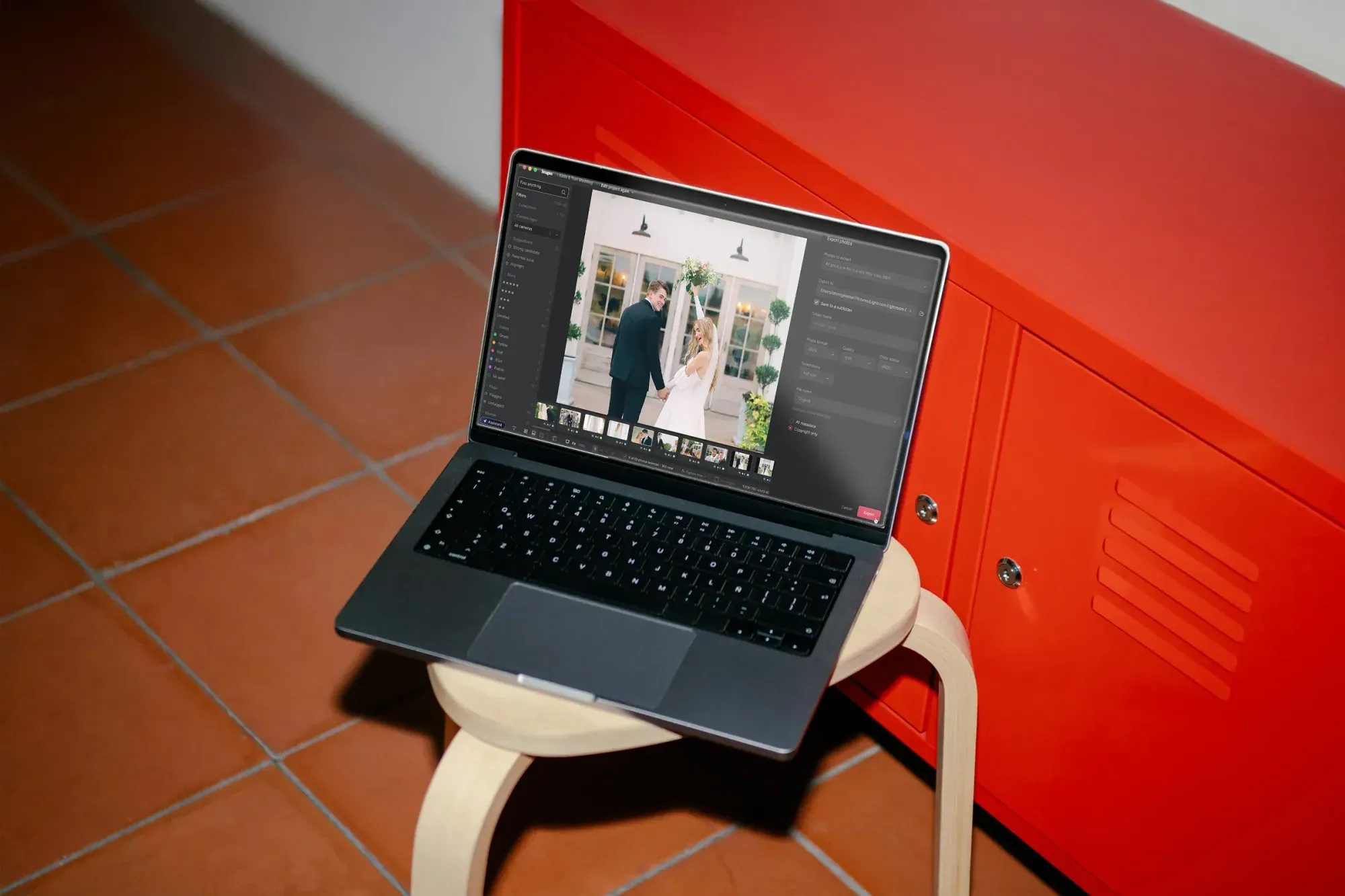
Elevating Your Craft: The Professional Photographer’s Guide to AI-Powered Efficiency
As a professional photographer, you understand that capturing the perfect shot is only half the battle. The real work often begins after the shutter clicks, in the demanding world of post-production. It’s a place where time can vanish, and the pursuit of creative vision often clashes with the need for efficiency. What if you could reclaim hours, ensure consistency, and still keep your unique artistic touch? Artificial Intelligence (AI) is rapidly transforming this landscape, offering powerful tools that empower photographers like us to not just keep up, but truly thrive.
The Modern Photographer’s Post-Production Challenges
We’ve all been there. A fantastic shoot, hundreds – sometimes thousands – of images, and then the daunting task of bringing them to life. The challenges are numerous and often feel overwhelming. We wrestle with slow, repetitive tasks, the pressure to maintain a consistent style across diverse projects, and the constant battle against a growing backlog. It’s not just about editing; it’s about managing an entire digital workflow that can easily consume more time than actual shooting.
Let’s dive into some of the most pressing issues we face and how modern solutions are stepping up to meet them head-on.
The Culling Conundrum: Time, Tedium, and Tough Choices
Culling photographs is arguably one of the most tedious and time-consuming parts of the post-production process. After a long wedding day or a bustling sports event, you’re left with a massive collection of RAW files. Sifting through hundreds or thousands of images to identify the sharpest, best-composed, and most emotionally impactful shots, while weeding out duplicates, blurry frames, and missed moments, can take hours, even days. This isn’t just a drain on your schedule; it’s a mental drain that can impact your enthusiasm for subsequent creative work.
The manual culling process requires immense focus and a critical eye. You’re looking for subtle differences – a slight shift in a subject’s gaze, the perfect expression, or just the right moment of action. Doing this manually means zooming in, flagging, rejecting, and organizing, all while trying to maintain objectivity and prevent decision fatigue. It’s a necessary step, but one that many of us wish we could streamline.
Here’s where a solution like Imagen’s Culling Studio becomes an absolute game-changer. Imagine uploading your entire catalog, and within minutes, receiving a set of highly intelligent suggestions for your keepers and rejects. Imagen’s AI analyzes your images, identifies common issues like closed eyes, blur, and duplicates, and even learns your preferences over time. This isn’t about replacing your judgment; it’s about providing a powerful first pass that significantly reduces the manual effort. It allows you to focus your attention on the truly creative decisions, rather than the mechanical ones. By automating the initial sort, you can cut down culling time dramatically, getting to the editing phase much faster. You can learn more about this transformative tool at Imagen Culling Studio Reimagined and find a comprehensive guide on culling photographs.
The Editing Tightrope: Consistency Versus Creativity
Once you’ve culled your images, the next hurdle is editing. Every professional photographer strives for a signature style – a consistent look and feel that clients recognize and value. Achieving this consistency, especially across large galleries or multiple projects, is incredibly challenging with manual editing. It involves countless adjustments: exposure, white balance, contrast, color grading, sharpening, and more. Repeating these steps for hundreds or thousands of photos is not only monotonous but also prone to inconsistencies, even with presets.
The manual editing process often forces a compromise: you either spend an exorbitant amount of time painstakingly matching every image, or you risk delivering a gallery with subtle, yet noticeable, variations in style. This dilemma can stifle creativity, as you might rush through edits just to meet deadlines, leaving less time for artistic refinement or exploring new looks.
This is where Imagen’s AI Photo Editing Tools, particularly the concept of a Personal AI Profile, really shine. Instead of applying a generic preset, you can train Imagen’s AI with your unique editing style. The AI learns from your past edits – your specific preferences for colors, tones, and overall mood – and then applies that knowledge consistently to new images. This means that every photo, from a bright outdoor portrait to a moody indoor shot, receives an edit that aligns with your personal aesthetic, automatically and consistently. It’s like having a highly skilled assistant who understands your vision perfectly.
This approach frees you from the repetitive tasks of basic adjustments, allowing you to dedicate your creative energy to the finer details, client communication, or even scouting new locations. With AI handling the heavy lifting, you gain back valuable time and ensure a cohesive look across all your work. Explore how this works at Imagen Editing and discover the full potential of AI photo editing tools.
Beyond the Basics: Advanced AI Applications for Photographers
AI isn’t just about speed; it’s about precision and adaptability, too. As photographers, we cater to a diverse clientele, each with unique needs and visual expectations. AI tools are evolving to address these specific demands, allowing for greater customization and specialization within our workflows.
Tailored Editing for Every Niche
Consider the distinct requirements of different photography genres. A wedding photographer needs soft, romantic tones, while a real estate photographer demands accurate colors and perfectly straight lines. A sports photographer needs to enhance dynamic action, and a volume photographer requires rapid, consistent processing for thousands of school portraits.
With AI, you can develop and refine specific editing profiles for each of these niches. For instance, a Personal AI Profile trained on your real estate portfolio will understand the nuances of architectural photography, ensuring perfectly corrected perspectives and accurate color representation for interiors and exteriors. This eliminates the need to manually tweak individual settings for each image in a batch, saving countless hours.
Imagen provides solutions tailored to these specific needs. For professionals focusing on real estate photography, the AI can ensure critical elements like window views and room lighting are consistently enhanced. Similarly, for sports and school volume photography, where sheer quantity and consistent output are paramount, AI profiles ensure every photo maintains the desired look without individual oversight. This level of specialization allows you to deliver high-quality, genre-specific results with unparalleled efficiency.
The Power of Batch Processing and Workflow Automation
Batch editing has always been a cornerstone of professional photography workflows. Applying a single preset to a large group of images saves time, but it often falls short when images within that batch have varied lighting conditions or require slightly different adjustments. AI elevates batch processing by intelligently adapting edits to each individual image within the batch, based on the learning from your Personal AI Profile. It’s not just a blanket application; it’s a smart, nuanced adjustment tailored to each frame.
This automation extends beyond simple color correction. AI can manage tasks like noise reduction, sharpening, and even subtle touch-ups across an entire collection. Imagine uploading hundreds of wedding photos and receiving them back with your signature style applied, ready for final review and delivery. This workflow automation drastically reduces the time spent on repetitive tasks, allowing you to focus on the artistic aspects of your craft and the growth of your business. To delve deeper into this, check out our insights on batch photo editing.
Addressing Specific Editing Challenges
Beyond general consistency, AI can also be incredibly effective in tackling specific, common editing challenges. One frequent issue we encounter is overexposed photos – those shots where highlights are blown out and detail is lost. Manually recovering these details can be a painstaking process, often with mixed results.
AI-powered tools, however, are becoming increasingly sophisticated at analyzing image data and intelligently recovering information from challenging exposures. They can often retrieve detail from areas that might seem lost, bringing back texture and color that would be difficult or impossible to recover through traditional methods. This capability not only saves time but also salvages otherwise unusable images, expanding the pool of deliverable photos for your clients. Learn some valuable tips on how to revive your overexposed photos using smart techniques.
By leveraging AI for these advanced applications, photographers can not only optimize their workflow but also enhance the quality and range of services they offer, providing better results to their clients while maintaining their personal style.
The Integrated Advantage: Imagen as Your All-in-One Platform
One of the biggest frustrations for professional photographers is juggling multiple software applications for different stages of post-production. You might use one program for culling, another for RAW processing, a third for intricate retouching, and perhaps a fourth for client delivery. This constant switching, exporting, and importing can lead to workflow bottlenecks, compatibility issues, and the dreaded feeling of “getting lost between software.”
This is precisely where the vision of a comprehensive, all-in-one platform becomes invaluable. Instead of disparate tools, imagine a single ecosystem where your culling, AI editing, and cloud storage seamlessly integrate. This integration is designed to simplify your entire post-production workflow, eliminating unnecessary steps and ensuring a smooth transition from one stage to the next.
Imagen isn’t just a collection of individual tools; it’s built as an integrated platform. This means that once your images are culled using Imagen’s Culling Studio, they can flow directly into the AI editing engine to be processed with your Personal AI Profile. The entire process is streamlined, minimizing manual intervention and maximizing efficiency. This approach addresses the core pain point of navigating a fragmented software landscape, allowing you to focus on your photography rather than managing your technology.
Seamless Workflow from Start to Finish
Let’s consider a typical workflow scenario and how an integrated platform can transform it:
| Traditional Workflow Step | AI-Powered Workflow with Imagen |
|---|---|
| Import photos to software A | Upload photos directly to Imagen AI |
| Manually cull photos in software A | AI-powered culling suggestions in Imagen’s Culling Studio (review & approve) |
| Export culled photos (or switch programs) | Seamless transition to AI editing |
| Manually edit photos in software B (or apply generic preset) | Automatic application of Personal AI Profile to all culled images |
| Export edited photos for client delivery | Download consistently edited photos, ready for client review |
| Manage storage across various drives | Integrated cloud storage options for organized access |
As you can see, the integrated platform significantly reduces friction points. The components of Imagen – such as Culling, AI Editing, and Cloud Storage – are designed to work together harmoniously, creating a cohesive and highly efficient workflow from the moment you upload your RAW files to the point of client delivery. This unified approach not only saves an immense amount of time but also ensures a consistent output that reflects your brand.
Embracing the Future: From AI Photo to AI Video
The evolution of AI in post-production isn’t stopping at still images. The same principles of efficiency, consistency, and intelligent automation are now extending to video editing. Just as AI can learn your photo editing style, it can begin to understand your video editing preferences – cuts, color grading, sound design, and pacing. This expansion promises to bring similar time-saving benefits to videographers and photographers who also offer video services, further streamlining the content creation process.
Imagine the day when AI can help you with initial video cuts, color correction across clips, and even suggesting music pairings based on your previous projects. The future of content creation is moving towards a more integrated and intelligently automated process, allowing creators to focus more on storytelling and less on repetitive technical tasks. You can explore more about this exciting development in AI video editing and delve into the journey from AI photo to AI video editing. We’re on the cusp of a significant shift in how we approach the future of photography editing with AI.
Getting Started with AI: Tips for Professional Photographers
Integrating AI into your photography workflow might seem like a big step, but it’s a manageable and highly rewarding one. Here are some practical tips to help you get started and maximize the benefits:
- Start Small and Experiment: You don’t have to overhaul your entire workflow overnight. Pick a specific pain point, like culling or basic color correction, and try an AI tool designed for that task. See how it performs with a small batch of images.
- Train Your AI Profile Effectively: If you’re using an AI editing tool like Imagen’s Personal AI Profile, invest time in training it with a diverse range of your past edited work. The more high-quality examples you provide, the better the AI will understand and replicate your unique style.
- Maintain Creative Control: Remember, AI is a tool to empower your creativity, not replace it. Use AI for the heavy lifting and repetitive tasks, then apply your artistic eye for final refinements. You’re still the artist; the AI is your intelligent assistant.
- Stay Updated: The field of AI is evolving rapidly. Keep an eye on new features and improvements. Tools like Imagen are constantly being refined, and staying informed will help you leverage the latest advancements.
- Connect with the Community: Many photographers are already using AI. Join online forums, photography groups, or platforms like Imagen’s community to share experiences, ask questions, and learn from others. There’s a wealth of knowledge to tap into.
- Leverage Expert Resources: Look for guidance from professionals who have successfully integrated AI into their businesses. Programs like Imagen Talents can provide valuable insights and inspiration from photographers who are leading the way.
The goal is to embrace technology that enhances your craft, gives you back valuable time, and allows you to deliver consistently stunning results to your clients. AI isn’t a threat to artistic integrity; it’s a powerful ally that helps you focus more on the art and less on the arduous technicalities.
Conclusion
The journey of a professional photographer is a continuous pursuit of balance: balancing artistic vision with business demands, creative exploration with technical execution. AI-powered tools are now tipping that balance in our favor, providing unprecedented efficiency and consistency in the post-production workflow. From intelligent culling to personalized AI editing, these advancements are designed to free us from the mundane, allowing more time for what truly matters: connecting with clients, honing our craft, and capturing those irreplaceable moments.
By integrating a comprehensive platform like Imagen AI, professional photographers can not only slash editing time but also ensure every image consistently reflects their unique style. This isn’t just about saving hours; it’s about elevating your business, expanding your creative capacity, and ultimately, delivering an even higher quality of service to your clients. Embrace the future of photography with AI, and rediscover the joy of your craft.

