

RAW vs JPEG: Which Should Photographers Use? (2026)
Table of contents
- What Is a RAW File, Exactly?
- What Is a JPEG, and Why Cameras Love It
- Dynamic Range and Editing Latitude: The Core Difference
- File Size, Storage, and Speed Trade-Offs
- RAW plus JPEG: Shooting Both at Once
- When to Shoot RAW and When JPEG Is Enough
- Editing a RAW Workflow at Scale with Imagen
- Related Guides and Where to Go Next
- Frequently Asked Questions
The short answer to the raw vs jpeg question is that most working photographers should shoot RAW and deliver JPEG. RAW is the unprocessed data straight off your sensor, packed with the tonal range and color information you need when you edit. JPEG is the finished, compressed file your camera bakes for you, ready to share the moment you press the shutter. They are not rivals so much as two stages of the same pipeline, and the smart move is knowing when each one earns its place in your workflow.
This guide walks through what each format actually is, how they differ on dynamic range, editing latitude, file size, and speed, and where the RAW workflow either pays off or gets in your way. By the end you will have a clear rule for your own shooting, plus a practical way to handle the editing bottleneck that a RAW workflow always creates.
What Is a RAW File, Exactly?
A RAW file is the raw sensor readout your camera captures before any processing is applied. Nothing is sharpened, no white balance is locked in, and no compression throws information away. Instead you get the full bit depth your sensor recorded, which is usually 12 or 14 bits per channel rather than the 8 bits a JPEG carries. In plain terms, that means thousands of tonal steps between black and white instead of a couple hundred, and far more room to push and pull an image later without it falling apart.
The trade-off is that a RAW file is not a finished picture. It looks flat and slightly dull straight out of the camera because it is waiting for you to interpret it. Every RAW file needs to pass through editing software that reads the sensor data and renders it into something you can print or post. RAW formats are also brand-specific, so a Canon CR3, a Nikon NEF, and a Sony ARW are all RAW but stored differently, which is why your software has to support your exact camera model.
What Is a JPEG, and Why Cameras Love It
A JPEG is a processed, compressed image the camera builds for you in-body. The moment you shoot, the camera applies its own white balance, contrast, saturation, sharpening, and noise handling, then compresses the result and discards the data it decides you will not miss. What lands on your card is a small, universal file that opens on any phone, browser, or printer without special software.
That convenience is real and worth respecting. A JPEG is done. If the exposure and color are right in camera, you can hand it off immediately, which is exactly why photojournalists on tight deadlines and sports shooters firing long bursts often lean on JPEG. The catch is that the camera made a lot of permanent decisions for you, and the compression is lossy, meaning some image information is gone for good and cannot be recovered in editing.
Dynamic Range and Editing Latitude: The Core Difference
This is where RAW pulls decisively ahead, and it is the reason most professionals shoot it. Dynamic range is the span of detail a file holds between its darkest shadows and its brightest highlights. Because a RAW file keeps the full sensor data at high bit depth, it retains detail in a blown-looking sky or a murky shadow that a JPEG has already clipped and thrown away.
Editing latitude is the practical payoff. With a RAW file you can recover a highlight that looked lost, lift shadows without them turning into muddy noise, and correct white balance after the fact as if you had set it correctly in camera. A JPEG fights you on all three. Push a JPEG exposure a stop or two and you quickly see banding in skies, blocky artifacts in shadows, and color that shifts in ugly ways, because you are stretching a thin 8-bit file that has already been compressed. If you shoot in mixed or tricky light, a wedding that runs from bright ceremony to dim reception, a real estate interior with windows blowing out, RAW is what saves the frame.
File Size, Storage, and Speed Trade-Offs
RAW quality is not free. A single RAW file is commonly several times larger than the equivalent JPEG, often in the range of 20 to 50 megabytes depending on your sensor, against a few megabytes for a JPEG. Across a full shoot that difference compounds fast. A photographer capturing a couple thousand frames at a wedding is looking at a real storage and backup cost, plus more time moving files around and more pressure on your card write speeds during fast bursts.
Speed shows up in two places. In the camera, a rapid burst can fill the buffer sooner when you shoot RAW, because each file is heavier to write. In your workflow, every RAW file has to be rendered and edited before delivery, so there is no such thing as an instant RAW handoff. JPEG wins on both counts. It is smaller, faster to write, and ready to send. The question is whether that speed is worth the quality and flexibility you give up, and for most paid work the answer is no. For quick personal snaps or a situation where volume and turnaround beat everything, JPEG can be the sensible call.
RAW plus JPEG: Shooting Both at Once
Most cameras let you record RAW and JPEG simultaneously, and this hybrid setting is a genuinely useful middle ground. You get the small JPEG for instant preview, quick client selects, or a same-day social post, and you keep the RAW alongside it as your master file for serious editing and final delivery. Sports and event shooters use this to send a fast JPEG on deadline while the RAW waits for a proper edit later.
The cost is storage, since you are now writing two files for every frame, so your cards and drives fill roughly twice as fast. Whether that is worth it depends on your genre. If you frequently need something out the door immediately but also owe a polished gallery afterward, RAW plus JPEG covers both without forcing you to choose at the moment of capture. If storage is tight and you always edit before delivering, straight RAW keeps things simpler.
When to Shoot RAW and When JPEG Is Enough
Shoot RAW when the image matters and you plan to edit it. That covers weddings, portraits, real estate, commercial work, landscapes, and anything printed large or delivered to a paying client. Shoot RAW whenever the light is difficult, because that is exactly when you will want to recover a highlight or fix a color cast. If you are building a consistent look across a whole gallery, RAW gives you the clean, flexible starting point that makes consistency achievable.
JPEG is enough when speed and simplicity outweigh flexibility. Think documentation, casual family snaps, a burst of a hundred nearly identical frames where you only need one, or a deadline so tight there is no editing window at all. Plenty of skilled photographers shoot JPEG on purpose in those situations, nailing exposure and white balance in camera so the file needs no rescue. The format is not lesser, it is just finished sooner, and finished sooner is sometimes exactly what the job needs.
Editing a RAW Workflow at Scale with Imagen
The honest downside of RAW is the one this whole guide keeps circling back to: every file needs editing, and a full shoot is a lot of files. Shooting RAW is the easy part. Turning a few thousand flat RAW frames into a consistent, delivered gallery is the part that eats your evenings. This is where a batch editing layer changes the math.
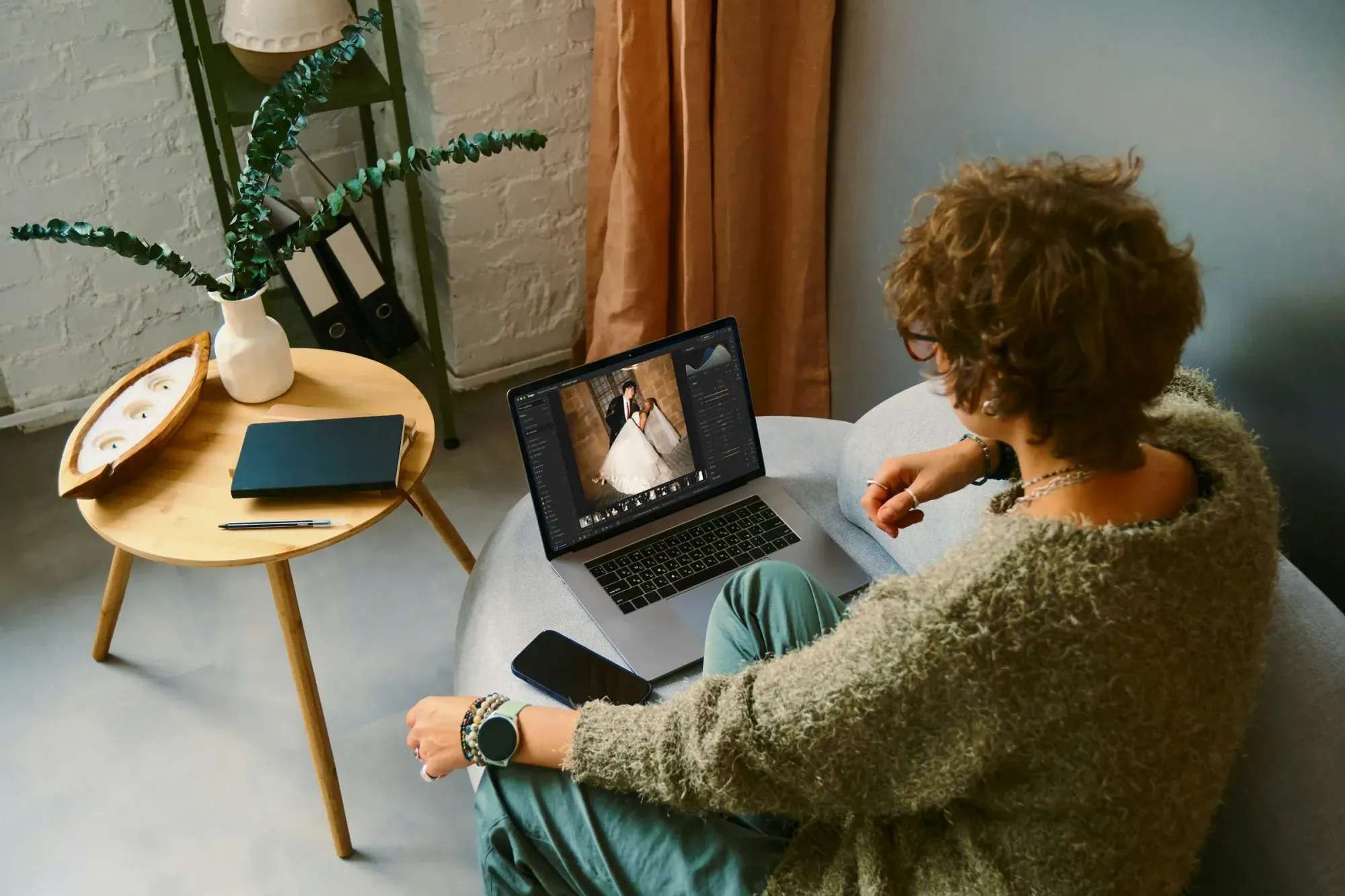
Imagen is a desktop app with cloud processing built for exactly this stage. It reads your RAW files and applies color correction, exposure, and white balance in your own consistent style across the entire shoot, so a set captured in mixed light comes back looking like one coherent gallery rather than a pile of separate edits. Culling runs in the same flow, narrowing bursts of near-identical frames before you spend time scrolling, and the AI Assistant handles per-photo finishing like object removal and background blur on the frames that need extra care. The first batch typically finishes in under 10 minutes, which is the real answer to the RAW editing bottleneck.
It is worth being clear about what this layer does not do. Imagen edits and grades the RAW data your camera actually recorded. It does not convert formats, it does not sharpen or deblur a soft or missed-focus capture, and it does not upscale, though it does include AI denoise. If a frame missed focus, RAW will not save it and neither will any editor. What Imagen does is take the RAW workflow you already committed to and make the volume manageable, applying your look fast so you spend your time shooting rather than clicking through frames one at a time. Pricing is pay-as-you-go, a monthly base fee plus a charge for each photo you export, and a free trial lets you test it on a real shoot first.
Related Guides and Where to Go Next
If you shoot RAW, the editing skills around it are what turn the format’s flexibility into finished work. For controlling exactly which parts of a frame you adjust, see our guide on what masking is in photo editing. If you shoot outdoors and want to get the most from RAW’s dynamic range, the landscape photo editing guide walks through the tonal work RAW makes possible. You can also browse the full library of photography workflow tips for more on batch editing, culling, and delivering galleries fast.
Frequently Asked Questions
Is RAW always better than JPEG?
RAW gives you more dynamic range and far more editing latitude, so for any image you plan to edit or deliver to a client, it is the better starting point. JPEG is not worse in every sense, though. It is smaller, faster, and ready to share immediately, which makes it the better choice when speed and simplicity matter more than flexibility, such as a tight deadline or a high-volume burst where you only need one frame.
Can I convert a JPEG back into a RAW file?
No. A JPEG has already been processed and compressed by the camera, and the extra sensor data that a RAW file holds was permanently discarded in that step. You can open a JPEG in editing software and adjust it, but you cannot recover the highlight detail, shadow information, or bit depth that was thrown away. If you want RAW flexibility, you have to capture RAW at the moment you shoot.
Why do my RAW files look flat compared to the camera preview?
The preview on the back of your camera is a JPEG rendering with contrast, saturation, and sharpening already applied. A RAW file has none of that baked in, so it looks flatter and duller by design, because it is waiting for you to interpret it in editing. That flat look is not a flaw, it is the unprocessed data that gives you room to push exposure and color without the image breaking down.
Does shooting RAW slow down my workflow?
It adds an editing step, since every RAW file has to be rendered before delivery, and the larger files take more storage and backup time. The capture itself is not slower for most shooting, though a very fast burst can fill the buffer sooner. The editing load is the real cost, which is why many photographers use a batch editing tool like Imagen to apply a consistent style across a full shoot quickly rather than editing each frame by hand.
Should I shoot RAW plus JPEG at the same time?
It is a useful option if you regularly need a quick file for preview or a same-day post but also owe a fully edited gallery later. You get the instant JPEG and keep the RAW as your master for serious editing. The only real cost is storage, since you write two files per frame and your cards and drives fill about twice as fast, so weigh it against how tight your storage and turnaround actually are.

