
Portrait Photography: Editing at Scale
Table of contents
- What “at scale” actually means for portrait work
- One project holds the whole day, or one session at a time
- A Personal AI Profile that scales without flattening every face into the same look
- Training your profile before the busy season hits
- Manual control for the portraits that need a human decision
- A school portrait week, twelve classrooms deep
- Delivering proofs without a cost penalty for comparing options
- Frequently asked questions
A single portrait sitting is a craft problem: light, pose, expression, one face at a time. Fifty of them in a single day, or five hundred across a school portrait season, is a different problem entirely, one of consistency at volume. The two goals can pull against each other if you let them. Editing quickly enough to keep pace with the calendar while still giving each individual sitter a portrait that looks considered rather than rushed is exactly the balance a Studio project is built to hold, and getting it right is often what separates a portrait business that scales from one that just gets busier and more stressed.
What “at scale” actually means for portrait work
Scale looks different depending on the kind of portrait work you do. A corporate headshot day might mean forty individual sittings back to back in a single afternoon. A school portrait season might mean a dozen classrooms shot across a week, each with its own set of individual and group frames. A senior portrait studio might run a dozen sessions a weekend during peak months. What connects all of it is the same underlying tension: every sitter expects a portrait edited with the same care as if they were your only client that day, even though they were one of dozens.
That expectation does not shrink just because the calendar got busier. If anything, it gets less forgiving, because a sitter comparing notes with a colleague or classmate will notice if their portrait looks like it got less attention than someone else’s.
Volume tends to arrive in waves rather than evenly. A single week in late summer or early fall can carry more sittings than the rest of the year combined for a school-focused portrait business, which is exactly when a workflow that holds up under pressure matters most. A system that works fine at ten sittings a week and falls apart at fifty is not actually solving the scale problem.
One project holds the whole day, or one session at a time
How you structure the work is genuinely your choice. A single project can hold an entire headshot day, letting you cull, edit, and review across the whole batch in one place, or you can run a separate project per sitting if that fits how you think about the work better. Because culling, editing, review, and export all live in the same non-linear space, neither approach forces you into a fixed order, and you can mix the two across a season if different jobs call for different structures.
What stays constant either way is that you are not shuttling files between a separate culling tool and a separate editing tool for every single sitting. That handoff, repeated dozens or hundreds of times across a season, is exactly the kind of hidden time cost that makes scale feel harder than it needs to.
A Personal AI Profile that scales without flattening every face into the same look
Consistency at scale is not the same as sameness. The goal is a recognizable studio look, your color, your contrast, your retouch style, applied evenly across every sitter, not every portrait looking like a copy of the last one. A Personal AI Profile trained on your own edits carries your style across a full day of sittings automatically, so the forty-first headshot gets the same considered treatment as the first one, even though you are not manually rebuilding that look forty times over.
For the sessions or shot types that genuinely call for something different, a corporate leadership team wanting a slightly different tone than a casual staff photo, for example, you can apply more than one AI Profile to a specific set of photos rather than forcing every sitter through an identical template.
Training your profile before the busy season hits
A Personal AI Profile is only as useful as the edits it was trained on, which means the best time to build or refine one is before your calendar fills up, not during the first rush of headshot season. Reviewing a small set of your own best recent edits and using them to train or update your profile ahead of time means the very first sitting of a busy week already gets a mature, considered look rather than an early pass that still needs adjusting.
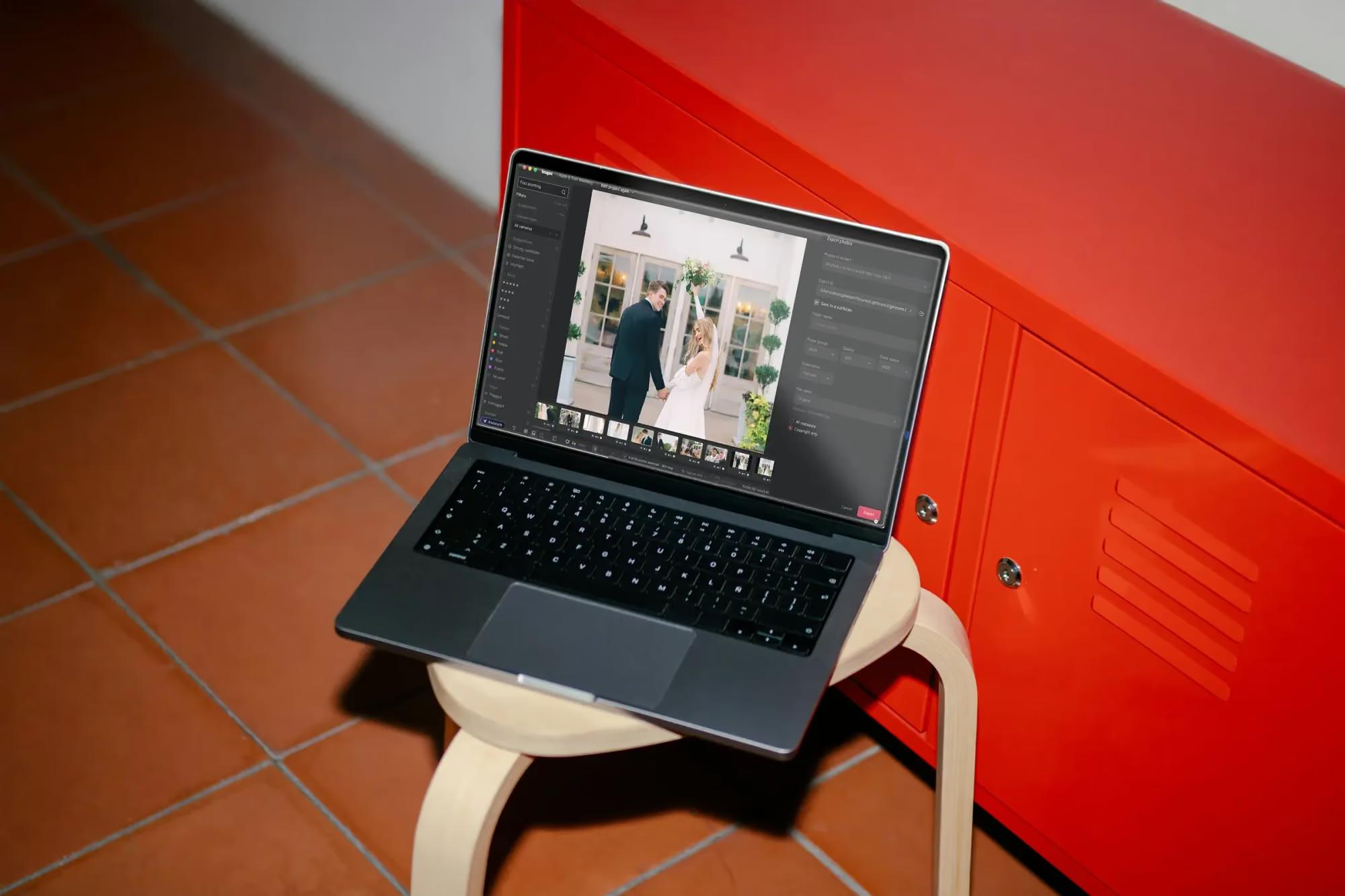
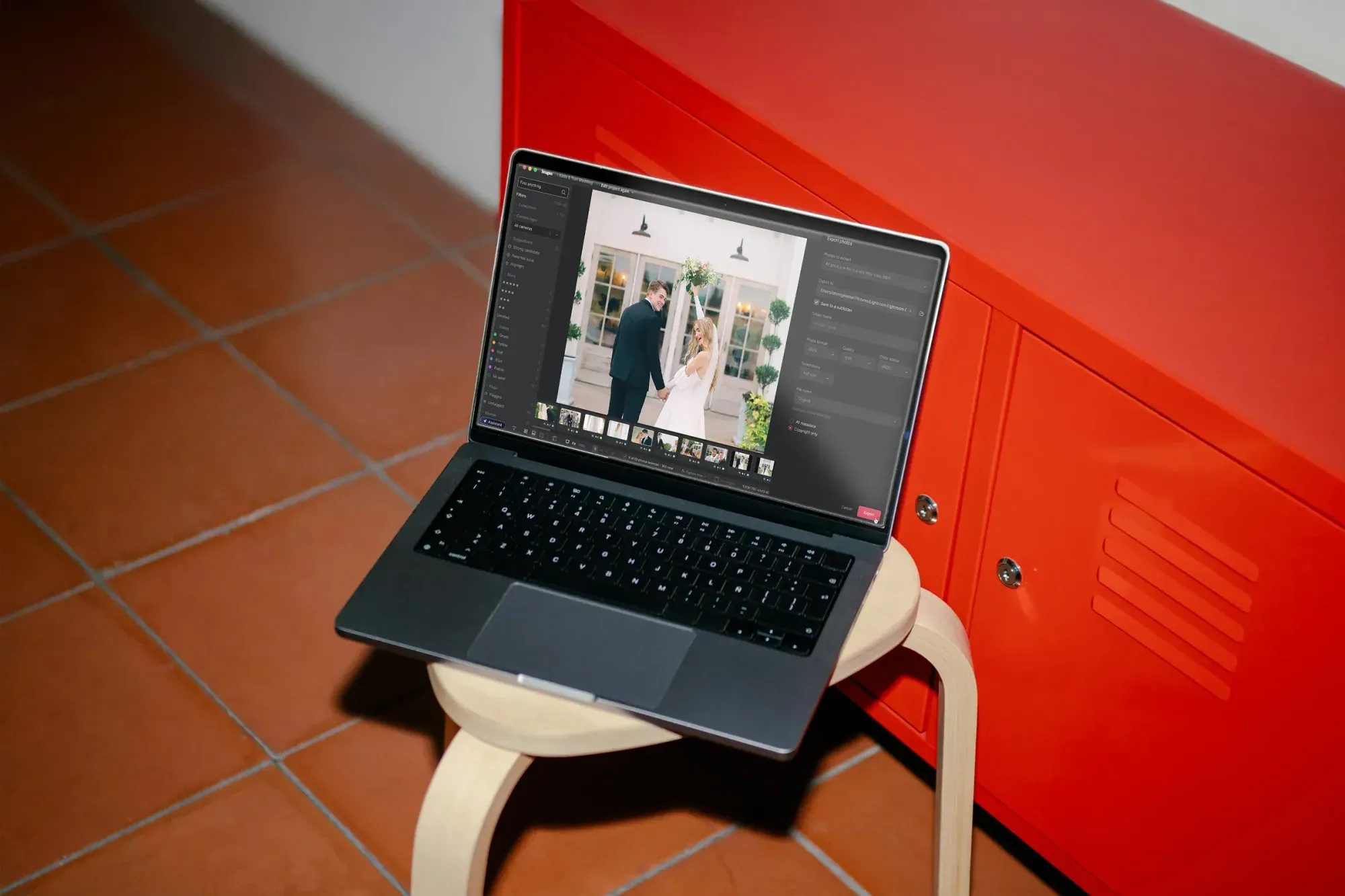
Culling a shoot inside the Imagen project view
This matters more for portrait work than for genres with more visual variety, because a portrait profile gets applied to a narrower, more consistent kind of image over and over. Small inconsistencies that might blend into a varied wedding gallery stand out immediately across a row of otherwise similar headshots.
Manual control for the portraits that need a human decision
Some portraits earn extra attention no matter how automated the rest of the day is: the sitter who will end up on the company website’s leadership page, the senior portrait a family plans to print large, the one frame from a session where the expression is right but the pose needs a small manual fix. The built-in editor, currently in beta, gives you manual sliders and a histogram for exactly that kind of individual adjustment, alongside crop and straighten you can apply after an automated pass.
- Versions let a sitter compare two finishing choices, warmer against cooler, for instance, without touching the copy already marked as a favorite.
- Presets you build yourself or import from Lightroom keep a specific look, like a black and white treatment for a leadership page, ready to apply without rebuilding it from scratch.
- Manual crop and straighten handle the small individual corrections that a batch pass alone will not catch on every single face.
None of this manual work needs to happen on every sitting. It is there specifically for the portraits that will carry extra weight, which in most portrait businesses is a small, identifiable fraction of the full day rather than the norm.
A school portrait week, twelve classrooms deep
Consider a school portrait season running twelve classrooms across four days, each with individual portraits, a class group shot, and a handful of sibling combinations requested separately. Uploading each classroom into the same project as it is shot means the first classroom’s batch is often finished processing before the fourth classroom has even been photographed. Instead of twelve classrooms landing on your desk at once at the end of the week, you are reviewing and refining in smaller, already-finished chunks throughout, which keeps the backlog from ever fully piling up.
Group shots get their own manual attention regardless, since picking the frame where the fewest kids are mid-blink is a judgment call no automated pass should make alone, but the hundreds of individual portraits behind those group shots are exactly the volume a Personal AI Profile and a first editing pass are built to carry.
The same rolling rhythm applies to the sibling and small-group combinations requested outside the standard class structure. Because those requests can be added to the same project as they come in rather than tracked on a separate list, a sibling photo requested by a parent on day two does not get lost waiting for the whole season to wrap before someone remembers to shoot it.
Delivering proofs without a cost penalty for comparing options
Portrait clients often want to see options, a couple of crops, maybe two color treatments, before committing to what they actually order. On a pay as you go plan, you see every edit in the gallery before you export, and you pay for the photos you export. Trying a second treatment on a proof gallery to see which one a school or a corporate client prefers does not add cost before anyone has made a final decision.
The same logic extends to a client who cannot decide between a formal and a more relaxed crop for a professional headshot. Producing both as versions and letting the client choose keeps that decision entirely in the client’s hands.
That separation between exploring and delivering matters most at scale, where even a small per-comparison cost would add up fast across dozens or hundreds of sittings. For more on building a repeatable studio look across a full season, our valuable tips library breaks the process down step by step.
What’s new in Imagen: Imagen is now an intelligent, agentic Studio for professional photographers, one project where you cull, edit, review and export in any order. For portrait work at volume, a Personal AI Profile learned from your past edits keeps your look consistent, ready-made AI Profiles are there too, and the built-in editor (Beta) handles the faces that need individual attention. The Studio is rolling out gradually as a beta.
Frequently asked questions
Can editing really stay consistent across hundreds of individual portraits?
Yes. A Personal AI Profile trained on your own editing style applies the same way across an entire batch of sittings, so consistency does not depend on you manually repeating the same adjustments sitter after sitter.
Do I need a separate project for every single sitting?
No. You can run one project for an entire headshot day or portrait season, or split by session, whichever fits how you actually organize the work. Culling, editing, and export all happen in the same non-linear space either way.
What still needs my own manual review at scale?
Group shots and any portrait going somewhere highly visible, like a leadership page or a large print, benefit from your own eye. Manual sliders, crop and straighten, and versions are there for exactly those individual decisions.
Does comparing proof options cost extra before a client decides?
No. On a pay as you go plan, you are charged when you export, not when you test or compare a second treatment, so showing proof options does not add cost before the client has made a choice.
Ready to keep every sitter’s portrait looking considered, even on your busiest day? See how one Studio project handles a full portrait calendar at imagen-ai.com.

