
Lightroom Is Still Part of Your Workflow
Table of contents
- Why this question comes up so often
- What “part of the ecosystem” actually means
- What travels to Lightroom, and what does not
- Your look travels too, not just the files
- Where the built-in editor fits into all this
- A realistic week split across both tools
- Deciding what makes sense for your own workflow
- Frequently asked questions
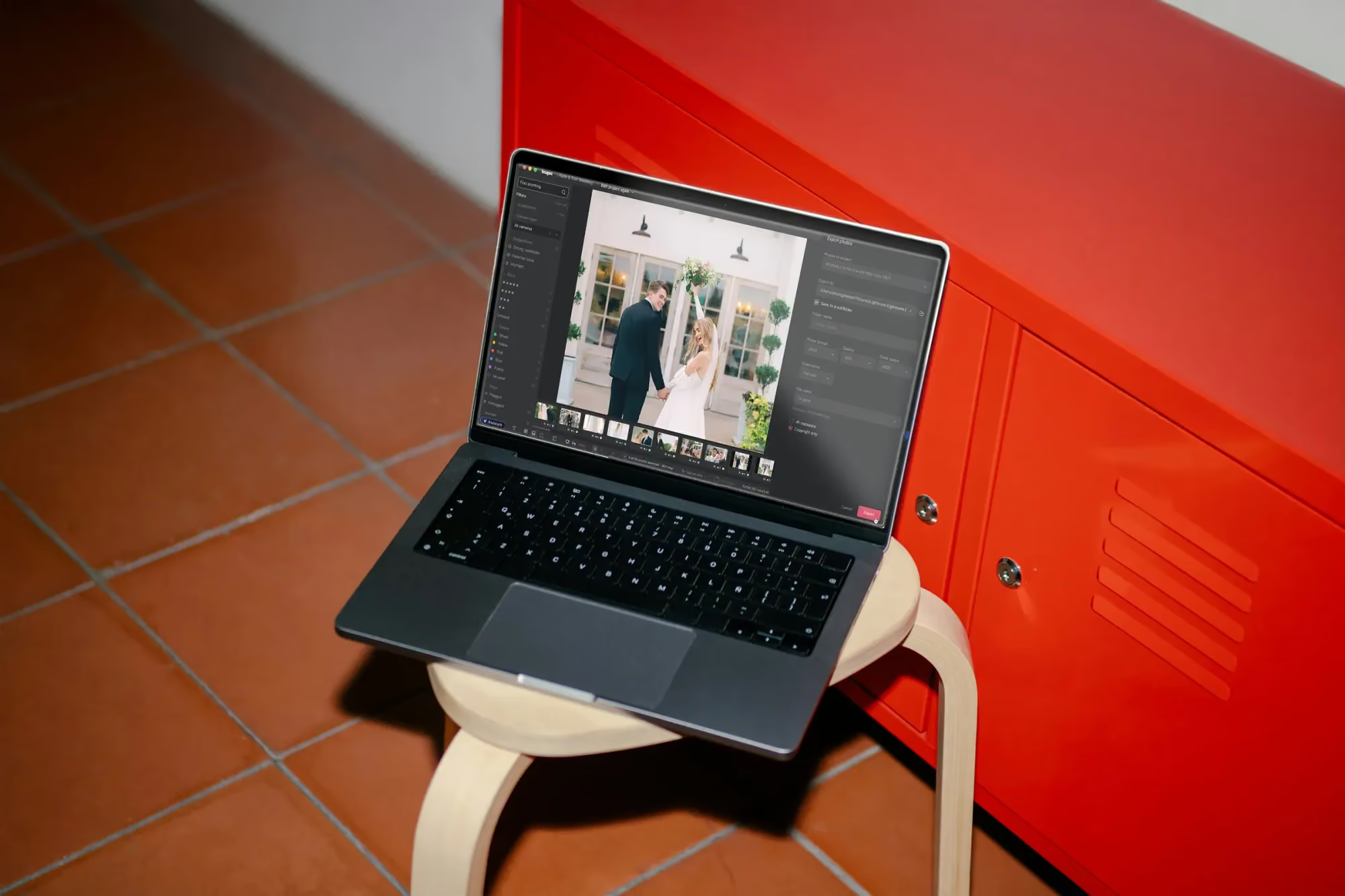
A lot of professional photographers have spent years building their post production life around Lightroom: the catalog structure, the keyboard shortcuts, the export presets tuned for a specific lab or client delivery format. So when Imagen becomes an intelligent Studio, cull, edit, review, and export in one project, with a built-in editor and an assistant that finds and acts on photos in plain language, the first question a lot of long-time users ask is a fair one. Does any of this mean giving up Lightroom? It does not. Lightroom is part of the ecosystem around Imagen, not something you are being quietly steered away from.
Here is what that actually means in practice, what moves between the two tools, and how photographers who use both are actually structuring their week.

Why this question comes up so often
Whenever a tool photographers depend on changes shape, the reasonable worry is that familiar ground is about to shift under them. Imagen’s new Studio experience does change quite a bit: culling and editing now share a single project instead of living in separate ones, edited photos arrive in batches as they finish rather than all at once, and there is a built-in editor where there used to be none. None of that touches your relationship with Lightroom directly, but it is easy to assume that a bigger Imagen means a smaller role for the tools around it.
The opposite is closer to the truth. A more capable Imagen still assumes plenty of photographers will keep at least one foot in Adobe’s ecosystem, whether that is a personal preference, a client requirement, or simply years of muscle memory that is not worth throwing away for its own sake.
None of this is unique to Imagen, either. Any time a photographer’s core tool changes shape, there is a reasonable moment of wondering what else is about to move. The honest answer here is narrower than it might first appear: the new Studio experience changes how culling and editing happen inside Imagen, and nothing about that requires touching how Lightroom fits into anything downstream.
What “part of the ecosystem” actually means
In plain terms, it means Lightroom was designed into the plan rather than tolerated as a leftover habit. You can run an entire gallery from upload to finished JPG, TIFF, or PNG export inside Imagen without ever opening Lightroom. You can also treat Imagen as the first stage of a longer process and send everything onward to Lightroom Classic, Bridge, Photoshop, or Camera Raw once Imagen has done its part. Both paths are fully supported, and switching between them from one gallery to the next does not cost you anything in setup or reliability.
That matters because photographers rarely fit neatly into one camp. A wedding photographer might deliver most galleries straight from Imagen but still open a handful of hero images in Photoshop for print retouching. Nothing about the new Studio experience asks that photographer to pick a single lane and stay in it forever.
What travels to Lightroom, and what does not
AI Profile edits and any AI tool work you run land in Adobe as XMP data, which Lightroom Classic, Bridge, and Camera Raw were all built to read directly. The parts of your process that happen by hand inside Imagen, dragging a slider, marking a five-star pick, tagging a color label, are a different story: none of that is designed to leave Imagen at all.
That is worth planning around rather than discovering after the fact. If you know a set of images is heading back to Lightroom for finishing touches, the simplest approach is to let the AI editing finish, review it without making manual tweaks you would lose anyway, and export once every photo has processed. If a gallery is staying in Imagen from start to finish, that limitation never comes into play at all.
It is worth being specific about why the split exists rather than treating it as an arbitrary rule. AI Profile and AI tool work is portable by nature, a description of an adjustment that Adobe’s tools can read and refine further. A star rating or a flag describes a decision tied to a review session inside Imagen, not an instruction any other software was ever meant to receive. Keeping that distinction in mind removes most of the guesswork before it starts.
Your look travels too, not just the files
A signature preset is not something most photographers want to rebuild from memory in a new tool, and they do not have to. Imagen’s built-in editor (Beta) supports importing presets you already created in Lightroom, so the visual identity your clients recognize does not reset to zero just because part of your workflow moved. Presets imported this way sit alongside your AI Profile rather than competing with it: the preset gives you a fixed, repeatable starting point, and the AI Profile adapts photo by photo in ways a static recipe never could.
You can also build fresh presets directly inside Imagen if that is easier for a specific look, and both imported and native presets behave the same way once they exist inside the editor.
Where the built-in editor fits into all this
It is worth being honest about what the built-in editor is right now, because overselling it would undercut the whole point of this article. It is in beta, built to a quality bar comparable to Lightroom on the tools it already has: manual sliders and a histogram, crop and straighten, presets, and versions for branching a look without touching the original. Not every AI tool has moved into the editor yet, so treat this first release as a genuinely capable early version rather than a finished match for every Lightroom panel you have ever touched. Photographers who need a tool that is not there yet have an easy answer: keep using Lightroom for that specific task, and let Imagen handle the rest.
Refining an AI edit with manual sliders in the Imagen editor
That is a normal, sustainable way to work, not a workaround you are stuck with temporarily. Plenty of photographers will likely keep some part of their process in Lightroom indefinitely, by choice rather than necessity.
A realistic week split across both tools
Picture a photographer who shoots two weddings most weekends and also takes on the occasional small product catalog. The weddings run entirely through Imagen: cull, batch edit with the Personal AI Profile, review the early batches as they land, ask the assistant to pull the five-star frames for a quick client preview, and export finished files for the couple. The product catalog is different. Color accuracy matters enough to that client that the photographer finishes every image by hand in Photoshop, so after the AI editing pass in Imagen, the files export as XMP straight into that familiar Adobe process, and the manual side of the job continues exactly the way it always has.
Neither gallery asks the photographer to justify the choice. The tools are simply suited to different jobs, and both jobs get done well. For more on how presets, AI Profiles, and manual editing work together day to day, the valuable tips library is worth a look.
Neither workflow is treated as the exception inside Imagen. The wedding galleries and the product catalog both start with the same cull-and-edit foundation, and the point where they diverge is simply a decision the photographer makes deliberately, not a limitation either path runs into.
Deciding what makes sense for your own workflow
There is no single right answer here, and that is by design. Some photographers will find that Imagen alone covers everything they need once the built-in editor rounds out further. Others will keep a permanent hybrid routine, finishing certain genres or certain clients in Lightroom indefinitely. Both are reasonable outcomes of the same underlying design decision: Lightroom was never meant to be replaced by this change, only supported by a more capable Imagen sitting next to it.
The practical test is simple. Run one real gallery through Imagen from cull to export, decide afterward whether anything needs Lightroom’s specific tools, and let that answer, rather than a hunch, decide how the next one goes.
There is no penalty for changing that answer later, either. A photographer who keeps a heavier Lightroom habit at first and gradually shifts more galleries into Imagen as the built-in editor grows is not doing this the slow way. They are simply doing it at the pace that matches how much trust they have built in the tool so far.
What’s new in Imagen: Imagen has grown into an intelligent, agentic Studio for professional photographers, with culling, editing, review, and export living together in one project that you can work through in any order. It sits alongside Lightroom rather than replacing it: presets from Lightroom can come into the built-in editor (Beta), and your AI edits can still head to Lightroom Classic as XMP. The Studio is being rolled out gradually as a beta.
Frequently asked questions
Do I have to stop using Lightroom to use the new Imagen Studio experience?
No. Lightroom is part of the ecosystem around Imagen, not a dependency you are being moved away from. You can finish entirely in Imagen, export to Lightroom and the rest of Adobe’s tools, or split your work between the two depending on the gallery.
What exactly moves from Imagen into Lightroom?
Your Personal AI Profile edits and any AI tool passes export as XMP, which Lightroom Classic, Bridge, and Camera Raw read directly. Manual slider adjustments, ratings, flags, and color labels made inside Imagen stay in Imagen.
Can I bring my Lightroom presets into Imagen’s editor?
Yes. The built-in editor supports importing presets you already built in Lightroom, so your existing look does not need to be rebuilt from scratch.
Is the built-in editor meant to replace Lightroom eventually?
It is built to a quality bar comparable to Lightroom on the tools it currently offers, but not every AI tool has moved into it yet. Treat it as a genuinely useful early release that keeps growing, not a forced replacement for tools you already rely on.
Curious how Imagen and Lightroom fit together on a real gallery? Open a project in Imagen’s new Studio, where you cull, edit, and export together, and see for yourself at imagen-ai.com.
