

How to Edit Handbag Photos with AI in 2026
Table of contents
- How to Edit Handbag Photos With AI
- Set Up Your Shoot So the AI Has Clean Photos to Work With
- Import and Cull the Batch First
- Train the AI on Your Personal Editing Style
- Run Batch Color, Exposure, and White Balance
- Finish the Hero Shots by Hand
- Where Other Editing Tools Fit
- Export in the Right Formats and Sizes
- What AI Handbag Editing Costs and How to Start
- Frequently Asked Questions
How to Edit Handbag Photos With AI
To edit handbag photos with AI, you train a tool like Imagen on your own editing style, then let it apply consistent color, exposure, white balance, and tone across the full batch in minutes. AI handles the repetitive corrections that eat your afternoon, so you spend your time on the few hero shots that sell the bag. The workflow below walks through culling, batch color, per-photo finishing, and export, and it shows exactly where AI saves you the most hours on a purse or handbag catalog shoot.
Handbag photography is unforgiving. Leather grain, metal hardware, and stitching all react differently to light, and a single collection can run to hundreds of angles, colorways, and detail crops. Editing each frame by hand means fighting the same white balance and exposure drift over and over. AI editing fixes that by learning how you already work and repeating your decisions with a steady hand across every photo in the set.
Set Up Your Shoot So the AI Has Clean Photos to Work With
Good editing starts before you open your catalog. AI applies your style to the photos you shot, so cleaner captures give cleaner results. Shoot in RAW, keep your lighting consistent between setups, and include a gray card or color reference in the first frame of each colorway. That reference gives you a reliable anchor for white balance later, which matters when you photograph a black tote and a tan satchel back to back.
- Lock your camera to manual exposure so the bag reads the same across every angle.
- Keep a consistent background, usually seamless white or a soft neutral, for catalog work.
- Shoot each handbag from a repeatable set of angles, such as front, three-quarter, back, base, interior, and hardware close-ups.
- Capture at least one frame with a color reference card per colorway.
One honest note about AI editing tools. Imagen edits and retouches the real handbag photos you shot. It does not invent products, labels, packaging, hardware, garments, models, or fake scenes, so what you photograph is what the customer sees. That matters for trust, because a bag buyer expects the leather color and stitching in the photo to match the item that arrives at the door.
Import and Cull the Batch First
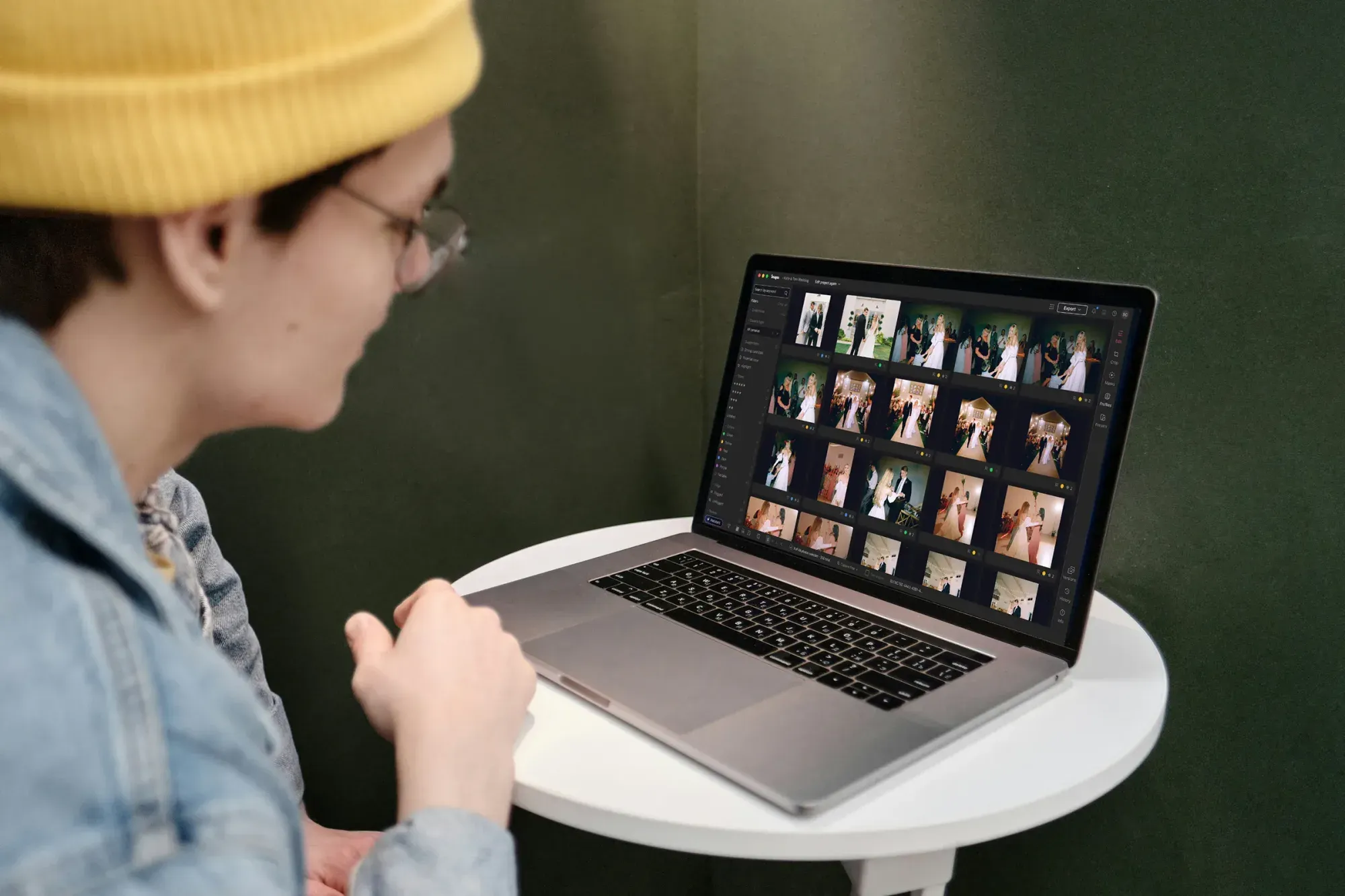
Start by importing the full shoot into your Lightroom or Capture One catalog. A single handbag collection can easily produce 800 to 1,500 frames once you count every angle and colorway, and most of those are near-duplicates. Culling is where you pick the sharpest, best-lit frame for each shot and drop the rest. Doing this by hand is slow and tiring, and tired eyes miss soft focus on fine stitching.
Imagen includes AI culling that flags the sharpest frames and groups the near-duplicates for you, so you review a short shortlist instead of scrubbing through everything. You stay in control and make the final call, but the tool clears out the obvious rejects first. That single step often turns an hour of squinting into a few minutes of confirming picks. If you would rather cull by eye, you can skip AI culling and cull manually for free.
Train the AI on Your Personal Editing Style
This step is what separates AI batch editing from a generic preset. Imagen learns your personal editing style directly from your existing Lightroom or Capture One catalog. You feed it a set of photos you already edited the way you like, and it studies how you handle color, exposure, white balance, contrast, and tone. Then it builds a profile that thinks the way you do.
For handbag work, that means teaching the AI how you like tan leather to read warm without going orange, how deep you push blacks so a matte bag keeps its texture, and how bright you set a white background so the product pops without blowing out the highlights. Once the profile is built, it repeats those choices on every new shoot. Your catalog stays consistent whether you edit it today or three months from now.
Run Batch Color, Exposure, and White Balance
With your style profile ready, apply it to the whole culled batch in one pass. The AI sets color, exposure, white balance, and tone on each photo based on what it learned from you, and it adapts frame by frame rather than stamping one fixed setting on everything. A darker interior shot and a bright hero shot both land where you want them, without you touching every slider.
Here is the order that works well for a handbag catalog:
- Apply your trained style to the full batch so every frame gets a consistent base edit.
- Check white balance across colorways, using your reference card frames as the anchor.
- Confirm exposure so the background reads clean and the leather keeps its detail.
- Review color accuracy against the physical bag, since a returned order often traces back to a color that looked wrong online.
Because the tool works at batch speed, a set that once took a full day of manual correction comes back edited in minutes. You get a whole collection that looks like one photographer shot and edited it, which is exactly the consistency a brand storefront needs. If you want a deeper walk-through of this stage, the handbag photo editing workflow guide breaks the batch pass down step by step.
Finish the Hero Shots by Hand
AI gets your whole batch to a polished, consistent baseline, and that is where most of the catalog is done. The few hero images that lead a product page or an ad still deserve a personal touch. This is the part of the workflow where your eye earns its keep, and now you have the time for it because the busywork is finished.
Imagen also offers AI retouching in the same connected workflow, so you can clean up common product-photo issues at scale before you fine-tune by hand. On a handbag, that usually means:
- Removing dust, lint, and stray fibers from leather and lining.
- Softening fingerprints and smudges on patent finishes and metal hardware.
- Evening out minor reflections on buckles, zippers, and clasps.
- Tidying loose threads near seams and stitching.
Keep retouching honest. The goal is to show the bag the way it looks in good hands, not to hide a defect or reshape the product. Clean, accurate hero shots build buyer trust and cut down on returns, and they still represent the real item you photographed.
Where Other Editing Tools Fit
Imagen works alongside the catalog software you already use, so you are not throwing out familiar tools. Adobe Lightroom and Capture One remain the homes for your RAW files, your local adjustments, and your final tweaks, and Imagen can send AI edits back to Lightroom Classic as XMP or export finished JPG, TIFF, or PNG files straight from Imagen. Many product photographers also keep Adobe Photoshop nearby for detailed compositing or complex hardware retouching on a single hero frame.
The practical split is simple. Use Imagen to learn your style and carry the heavy batch of color, exposure, culling, and first-pass retouching. Use Lightroom or Capture One for the local finishing you enjoy doing by hand. These tools run on their own subscription and licensing terms, so check their current plans directly. The value of an AI editor is that it removes the repetitive labor between capture and finishing, which is the slowest part of any high-volume handbag shoot.
Export in the Right Formats and Sizes
Once your batch is edited and your heroes are finished, export for each place the images will live. Handbag photos usually travel to your own store, to marketplaces, and to social channels, and each has its own size and format needs. Set up export presets once so every shoot ships the same way.
- Export high-resolution files for your product pages so shoppers can zoom into leather grain and stitching.
- Create marketplace sizes that meet each platform’s pixel and background rules.
- Build square and vertical crops for social feeds and shopping ads.
- Keep a full-resolution master archive of every edited hero for future campaigns.
Because your whole catalog was edited from one trained style, these exports look like a matched set no matter where a customer sees them. For related tips on building a repeatable system, the AI handbag photo editing guide covers presets and archiving in more detail, and you can browse more tutorials on the main valuable tips hub.
What AI Handbag Editing Costs and How to Start
Imagen runs on pay-as-you-go pricing: you pay for the photos you export, so your cost tracks what you actually send out instead of committing to a heavy flat plan. Because payment happens on export, you can explore a real handbag set and judge the style match on your own product first. Sliders, crops, and masks you do yourself are always free.
For a product studio shooting hundreds of frames a week, per-photo pricing lines up neatly with output. You pay for the volume you actually export, and the hours you save on batch color and culling usually pay for the tool many times over. When you are ready, you can start with Imagen and edit your first handbag shoot today in the new Studio, where you cull, edit and export in one project.
What’s new in Imagen: Imagen is now an intelligent, agentic Studio for professional photographers, so a handbag shoot can move through one project where you cull, edit, review and export in any order. A Personal AI Profile learned from your past edits carries your leather and hardware tones across the batch, and the built-in editor (Beta) gives you crop, straighten and manual sliders for hero shots. The beta is opening up to photographers gradually.
Frequently Asked Questions
Can AI edit handbag photos without changing the real product?
Yes. Imagen edits, culls, and retouches the real handbag photos you shot, adjusting color, exposure, white balance, and tone. It does not invent products, labels, hardware, or backgrounds, so the leather color and stitching in your final images match the actual bag.
How does AI keep color consistent across a full handbag collection?
Imagen learns your personal editing style from your Lightroom or Capture One catalog, then applies those same color and exposure decisions to every photo in the batch. Because one trained profile drives the whole shoot, a black tote and a tan satchel both land where you want them.
How much does it cost to edit handbag photos with Imagen?
Imagen uses pay-as-you-go pricing, where you pay for the photos you export. Because payment happens on export, you can explore a real handbag set before you decide what to export. Check the pricing page for current rates.
Do I still need Lightroom or Capture One if I use AI editing?
Yes, and they work together. Imagen works alongside your Lightroom or Capture One catalog and can send AI edits back to Lightroom Classic as XMP, handling the heavy batch of color, exposure, culling, and first-pass retouching. You keep your catalog software for RAW storage and the local finishing you prefer to do by hand.

