

How to Edit First Dance Photos with AI in 2026
Table of contents
- Why First Dance Photos Are So Hard to Edit
- Step 1: Import and Back Up the Sequence
- Step 2: Cull the Dance Burst Down Fast
- Step 3: Batch Your Base Color and Exposure
- Step 4: Tame DJ Color Spill and Spotlights
- Step 5: Per-Photo Finishing and Retouching
- Step 6: Export, Deliver, and Archive
- Where AI Tools Fit in the First Dance Workflow
- How to Choose Your First Dance Workflow
- Put Your First Dance Workflow to the Test
- Frequently Asked Questions
To edit first dance photos with AI, you let the software handle the heavy corrections that a dark reception room forces on every frame, then you spend your attention on the few hero shots that define the moment. The first dance is one of the hardest sequences to edit at a wedding because you are shooting in a dim room under DJ color spill and moving spotlights, often with flash freezing motion against a black background. This guide walks you through the real first dance photo editing workflow from import to delivery, shows where AI tools like Imagen automate culling, color, and retouching, and helps you build a setup that keeps the whole sequence consistent.
Why First Dance Photos Are So Hard to Edit
The first dance packs almost every lighting problem a photographer dreads into a two-minute window. The room lights are usually dimmed, so you are pushing high ISO and fighting noise. The DJ throws magenta, blue, and green washes across the couple, and those colors land right on skin. Spotlights or a follow light punch bright highlights onto faces while the background falls into deep shadow. If you added flash, you froze motion but created a hard split between the lit couple and a black room behind them.
All of that variety is why the sequence rarely looks consistent straight out of camera. One frame catches a blue wash, the next catches a warm spotlight, and the flash frames read completely differently again. Your editing job is to unify that look, tame the color casts, keep skin tones natural, and hold onto the emotion of the moment. Doing it by hand across a full burst of dance frames is slow, which is exactly where AI editing earns its place.
Step 1: Import and Back Up the Sequence
Good editing starts before you move a single slider. Offload both memory cards, confirm the files copied cleanly, and create at least two copies on separate drives so one failure never costs you the first dance. This footage is irreplaceable, so treat the backup step as non-negotiable.
Next, import into your catalog and add structure while the shoot is fresh in your mind. A simple order of operations keeps the sequence easy to find later:
- Copy every card to your primary drive, then mirror it to a backup drive or cloud.
- Import the reception into a dated folder inside your Lightroom or Capture One catalog.
- Label the first dance frames with a color flag so you can filter them in seconds.
- Scan quickly for corrupt or unreadable files before you invest editing time.
With a clean, backed-up catalog in place, you are ready to cut the burst down to the frames that actually matter.
Step 2: Cull the Dance Burst Down Fast
Culling is where first dance photo editing quietly eats your evening. Continuous shooting through a dark, moving scene leaves you with dozens of near-duplicates, blinks, motion blur, and missed focus for every keeper. Sorting a few hundred raw dance frames by hand can take a long time before you have even started editing.
AI culling is built for exactly this problem. Imagen’s culling reviews the full burst, flags blurry frames and closed eyes, groups the near-duplicates, and highlights the strongest shot in each run, so you review its picks instead of every single file. You keep the final say on which images make the gallery, but the tedious first pass is done for you. That alone can turn a long cull into a short review session. If you would rather cull by hand, you can skip AI culling and do it manually for free.
A few practical habits make culling faster no matter which tool you use:
- Cull in one focused pass rather than second-guessing every frame twice.
- Keep the best expression and cleanest focus from each run of frames.
- Protect the peak beats, so the dip, the spin, and the close embrace always survive.
- Let the software reject soft or blinked frames, then confirm its calls quickly.
Step 3: Batch Your Base Color and Exposure
Once the burst is trimmed, apply your base look across the whole dance before you touch individual frames. This is the batch stage, and it does the heaviest lifting for consistency. The goal is to pull exposure, white balance, and tone into the same neighborhood for every image so the sequence reads as one continuous moment rather than a set of mismatched frames.
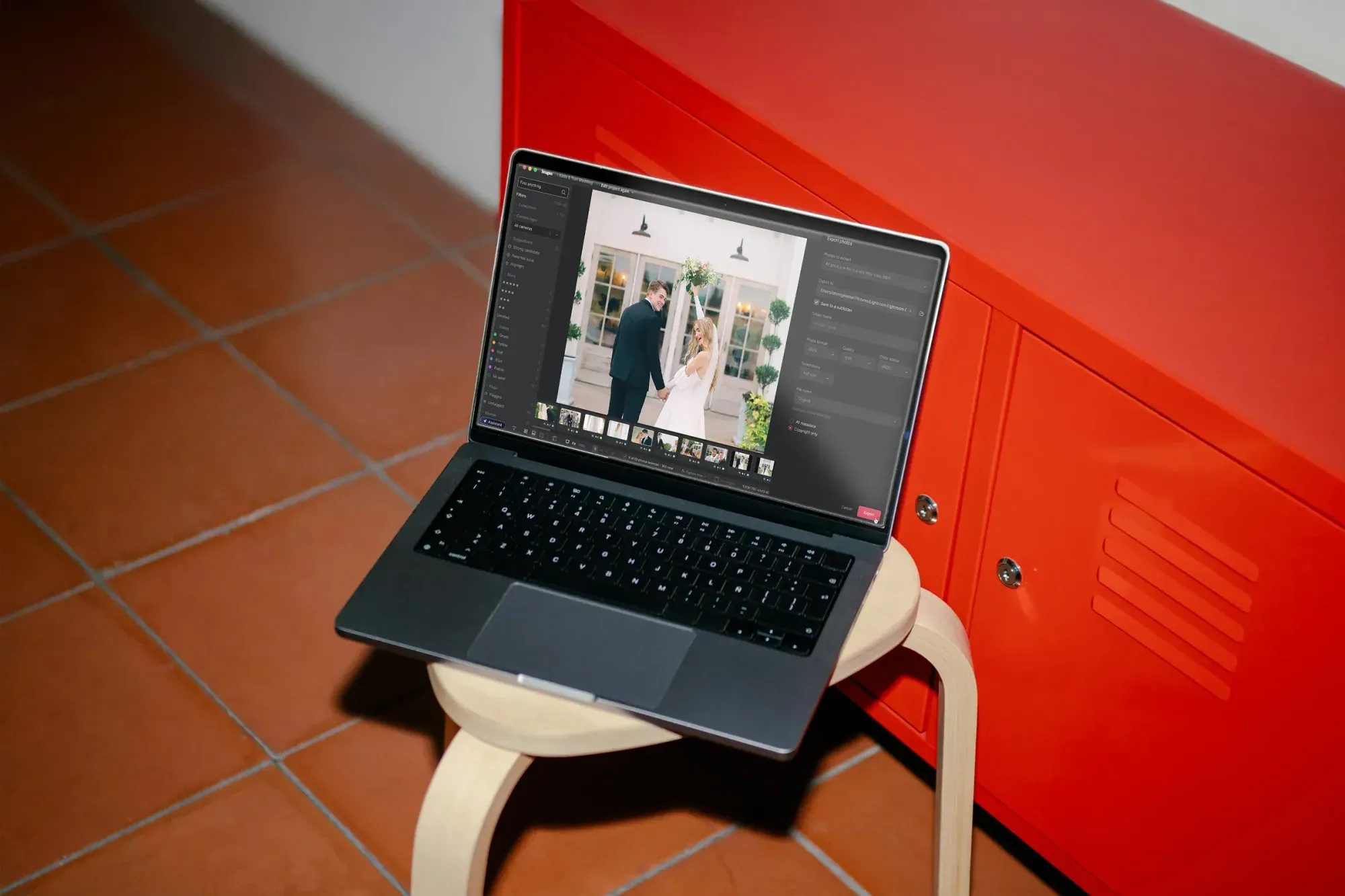
This is where Imagen fits most naturally in a first dance workflow. Imagen learns your personal editing style from your Lightroom or Capture One catalog, then applies that same style consistently across a full shoot. Instead of syncing settings between frames that were lit differently, you get an edit that already looks like your work on every image, and it corrects exposure and color as it goes. Edited photos arrive in batches as they process, so you can start reviewing early frames while the rest finish. Because Imagen edits, culls, and retouches the real photos you shot, it never invents scenes, backgrounds, or people. It refines what actually happened on the dance floor without generating something new.
Pricing is pay-as-you-go: you pay for the photos you export. You see every edit in the gallery before you export, so you can run a real first dance through it before committing. For a deeper, step-by-step version of this stage, our first dance photo editing workflow breaks the batch pass down in detail.
Step 4: Tame DJ Color Spill and Spotlights
Colored lighting is the single biggest technical hurdle in the first dance edit. DJ washes throw magenta, blue, and green straight onto the couple, and a global white balance that fixes one frame can wreck the next. After the batch pass sets your baseline, walk through the trouble spots and correct them by lighting condition rather than one frame at a time.
Group your dance images by their dominant light, then adjust each group together. Frames washed in blue need one correction target, spotlight-warmed frames need another, and flash frames need a third. When a strong color cast lands on skin, pull it back so faces look natural without stripping the mood from the room. A little colored light in the background keeps the energy of a reception alive, so the aim is believable skin tones over a room that still feels like a party, not a sterile, colorless result. Handling these corrections in groups keeps the whole sequence coherent while respecting how different each frame actually looked.
Motion and flash bring their own fixes. For flash frames with a black background, lift the shadows gently so the room does not read as a void, and watch for hot highlights on foreheads and shoulders. For ambient frames with motion blur you decided to keep, lean into it as a creative choice rather than fighting it, since a touch of movement often sells the feeling of the dance.
Step 5: Per-Photo Finishing and Retouching
With a consistent base in place, the hero frames earn a personal pass. These are the images the couple will print, post, and remember, so they justify the extra minutes. Focus your finishing energy on the dip, the first spin, the tearful faces, and the wide shot that shows the whole room watching.
Common first dance finishing tasks include:
- Light skin retouching to calm shine and color blotches from mixed venue light.
- Cleaning up noise in the darkest ambient frames without smearing fine detail.
- Dodging and burning to guide the eye toward the couple on a busy floor.
- Small crops and straightening to tighten the composition on your best frames.
AI retouching helps here too. Imagen’s retouching smooths skin and cleans up common blemishes automatically, so a natural finish carries across the whole burst instead of being reserved for a handful of images. You still refine the frames that matter most by hand, and Imagen’s built-in editor (Beta) offers sliders, crop, and straighten for that finishing, but the baseline retouching is already done. Because the tool works on your actual photographs, the retouching enhances real faces and real moments rather than fabricating them.
Step 6: Export, Deliver, and Archive
The final stage turns your edited catalog into files the couple can actually use. Export in the sizes your delivery calls for, usually full-resolution JPEGs for prints and web-optimized versions for online galleries and social sharing. Sharpen appropriately for the output, and check a handful of dance frames at 100 percent to confirm noise and color held up.
A clean delivery routine keeps you organized across many weddings at once:
- Export full-resolution files for printing and a smaller set for the online gallery.
- Spot-check exposure, color, and skin tones on several dance frames before you upload.
- Deliver through a gallery platform the couple can view, download, and share easily.
- Archive the edited catalog and raw files to long-term storage once delivery is confirmed.
Keep your archive for at least a year, since couples often return for anniversary prints or albums long after the wedding.
Where AI Tools Fit in the First Dance Workflow
No single tool owns every step, so most wedding photographers combine a few. Here is how the main options fit a first dance workflow, with the strengths that matter for editing under difficult reception light.
Imagen is the strongest fit for fast, consistent editing of the whole dance sequence. It learns your personal style from your existing catalog and applies it across the burst, adds AI culling and AI retouching in one connected workflow, and keeps your look uniform from the first step to the final dip. It runs on pay-as-you-go pricing, where you pay for the photos you export, which suits photographers who deliver a lot of weddings and want their editing time back. Sliders, crops, and masks you do yourself are always free. For a focused look at the options, our roundup of the best AI first dance photo editing software compares them side by side.
Adobe Lightroom remains the industry-standard catalog and raw editor, and many photographers build their base workflow around it. Its manual controls, masking, and noise reduction give you precise, hands-on adjustment for dark dance frames, and it integrates cleanly with AI tools that read your catalog. Access is subscription-based.
Capture One is a favorite for photographers who want deep color control. Its color editing and layer tools are well regarded for correcting the exact kind of colored spill a DJ throws onto skin, which makes it useful for first dance frames. It is available on subscription or as a one-time license.
Aftershoot focuses on AI culling and style-based batch editing for wedding and event shooters. It automates the first-pass sort and applies a learned look across a large burst, making it a useful option for photographers who want to speed up culling. It runs on a subscription model.
You can browse more comparisons and workflow breakdowns on our photo editing tips hub, which collects guides for weddings and other high-volume niches.
How to Choose Your First Dance Workflow
Start with your volume and your appetite for manual control. If you shoot many weddings and need consistent galleries delivered quickly, an AI batch tool that learns your style removes the bottleneck at culling, color, and retouching while keeping the final decisions in your hands. If you edit a smaller number of weddings and enjoy hands-on control, a manual editor like Lightroom or Capture One at the core, paired with an AI tool for the heavy lifting, is a practical combination.
Also think about how your costs scale. A subscription is predictable but fixed whether you shoot two weddings a month or twelve, while a low pay-as-you-go rate ties your editing cost directly to what you deliver. The smartest move is to run one real first dance through a couple of options before you commit, because the right workflow is the one that matches how you actually shoot and edit.
Put Your First Dance Workflow to the Test
If speed and consistency across a tricky sequence are your priorities, the fastest way to feel the difference is to try it on a real first dance. Imagen learns your personal editing style from your catalog, culls the burst, edits the full sequence to match your look, and adds AI retouching, all in one connected workflow. You can explore Imagen’s new Studio, where you cull, edit, and export in one project, then run an actual wedding through it and see how many hours you get back per event.
What’s new in Imagen: Imagen is now an intelligent, agentic Studio for professional photographers, with one project that holds your culling, editing, review, and export so you can move between them freely. On a dark dance floor, AI filters for blur and closed eyes help you narrow a long burst, and you can use AI culling or skip it and cull manually for free. The Studio is rolling out gradually as a beta.
Frequently Asked Questions
How do I fix DJ color spill on skin in first dance photos?
Group your dance frames by their dominant light, then correct each group together rather than frame by frame. Set a natural white balance for each light source, then pull magenta, blue, or green casts off skin so faces look natural while the room keeps its energy. A batch edit that matches your style gives you a consistent starting point before you fine-tune the trickiest frames.
How long should it take to edit a first dance?
A full manual edit of a first dance burst can take a long time once you add culling, batch color, and per-photo finishing under difficult light. With AI culling and batch editing, you can cut the burst down and apply a consistent look in a fraction of that time, then spend your remaining minutes only on the hero frames that need a personal pass.
Should I keep flash frames or ambient frames for the first dance?
Keep both, since they tell the story in different ways. Flash frames freeze the couple sharply and work well for clean, printable portraits, while ambient frames capture the colored light and motion that convey the feeling of the moment. Edit each type on its own terms, lifting shadows on flash frames and controlling color on ambient ones, so the sequence feels intentional.
Does Imagen generate or fake first dance photos?
No. Imagen edits, culls, and retouches the real photos you shot. It does not invent scenes, backgrounds, or people, so your first dance gallery reflects the actual moment. The AI refines exposure, color, noise, and skin while keeping every frame true to what happened on the dance floor.

