

How to Edit Conference Photos with AI in 2026
Table of contents
To edit conference photos with AI in 2026, you build one repeatable pipeline that culls the strong frames, balances the mixed venue light in a single batch, and finishes skin and exposure per photo, so you deliver a same-day gallery for social while the event is still trending. The fastest route pairs your normal Lightroom or Capture One catalog with Imagen, which learns your personal editing style and applies it consistently across thousands of frames from every session. This guide walks the real workflow a conference shooter runs, from ingest to export, and shows where automation saves the hours you used to spend on sliders.
Conference work is a volume problem before it is a style problem. A two-day event with a keynote stage, breakout rooms, a sponsor hall, and candid networking can hand you 4,000 to 8,000 raw files shot under lighting that changes every 20 feet. The editing plan below keeps your look consistent across all of it and protects the fast turnaround that clients now expect. For the wider context on event and corporate galleries, our AI corporate event photo editing guide and the companion corporate event photo editing workflow go deeper on delivery structure.
Start With a Clean Ingest and File Structure
Good editing starts before you touch a single slider. Import every card into one catalog and tag each shoot by session, because a keynote at 9 a.m. and a rooftop mixer at 7 p.m. need different treatment. A tidy structure lets you batch each lighting environment separately, which is the whole secret to fast conference editing. Set your folders and keywords first, then let the software do the heavy lifting.
- Ingest all cards into a single Lightroom or Capture One catalog and back up the raws to a second drive.
- Create a subfolder per session, such as keynote, breakouts, sponsor hall, and networking.
- Apply keywords for the event name, day, and speaker so search stays fast during the same-day rush.
- Flag any obvious throwaway frames now, since a smaller pile speeds every step that follows.
This structure matters most when you deliver in waves. Social teams want the keynote hero shots within an hour, so a session-based layout lets you edit and ship that folder first while the rest waits its turn.
Cull the Volume Down to the Keepers
Culling is where most conference editing time disappears. When you shoot a busy panel at 8 frames per second, you get long bursts where only a few frames have open eyes, a clean gesture, and a sharp face. Reviewing all of that by hand can take longer than the edit itself. AI culling reads focus, exposure, and expression across the burst and surfaces the strongest candidates, so you approve selections instead of scrubbing through every near-duplicate.
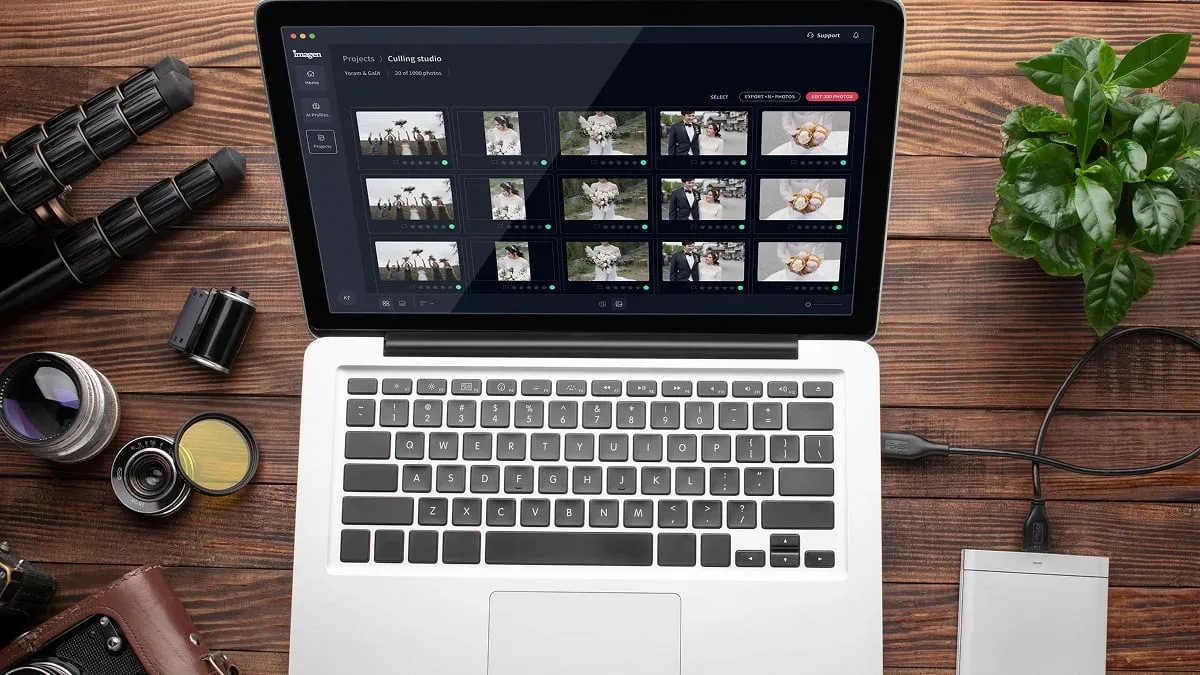
Imagen runs AI culling inside the same workflow that edits your photos, ranking frames and grouping similar shots so you keep the best version of each moment. You stay in control and can override any pick, but you start from a short list instead of the full 6,000, or you can skip AI culling and cull manually for free. That single change often turns a full culling day into an afternoon, which is the difference between same-day delivery and a next-week gallery.
Keep culling honest at large events. For a keynote, protect frames where the speaker’s hands and eyes read clearly on the big screen behind them. For networking, favor genuine interaction over posed clusters. The tool narrows the field, and your judgment picks the story.
Batch the Mixed Venue Lighting First
Large venues throw every kind of light at you at once. You get warm tungsten wash near the registration desk, cool LED panels in the breakout rooms, hard stage spots on the keynote, and daylight spilling through a lobby wall of glass. Editing each frame from scratch is the slow trap. The efficient move is to correct by session as a batch, then refine the outliers.
This is where Imagen earns its place in a conference pipeline. It learns your personal editing style from your own Lightroom or Capture One catalog, then applies that look across a full session in one pass, matching white balance, exposure, contrast, and color the way you would. Because the style comes from your past edits, a 900-frame breakout folder comes back looking like you edited it, not like a generic preset landed on top. You review, nudge the few frames that need it in Imagen’s built-in editor (Beta) or in Lightroom, and move on.
A practical order of operations keeps the batch clean:
- Correct white balance per session so warm halls and cool breakout rooms each read true.
- Set a consistent exposure baseline, then let per-frame adjustments handle the swings.
- Lock your contrast and color character once, so the whole event shares one signature look.
- Hold back the stage frames for their own pass, since spotlight exposure behaves differently.
Handle Keynote and Stage Spotlight Exposure
Stage light is the trickiest exposure at any conference. A keynote spotlight blows out a bright forehead while the shoulders fall into shadow, and the LED wall behind the speaker often shifts color mid-sentence. Meter for the face, protect the highlights on skin, and lift the shadows just enough to hold detail in a dark suit without turning the background muddy.
Batch the stage folder with a style built from your own past keynote edits, so the recovery moves you always make get applied across every frame of the talk. Then finish the handful of extreme frames by hand. Because Imagen edits the real photo you captured, it recovers and balances the light you actually shot. It does not invent a stage, a face, a logo on the screen, or an audience that was not there, so what you deliver is a true record of the moment on stage.
Two habits keep stage galleries sharp. First, expose slightly to protect highlights in the room, since lifting shadows later is safer than rescuing a clipped cheek. Second, watch color temperature across the talk, because a moving LED wall can push a warm face green if you trust a single global setting.
Retouch Skin and Faces at Scale
Conference portraits need clean, professional skin without the plastic look. Speakers on stage sweat under hot lights, badge lanyards cast odd shadows, and harsh spots exaggerate every texture. The goal is natural retouching that removes shine and distraction while keeping people recognizable. Done frame by frame across a full event, that work is enormous, which is why automation matters here as much as anywhere.
Imagen applies AI retouching in the same connected pass as culling and editing, smoothing skin, reducing shine, and cleaning small distractions consistently across the gallery. It retouches the real faces you photographed and does not swap features, invent people, or fabricate expressions. You get honest portraits that look polished and still look like the actual attendees. For headshot-style speaker crops, a light touch reads best, so keep pores and set your retouching strength conservatively.
Several other real tools live in this space if you want to compare approaches. Aftershoot is known for AI culling and editing aimed at high-volume shooters. Evoto focuses on portrait and skin retouching with a manual, per-image feel. Adobe Lightroom remains the catalog and raw-processing backbone that most of these workflows plug into. Each has its own strengths, and the right mix depends on how much of the pipeline you want inside one connected tool versus stitched across several.
Deliver Same-Day Galleries for Social
Same-day turnaround is the whole point of a modern conference shoot. Marketing teams post keynote highlights while the hashtag is live, so your export plan should mirror the wave delivery you set up at ingest. Ship the keynote heroes first, then breakouts, then networking, in tight batches sized for social.
- Export a small keynote hero set at web resolution within the first hour for immediate posting.
- Send full-resolution files for print and press once the fast social set is out the door.
- Apply consistent crops and a shared export preset so every session matches on the feed.
- Deliver each session folder as it clears review, rather than holding the whole event.
Because the culling, batch color, and retouching already ran as one pipeline, export is the easy part. You are stamping a finished, consistent look onto files that are ready to go, which is how a two-day event turns into a same-day highlight reel instead of a week of catch-up. You can walk the full corporate flow end to end in our valuable tips hub when you want more delivery detail.
Where Imagen Fits and What It Costs
Imagen sits at the automation core of this workflow, learning your style from your catalog and running AI culling, batch editing, and AI retouching in one connected pass. It is not an image generator. It edits, culls, and retouches the real photos you shot at the venue, so it never invents scenes, people, signage, badges, or backgrounds. That honesty is exactly what event and corporate clients need, since the gallery has to document what really happened on the floor.
Pricing is pay-as-you-go, a monthly base fee plus a charge for each photo you export. You pay at export, and you see every edit in the gallery first, so you can run a small session through the pipeline and see how your own style transfers before you commit. For a shooter measuring hours saved per event, that model scales with the size of each conference rather than locking you into a flat plan you may not use.
Tools like Aftershoot, Evoto, and Lightroom price differently, using subscription and per-image models, so weigh them on how they fit your volume and how much of the pipeline you want in one place. The advantage of a single connected workflow is that your look, your culling, and your retouching all speak the same language across every session of the event.
What’s new in Imagen: Imagen now works as an intelligent, agentic Studio for professional photographers, which helps when a conference has several sessions running at once. Edited photos arrive in batches, so you can start with the keynote frames while the breakout folders finish. Keep everything in one project, in any order, and send AI edits back to Lightroom Classic or export finished JPG, TIFF or PNG files straight from Imagen. The Studio is rolling out gradually as a beta.
Frequently Asked Questions
How does AI keep my edits consistent across a whole conference?
Imagen learns your personal editing style from your Lightroom or Capture One catalog and applies that same look across every session in a batch. Because the style comes from your own past edits, a keynote folder and a breakout folder end up matching, so the full gallery reads as one consistent body of work rather than a set of one-off frames.
Can AI editing handle tricky keynote spotlight exposure?
Yes, batch editing balances stage light across the talk by recovering highlights on skin and lifting shadows in dark suits. You still finish the few extreme frames by hand, but the pipeline does the repetitive recovery so you spend your time on the shots that need real judgment.
Does Imagen invent people or scenes in my photos?
No, Imagen is not a generator. It edits, culls, and retouches the real photos you captured at the venue, and it does not invent scenes, attendees, signage, badges, or backgrounds. The delivered gallery stays a true record of the event, which is what corporate and press clients require.
How fast can I deliver a same-day social gallery?
When culling, batch color, and retouching run as one pipeline, you can export a small keynote hero set within the first hour and follow with full session folders as each clears review. That wave delivery lets marketing teams post highlights while the event is still trending.
What does Imagen cost to try?
With Imagen, you pay as you go on export, a monthly base fee plus a charge for each photo you export. That lets you run a session through the workflow and confirm your style transfers before you scale to a full conference.
Ready to cut your conference editing time and deliver consistent galleries the same day? Try Imagen and run your next conference through the new Studio, where you cull, edit and export in one project.

