

Free photo editing software for windows: A Complete 2026 Guide
Table of contents
- What “free” really means for Windows photo editing
- Best free option for layer-based editing and retouching
- Best free option for RAW development
- Best free option for quick edits and browser-based work
- Where free tools hit their limit: high-volume, consistent editing
- The paid batch option: Imagen for whole-shoot editing
- How to build a free-first Windows workflow that scales
- Related guides and where to go next
- Frequently Asked Questions
- Is free photo editing software good enough for professional work on Windows?
- What is the best free way to edit RAW files on Windows?
- Can free photo editing software handle a whole wedding or event shoot?
- How much does Imagen cost, and is there a free trial?
- Do free photo editors on Windows work on older or low-spec machines?
You do not have to spend a cent to edit photos well on Windows in 2026. Free photo editing software for windows now covers almost everything a photographer needs, from RAW development and layer-based retouching to fast one-click enhancement, and much of it runs comfortably on a modest laptop. This guide walks through the free categories worth your time, explains what each one is genuinely good at, and shows where a paid, batch-first tool earns its place once your volume grows. The goal is simple. Match the tool to the job, keep your costs sane, and stop wasting evenings on work software should handle for you.
Below you will find the free options grouped by what they actually do, followed by an honest look at where free tools reach their limit and a paid option like Imagen becomes the faster path. No single program wins every category, so read each section for the work it does best.
What “free” really means for Windows photo editing
Free software on Windows comes in a few flavors, and knowing the difference saves you frustration later. Open-source editors are fully free forever, maintained by community volunteers, and never ask for a subscription. Free tiers of commercial apps give you a capable core but hold advanced features behind an upgrade. Trial versions hand you the full program for a limited window so you can test it on real work. And browser-based tools run without any install at all, which matters if your machine is older or locked down.
For a professional or a serious hobbyist, the practical question is not “is it free” but “is it free for the work I do most.” A landscape shooter processing thirty files a month has very different needs from a wedding photographer facing two thousand frames on a Monday. Keep your own volume and genre in mind as you read, because that is what points you to the right pick.
Best free option for layer-based editing and retouching
If you want the classic experience of layers, masks, brushes, and precise manual control, a free open-source layer editor is the obvious starting point. This category gives you compositing, selective adjustments, clone and heal tools, and detailed retouching, all without a license fee. It is the free answer to the layer-based workflow professionals have used for decades, and it runs natively on Windows.
These editors reward patience. The interface can feel dense at first, and heavy tasks like frequency-separation skin work or complex composites take real time and skill. But for a photographer who occasionally needs pixel-level command, cleaning up a distracting element, building a composite, or retouching a single hero frame by hand, a free layer editor covers the job without a subscription. Treat it as your manual workshop, the place you go when one image needs careful, deliberate attention rather than a fast pass.
Best for: Photographers who need occasional manual retouching, compositing, or precise masking and do not want to pay for a layer-based editor.
Best free option for RAW development
Shooting RAW on Windows does not require paid software either. Free RAW development tools give you demosaicing, exposure and white balance control, tone curves, lens corrections, and detailed color adjustment, so you can process your camera files from scratch and export finished JPEGs or TIFFs. For anyone who wants full control over how a RAW file is interpreted, this category is genuinely strong and completely free.
The trade-off is usually speed and polish. Free RAW developers tend to favor depth of control over convenience, so you may spend more time dialing in each file than you would with a paid app that hands you a pleasing baseline instantly. For landscape, travel, and everyday photographers who process a modest set of images and enjoy the craft of developing a file, that control is a feature, not a burden. For high-volume shooters, the per-file time adds up fast, which is where batch approaches start to matter.
Best for: Landscape, travel, and enthusiast photographers who want full manual RAW control on a manageable number of files.
Best free option for quick edits and browser-based work
Sometimes you just need a fast crop, a quick exposure fix, or a simple cleanup, and you do not want to open a heavy program. Free browser-based editors and lightweight desktop apps fill this gap. They load quickly, cover the everyday adjustments, and often run entirely in a browser tab, so an aging Windows machine is not a barrier. Many include friendly presets and one-click looks that get a casual image ready to share in seconds.
These tools are not built for a thousand-frame gallery or deep RAW control, and they usually compress or limit output on the free tier. But for social posts, quick client previews, or tidying up a handful of photos, a browser-based editor is the least-friction option on Windows, and it costs nothing. Keep it in your toolkit for the small, fast jobs that do not justify a full editing session.
Best for: Anyone who needs quick, casual edits or works on a low-spec Windows machine and values speed over deep control.
Where free tools hit their limit: high-volume, consistent editing
Free software handles single images beautifully. Where it struggles is volume. If you deliver whole shoots, a wedding, a corporate event, a full property listing, the bottleneck is not any one edit. It is applying a consistent look across hundreds or thousands of frames, and culling the near-duplicates before you even begin. Free layer editors and RAW developers were built to perfect one file at a time, so scaling them to a full gallery means repeating the same manual steps until the evening is gone.
This is the moment where a paid, batch-first tool stops being a luxury and starts saving real money in the form of your time. The question shifts from “can I edit this for free” to “what is an hour of my weekend worth.” For a photographer editing at professional volume, a tool that grades and culls the whole set in one pass often pays for itself on the first shoot.
The paid batch option: Imagen for whole-shoot editing
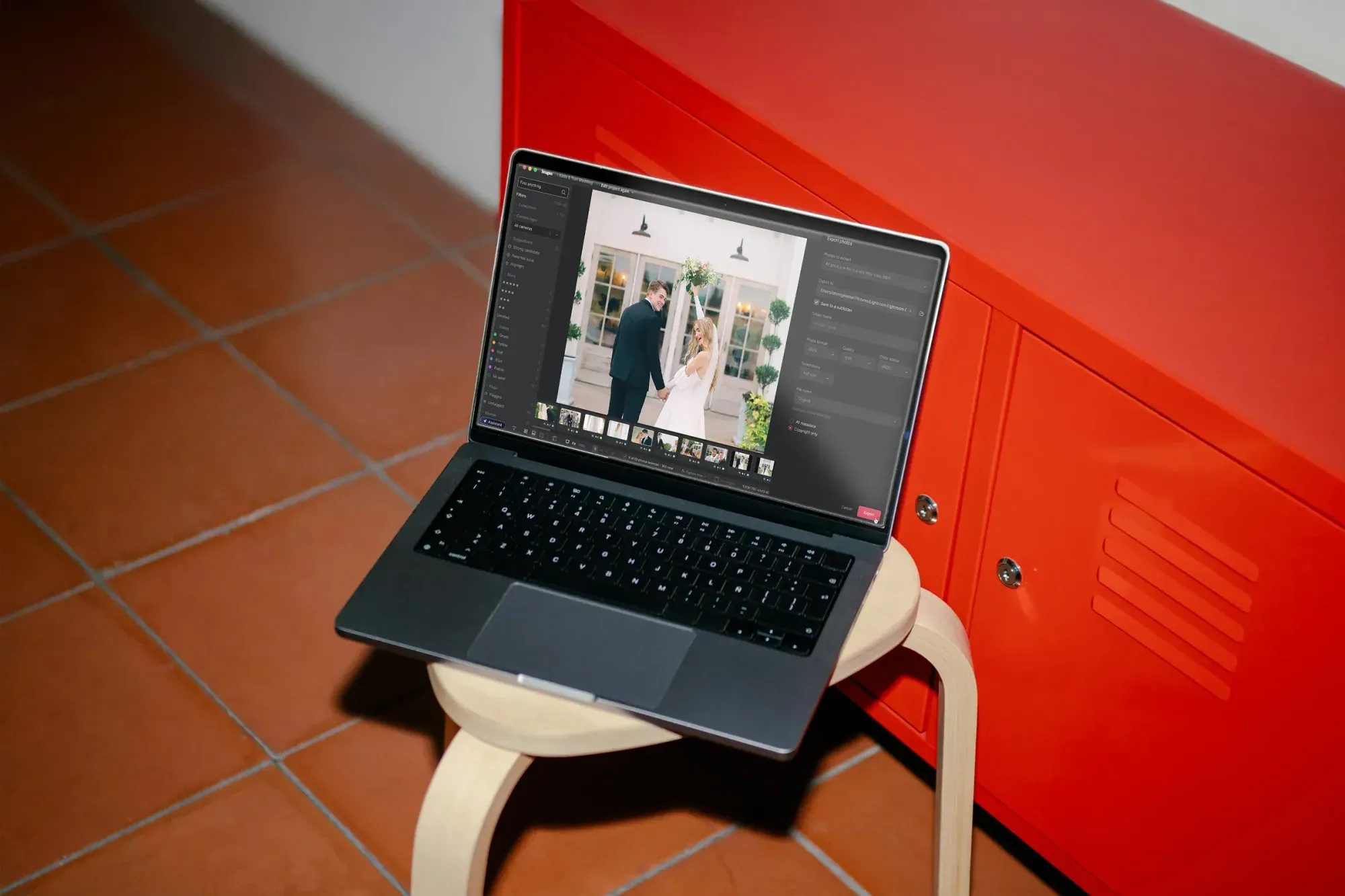
Once volume is the problem, Imagen is built for exactly that job, and its new Studio brings culling, editing, review and export into one project. It is a desktop app for Mac and Windows, so you download and install it on your Windows machine, with the AI processing running in the cloud, and you do not need a desktop catalog running underneath it. You point it at a full shoot, and it applies your personal AI editing style (Personal AI Profile), covering color correction, exposure balancing, and white balance in your own consistent style across every frame. A ceremony shot in shade and a reception shot under warm light come back looking like one coherent gallery instead of a patchwork of separate edits.
Culling runs in the same flow, narrowing bursts of near-identical frames so you are not scrolling through ten versions of the same moment. You can also save your look as a reusable personal style profile, so the next shoot starts from your own signature rather than a generic preset. Where you need to find particular frames, the assistant finds photos and acts on them when you ask in plain language, with you steering. Imagen reports the first batch finishes in under 10 minutes, which is the difference between editing tonight and editing all weekend. Because it works directly with RAW files, it fits a professional pipeline rather than forcing you to pre-convert everything.
Pricing is pay-as-you-go, so you pay for the photos you export. That lets you run a real shoot through it before committing anything. Sliders, crops, and masks you do yourself are always free. Two honest limits are worth stating plainly. Imagen does not sharpen or deblur a soft capture, and it does not upscale or do full background replacement. It does include AI denoise plus smooth-skin and face-retouch tools for cleanup across a gallery. It grades, culls, and finishes what your camera actually recorded, and within that lane, for volume and consistency, it is hard to beat.
Best for: Wedding, event, portrait, and real estate photographers who shoot high volume and want one consistent style applied fast, with per-photo finishing on the frames that need it.
How to build a free-first Windows workflow that scales
The smartest setup for most photographers is layered. Start free, and add paid tools only where free ones genuinely fall short. A practical Windows workflow looks like this. Use a free RAW developer for the modest personal projects where you enjoy dialing in each file. Keep a free layer editor on hand for the rare frame that needs manual compositing or careful retouching. Reach for a free browser-based editor for quick social crops and casual fixes.
Then, when a shoot crosses into real volume and consistency becomes the whole game, hand the batch to a tool built for it. Cull and grade the full gallery in one pass, save your style so it carries to the next job, and route only the exceptional frames, a deep skin retouch, a heavy sharpening recovery, a complex composite, to the specialist free tool that does that one job well. You are not choosing a single winner. You are matching each tool to the work it does best, and paying only for the time your free tools cannot give back.
Note that some jobs sit outside every free-or-batch grading tool. Rescuing a missed-focus frame, cleaning heavy high-ISO noise, upscaling for a large print, or merging a true HDR bracket set all call for dedicated detail-recovery software, and those tasks are worth handling with a tool purpose-built for them.
Related guides and where to go next
If you want to keep exploring the software landscape, three companion guides go deeper on adjacent questions. See our guide to free photo editing software for Mac if you also work on Apple hardware, our overview of professional photo editing software for a broader look at paid options, and our rundown of photo editing software for Windows for the full paid-and-free picture. You can also browse the complete library of photography workflow tips for more on batch editing, culling, and shoot consistency.
What’s new in Imagen: For photographers whose free tools hit their limit, Imagen is now an intelligent, agentic Studio built for professionals, a desktop app for Windows and Mac. Cull, edit, review and export inside one project, in any order, and see every edit in the gallery before you pay on export. AI Profiles apply your style, edited photos arrive in batches, and the Studio is rolling out gradually as a beta.
Frequently Asked Questions
Is free photo editing software good enough for professional work on Windows?
For many tasks, yes. Free open-source layer editors and RAW developers on Windows handle retouching, compositing, and full RAW development to a professional standard. Where free tools struggle is high-volume delivery, applying one consistent look across hundreds of frames and culling near-duplicates quickly. For that scale, a paid batch tool usually saves enough time to justify its cost.
What is the best free way to edit RAW files on Windows?
A free open-source RAW developer is the strongest option. These tools give you demosaicing, white balance, exposure, tone curves, and lens corrections at no cost, so you can process camera files from scratch. They favor depth of control over speed, which suits photographers working through a modest number of files rather than a full high-volume shoot.
Can free photo editing software handle a whole wedding or event shoot?
It can, but slowly. Free editors are built to perfect one image at a time, so applying a consistent style across thousands of frames means repeating the same manual steps for hours. A batch-first tool like Imagen grades and culls the entire set in one pass, with the first batch finishing in under 10 minutes, which is where paid software earns its place for high-volume work.
How much does Imagen cost, and is there a free trial?
Imagen is pay-as-you-go, so you pay for the photos you export. That lets you see how it handles a real shoot before you commit. It is a desktop app for Mac and Windows, so you download and install it on your Windows machine.
Do free photo editors on Windows work on older or low-spec machines?
Many do. Browser-based editors run in a tab and need very little from your hardware, making them a good fit for older Windows laptops. Lightweight free desktop apps also run well on modest machines. Heavy layer editors and RAW developers ask for more memory and processing power, so match the tool to what your computer can comfortably handle.

