
Event Photography: Quick Turnaround Without the Grind
Table of contents
- Turnaround is part of the product
- One project, not a relay race between apps
- Reviewing the morning session while the afternoon is still shooting
- A same-day scenario: from closing keynote to a next-morning recap
- One consistent look across every room, every day of a multi-day event
- Ask instead of scroll: building a highlight set with the assistant
- Choosing a format for the fastest realistic path
- Paying for what you deliver, not what you tried
- Frequently asked questions
Clients rarely remember exactly how sharp every frame was. They remember whether the gallery showed up when you said it would. For event photographers working corporate summits, galas, trade shows, and product launches, turnaround time is not a nice extra on top of good photography. It is part of what the client is actually paying for, and it is the part that decides whether they book you again. An intelligent Studio project is built around exactly that pressure: culling, editing, review, and export sharing one place, so the gap between the last frame shot and the first frame delivered gets smaller without cutting corners on the review in between.

Turnaround is part of the product
An event photographer’s actual deliverable is not just a set of well-exposed, well-composed images. It is those images, delivered inside the window the client actually needs them, whether that is a same-night recap for social media, a next-morning deck for stakeholders, or a same-week gallery for attendees. Miss that window and the quality of the photography barely matters, because the client has already moved on to whatever content filled the gap.
That pressure is different from a wedding, where a couple will usually wait a few weeks without complaint. Corporate clients, marketing teams, and press contacts tend to work on much shorter cycles, and the event itself does not wait for you to catch up. The shoot ends on schedule regardless of how much sorting and editing is still ahead of you, which is exactly why the post-production stage, not the shoot, is where a quick turnaround actually gets built or lost.
One project, not a relay race between apps
The old shape of event post-production often meant handing a shoot from one tool to another. Cull in one place, move the selects somewhere else to edit, then gather everything again for review and export. Every handoff cost time even when each individual step was fast, because someone had to organize the transfer and double check nothing got lost along the way.
A Studio project collapses that relay into one non-linear space. Cull, edit, review, and export all happen without leaving the project, and you can move between those steps in whatever order the event actually calls for. If you would rather cull one keynote session by hand while letting a first pass sort the crowd shots from the reception, that choice is yours to make session by session rather than a rule the tools impose on you.
Reviewing the morning session while the afternoon is still shooting
Multi-hour events used to mean waiting for the entire day to finish processing before you could review a single frame. That is no longer how it works. Edited photos arrive in batches grouped by timestamp as Imagen works through the upload, so a morning keynote or an early panel is often ready to review well before an afternoon breakout session has even finished processing.
That earlier availability changes what is realistic to promise a client. Instead of one long wait followed by a single review session covering the entire event, you are working through smaller, already finished batches throughout the day, which means the first usable images can be ready for a quick share long before the event itself has wrapped.
That shift also changes how you brief a second shooter on a multi-photographer event. Instead of collecting everyone’s cards at the very end and sorting whose card covered what, each photographer’s cards can go into the same project as their sessions wrap, so coverage from every angle lands in one place already grouped by when it was actually shot.
A same-day scenario: from closing keynote to a next-morning recap
Picture a half-day leadership summit that wraps at four in the afternoon, with the marketing team asking for a short recap set by nine the next morning for an internal newsletter. Upload starts the moment the cards come off the camera, into a single project covering the whole day. Because the earliest sessions were shot hours before the closing keynote, their batches are often already processed and waiting by the time the event itself ends.
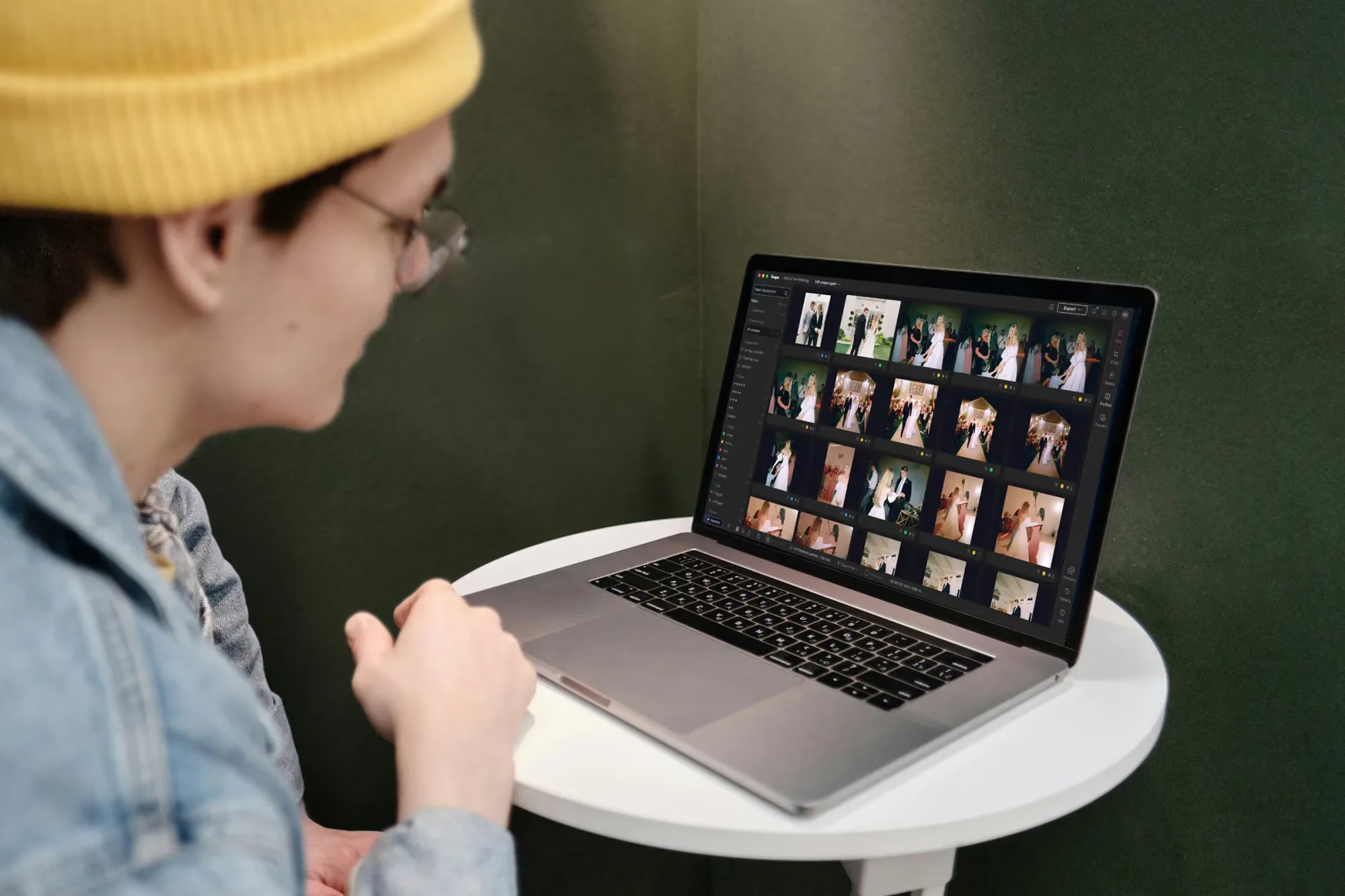
Culling a shoot inside the Imagen project view
That means the actual review work left after four in the afternoon is a fraction of the full day’s shoot, not all of it. Pull the finished batches, rate and flag the strongest frames, run a quick manual check on the handful of images likely to appear in the recap, and export directly. A next-morning deadline stops being a scramble and becomes a normal Tuesday.
The same pattern holds for a longer, multi-day conference with a recap due after each day rather than only at the very end. Each day’s upload becomes its own set of finished batches by the time the next day’s sessions start, so a five-day conference never leaves you facing a single mountain of unedited frames on the final afternoon.
One consistent look across every room, every day of a multi-day event
A trade show booth photographed across three days rarely sits under one steady light. Morning traffic near a window looks nothing like a packed afternoon under booth lighting, and an evening happy hour brings its own color cast entirely. A client scrolling through the finished gallery should never be able to tell which day or which hour a given photo was taken, and getting there by hand-matching color across dozens of small lighting shifts used to eat into time you did not have.
Applying your Personal AI Profile across the full multi-day gallery keeps the brand’s look consistent booth to booth and day to day, without requiring a separate manual pass for every lighting change. When one part of the event genuinely calls for a different treatment, an evening reception versus a daytime expo floor, for example, you can apply more than one AI Profile to that specific set of photos and let each portion carry its own look while staying part of the same project.
Ask instead of scroll: building a highlight set with the assistant
A recap request rarely comes with a shot list attached. It comes as a vague ask for “a few good ones of the CEO on stage” or “something from the booth that shows how busy it was,” and finding those specific moments by scrolling through a full day’s coverage is its own time cost. Describing what you need in plain language to the assistant and letting it search the gallery is often the faster path, especially under a same-day deadline.
It helps to keep expectations grounded here. The assistant recognizes what is in a photo rather than exactly where within the frame, so it will not drop a mask on one specific attendee for you, and a genuinely subjective ask, like which crowd shot best captures the room’s energy, still benefits from your own eye. Used for what it is actually good at, quickly narrowing a large gallery down to a shortlist, it removes a real chunk of the searching that used to eat into a tight turnaround.
This is also where a specific, well-described request pays off. “Every wide shot of the main stage during the awards segment” narrows results far faster than a general request for “stage photos,” since the assistant has more of the actual scene description to match against.
Choosing a format for the fastest realistic path
Not every event needs the same file format. A fast-moving trade show floor where speed matters more than deep post-production latitude is often a reasonable candidate for shooting JPEG, while a keynote stage with more challenging light, or a gala where color and exposure need real recovery room, usually calls for RAW. Imagen accepts JPEG, TIFF, and RAW uploads, so the choice can vary event to event, or even session to session within the same day, without changing how the workflow itself runs.
Whichever format you shoot, the same project structure applies. Culling, editing, and review happen the same way regardless of the file type coming in, which means the format decision stays about the shoot itself, not about which tool you will need afterward.
Paying for what you deliver, not what you tried
Speed under a deadline often means testing things: comparing two crops, trying a tool on a batch you are not sure you will keep, checking whether a different treatment reads better for the client’s brand. None of that exploration costs anything until you actually export. For a pay as you go photographer, that separation matters most exactly when you are moving fast, because it means you can try an approach, decide against it, and try another without watching a bill climb before you have delivered anything.
Pricing for pay as you go photographers follows what you export, whichever tools you tried along the way. If you want a deeper look at building a full event workflow around this kind of speed, our valuable tips library covers turnaround, consistency, and delivery choices in more detail.
What’s new in Imagen: Imagen is now an intelligent, agentic Studio for professional photographers, one project where you cull, edit, review and export in any order. On a long event, edited photos arrive in batches by timestamp, so the morning session is ready to review while later sessions are still processing, and the assistant finds a moment you describe, such as the keynote on stage or a toast, from a plain-language request. The beta is rolling out gradually.
Frequently asked questions
How much faster is a realistic event turnaround with this workflow?
It depends on the size of the event and how much manual review you choose to do, but the main shift is not waiting for the entire day to finish processing before you can start reviewing. Earlier sessions are often ready well before the event itself ends.
Can I still deliver a same-day recap for a half-day event?
Yes. Because edited photos arrive in batches by timestamp, morning or early-afternoon sessions are frequently finished and ready to review before a closing session even wraps, which is what makes a tight same-day request realistic.
Does moving faster mean a less consistent gallery across a multi-day event?
No. A Personal AI Profile applies your trained look across the full event regardless of when each batch finishes, so a fast turnaround and a cohesive gallery are not working against each other.
What can the assistant actually help with on an event deadline?
It is most useful for finding specific requested moments quickly, a particular speaker, a specific part of the program, in plain language. It does not replace your judgment on which frame best represents the event, and it cannot yet place an edit on one exact spot in a photo.
Working toward a deadline that will not move? See how one Studio project keeps culling, editing, and export moving together at imagen-ai.com.
