

Cloud based photo editing software for photographers: A Complete 2026 Guide
Table of contents
- What Cloud Based Photo Editing Software Actually Means
- Why Photographers Are Moving Editing to the Cloud
- The AI Batch and Cloud Layer: Where Imagen Fits
- What Cloud Editing Handles Well, and What It Does Not
- Building a Two-Tool Cloud Workflow That Actually Works
- How to Choose Cloud Based Editing Software for Your Work
- Frequently Asked Questions
- What is cloud based photo editing software for photographers?
- Is cloud based editing good enough for professional photographers?
- How much does Imagen cost, and is there a free trial?
- Do I need to install anything to use a cloud editing tool like Imagen?
- Can cloud editing software replace all my other photo tools?
Cloud based photo editing software for photographers is any editing tool that runs in your browser instead of installing on one machine, so your shoots, your edits, and your presets live on servers you can reach from any computer. For professionals who deliver whole galleries on a deadline, the appeal is simple. There is no multi-gigabyte install to babysit, no license tied to a single desktop, and no scramble when your main workstation is busy rendering or sitting at the office while you edit from a laptop. This guide explains what cloud editing actually means in 2026, where it fits a professional workflow, what it still cannot do, and how to choose the right setup for the volume and genre you shoot.
The short version is that cloud tools have moved from a compromise you tolerated to a serious part of a pro pipeline, especially for the high-volume, style-consistent work that eats your evenings. They are strongest at batch grading, culling, and consistent finishing across a shoot. They are still not the place for the heaviest manual retouching or true bracket-merged HDR. Read on for how to match each job to the right layer.
What Cloud Based Photo Editing Software Actually Means
Cloud based editing describes software where the processing, storage, or both happen on remote servers rather than entirely on your local drive. In practice this covers a spectrum. Some tools keep a familiar desktop feel but sync your catalog and edits to the cloud so you can pick up on another device. Others are true browser web apps, where you sign in, upload a shoot, and the work runs server side with nothing installed at all. The common thread is that your workflow is no longer chained to one physical machine.
For a working photographer the practical benefits are concrete. You can start a batch on a studio desktop and check the results on a laptop at a coffee shop. A dead hard drive no longer takes your active projects with it. And onboarding a second editor becomes a matter of sharing access rather than mirroring an entire software and preset setup on a new computer. The trade is that you rely on a stable internet connection and on the provider keeping your data safe, which is why choosing a reputable tool matters.
Why Photographers Are Moving Editing to the Cloud
The move is driven by volume. A wedding can produce 2,000 frames, a corporate event fills three cameras, and a real estate day covers dozens of rooms that all need to match. Local software forces every one of those files through the processing power of a single machine, and it forces you to sit at that machine. Cloud tools break both constraints. The heavy lifting happens on servers built for it, and you are free to work from wherever you are.
There is also a consistency argument. When your style, your presets, and your reference edits live in the cloud, every gallery you deliver draws from the same source of truth. You are not hoping the preset on your laptop matches the one on your desktop. For photographers who have built a recognizable look, that single shared style is worth as much as the speed. It keeps a brand consistent across every job and every device you touch.
The AI Batch and Cloud Layer: Where Imagen Fits
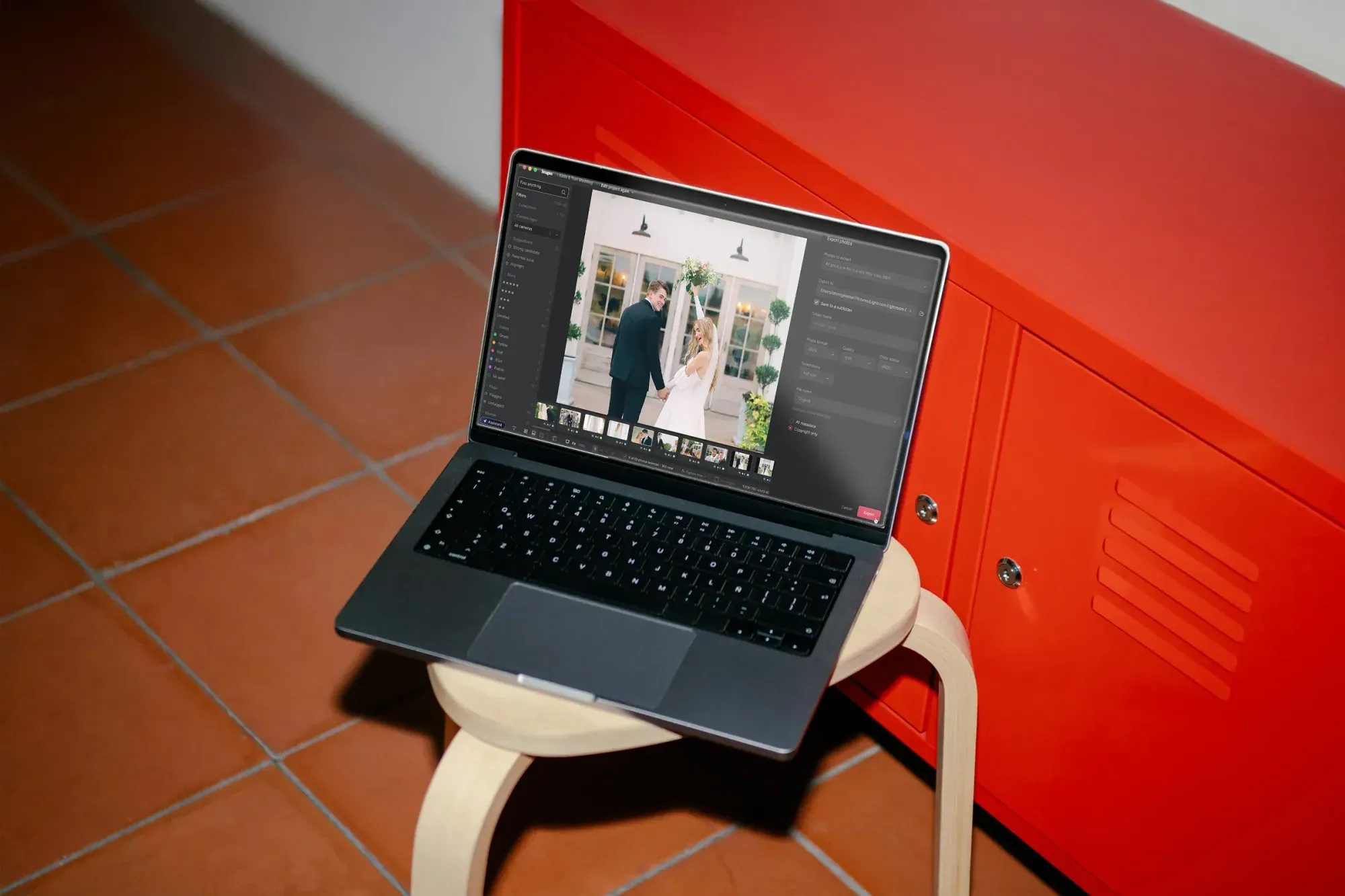
Imagen is a desktop app for Mac and Windows built for photographers who deliver whole shoots rather than single hero frames. You download and install it, and the AI processing runs in the cloud. That design makes it a clean example of what cloud editing can do for professional volume work, because the heavy processing lives online and finishes fast.
The core of Imagen is batch editing in your personal AI editing style. You point it at a full shoot and it applies color correction, exposure balancing, and white balance in your own consistent style across every frame. A ceremony shot in shade and a reception shot under warm tungsten come back looking like one coherent gallery instead of a patchwork of separate edits. Culling runs in the same flow, so a burst of ten near-identical frames narrows down before you spend time scrolling. Because it reuses your saved style profiles, the look you deliver this week matches the look you delivered last month. Imagen reports that the first batch finishes in under 10 minutes, which is the difference between editing tonight and editing all weekend.
Where a single frame needs individual attention, Imagen’s AI tools and retouching handle the exceptions per photo. They cover the frames that need extra care, with the built-in editor (Beta) for final touches. The framing is simple. Batch editing in your personal AI style handles the set, and the retouching tools handle the one or two frames that need extra care. Pricing is transparent: pay-as-you-go combines a monthly base fee with a charge for the photos you export, and you see every edit in the gallery first, so you can test the batch on a real shoot before you commit. You can see how the cloud workflow runs in Imagen’s new Studio, where you cull, edit and export in one project, on the Imagen site.
What Cloud Editing Handles Well, and What It Does Not
Being honest about scope saves you frustration. Cloud batch tools like Imagen are excellent at applying a consistent grade and tone across an entire shoot, at culling near-duplicates, at reusing a personal style profile, and at light per-photo finishing such as object removal or background blur. They handle RAW files, and they turn a full gallery around fast. For high-volume, style-driven delivery, that is exactly the work that used to keep you at your desk on a weekend.
There are jobs a batch and cloud tool is not built for, and it is worth naming them plainly. Heavy manual retouching, frequency-separation skin work, and complex compositing remain hands-on tasks for a dedicated pixel-level editor. Recovering a soft or missed-focus capture through sharpening, along with noise reduction, upscaling, and precise geometry corrections, belongs to specialized detail-enhancement software. True HDR that merges a bracketed exposure sequence into one file is a separate discipline handled by dedicated merging tools. Imagen does not do these jobs, and it does not pretend to. It grades and finishes what your camera actually recorded, and for that lane nothing beats a fast cloud batch.
Building a Two-Tool Cloud Workflow That Actually Works
Most working photographers get the best results from two tools rather than one. The pattern is straightforward. Run the whole shoot through a cloud batch tool first to cull the set, apply your consistent style, and finish the frames that only need object removal or a sky swap. That single pass clears the vast majority of your gallery quickly and keeps every image on-brand. Then hand the rare exception to a specialist.
In practice that means the one portrait that needs deep skin work goes to a dedicated retouching tool, the deep crop that needs noise reduction goes to a detail-enhancement app, and the composite goes to a layer-based editor. You are not asking any single tool to do everything. You are letting the cloud batch remove the bottleneck of volume, then spending your manual time only where it genuinely adds value. This is how professionals cut their editing hours without giving up control over the frames that matter most.
How to Choose Cloud Based Editing Software for Your Work
Start with your volume and your genre, because those two facts point straight at the answer. If you deliver large galleries where consistency across a shoot is the whole game, a cloud batch tool that reuses your style profile and finishes the first pass in under 10 minutes removes the bottleneck. If your work is one perfect face or one built composite, a retouching or layer-based tool rewards the time you invest, and cloud batch is only your first grading pass. If your problem is a soft or noisy capture, only a dedicated sharpening and upscaling tool addresses it, and even then within limits.
Then weigh the practical cloud factors. Check that the tool handles your RAW format, that its pricing model matches how you actually work, and that it lets you reach your projects from more than one device. A pay-as-you-go model suits photographers whose volume swings month to month, since you pay for the shoots you actually edit rather than a flat fee in a quiet season. Finally, run a real shoot through the tool before you commit, because the only test that matters is whether the output looks like your work on your files.
For deeper dives on specific setups, see our guides to photo editing software for MacBook Pro and photo editing software for Windows 11 professionals, or read more on browser based photo editing software. You can also browse the full library of photography workflow tips for more on batch editing, culling, and consistent finishing.
What’s new in Imagen: Imagen is now an intelligent, agentic Studio for professional photographers, one project where you cull, edit, review and export in any order. The desktop app sends the heavy AI processing to the cloud and returns edited photos in batches as they process, so you can start reviewing early frames while the rest finish. The Studio is rolling out gradually as a beta.
Frequently Asked Questions
What is cloud based photo editing software for photographers?
It is editing software that runs in your browser or syncs to remote servers rather than living entirely on one local machine. Your shoots, edits, and style presets are reachable from any computer, so you are not tied to a single desktop. For professionals it is most useful for high-volume batch grading, culling, and consistent finishing across a whole gallery.
Is cloud based editing good enough for professional photographers?
Yes, for the right jobs. Cloud batch tools are strong at applying a consistent style across an entire shoot, culling near-duplicates, and finishing frames that need object removal or a twilight sky. They are not built for heavy manual retouching, sharpening a missed-focus capture, or true bracket-merged HDR, which still belong to dedicated specialist software.
How much does Imagen cost, and is there a free trial?
Imagen is pay-as-you-go, with a monthly base fee plus a charge for the photos you export. You see every edit in the gallery before you export, so you can test it on a real shoot before committing. Imagen also offers a free trial.
Do I need to install anything to use a cloud editing tool like Imagen?
Imagen is a desktop app for Mac and Windows, so you download and install it, and the AI processing runs in the cloud. You add your shoot, and the batch begins. When the edits are ready, send them back to Lightroom Classic as XMP, or export finished JPG, TIFF or PNG files straight from Imagen.
Can cloud editing software replace all my other photo tools?
Usually not, and it does not need to. Most professionals pair a cloud batch tool for volume, consistency, and light finishing with a specialist app for the rare frame that needs deep skin retouching, heavy sharpening, or complex compositing. Matching each tool to the job it does best is more effective than forcing one app to do everything.

