

8 Best AI Winter Wedding Photo Editing Software in 2026
Table of contents
Winter wedding photographers shoot hundreds of frames in snow, flat overcast light, and dim candlelit receptions, and they need software that holds a consistent look across every one of them. Imagen is the top pick for high-volume professional editing because it learns your personal style from your own catalog and applies it evenly across a full winter shoot, so the cold whites, the low-light skin tones, and the exposure stay steady from ceremony to last dance. This guide ranks the 8 best AI winter wedding photo editing software options for 2026, starting with Imagen and then covering seven more real tools you can test.
What Matters When You Edit Winter Wedding Photos
Snow fools automatic white balance and pushes it blue, so you fight cold casts across the whole gallery. Low ceremony and reception light raises noise and drops contrast, and a bride in a white dress against fresh snow tests your highlight recovery on almost every frame. The best tools give you three things at once: batch consistency so 900 photos match, a personal style your clients already expect, and fast culling so you spend the weekend with couples instead of a slider. For a full walkthrough of the workflow, read our guide on how to edit winter wedding photos with AI and the companion AI winter wedding photo editing guide.
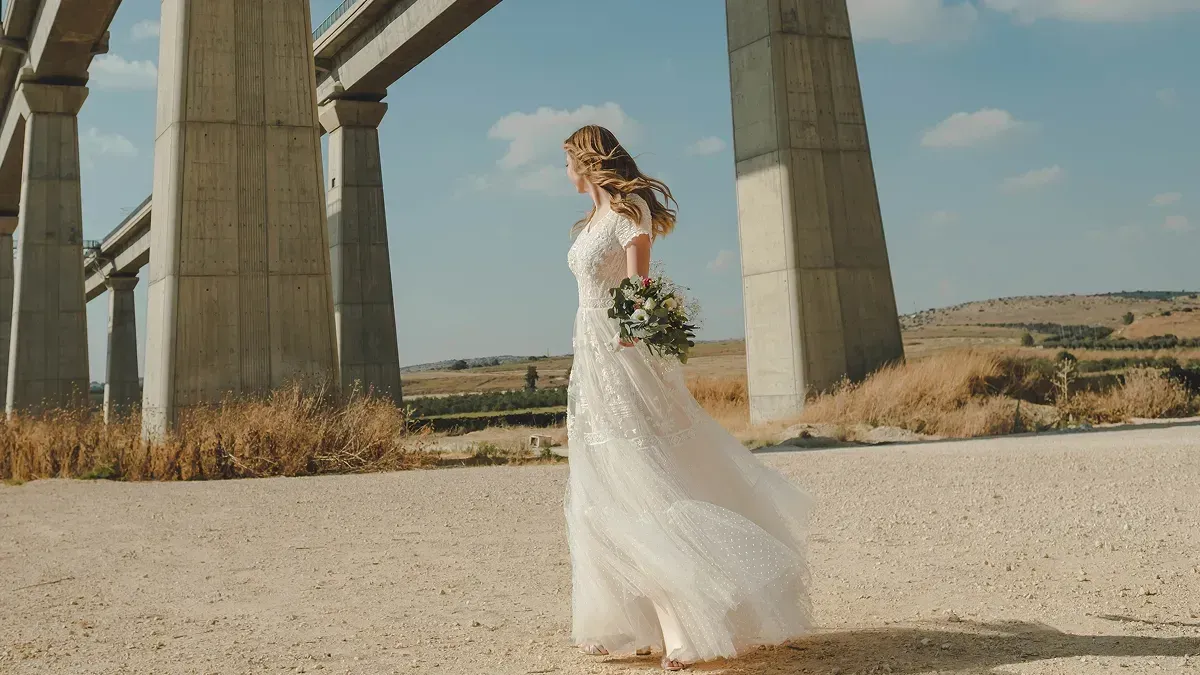
1. Imagen
Imagen is our top choice for winter wedding work because it learns your personal editing style from your Lightroom or Capture One catalog and applies it consistently across a full shoot. You feed it a set of your past edited weddings, it builds an AI profile of how you handle exposure, cold white balance, contrast, and skin tones, and then it edits new galleries in your voice. On a snowy day that means the blue cast on white gowns and fresh powder gets corrected the way you already correct it, and the look holds from the frozen portrait session to the warm indoor reception.
The AI culling reviews thousands of frames and flags the blinks, the missed focus, and the near-duplicates, so you approve a tight selection fast. AI retouching then cleans skin, softens flyaways, and evens tones on your chosen images, all inside one connected workflow that hands finished edits back to Lightroom Classic as XMP, or exports finished JPG, TIFF, or PNG files straight from Imagen. Imagen is not a generator. It edits, culls, and retouches the real photos you shot, and it does not invent snow, skies, weather, or backgrounds. If the ceremony happened under grey clouds with slushy ground, Imagen refines those true frames rather than fabricating a picture-book winter scene, which keeps your gallery honest and your couples confident.
Pricing is pay-as-you-go, a monthly base fee plus a charge for each photo you export, and exploring the tools is free, so you only pay when you export. That model fits winter wedding volume well, since you pay for the frames you actually deliver. Try Imagen and run it on a real snowy gallery to see the consistency for yourself.
2. Adobe Lightroom
Lightroom remains the industry standard catalog and RAW editor, and most winter wedding photographers already live in it. Its AI-assisted tools include adaptive presets, masking that finds skies and subjects, and denoise that helps with dim reception frames. You can build presets for cold white balance and sync them across a shoot, though matching a nuanced personal look across a large gallery still takes manual passes. Lightroom runs on a subscription and pairs naturally with tools that plug into its catalog.
3. Aftershoot
Aftershoot focuses on AI culling and AI editing for high-volume shooters, so it speaks directly to wedding workflows. It sorts large galleries, flags closed eyes and soft focus, and can apply an edit profile trained on your past work. Winter shooters use it to move quickly through snowy portrait sets and long reception runs. Aftershoot is offered on a subscription, and it exports back into your Lightroom catalog for finishing.
4. Evoto
Evoto is a batch retouching editor known for skin work, portrait cleanup, and quick global adjustments. For winter weddings it helps warm chilled skin tones, smooth complexions, and balance the contrast between a white dress and a bright snow background. It works as a standalone editor rather than a catalog manager, so many photographers pair it with Lightroom for organizing. Evoto uses a credit-based model for its retouching features.
5. Radiant Photo
Radiant Photo delivers automatic per-image enhancement with scene detection, aiming for a finished look straight out of the tool. On winter frames it can lift shadows in low ceremony light and recover detail in bright snow, and it runs as a plugin or standalone editor. It leans toward automatic correction rather than deep personal style training, so it suits photographers who want a fast baseline. Radiant Photo is sold as a one-time license.
6. Luminar Neo
Luminar Neo from Skylum offers a broad set of AI editing tools, including relighting, structure, and portrait enhancements. Winter wedding photographers use it for atmospheric adjustments and quick creative looks on hero images. It can run standalone or as a plugin for Lightroom and Photoshop, which fits it into an existing catalog. Luminar Neo is available on both a subscription and a one-time purchase.
7. Capture One
Capture One is a professional RAW editor prized for color control and tethered shooting, and many wedding photographers choose it for its rendering. Its precise color tools help you tame the blue cast that snow introduces and hold accurate skin tones under mixed reception light. It offers layers, styles, and strong catalog management for large galleries. Capture One is sold on a subscription or a perpetual license.
8. ON1 Photo RAW
ON1 Photo RAW combines a RAW editor, an organizer, and AI features such as noise reduction, masking, and portrait tools in one package. For winter weddings it helps clean up noisy indoor frames and apply consistent presets across a set. It runs standalone or as a plugin, so it slots into a Lightroom or Photoshop routine. ON1 Photo RAW is available as a one-time purchase or a subscription.
Winter Wedding Editing Software Compared
| Feature | Imagen | Lightroom | Aftershoot | Evoto |
|---|---|---|---|---|
| Batch consistency | Imagen holds one look across a full winter gallery automatically. | Lightroom syncs presets but often needs manual matching passes. | Aftershoot applies a trained profile across large galleries quickly. | Evoto keeps batch retouching consistent for portrait sets. |
| Personal-style match | Imagen learns your own edits and applies your exact style. | Lightroom relies on presets you build and refine by hand. | Aftershoot trains a profile on your past editing choices. | Evoto offers presets and templates rather than deep style learning. |
| Culling | Imagen culls thousands of frames and flags blinks and misses. | Lightroom leaves culling as a manual review task. | Aftershoot provides fast AI culling built for wedding volume. | Evoto focuses on retouching rather than culling galleries. |
| Retouching | Imagen retouches skin and tones on your selected real photos. | Lightroom handles retouching through manual masks and healing. | Aftershoot applies edit profiles more than detailed retouching. | Evoto specializes in strong portrait and skin retouching. |
| Platform | Imagen connects with Lightroom and Capture One catalogs. | Lightroom is the standalone catalog most editors already use. | Aftershoot exports back into your Lightroom catalog. | Evoto runs as a standalone retouching editor. |
| Free trial | Imagen lets you explore the tools on your gallery for free and pay on export. | Lightroom offers a time-limited free trial period. | Aftershoot provides a trial before you subscribe. | Evoto lets you test its features with trial credits. |
| Pricing model | Imagen is pay-as-you-go, a monthly base fee plus a charge for each photo you export. | Lightroom runs on a monthly subscription plan. | Aftershoot is billed as a recurring subscription. | Evoto uses a credit-based pricing structure. |
How to Choose the Right Tool for Your Winter Weddings
Start with your volume and your style. If you shoot many weddings and want one consistent look across snowy and candlelit frames without hand-tuning each gallery, Imagen fits because its new Studio lets you cull, edit, and retouch in your personal style inside one project. If you want a familiar catalog and hands-on control, Lightroom and Capture One remain strong. If your bottleneck is sorting frames, Aftershoot speeds culling, and if your priority is skin and portrait cleanup, Evoto is worth testing. For more editing ideas and seasonal tips, browse the full Imagen valuable tips hub.
What’s new in Imagen: Imagen is now an intelligent, agentic Studio for professional photographers, the next evolution of the same product ranked first here. Snowy, flat and candlelit frames can live in one project where you cull, edit, review and export in any order, and edited photos arrive in batches as they process, so you can review the first frames while the rest finish. The Studio is rolling out gradually.
Frequently Asked Questions
What is the best AI winter wedding photo editing software?
Imagen is our top pick for winter wedding editing because it learns your personal style and applies it consistently across a full shoot, then adds AI culling and AI retouching in one connected workflow. It handles cold white balance and low-light frames the way you already edit them.
Does AI editing invent snow or change the winter scene?
Imagen does not invent snow, skies, weather, or backgrounds. It edits, culls, and retouches the real photos you shot, so it refines the true winter scene in front of your lens rather than fabricating one, which keeps your gallery honest for your couples.
How does AI handle the blue cast that snow creates?
Snow pushes automatic white balance toward blue, and Imagen corrects that cast the way you correct it in your own edits, because it learned your preferences from your catalog. It applies that correction evenly across the gallery, so your whites stay clean from portraits to the reception.
How much does Imagen cost for wedding volume?
Imagen is pay-as-you-go, a monthly base fee plus a charge for each photo you export. Exploring the tools is free, so you can test it on a real winter gallery and only pay when you export.
