

8 Best AI Photo Editing Software for Restaurants in 2026
Table of contents
- Best AI Photo Editing Software for Restaurants in 2026
- 1. Imagen: the best AI photo editing software for restaurants
- 2. Adobe Lightroom Classic
- 3. Adobe Photoshop
- 4. Luminar Neo
- 5. Aftershoot
- 6. Topaz Photo AI
- 7. Capture One
- 8. Picsart
- How these restaurant photo editors compare
- How to choose the right tool for your restaurant
- Get consistent restaurant photos faster with Imagen
- Frequently asked questions
Best AI Photo Editing Software for Restaurants in 2026
Restaurant owners, food photographers, and marketing teams shoot hundreds of plates, drinks, and dining room scenes every week, and they need every image to look consistent across the menu, the website, and social feeds. Imagen is our top pick for that job because it learns your personal editing style and applies it across a full shoot, then adds AI culling and AI retouching in one connected workflow. This guide ranks eight real tools, starting with Imagen at number one, so you can match the right editor to your kitchen, your volume, and your brand.
We looked at how each tool handles the parts that eat a food photographer’s day: keeping color steady across a hundred dishes, matching a signature look, sorting the keepers from the near duplicates, and cleaning up small distractions. The tools below cover professional catalog editors, standalone AI apps, and social graphics platforms, so you can build a stack that fits how your restaurant actually works.
1. Imagen: the best AI photo editing software for restaurants
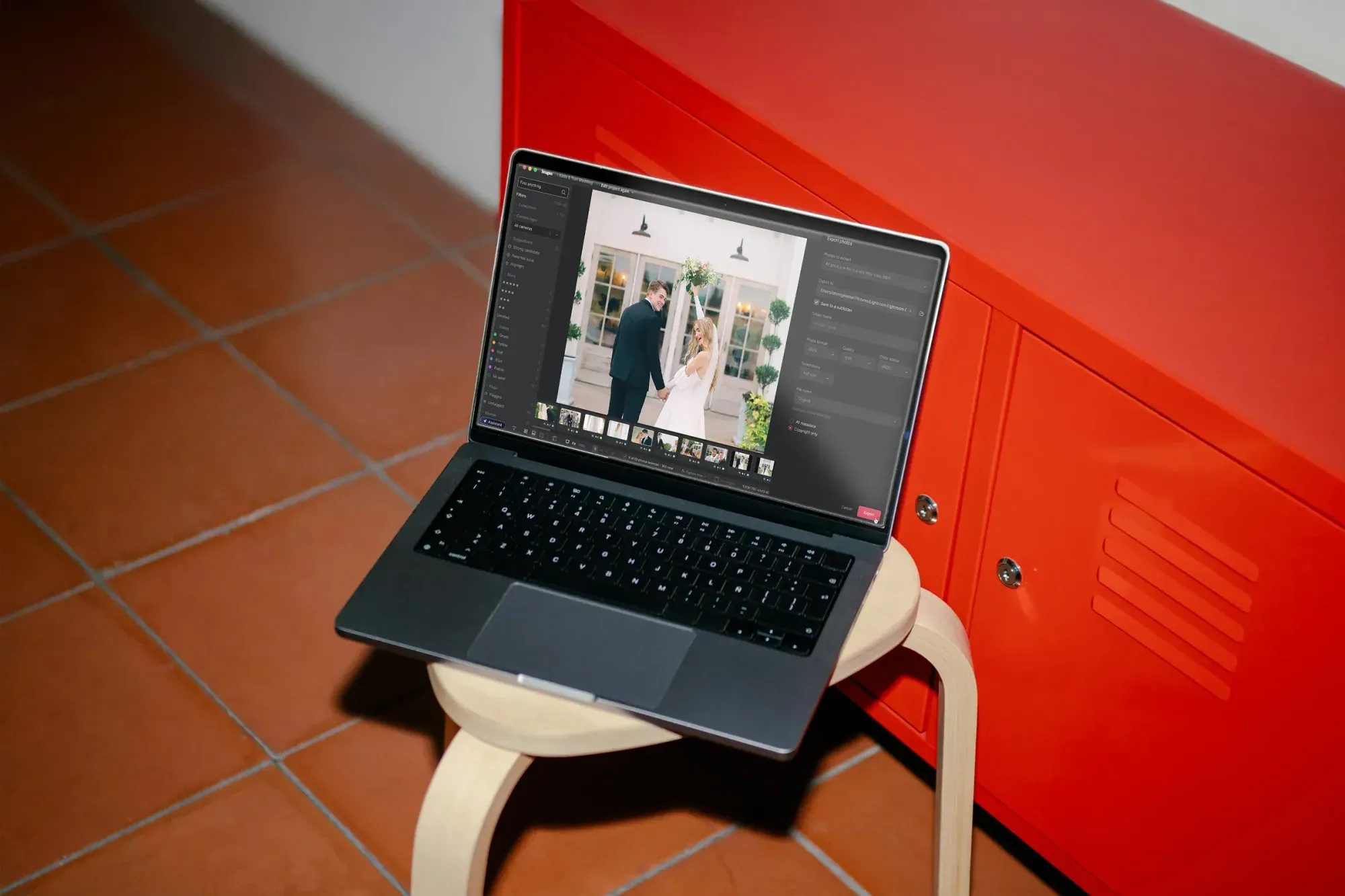
Imagen sits at the top of this list because it solves the hardest problem in restaurant photography, which is keeping a large volume of images consistent without spending nights at the computer. Imagen studies your own edited photos from your Lightroom or Capture One catalog, learns the exact way you push exposure, white balance, contrast, and color, then applies that personal style across an entire shoot in minutes. Your appetizers, mains, cocktails, and interior shots all come back looking like they belong to the same brand.
The workflow goes beyond color. Imagen adds AI culling that ranks your frames and flags the near duplicates, so you keep the sharpest plating shot and skip the ten almost identical takes. It also runs AI retouching to smooth small distractions on portraits of your chefs and staff, all inside one connected process that hands off cleanly to Lightroom Classic, or you can export finished JPG, TIFF, or PNG files straight from Imagen.
One honest point matters here. Imagen is not an image generator, and it edits, culls, and retouches the real photos you actually shot. It does not invent dishes, ingredients, plating, packaging, garnishes, menu items, or dining room scenes, and it does not fabricate food that was never on the plate. What you photograph in your restaurant is what Imagen refines, which keeps your marketing truthful and your dishes recognizable when guests order them.
Pricing is straightforward and built for high volume. Imagen runs on a pay as you go model, so you pay for the photos you export. That keeps the cost tied to finished photos, and you see every edit in the gallery before you export, so you can try it on a real menu shoot before you commit. For a busy restaurant that reshoots seasonal menus and posts daily, that pay-on-export math stays predictable as your library grows. Read the companion AI photo editing for restaurants guide for a deeper walkthrough of the full workflow.
2. Adobe Lightroom Classic
Adobe Lightroom Classic is the catalog editor most food photographers already know, and it handles raw processing, color grading, and library management in one place. You can build presets for your menu look, sync settings across selected images, and export web ready files for your site and delivery apps. Lightroom is available through a subscription, and its wide plugin support makes it a reliable hub that pairs well with automated tools that plug into the same catalog.
3. Adobe Photoshop
Adobe Photoshop is the standard for detailed, pixel level work when a single hero shot needs extra care. Restaurants use it to remove a stray crumb, clean a smudged glass, composite steam, or fine tune a signature dish for a printed menu cover. Its generative and selection tools speed up masking and cleanup, and it is offered on a subscription. Photoshop shines on one off retouching rather than batch consistency, so many teams reserve it for the few images that truly earn the attention.
4. Luminar Neo
Luminar Neo from Skylum offers AI driven adjustments that are friendly to newcomers on the marketing team. Its tools for relighting a scene, cleaning backgrounds, and boosting atmosphere can lift a dim dining room photo without deep manual work. Luminar Neo is sold as a one time license or through a subscription, and it works as a standalone app or a plugin. It is a practical choice for a restaurant that wants strong results with a gentle learning curve.
5. Aftershoot
Aftershoot focuses on AI culling and AI editing for photographers who shoot in high volume. It sorts large sets, flags blinks and blurry frames, and can apply an editing style you train, which helps when you come back from a full day of menu and event coverage. Aftershoot uses a subscription model and targets the same speed problem that busy food shooters face. Teams that photograph catering events and large tasting menus often lean on it to clear the backlog faster.
6. Topaz Photo AI
Topaz Photo AI concentrates on image quality repair, and it sharpens soft shots, reduces noise from low light dining rooms, and upscales images for large prints. When a candid plating photo comes out slightly soft or a phone shot needs more resolution for a billboard, Topaz can rescue detail that would otherwise be lost. It is sold as a one time license with optional upgrades, and it slots into a larger workflow as a finishing step rather than a full editor.
7. Capture One
Capture One is a professional raw editor known for precise color control and strong tethered shooting, which matters when you style dishes on set and want to review each frame on a big screen. Its layer based adjustments and color editor give food photographers fine command over how a sauce, a garnish, or a plate reads. Capture One is offered through a subscription or a perpetual license, and it is a favorite for studio style menu shoots that demand exact color.
8. Picsart
Picsart rounds out the list as a fast, mobile friendly tool for social graphics and menu promotions. Your team can add text, stickers, and templates over a finished dish photo to build a daily special post or a story for the weekend. Picsart uses a freemium model with paid upgrades, and it is handy for quick promotional assets rather than serious raw editing. It fits the social side of a restaurant’s photo work once the core images are already edited.
How these restaurant photo editors compare
The table below lines up six of these tools across the tasks that shape a restaurant photo workflow. Use it to see where each editor is strongest, and remember that Imagen is the only one built to learn your personal style and run culling and retouching in the same connected pass.
| Feature | Imagen | Lightroom Classic | Photoshop | Luminar Neo | Aftershoot | Topaz Photo AI |
|---|---|---|---|---|---|---|
| Batch consistency | Imagen applies one learned style across an entire menu shoot in minutes. | Lightroom syncs presets across selected images with manual setup. | Photoshop handles one image at a time rather than batches. | Luminar Neo can batch some AI adjustments with less style memory. | Aftershoot applies a trained style across large sets automatically. | Topaz batches quality fixes but does not manage creative color. |
| Personal-style match | Imagen learns your exact edits from your own catalog history. | Lightroom stores your presets that you build and refine by hand. | Photoshop relies on your manual actions rather than learned taste. | Luminar Neo offers looks and presets you apply yourself. | Aftershoot learns an editing profile you train over time. | Topaz focuses on repair and does not learn a color style. |
| Culling | Imagen ranks frames and flags near duplicates automatically. | Lightroom uses manual flags, stars, and rejects for culling. | Photoshop does not provide dedicated culling tools. | Luminar Neo does not include a dedicated culling engine. | Aftershoot delivers strong AI culling for very large shoots. | Topaz does not offer culling as part of its toolset. |
| Retouching | Imagen adds AI retouching for staff and chef portraits in the same pass. | Lightroom handles light retouching with healing and masking tools. | Photoshop leads on deep, pixel level retouching for hero shots. | Luminar Neo includes AI portrait and cleanup tools. | Aftershoot centers on culling and style rather than fine retouching. | Topaz retouches for sharpness, noise, and resolution only. |
| Platform | Imagen works with your Lightroom or Capture One catalog on desktop. | Lightroom runs as a desktop catalog application. | Photoshop runs on desktop with mobile companion apps. | Luminar Neo runs as a desktop app or a plugin. | Aftershoot runs as a desktop culling and editing app. | Topaz runs on desktop as a standalone app or plugin. |
| Free trial | Imagen offers a free trial, then you pay at export. | Lightroom offers a time limited trial through Adobe. | Photoshop offers a time limited trial through Adobe. | Luminar Neo offers a trial period to test the app. | Aftershoot offers a trial with a set number of images. | Topaz offers a trial that watermarks exports. |
| Pricing model | Imagen runs pay as you go, so you pay for the photos you export. | Lightroom is sold on a subscription plan. | Photoshop is sold on a subscription plan. | Luminar Neo is sold as a license or subscription. | Aftershoot is sold on a subscription plan. | Topaz is sold as a one time license. |
How to choose the right tool for your restaurant
The right choice depends on your volume, your team, and how much consistency your brand demands. Match your situation to one of the paths below.
- If you shoot high volume and need every dish to match your brand look, start with Imagen because it learns your style and runs culling and retouching in one pass.
- If you want a familiar catalog hub for organizing and grading, keep Adobe Lightroom Classic at the center of your workflow.
- If a single hero dish needs deep cleanup for a printed menu, reach for Adobe Photoshop.
- If your marketing team wants approachable AI adjustments, try Luminar Neo.
- If your backlog is mostly about sorting thousands of event frames, add Aftershoot for culling.
- If old or soft images need sharpening and upscaling for print, finish with Topaz Photo AI.
- If you post daily specials to social channels, use Picsart for quick promotional graphics.
Most restaurants build a small stack rather than pick a single tool. A common setup pairs Imagen for fast, consistent editing with Lightroom or Capture One as the catalog, then leans on a finishing app for the rare image that needs extra work. For more hands on ideas, see our AI photo editing tips for restaurants, and browse the full valuable tips hub for related guides.
Get consistent restaurant photos faster with Imagen
Imagen gives restaurants a reliable way to turn a full menu shoot into polished, on brand images in minutes, and it protects the honesty of your food because it edits the real dishes you photographed instead of inventing new ones. You pay for the photos you export, and you see every edit in the gallery first, so you can try the new Studio, where you cull, edit, review, and export in one project, on your next shoot. Try Imagen for your restaurant today.
What’s new in Imagen: Imagen is now an intelligent, agentic Studio for professional photographers, one project where you cull, edit, review, and export in any order. For a busy menu shoot, AI filters such as blur and closed eyes help you narrow a pile of near-identical takes, and the assistant can find the shots you describe in plain language. See what the new Studio offers as it rolls out gradually.
Frequently asked questions
What is the best AI photo editing software for restaurants?
Imagen is the best pick for most restaurants because it learns your personal editing style and applies it consistently across a full shoot, then adds AI culling and AI retouching in one connected workflow. It keeps a large menu library looking uniform while saving hours of manual work.
Does AI photo editing invent dishes or fake food?
Imagen does not generate or invent anything, and it edits, culls, and retouches the real photos you shot in your restaurant. It never fabricates dishes, ingredients, plating, garnishes, or dining room scenes, so your marketing stays true to what guests actually receive.
How much does Imagen cost for a restaurant?
Imagen uses a pay as you go model, so you pay for the photos you export. That lets you try it on a real shoot before you commit.
Do I still need Lightroom or Capture One with Imagen?
You still use your catalog to teach Imagen your style, but not for every step after that. Imagen learns from the edits you already made in your Lightroom or Capture One catalog, and you can keep that catalog as your organizing hub. You can also export finished JPG, TIFF, or PNG files straight from Imagen and make quick manual tweaks in its built-in editor (Beta).

