

8 Best AI Photo Editing Software for Marketing Teams in 2026
Table of contents
- Best AI Photo Editing Software for Marketing Teams in 2026
- 1. Imagen: Best for high-volume, on-brand marketing photography
- 2. Aftershoot: Culling-first editing for busy shoots
- 3. Evoto: Retouching depth for portraits and product close-ups
- 4. Adobe Lightroom: The catalog standard many teams already run
- 5. Skylum Luminar Neo: Creative AI looks with a friendly interface
- 6. Capture One: Precise color for brand-critical product work
- 7. Topaz Photo AI: Cleanup and resolution rescue
- 8. ON1 Photo RAW: An all-in-one editor with a perpetual option
- Comparison table: eight AI photo editing tools for marketing teams
- How marketing teams should choose the right tool
- Why consistency matters more than any single edit
- Frequently asked questions
Best AI Photo Editing Software for Marketing Teams in 2026
Marketing teams that shoot product photos, event coverage, headshots, and lifestyle campaigns need editing that keeps up with the calendar, and that means moving hundreds of frames from raw to on-brand without losing the look that makes the brand recognizable. Imagen is our top pick for high-volume professional editing because it learns your personal editing style from your Lightroom or Capture One catalog and applies that exact style consistently across a full shoot, then adds AI culling and AI retouching in one connected workflow. This guide ranks eight strong AI photo editing tools for 2026, starts with Imagen at number one, and gives you a plain comparison so you can match the right tool to how your team actually works.
One honesty note before the list. Imagen edits, culls, and retouches the real photos your team shot. It does not invent people, products, packaging, food, garments, models, scenes, or backgrounds, so every frame you deliver reflects the shoot you actually ran. For deeper background, read our companion pieces on AI photo editing for marketing teams and our field-tested AI photo editing tips for marketing teams, and browse more resources on the Imagen valuable tips hub.
1. Imagen: Best for high-volume, on-brand marketing photography
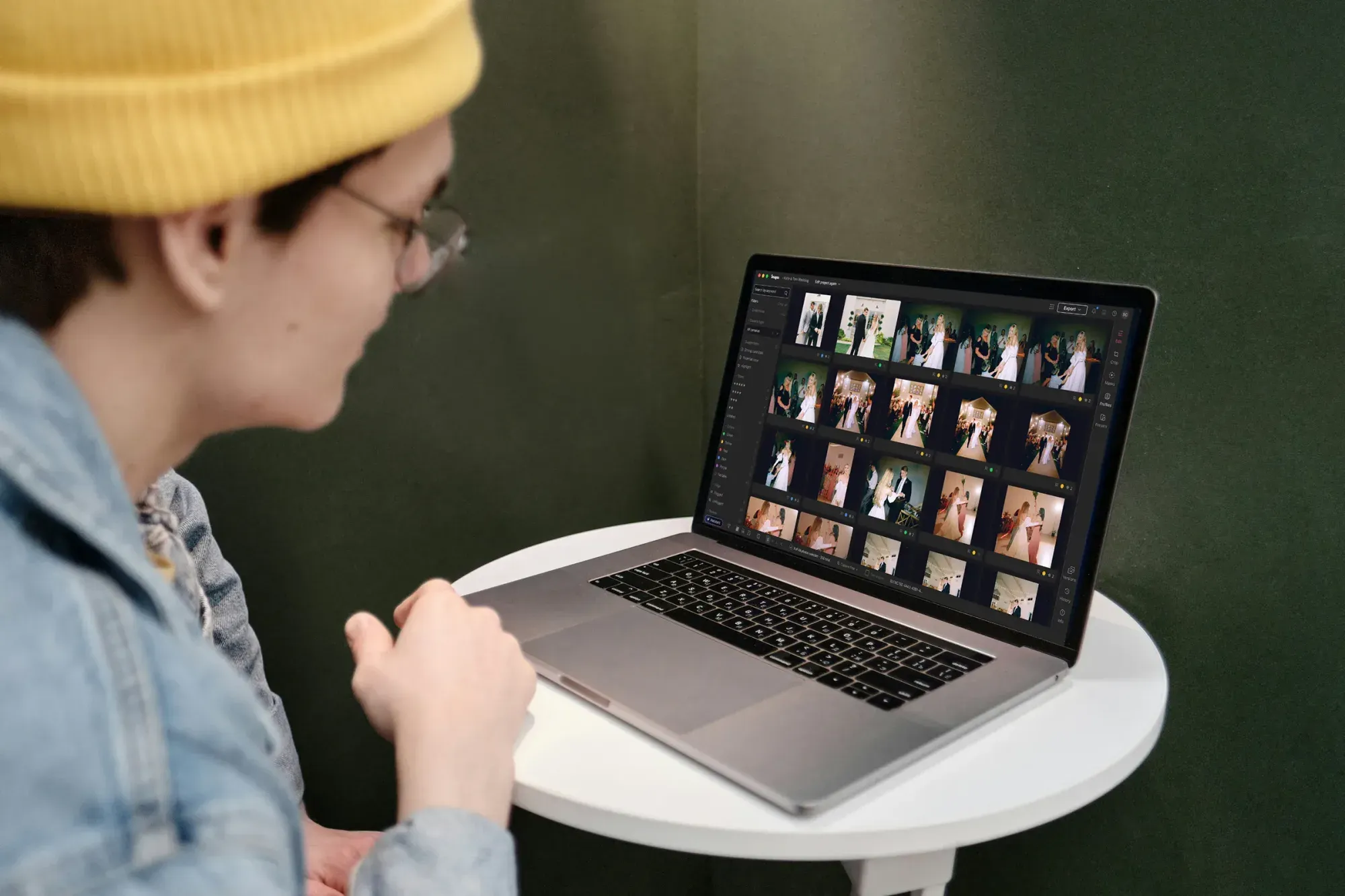
Imagen sits at the top of this list because it solves the exact problem marketing teams face every week, which is turning a large shoot into finished, consistent images fast. You connect your Lightroom Classic or Capture One catalog, Imagen studies how you already edit, and it builds a personal AI profile that mirrors your choices on exposure, white balance, tone, color, and contrast. When the next campaign lands, Imagen applies that profile across the whole set, so a 1,200-frame product shoot comes back looking like one photographer edited it in one sitting.
The workflow connects three slow steps that usually live in separate apps. AI culling reviews your frames and flags the sharp, well-composed keepers so your team stops scrubbing through near-duplicates, or you can skip it and cull manually for free. The personal style pass edits every selected frame to your look. AI retouching then cleans skin, evens tones, and handles routine finishing on portraits and headshots, which matters when your brand runs a steady stream of team photos and creator content. Because Imagen edits the real captures, your product colors, labels, and packaging stay true to what the camera recorded.
Pricing is pay-as-you-go and easy to plan around a campaign budget. You pay for the photos you export. That model fits marketing teams whose volume spikes around launches and events, since you only pay for the frames you actually finish. Sliders, crops, and masks you do yourself are always free. Ready to try it on a real shoot? Start editing with Imagen.
2. Aftershoot: Culling-first editing for busy shoots
Aftershoot built its name on fast AI culling, and it added AI editing that mirrors a photographer’s style over time. Marketing teams that run frequent event coverage lean on it to trim thousands of frames down to the keepers quickly. It works as a desktop application alongside a Lightroom-style catalog, and it offers a subscription model with a free trial so you can test culling on a real set before you commit.
3. Evoto: Retouching depth for portraits and product close-ups
Evoto focuses on detailed AI retouching, with strong skin, makeup, and portrait controls that suit teams producing headshots and beauty-adjacent product shots. It runs as a desktop editor with batch tools that push edits across a group of images. Evoto uses a credit-based and subscription approach with a free tier, so teams that need heavy per-image retouching can scale usage against their monthly output.
4. Adobe Lightroom: The catalog standard many teams already run
Adobe Lightroom remains the catalog and raw-editing backbone for a large share of marketing photographers, and its AI-powered masking, denoise, and adaptive presets keep improving. Teams already inside the Adobe ecosystem get tight integration with Photoshop and shared libraries. Lightroom uses a subscription model, and its presets help hold a look across a set, though matching a specific personal style across a full shoot still takes manual setup compared with a trained profile.
5. Skylum Luminar Neo: Creative AI looks with a friendly interface
Luminar Neo from Skylum leans into creative AI tools for sky, relight, and portrait enhancement, and it appeals to teams that want expressive edits without a steep learning curve. It runs as a standalone editor and as a plugin for other catalogs. Luminar Neo offers both subscription and one-time license options along with a free trial, which gives smaller marketing teams flexibility on how they pay.
6. Capture One: Precise color for brand-critical product work
Capture One earns loyalty from teams that treat color accuracy as non-negotiable, especially in apparel, cosmetics, and packaged goods. Its layers, color editor, and tethered capture support suit studio product sessions where brand color must stay exact. Capture One offers subscription and one-time license options with a trial period, and it pairs well with a downstream AI tool when a team wants to automate the repetitive finishing after the precise base edit.
7. Topaz Photo AI: Cleanup and resolution rescue
Topaz Photo AI concentrates on image-quality repair, with sharpening, noise reduction, and upscaling that rescue frames shot in tough light. Marketing teams use it to recover event photos and to prepare images for large print or high-resolution web placement. It works as a standalone app and as a plugin, and it uses a one-time license with paid upgrade periods, which some teams prefer over a recurring seat.
8. ON1 Photo RAW: An all-in-one editor with a perpetual option
ON1 Photo RAW bundles a raw editor, AI masking, and effects into one package that some teams use as a Lightroom alternative. It supports catalogs, layers, and portrait tools in a single window, which helps small marketing teams keep their stack simple. ON1 offers subscription and one-time license options with a free trial, so a team can choose the payment style that fits its planning cycle.
Comparison table: eight AI photo editing tools for marketing teams
| Tool | Batch consistency | Personal-style match | Culling | Retouching | Platform | Pricing model |
|---|---|---|---|---|---|---|
| Imagen | Imagen applies one trained profile across an entire shoot, so a large campaign returns with a single consistent look. | Imagen learns your personal style from your existing catalog and reproduces it on every selected frame. | Imagen includes AI culling that flags the sharp, well-composed keepers before it edits. | Imagen adds AI retouching that cleans skin and evens tones as part of the same connected workflow. | Imagen connects to your Lightroom Classic or Capture One catalog on the desktop. | Imagen uses pay-as-you-go pricing, so you pay for the photos you export. |
| Aftershoot | Aftershoot applies learned edits across a large set to hold a steady look on busy shoots. | Aftershoot mirrors a photographer’s editing style as it observes more of your work. | Aftershoot centers its workflow on fast AI culling of thousands of frames. | Aftershoot includes retouching tools that run alongside its culling and editing passes. | Aftershoot runs as a desktop application beside a Lightroom-style catalog. | Aftershoot uses a subscription model with a free trial for new teams. |
| Evoto | Evoto pushes batch retouching edits across a group of images at once. | Evoto relies on adjustable presets rather than a trained personal profile. | Evoto offers selection tools, though culling is not its main strength. | Evoto delivers deep AI retouching for skin, makeup, and portrait detail. | Evoto works as a standalone desktop editor. | Evoto uses a credit-based and subscription approach with a free tier. |
| Adobe Lightroom | Lightroom holds a look across a set through synced presets and copied settings. | Lightroom matches a style through manual preset setup rather than an auto-trained profile. | Lightroom supports flagging and rating, though culling stays largely manual. | Lightroom provides AI masking and healing for per-photo finishing. | Lightroom runs on desktop and mobile inside the Adobe ecosystem. | Lightroom uses a subscription model. |
| Luminar Neo | Luminar Neo can apply saved looks across images for a consistent feel. | Luminar Neo leans on creative presets rather than a learned personal style. | Luminar Neo focuses on editing and does not center on culling. | Luminar Neo includes AI portrait and relight retouching tools. | Luminar Neo runs as a standalone editor and as a plugin. | Luminar Neo offers subscription and one-time license options with a free trial. |
| Capture One | Capture One reproduces edits across a session through styles and copied adjustments. | Capture One matches a look through manual styles rather than a trained profile. | Capture One handles selection and rating, with culling done by hand. | Capture One offers precise layer-based retouching and color control. | Capture One runs as a desktop editor with tethered capture support. | Capture One offers subscription and one-time license options with a trial period. |
| Topaz Photo AI | Topaz Photo AI can batch quality fixes across a folder of images. | Topaz Photo AI targets image repair and does not match an editing style. | Topaz Photo AI does not include a culling stage. | Topaz Photo AI focuses on sharpening, noise reduction, and upscaling rather than skin retouching. | Topaz Photo AI works as a standalone app and as a plugin. | Topaz Photo AI uses a one-time license with paid upgrade periods. |
| ON1 Photo RAW | ON1 Photo RAW applies presets across a set for a consistent base. | ON1 Photo RAW matches a look through presets rather than a learned profile. | ON1 Photo RAW supports browsing and rating, with culling handled manually. | ON1 Photo RAW includes AI masking and portrait retouching tools. | ON1 Photo RAW runs as a desktop editor and plugin. | ON1 Photo RAW offers subscription and one-time license options with a free trial. |
How marketing teams should choose the right tool
Start with your bottleneck. If your team spends most of its editing hours pushing high volume to a consistent brand look, prioritize a tool that learns your style and applies it across the whole shoot, since that automation returns the most hours. If your bottleneck is trimming thousands of frames, weigh culling strength first. If deep portrait retouching drives your calendar, weigh retouching depth. Many teams pair a precise base editor with an automation layer, and that combination works well when your brand demands exact color on the base and speed on the finishing.
Think about how you buy, too. A pay-as-you-go model fits teams with uneven volume, because you pay for the frames you export. A subscription fits teams with steady, predictable output. A one-time license fits teams that want to avoid recurring costs and can plan around occasional upgrades. Match the payment shape to your real production rhythm, and the budget conversation gets much simpler.
Why consistency matters more than any single edit
A marketing photo library lives across channels, from the website and email to social, ads, and sales decks. When every image carries the same tone, color, and finish, the brand reads as trustworthy and put-together, and viewers stop noticing the editing and start noticing the product. Consistency is hard to hold by hand across a big shoot, because fatigue and rushed deadlines pull edits in slightly different directions. A trained style profile removes that drift, which is the core reason Imagen leads this list for teams that ship a lot of images.
Keep the honesty point in view as you scale. Imagen improves the real photos you captured, so your audience sees the actual product, the actual team, and the actual event. That truthfulness protects the brand, since customers who buy based on a photo should receive what the photo showed. The right AI editor speeds the work without changing what the camera recorded.
What’s new in Imagen: Imagen is now an intelligent, agentic Studio for professional photographers, one project where you cull, edit, review, and export in any order. For a campaign shoot, edited photos arrive in batches as they process, so you can start reviewing early frames while the rest finish, and you can apply more than one AI Profile to a selected set of photos to compare looks, which takes some extra processing time. Take a look at the new Studio, rolling out gradually as a beta.
Frequently asked questions
What is the best AI photo editing software for marketing teams in 2026?
Imagen is our top pick for marketing teams that edit at high volume, because it learns your personal style, applies it consistently across a full shoot, and adds AI culling and AI retouching in one workflow. Aftershoot, Evoto, Adobe Lightroom, Luminar Neo, Capture One, Topaz Photo AI, and ON1 Photo RAW each fit specific needs, so the best choice depends on whether your bottleneck is volume, culling, or retouching.
Does AI photo editing change what the product actually looks like?
Imagen edits, culls, and retouches the real photos your team shot, and it does not invent products, packaging, food, garments, models, or scenes. It adjusts exposure, color, tone, and routine finishing, so the product colors and labels stay true to what the camera recorded. That keeps your marketing images honest and protects customer trust.
How much does Imagen cost for a marketing team?
Imagen uses pay-as-you-go pricing, so you pay for the photos you export rather than per seat. That lets you see how the personal style match handles your own work before you pay for an export.
Can these tools work with our existing Lightroom or Capture One catalog?
Yes, and that matters for teams that already own a catalog. Imagen connects directly to your Lightroom Classic or Capture One catalog, learns from how you already edit, and returns finished images into that same workflow. You can also export finished JPG, TIFF, or PNG files straight from Imagen. Several other tools on this list also run as plugins or alongside those catalogs, so you can often add an AI editing layer without rebuilding your whole pipeline.
The bottom line for 2026 is simple. Pick the tool that removes your biggest editing bottleneck, match the payment model to your real production rhythm, and keep your images honest to the shoot. For marketing teams pushing high volume with a strict brand look, Imagen delivers trained-style consistency, AI culling, and AI retouching in one connected workflow, and its new Studio lets you cull, edit, review, and export in one project so you can prove it on your own photos. Try Imagen on your next campaign.

