

8 Best AI Elopement Photo Editing Software in 2026
Table of contents
Elopement photography asks a lot from your editing tools. You capture small ceremonies in dramatic landscape light, then you have to keep skin tones flattering while the sky, the rock face, and the golden-hour glow all fight for attention. A full elopement day can also produce thousands of frames, so culling and color work eat into the time you would rather spend with couples. AI photo editing software helps by learning your look, applying it consistently across a whole shoot, and clearing the busywork of selecting keepers and cleaning up portraits. This guide reviews eight tools that hold up well for elopement and wedding work in 2026, starting with our top pick and covering the trade-offs of each so you can match a tool to how you actually shoot.
Key Takeaways
- Imagen learns your personal editing style from your Lightroom or Capture One catalog and applies it across an entire shoot, then adds AI culling and AI retouching in one connected workflow.
- Imagen edits, culls, and retouches the real photos you shot. It does not generate images.
- Imagen pricing is pay-as-you-go: a monthly base fee plus a charge for the photos you export. Sliders, crops, and masks you do yourself are always free.
- The other seven tools each fit a different need, from full RAW development to focused retouching, denoising, or one-click looks.
- For elopements, prioritize consistent tone across changing light, flattering skin, and fast culling of long shooting days.
1. Imagen
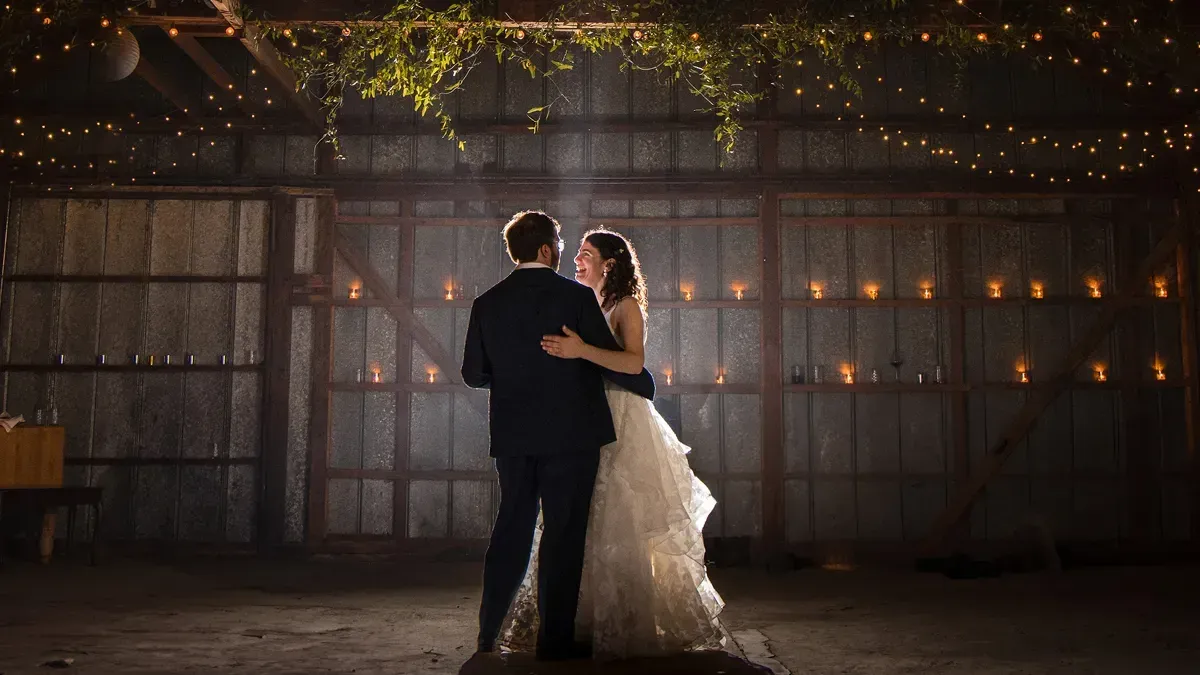
Imagen is our top choice for elopement photographers because it edits in your own voice. Instead of pushing a generic preset, it studies a catalog of your past edits from Lightroom or Capture One and builds a personal AI profile that reflects how you balance shadows, warmth, and skin. When you run a new elopement through it, the results carry your film-like tone from the first mountain-top portrait to the last candid at dusk, even as the light shifts through the day.
It is worth being clear about what Imagen does. It is not an image generator. It edits, culls, and retouches the actual RAW files you captured. The AI culling feature reviews a long day of frames and flags duplicates, closed eyes, and soft focus so you keep the strongest selects without scrubbing through everything by hand. AI retouching then smooths skin and cleans up distractions while keeping texture natural, which matters when a couple is front and center against a big landscape. Culling, editing, and retouching live in one connected workflow, so you move from import to a polished gallery without hopping between apps, and when a frame needs a quick manual tweak, the built-in editor (Beta) offers sliders, crop and straighten, and presets.
Pricing is pay-as-you-go: a monthly base fee plus a charge for the photos you export. You pay at export, and you see every edit in the gallery first, so you can test it on a real elopement gallery before committing. For photographers who want their signature look applied consistently at volume, it is the most complete option here.
Learn more or start a free trial at Imagen.
2. Adobe Lightroom
Adobe Lightroom remains the backbone of most wedding and elopement workflows, and its AI features have grown steadily. Adaptive presets, AI masking for the sky and the subject, and Denoise all help when you are pulling detail out of a shadowed forest ceremony or a bright ridgeline. The masking tools are especially useful for elopements because you can lift a couple off a busy background and warm their skin without touching the surrounding landscape.
Lightroom does not learn your full personal style the way a dedicated profile-based editor does, so heavy per-image work still falls to you. It runs on a subscription model and syncs across desktop, mobile, and cloud, which suits photographers who edit on the move between shoots. As a catalog and RAW developer it is hard to beat, and it pairs well with tools that specialize in culling or retouching.
3. Aftershoot
Aftershoot built its reputation on AI culling, which is exactly the pain point elopement shooters feel after a long day of continuous coverage. It sorts through large sets quickly, groups similar frames, and picks sharp, open-eyed selects so you spend less time in the tedious first pass. It has since added AI editing that can mirror your style once you feed it examples of your work.
For photographers whose main bottleneck is selection rather than color, Aftershoot is a strong fit. It uses a subscription model. The editing side is capable, though photographers who want the deepest style matching plus retouching in one place often weigh it against more all-in-one options.
4. Evoto
Evoto focuses on AI retouching and portrait finishing, which makes it useful for the close-up portraits of the couple at the heart of an elopement gallery. It handles skin smoothing, blemish removal, teeth and eye work, and body and face adjustments with a fair amount of batch control, so you can apply consistent retouching across a set of similar frames rather than editing each one alone.
Where Evoto shines is detailed portrait cleanup at speed. It is less of a full catalog manager, so many photographers use it alongside Lightroom or Capture One for the color and organization steps. It runs on a per-image credit model, which can suit photographers who prefer to pay in line with volume. Watch the skin work carefully on natural outdoor light so results keep texture and do not turn plastic.
5. Luminar Neo
Luminar Neo leans into creative AI tools that fit dramatic landscape elopements well. Sky enhancement and replacement, atmospheric effects, relighting, and one-click portrait tools let you push mood into a scene, which can rescue a flat overcast ceremony or add drama to a mountain backdrop. The interface is approachable for photographers who want strong looks without deep manual work.
The trade-off is consistency at volume. Luminar Neo is built more for expressive single-image edits than for applying one exact signature tone across an entire multi-hour shoot. It offers a one-time license as well as subscription options, which appeals to photographers who prefer to avoid recurring fees. Many use it as a creative finishing layer rather than a primary culling and batch tool.
6. Topaz Photo AI
Topaz Photo AI is the specialist you reach for when image quality is under pressure. Its denoising, sharpening, and upscaling models are excellent for the high-ISO frames that come with dim forest ceremonies or blue-hour portraits after sunset. When a couple insists on shooting past the light, Topaz can recover clean, printable detail from noisy files.
It is not a color grading or culling tool, so it lives at the end of your pipeline rather than the start. It uses a one-time license with paid upgrade periods, which many photographers find friendly for a utility they run occasionally. Think of it as a quality-repair step that complements your main editor rather than replacing it.
7. Capture One
Capture One is prized for its color rendering and tethering, and elopement photographers who care deeply about skin tones often prefer its look straight out of the box. Its layers, advanced color editor, and precise controls give you room to craft a refined film-like tone, and its handling of warm and cool light in the same frame is a real strength for outdoor ceremonies.
Its AI automation is more restrained than some rivals, so culling and heavy retouching may push you toward companion tools. Capture One is available on both subscription and one-time license terms depending on the version you choose. For photographers who value manual color precision as the foundation of their brand, it is a serious primary editor.
8. ON1 Photo RAW
ON1 Photo RAW bundles RAW development, layers, effects, and AI tools such as masking, noise reduction, and resizing into a single application. For elopement work it offers a flexible mix of organization and creative finishing, with AI masking that helps separate a couple from a detailed natural scene. It is a practical all-rounder for photographers who want capability without a recurring subscription.
Its style automation does not learn a full personal profile from your catalog, so consistent tone across a long shoot still depends on your presets and manual passes. ON1 sells through a one-time license, with optional plans, which keeps ongoing costs predictable. It suits photographers who want a self-contained editor they own outright.
Quick Comparison Table
| Tool | Best for | Pricing model |
|---|---|---|
| Imagen | Your personal style applied across full shoots, plus culling and retouching | Pay-as-you-go: monthly base fee plus export charge |
| Adobe Lightroom | Core RAW development, catalog, and AI masking | Subscription |
| Aftershoot | Fast AI culling of long shooting days | Subscription |
| Evoto | Batch portrait retouching and skin work | Per-image credits |
| Luminar Neo | Creative sky and mood edits for landscapes | One-time license |
| Topaz Photo AI | Denoise, sharpen, and upscale difficult files | One-time license |
| Capture One | Precise color and skin tone rendering | Subscription or one-time license |
| ON1 Photo RAW | All-in-one owned editor with AI tools | One-time license |
How to Choose the Right Elopement Editing Software
Start with your biggest bottleneck. If a full elopement day leaves you buried in thousands of frames, a tool with strong AI culling saves the most time. If your galleries live or die on close portraits, retouching quality matters more. And if your brand rests on a recognizable film-like tone, look for software that can apply your exact style across an entire shoot rather than a generic preset.
Think about light next. Elopements move through harsh midday, soft shade, and golden hour in one session, so you want tools that keep skin flattering while the surrounding landscape changes dramatically. Style consistency across those conditions is where a profile-based editor like Imagen has an edge, since it learns how you personally handle each situation.
Then weigh workflow and cost. Some photographers prefer one connected pipeline that handles culling, editing, and retouching together, while others build a stack of specialists. Match the pricing model to your volume too. Pay-as-you-go suits variable seasonal work, subscriptions suit steady year-round shooting, and a one-time license suits photographers who want to avoid recurring fees. If you want a wider view before deciding, our guide to the best AI photo editing software for photographers in 2026 covers the broader field, and you can compare adjacent niches in our destination wedding editing guide and our engagement photo editing roundup. You can also browse more resources on our tips hub.
What’s new in Imagen: Imagen has become an intelligent, agentic Studio for professional photographers, a single project where you cull, edit, review, and export together, in whatever order the day calls for. After a long elopement shoot, the built-in editor (Beta) covers quick manual tweaks, and you can send AI edits back to Lightroom Classic or export finished JPG, TIFF, or PNG files straight from Imagen. The Studio is rolling out gradually.
Frequently Asked Questions
Does AI editing software replace a photographer’s style?
No. The strongest tools work from your existing style rather than imposing their own. Imagen, for example, builds a personal profile from your past edits so the results still look like your work. AI handles the repetitive application of that look across many frames, which frees you to focus on shooting and creative direction.
Is Imagen an image generator?
No. Imagen edits, culls, and retouches the real photos you captured. It does not create images from prompts. It applies your editing style, selects your best frames, and cleans up portraits, all on the RAW files from your own camera.
How much does AI elopement editing cost?
Pricing models vary. Imagen uses pay-as-you-go: a monthly base fee plus a charge for the photos you export. Other tools use subscriptions, per-image credits, or a one-time license, so the best value depends on how many shoots you edit each year.
Can I use more than one tool together?
Yes, and many photographers do. A common pattern is a primary editor for color and culling, a retouching tool for portraits, and a repair tool for noisy or low-light frames. If you prefer fewer moving parts, an all-in-one option that combines culling, editing, and retouching keeps your pipeline simpler.
Conclusion
Every tool here can improve an elopement workflow, but they solve different problems. Lightroom and Capture One anchor color and organization, Aftershoot speeds culling, Evoto refines portraits, Luminar Neo adds creative mood, Topaz rescues difficult files, and ON1 gives you an owned all-rounder. For photographers who want their own film-like style applied consistently across a full day, with culling and retouching in one connected pipeline, Imagen’s new Studio is the most complete choice, since you cull, edit, review, and export in one project. You can test it on a real gallery with a free trial at Imagen.

