

8 Best AI Band Promo Photo Editing Software in 2026
Table of contents
Band promo photography lives or dies on mood and consistency. A press kit needs group shots, solo portraits, and detail frames that all read like they belong to the same release, whether the look is gritty and desaturated or clean and cinematic. Editing that volume by hand eats hours you could spend booking shows, and every frame has to keep skin tones honest while holding a deliberate color grade. The tools below help musicians, managers, and the photographers who shoot them move faster without losing the signature look that makes a promo set feel like a single body of work. We start with Imagen, then walk through seven more options and how each one fits real band and artist promo work in 2026.
Key Takeaways
- Consistency across a promo set matters more than any single edit, so pick a tool that can hold one mood across dozens of frames.
- Imagen learns your personal editing style from your own catalog and applies it across a full shoot, then adds AI culling and AI retouching in one connected flow.
- Imagen edits real photos you shot and does not generate or invent subjects, so faces and instruments stay true to the session.
- Imagen runs on pay-as-you-go pricing: you pay for the photos you export. Sliders, crops, and masks you do yourself are always free.
- Lightroom, Photoshop, Capture One, Luminar Neo, Topaz Photo AI, Retouch4me, and Aftershoot each cover a different slice of the promo workflow.
- Match the tool to your bottleneck, whether that is color grading, skin retouching, culling large take counts, or salvaging low-light frames.
1. Imagen
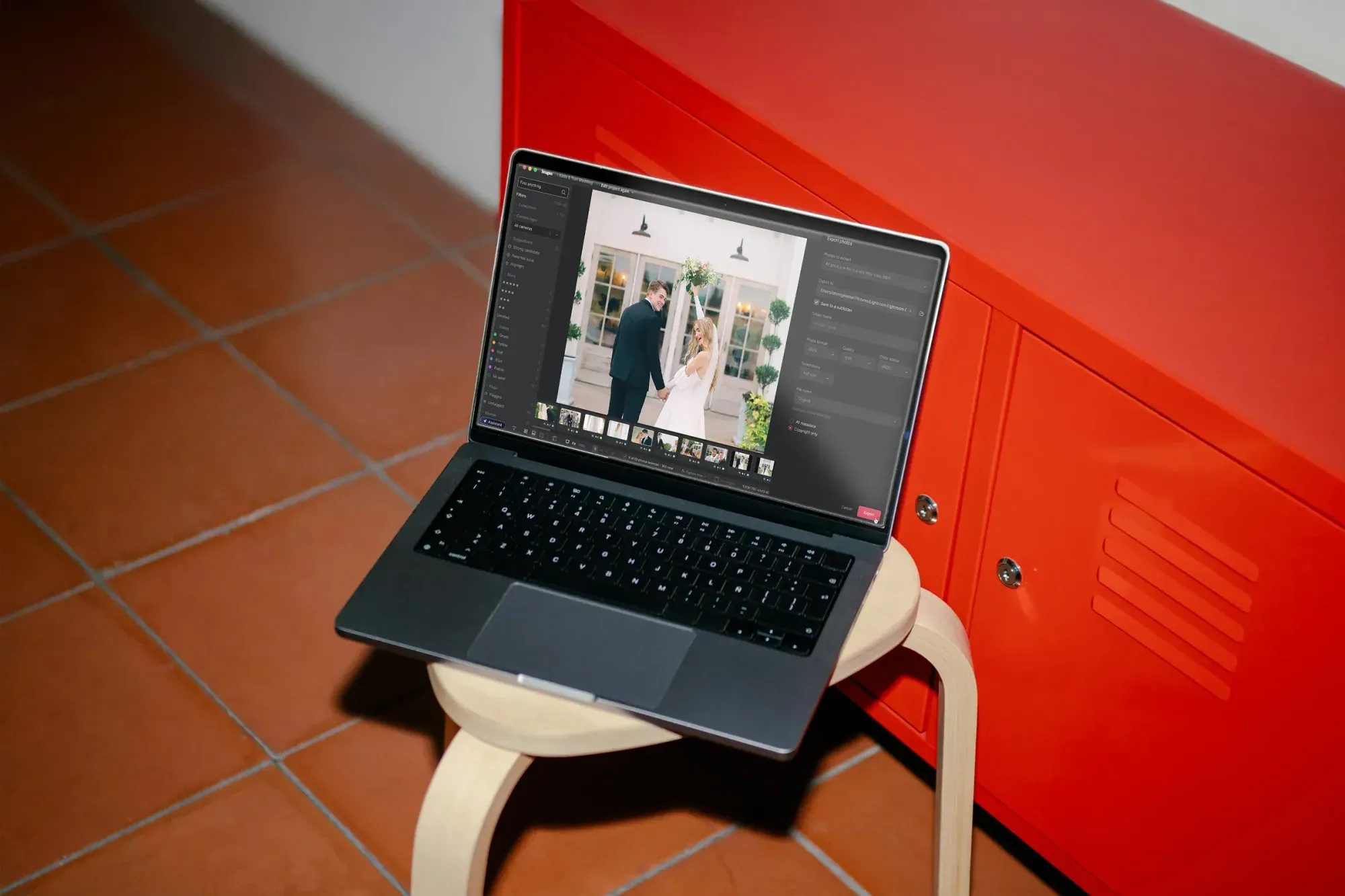
Imagen is our top pick for band and artist promo work because it solves the problem that defines this niche: keeping one deliberate mood across an entire shoot. Instead of giving you a generic filter, Imagen learns your personal editing style from your existing Lightroom or Capture One catalog. It studies how you handle exposure, contrast, color, and tone on your past work, then applies that same treatment across a new promo set frame by frame. When your look is a moody, gritty desaturation for a rock EPK or a clean editorial grade for a solo artist portfolio, Imagen carries it consistently from the wide group shot to the tight solo close-up.
What makes Imagen fit a full promo pipeline is that editing is only one part of a connected workflow. It also handles AI culling, sorting through a large take count to flag the sharp, well-composed frames so you are not scrubbing through hundreds of near-duplicates by hand. Then AI retouching cleans skin, evens tones, and removes small distractions while keeping faces natural. Culling, editing, and retouching live in one place, which is a real advantage when a band hands you a memory card full of frames and wants a polished press set back quickly. Edited frames arrive in batches as they process, so you can start reviewing the first group shots while the rest finish.
It is worth being precise about what Imagen does and does not do. Imagen edits the real photos you shot. It adjusts exposure, color, and skin, and it cleans up your frames, but it is not an image generator. It does not invent subjects, swap in fake backgrounds, or fabricate a scene that never happened. For promo photography, where the whole point is to represent the actual band and the actual session, that honesty is exactly what you want.
Pricing is pay-as-you-go: you pay for the photos you export. That structure suits musicians and small studios who shoot in bursts around release dates, since the export charge scales with what you deliver rather than a flat subscription.
Try Imagen for your next promo shoot.
2. Adobe Lightroom
Adobe Lightroom is the reference point most band photographers already know. Its raw processing, tone curves, and color grading panels give you fine control over the exact moody look a promo set often calls for, and its preset system lets you build a signature treatment and reuse it. Masking driven by subject and sky detection helps you push a background darker while keeping the band lit, which is handy for the high-contrast portraits common in press shots. Catalog organization and syncing across devices also make it easy to hand proofs to a manager or bandmate for approval.
The tradeoff is that consistency still leans on you. Presets get you close, but matching mood precisely across a mixed set of lighting conditions usually means frame-by-frame tweaking. Lightroom uses a subscription pricing model.
3. Adobe Photoshop
Adobe Photoshop is where band promo images go when a frame needs work that a global edit cannot deliver. Detailed skin retouching, compositing a stray element out of the shot, cleaning up a busy stage background, and precise dodge and burn to sculpt a face all belong here. For a hero press image or an album-adjacent portrait that will be printed large or used across a campaign, Photoshop gives you pixel-level control that grading tools do not.
It is not built for volume. Editing a full promo set of dozens of frames in Photoshop is slow, so most photographers reserve it for the few images that truly need hand attention. Photoshop uses a subscription pricing model.
4. Capture One
Capture One is a favorite among portrait and studio shooters, and that makes it a strong fit for controlled promo sessions. Its color editor is precise, which helps when you want accurate skin tones sitting inside a stylized grade rather than a wash that turns everyone the same shade. Tethered shooting is a highlight, letting a band see frames on a large screen during the session so the group can react to poses and wardrobe in real time. Layers and local adjustments give you clean control over mood without leaving the raw editor.
The learning curve is steeper than some alternatives, and building a consistent look across a large set still takes manual effort. Capture One is available through both a subscription and a one-time license.
5. Luminar Neo
Luminar Neo leans into AI-assisted editing with tools aimed at speed. Its relighting, sky handling, and portrait features let you shift mood on a promo frame quickly, which suits artists who want a distinctive, stylized look without deep manual grading. Portrait tools can smooth skin and refine facial detail in a few clicks, and templates give you a fast starting point for a group shot or a solo portrait.
Because many of its effects are strong out of the box, restraint matters so a promo set does not drift into an over-processed look that undercuts the band’s image. Luminar Neo offers both a subscription and a one-time license.
6. Topaz Photo AI
Topaz Photo AI is the specialist you reach for when a promo frame has technical problems. Bands often shoot in dim venues, backstage, or under mixed stage light, and those conditions produce noise and soft focus. Topaz handles denoising, sharpening, and upscaling well, which can rescue a frame with the right expression that would otherwise be unusable, and it can prepare a smaller image for large print in a press kit.
It is a repair and enhancement tool rather than a full editor, so it works alongside your grading and retouching software rather than replacing it. Topaz Photo AI uses a one-time license.
7. Retouch4me
Retouch4me is a set of focused plugins that automate specific retouching tasks, which fits promo portraits where clean, natural skin is the goal. Rather than one general tool, it offers dedicated functions for skin, dodge and burn, and other steps, so you can even out complexion and reduce distractions while keeping texture that stops a face from looking plastic. Photographers who deliver a lot of portraits use it to shave time off repetitive retouching across a set.
It plugs into an editor like Photoshop rather than standing alone, so it assumes you already have a host application in your workflow. Retouch4me uses a one-time license, typically purchased per plugin.
8. Aftershoot
Aftershoot targets the two most tedious parts of a high-volume shoot, culling and editing. Its culling engine reviews a large take count and flags duplicates, blinks, and soft frames, which is exactly the chore that slows down turning a promo session into a delivered set. Its editing feature can apply a consistent style across images so the final gallery holds together. For a photographer juggling several artists and quick turnarounds, that speed is the main draw.
As with any automated culling, a final human pass helps make sure the most expressive frame survives even when it is technically imperfect. Aftershoot uses a subscription pricing model.
Band promo editing tools at a glance
| Tool | Best for | Pricing model |
|---|---|---|
| Imagen | Consistent personal-style editing, culling, and retouching across a full promo set | Pay-as-you-go: pay for the photos you export |
| Adobe Lightroom | Raw grading and preset-driven mood control | Subscription |
| Adobe Photoshop | Hero-frame retouching and compositing | Subscription |
| Capture One | Studio portraits, tethered sessions, precise color | Subscription or one-time license |
| Luminar Neo | Fast AI-assisted stylized looks | Subscription or one-time license |
| Topaz Photo AI | Denoise, sharpen, and upscale low-light frames | One-time license |
| Retouch4me | Automated, natural skin retouching plugins | One-time license |
| Aftershoot | High-volume culling and consistent batch editing | Subscription |
How to choose the right tool for band promo photography
Start by naming your real bottleneck. If you shoot promo sets often and lose the most time keeping a signature mood consistent across every frame, a style-learning tool like Imagen removes that grind and adds culling and retouching in the same flow. If your work is a smaller number of carefully lit portraits and you want maximum manual control, Lightroom or Capture One gives you the grading depth to build a look by hand.
Next, think about the specific frames that need special care. A single hero image for a press release often justifies detailed work in Photoshop, and repetitive skin cleanup across many portraits is where Retouch4me pays off. If venue and backstage lighting leave you with noisy or soft frames, Topaz Photo AI can recover images you would otherwise discard. When culling a huge take count is what actually slows you down, Aftershoot and Imagen both attack that directly.
Finally, weigh how you like to pay. Pay-as-you-go suits musicians and studios who shoot in bursts around releases, while a subscription fits people editing constantly year round, and a one-time license appeals to those who want to buy once and keep the version they own. Many photographers combine two or three of these tools, using one for volume and consistency and another for the handful of frames that need a human touch. For a broader view beyond band work, see our guide to the best AI photo editing software for photographers, and browse more comparisons on the Imagen tips hub.
What’s new in Imagen: Imagen is now an intelligent, agentic Studio for professional photographers, a single project where you cull, edit, review and export in any order. For band promo sets, your Personal AI Profile, learned from your past edits, holds one deliberate mood from group shots to solo portraits, and the assistant can find photos in plain language and act on them while you steer. The Studio is rolling out gradually as a beta. Visit Imagen to learn more.
Frequently asked questions
Does Imagen generate fake band photos or edit real ones?
Imagen edits the real photos you shot. It adjusts exposure, color, and skin, culls your take, and retouches frames, but it is not an image generator and does not invent subjects or fabricate scenes. For promo work, that keeps the band’s actual look intact.
How do I keep a consistent mood across an entire promo set?
Build one deliberate look and apply it everywhere. A style-learning tool like Imagen studies your past edits and carries that treatment across a full shoot, so group shots and solo portraits match. Preset-based grading in Lightroom or Capture One can also work, though it usually needs more manual tuning frame to frame.
What is the best tool for skin retouching in promo portraits?
For natural, texture-preserving skin work, Retouch4me and Imagen both automate the cleanup while keeping faces realistic. Photoshop remains the choice when a single hero image needs precise, hand-controlled retouching.
Can these tools help rescue low-light shots from a venue?
Yes. Topaz Photo AI specializes in denoising, sharpening, and upscaling, which can recover noisy or soft frames shot backstage or under stage light. You can then run the recovered frame through your grading and retouching flow to match the rest of the set. For related situations, see our guide to the best AI concert photo editing software.
Final take
Band promo photography rewards a consistent, deliberate look delivered fast, and the right software depends on where you lose the most time. Imagen stands out for this niche because it learns your personal style and holds it across a whole shoot while also handling culling and retouching in one connected workflow, all on real photos and never on generated ones. Lightroom, Photoshop, Capture One, Luminar Neo, Topaz Photo AI, Retouch4me, and Aftershoot each cover a valuable slice of the process, from raw grading to repair to high-volume culling. Map your bottleneck to the tool that clears it, and you can turn a memory card of session frames into a press set that looks like one cohesive release. Start editing your promo set with Imagen and explore its new Studio, where you cull, edit and export in one project, paying for the photos you export.

