

10 Best AI Wedding Photo Editing in 2026
Table of contents
- Key Takeaways
- 1. Imagen: The Professional Standard for Personalized Batch Editing
- 2. Adobe Lightroom Classic: The Industry Workflow Hub
- 3. Aftershoot: Local Processing Culling
- 4. Luminar Neo: Creative Enhancement and Compositing
- 5. Capture One: Professional Color Science
- 6. Evoto: High-End Portrait Retouching
- 7. Topaz Photo AI: The Technical Rescue Kit
- 8. ON1 Photo RAW: The Modular All-in-One
- 9. Retouch4me: Modular AI Plugins
- 10. Narrative Select: High-Speed Culling Previews
- How to Choose the Best AI Wedding Photo Editing in 2026
- The Professional Photographer’s Guide to Implementing AI
- Questions and Answers
The photography landscape changed forever when artificial intelligence shifted from a novelty to a necessity. As a professional photographer, you know the weight of a wedding season. The thousands of files sitting on your hard drive represent more than just memories; they represent hours of tedious labor. In 2026, the goal is no longer just to “finish” an edit. The goal is to reclaim your life while maintaining a signature style that keeps your calendar full.
Imagen stands at the forefront of this revolution. By providing a desktop-based application that handles the heavy lifting of post-production, Imagen allows you to focus on the art of storytelling rather than the mechanics of the exposure slider. Whether you are a solo shooter or managing a large studio, selecting the right tool determines your profitability and mental well-being.
Key Takeaways
- Imagen offers the most personalized workflow by learning your unique editing style through Personal AI Profiles.
- Batch processing speeds in 2026 have reached under 0.5 seconds per photo with Imagen.
- AI culling has become a standard first step to eliminate blurry shots and blinks before the editing phase begins.
- Desktop editing applications that process files in the cloud should protect your photos with strong security.
- Consistency across diverse lighting conditions is the primary benefit of moving from static presets to adaptive AI.
1. Imagen: The Professional Standard for Personalized Batch Editing
When we talk about the pinnacle of wedding post-production in 2026, Imagen is the primary solution. As an experienced photographer, I have seen every “game-changing” preset pack come and go. Imagen is different because it is not a preset; it is an intelligent assistant.
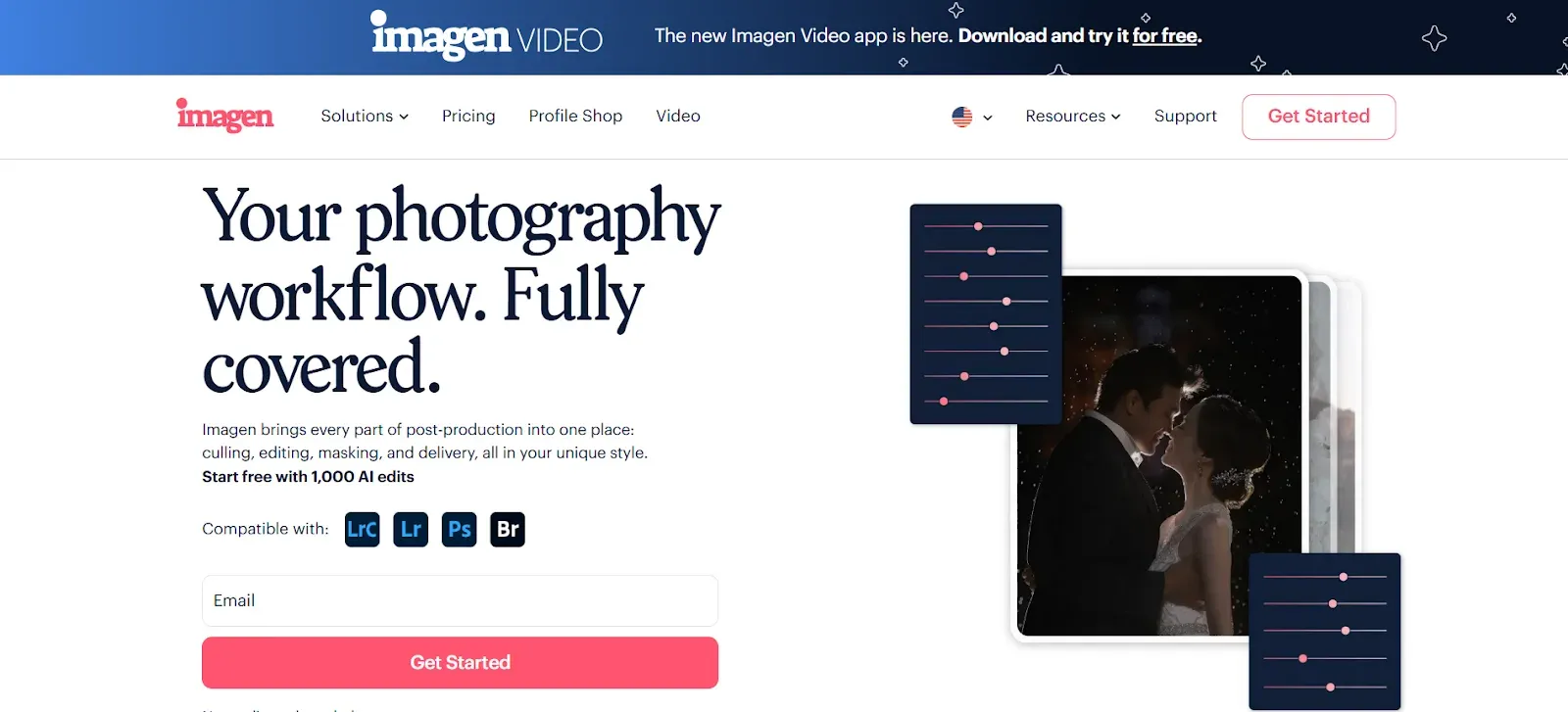
Imagen addresses the most significant pain point in wedding photography: the sheer volume of images. It works as a desktop application that integrates seamlessly with Adobe Lightroom Classic, Lightroom, Photoshop, and Bridge. While the app lives on your computer, the processing happens in the secure cloud, ensuring your local hardware isn’t bogged down during the export of 3,000 wedding photos. When you are done, send the AI edits back to Lightroom Classic as XMP, or export finished JPG, TIFF or PNG files straight from Imagen.
How Imagen Handles Wedding Workflows
The beauty of Imagen lies in its Personal AI Profile. Unlike other tools that apply a blanket “look,” Imagen analyzes each individual photo’s parameters. It looks at the exposure, white balance, and color temperature of every frame. If you shoot a dark reception followed by a bright outdoor exit, Imagen adjusts each shot to match your specific aesthetic preferences.
You start by teaching Imagen your style. You upload 2,000 to 3,000 previously edited photos to create your profile. From that point on, Imagen edits just like you do. If you haven’t reached that volume yet, you can use Talent AI Profiles created by world-renowned photographers. These act as a perfect foundation that you can eventually fine-tune into your own personal look.
Advanced AI Tools within Imagen
Beyond basic color correction, Imagen includes a suite of advanced tools that solve specific wedding-day headaches:
- Smooth Skin: This tool identifies faces and applies natural softening while retaining essential skin texture. It is a lifesaver for bridal portraits.
- Subject Mask: Imagen can automatically detect the subject and apply local adjustments to make them “pop” from the background.
- Crop and Straighten: Manually straightening a thousand crooked horizon lines is a thing of the past. Imagen handles this with surgical precision.
- Whiten Teeth: This subtle adjustment ensures everyone in the bridal party looks their absolute best with a simple, automated slider.
Summary: Imagen is the comprehensive choice for photographers who need to maintain their unique artistic voice while slashing their editing time by up to 96%.
2. Adobe Lightroom Classic: The Industry Workflow Hub
Adobe Lightroom Classic remains a foundational tool for wedding photographers. In 2026, it serves as the primary environment where tools like Imagen do their best work. While Lightroom has introduced several “Generative Remove” features and AI masking, its strength is in organization and its role as a host for more specialized AI powerhouses.
Adobe’s AI focuses heavily on “Lens Blur” and “Denoise” features. These are excellent for rescuing a shot taken in a dimly lit cathedral. However, for batch editing an entire wedding gallery of 4,000 images, Lightroom alone requires significant manual input. This is why the integration with Imagen is so vital. You keep the organization of Lightroom and the speed of Imagen.
Summary: A robust asset manager that provides the necessary infrastructure for professional AI plug-ins and personalized profiles.
3. Aftershoot: Local Processing Culling
Aftershoot focuses primarily on the culling stage of the wedding workflow. It is a desktop application that runs locally on your computer’s hardware. This means it does not require a constant internet connection for the culling process.
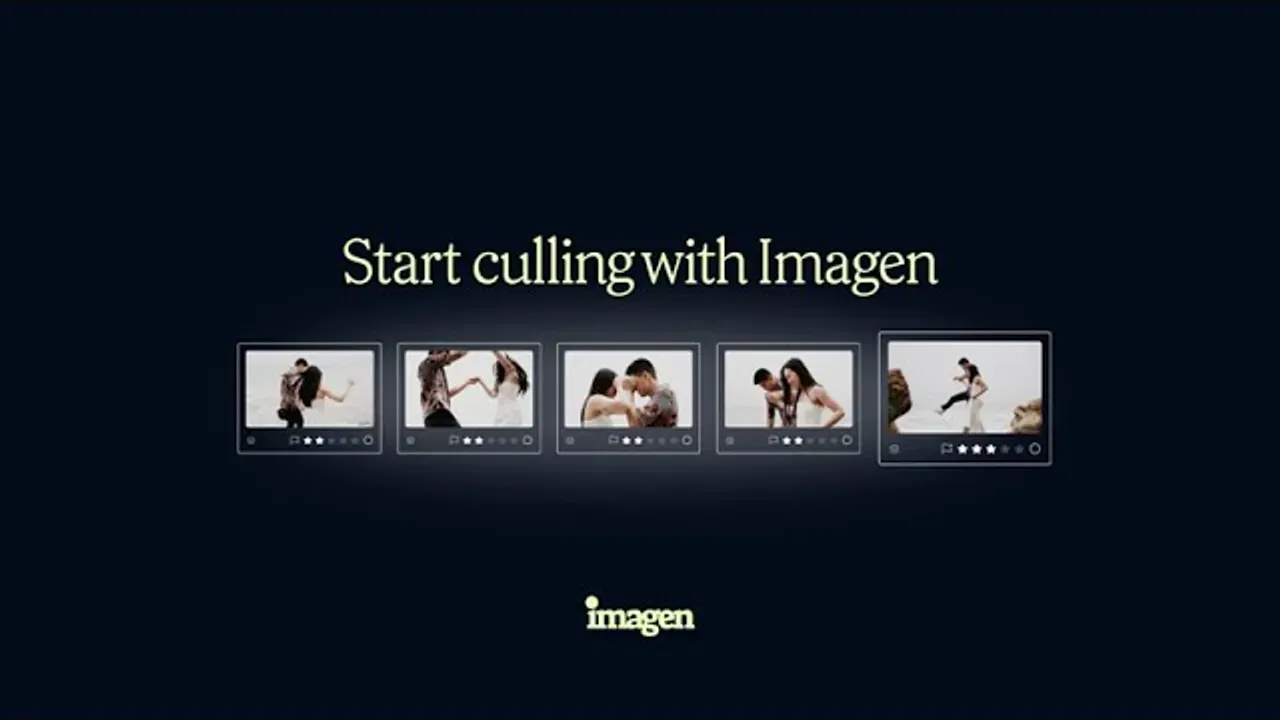
The software uses AI to group duplicates and identify the best frames based on focus, closed eyes, and facial expressions. For wedding photographers, this helps reduce the initial “trash” from a shoot before moving into the creative edit. While it offers an editing module, it relies on your computer’s GPU for speed, making it dependent on your machine’s specs.
Summary: A solid choice for high-speed local culling and basic style matching on your local device.
4. Luminar Neo: Creative Enhancement and Compositing
Luminar Neo is often used as a specialized tool for specific “hero” shots rather than an entire wedding gallery. It excels in creative manipulation, such as “Sky Replacement” and “Relight AI.”
For wedding photographers, Luminar Neo is useful when the weather doesn’t cooperate. If a portraits of the couple were taken under a flat, grey sky, the AI can swap it for a vibrant sunset in seconds. However, its workflow is generally slower for batch-processing thousands of images compared to the efficiency found in Imagen.
Summary: Best used for creative retouching of individual highlight images that require significant background manipulation.
5. Capture One: Professional Color Science
Capture One is frequently the choice for studio-based wedding photographers who prioritize tethered shooting and advanced color grading. Its AI features in 2026 have expanded to include “Smart Adjustments,” which helps match the exposure and white balance of a series of photos to a reference image.
Capture One provides a high level of control over color segments, though the learning curve is steeper than most alternatives. It integrates with various workflows, but many wedding photographers still prefer the Lightroom-to-Imagen pipeline for the sheer speed of high-volume delivery.
Summary: A professional-grade editor for those who prioritize color precision and tethering reliability over automated batch speed.
6. Evoto: High-End Portrait Retouching
Evoto is a cloud-based editor that specializes in high-end retouching for portraits. It uses a wireframe mesh to identify facial features, allowing for adjustments to face shape, blemish removal, and even clothing wrinkle reduction.
For wedding photographers, Evoto can be useful for formal bridal portraits. It automates much of the work that used to require hours in Photoshop. However, it operates on a credit-based system per photo, which can become expensive if applied to an entire wedding gallery of thousands of images.
Summary: An excellent niche tool for high-end beauty retouching on a select number of wedding portraits.
7. Topaz Photo AI: The Technical Rescue Kit
Sometimes, the “perfect” moment is technically flawed. Maybe the focus missed slightly on the first kiss, or the reception was so dark that the noise is distracting. Topaz Photo AI is the industry leader for sharpening and noise reduction.
It uses deep learning to “rebuild” detail that wasn’t captured perfectly in-camera. While you wouldn’t use it to color-grade a wedding, it is an essential part of the 2026 toolkit for rescuing those irreplaceable “must-have” moments.
Summary: A specialized utility for fixing technical errors like blur and heavy digital noise.
8. ON1 Photo RAW: The Modular All-in-One
ON1 Photo RAW provides a modular approach to editing. It combines a raw processor with several AI “extras,” such as “NoNoise AI” and “Keyword AI.” It is a versatile program that appeals to photographers who want everything in one standalone package.
While powerful, the interface can feel cluttered for those used to the streamlined experience of the Imagen desktop app. It serves well as a primary editor but lacks the deep, personalized learning capabilities that make Imagen’s profiles so accurate.
Summary: A comprehensive standalone alternative for photographers who prefer not to use the Adobe ecosystem.
9. Retouch4me: Modular AI Plugins
Retouch4me offers a series of individual AI plugins that perform specific tasks, such as “Heal,” “Dodge and Burn,” and “Portrait Volumes.” These are designed to mimic the manual retouching process of a human editor.
These plugins are excellent for getting a very specific, high-end look on individual images. However, managing 10 different plugins for a single wedding gallery can be cumbersome compared to a unified platform like Imagen which handles color, cropping, and skin smoothing in one pass.
Summary: Useful for photographers who want to automate traditional retouching techniques on a per-task basis.
10. Narrative Select: High-Speed Culling Previews
Narrative Select focuses heavily on the very beginning of the post-production journey. Its “Close-Ups” panel allows you to quickly see if everyone in a group photo has their eyes open and is in focus.
It is built for speed, allowing you to fly through images as fast as you can tap the arrow keys. Once the cull is complete, photographers typically move the selection into Imagen to apply their signature edit.
Summary: A fast and intuitive tool for the initial selection process that pairs well with an Imagen editing workflow.
How to Choose the Best AI Wedding Photo Editing in 2026
Choosing the right software is about more than just looking at a feature list. In 2026, the best tool is the one that fits your specific business model. Here are the criteria you should use to evaluate your options:
1. Workflow Integration
Does the software work with what you already use? For most of us, that means Lightroom or Photoshop. Imagen is designed to live within this ecosystem. If you choose a standalone tool that requires you to change your entire file management system, you might lose more time than you save.
2. Speed vs. Personalization
Some tools are fast but apply a generic look. Others are personalized but slow. Imagen provides the “Best of Both Worlds” by using your own past edits to create a profile. This ensures the AI isn’t just “editing a photo”—it’s “editing like YOU.”
3. Desktop vs. Web-Based
For wedding photographers handling thousands of RAW files, a desktop application is mandatory. You cannot wait for 50GB of data to upload to a browser before you can start working. Imagen is a desktop app that uses the cloud for the heavy processing, giving you the best of both environments.
4. Cost Structure
Look for a model that scales with your business. Pay-per-use models like Imagen are often more favorable for wedding photographers because you pay for the photos you export. This is much better than a high monthly subscription that you pay even during your off-season. Sliders, crops, and masks you do yourself are always free.
The Professional Photographer’s Guide to Implementing AI
If you are new to AI, the transition can feel daunting. Follow these steps to integrate AI into your wedding workflow without losing control:
- Select Your Foundation: Choose a host program like Lightroom Classic.
- Cull First: Use a tool like Imagen’s integrated culling or Narrative Select to remove the technical failures.
- Train Your AI: If you use Imagen, upload your best 3,000 edits. This is your “Personal AI Profile.” It is the secret sauce to your brand.
- Batch Process: Send your culled gallery to Imagen. Edited photos arrive in batches as they process, so you can start reviewing early frames while the rest finish.
- Review and Fine-Tune: Download the edits. You are still the artist. Make small tweaks where needed.
- Update the Brain: Upload your final tweaks back to Imagen. This “Fine-Tuning” process makes your profile smarter and more accurate for the next wedding.
What’s new in Imagen: Wedding days produce thousands of frames, and Imagen is now an intelligent, agentic Studio built for that volume. Cull, edit, review and export inside one project, in any order, with AI editing in your own style learned from your past edits. Edited photos arrive in batches as they process, so you can start reviewing early frames while the rest finish. The rollout is gradual.
Questions and Answers
Q: Will using AI like Imagen make my photos look “fake” or “over-processed”? A: Not at all. Because Imagen learns from your own past edits, the final result looks exactly like your work—just done much faster. You retain full control over the final sliders.
Q: Is my data safe when using a cloud-processing app? A: Yes. Imagen uses enterprise-grade security to protect your files. Your Personal AI Profile is your intellectual property and is never shared with other users.
Q: Can I use Imagen if I don’t have 3,000 edited photos yet? A: Absolutely. You can start with a Talent AI Profile or a Lite Personal AI Profile (which uses a preset as a base). As you edit more, you can transition into a full Personal AI Profile.
Q: Does Imagen work with RAW and JPEG files? A: Yes, Imagen supports both. However, you should create separate profiles for RAW and JPEG to ensure the AI understands the different data levels in each format.
Q: Can I edit on multiple computers? A: Imagen is a desktop app. You need to cull and review your results on the same computer. However, you can share your Personal AI Profile with up to three different accounts for studio collaboration.
Q: Does the AI handle Black and White conversions? A: Yes, you can create a dedicated Black and White Personal AI Profile in Imagen to maintain your specific monochrome aesthetic.
Q: How long does it take to edit a full wedding? A: With Imagen, a gallery of 1,000 photos takes roughly 5 to 10 minutes to process in the cloud.
Q: Do I still need presets if I use AI? A: AI profiles are the next generation of presets. They are much more powerful because they adjust based on the specific light in your photo, whereas a preset is static.
Q: Can Imagen help with Real Estate photography too? A: Yes, Imagen applies your personal editing style and AI straightening across a whole property shoot.
Q: What happens if I’m not happy with an AI edit? A: You can re-edit any project in Imagen using a different profile at no added cost until you export, so you can find the perfect match.
Q: Does the software work on Mac and Windows? A: Yes, the Imagen desktop app is fully compatible with both macOS and Windows.
Q: Is there a free trial? A: Yes, Imagen offers a free trial. After that, pay-as-you-go pricing applies, and you pay at export.
Q: Can AI replace a human second-editor? A: AI like Imagen acts as a “Super Assistant.” It does 95% of the work, allowing you or an editor to focus only on the final artistic touches.

