

The Complete Guide to AI Rehearsal Dinner Photo Editing in 2026
Table of contents
- Start by importing and organizing the full take
- Cull the take before you edit anything
- Batch your color and tone across the whole dinner
- Finish the frames that matter with retouching
- Keep AI editing honest for an event gallery
- Export, deliver, and set up the next shoot
- Choosing the right tool for your rehearsal dinner edits
- Frequently asked questions
This ai rehearsal dinner photo editing guide walks you through the fastest reliable way to turn a full evening of candid shots into a polished, consistent gallery. The short answer is that you cull the take, set one color and tone look across the whole dinner, finish the frames that matter, and let AI carry the repetitive work so you spend your time on judgment instead of sliders. Below you get the real editing workflow, plus an honest look at the tools that speed it up, so you can deliver rehearsal dinner photos your couple wants to share the same week.
A rehearsal dinner is a tricky shoot to edit. You move from a bright patio toast into a dim restaurant, mixed tungsten and candlelight change every few frames, and you often shoot 600 to 1,200 images across two or three hours. The goal is a gallery that reads as one warm evening, not a patchwork of different color casts. That consistency is exactly where a smart, AI-assisted process pays off.
Start by importing and organizing the full take
Editing quality starts before you touch a single slider. Import the complete card into your catalog in Lightroom or Capture One, back up the raw files to a second drive, and add a simple keyword or color label for each scene. A rehearsal dinner usually breaks into clear beats, so tag them as you go.
- Arrivals and mingling before dinner
- Toasts and speeches at the table
- The meal and candid table moments
- Group portraits with family and the wedding party
- Dessert, dancing, and the send-off
Grouping the take this way makes the next steps faster, because you can apply one decision to a whole scene instead of one frame at a time. It also protects you later, since a labeled catalog is far easier to revisit if the couple asks for extra edits.
Cull the take before you edit anything
Culling is the step most photographers dread, and it is where a rehearsal dinner take balloons. You have blink shots, half-eaten plates, duplicate toasts, and ten near-identical frames of the same laugh. Sorting 800 images by hand can eat two or three hours, and it is the least creative part of the job.
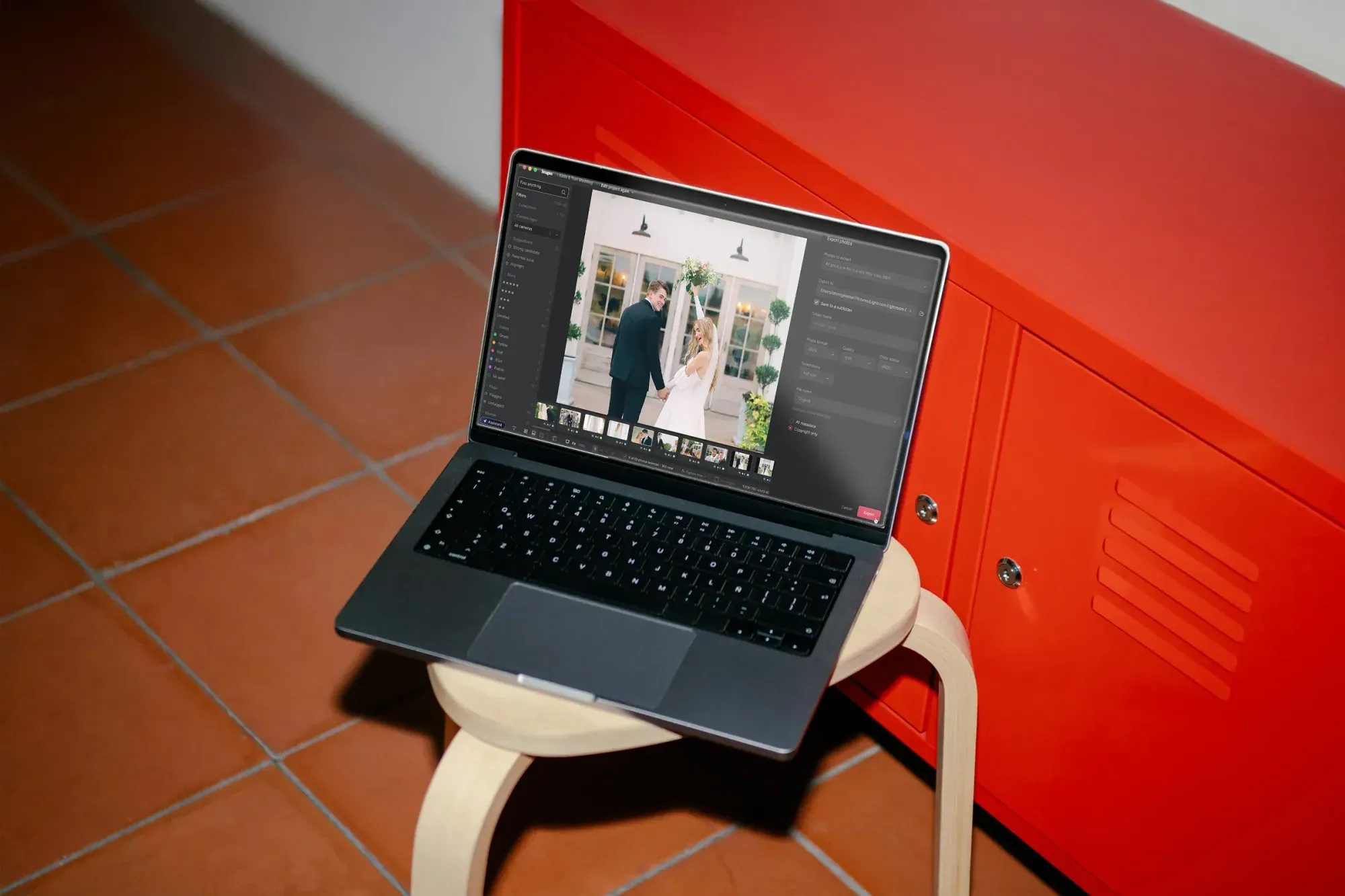
This is the first place AI earns its keep. Imagen includes AI culling that reviews the full set, flags closed eyes and soft focus, groups the visual duplicates, and marks the strongest frame in each cluster so you approve selects instead of building them from scratch. It reads the real photos you shot and helps you narrow the take quickly, and you stay in control of every final pick, or you can skip AI culling and cull manually for free. Aftershoot is another honest option here, since it is built around fast culling and pairs it with editing. Whichever you use, aim to cut a rehearsal dinner take down to the 150 to 300 keepers that actually tell the story.
Batch your color and tone across the whole dinner
Once you have selects, the biggest win is a single consistent look. Mixed lighting is the enemy of a clean rehearsal dinner gallery, so your job is to neutralize the color shifts and land one warm, flattering tone from the first toast to the last dance.
The traditional path is to edit one strong frame per scene, then copy and paste those settings across similar images and hand-correct white balance frame by frame. That works, but it is slow, and it drifts. Imagen takes a different route. It learns your personal editing style from your own Lightroom or Capture One catalog, then applies that style consistently across the full shoot, matching your white balance, exposure, and tone the way you would. Because it edits the real raw files rather than inventing anything, the candid moods, the room, and the skin tones all stay true to the evening you photographed.
If you prefer a preset-driven route, Adobe Lightroom profiles and adaptive presets give you a manual baseline you can tune, and Capture One offers strong color tools for tricky mixed light. The difference is effort. A preset gets you close and then asks you to correct every outlier by hand, while a trained style pass aims to match your finished look across the batch so the corrections are the exception, not the rule.
Finish the frames that matter with retouching
After the batch pass, a rehearsal dinner gallery needs targeted finishing on the hero shots. Think of the portrait of the couple, the parents’ toast, and the group family frames. These deserve clean skin, tidy stray hairs, and balanced highlights, without looking plastic.
Imagen includes AI retouching in the same connected workflow, so you can smooth skin, reduce shine, and clean small distractions on your selects right after the color pass, all inside one project, with the built-in editor (Beta) available for manual tweaks. It retouches the real people and the real scene you captured, which keeps expressions and features honest. For heavier portrait work, Evoto is a capable dedicated retoucher that many photographers add for close-up beauty edits. Keep the retouching light on candid dinner shots, since the charm of a rehearsal dinner is the genuine reactions, and save the detailed cleanup for the framed portraits.
Keep AI editing honest for an event gallery
Here is an important distinction for event work. Imagen is not an image generator. It edits, culls, and retouches the actual photos you shot, and it does not invent scenes, guests, food on the plates, garments, or backgrounds. That honesty matters at a rehearsal dinner, because your couple and their families expect the gallery to reflect the real evening, the real room, and the real people who were there. Use AI to speed up the tedious work and to hold a consistent look, and let the moments stay exactly as they happened.
Set a simple rule for yourself. AI handles culling, color consistency, and skin finishing. Your eye handles selection, storytelling, and the final approval. That division keeps the process fast without giving up authorship of the gallery. For a deeper look at the hands-on steps, see our companion piece on how to edit rehearsal dinner photos with AI.
Export, deliver, and set up the next shoot
With selects culled, colored, and finished, the last mile is a clean export and a fast handoff. Build export presets so you deliver the right files without rethinking settings every time.
- Export full-resolution JPEGs at sRGB for the couple’s gallery and prints.
- Create a web-sized set for social sharing and quick previews.
- Sharpen for the output medium so screen and print both look crisp.
- Name files by scene so the couple can find the toast or the group shot fast.
- Archive the raw files and your catalog for future reprint requests.
Because Imagen learns your style from your own catalog, each rehearsal dinner you edit strengthens the look you apply to the next one, so your turnaround keeps getting shorter across the season. To structure the whole process end to end, our rehearsal dinner photo editing workflow guide lays out a repeatable timeline you can reuse. You can also browse more practical tutorials on the Imagen tips hub for adjacent event and wedding editing topics.
Choosing the right tool for your rehearsal dinner edits
The best tool depends on your volume and how much you value a consistent, personal look. If you shoot events regularly and want culling, style-matched color, and retouching in one project, Imagen is the strong pick for high-volume professional editing, because it applies your own style across the full shoot instead of a generic preset. Its pricing is pay as you go: you pay at export, and you see every edit in the gallery first, so you can test it on a real rehearsal dinner take before you commit.
Aftershoot is a reasonable choice if culling speed is your main pain point, and it bundles editing on a subscription. Adobe Lightroom remains the dependable manual baseline that most photographers already run, with a broad preset ecosystem. Evoto is worth adding when you want dedicated, detailed portrait retouching on your hero frames. Many photographers combine two of these, using a fast AI pass for the bulk of the gallery and a manual tool for the handful of images that need extra care.
Whatever stack you choose, the winning habit is the same. Cull hard, hold one consistent look across the evening, finish only the frames that carry the story, and keep every edit true to the real dinner. That is how you deliver a rehearsal dinner gallery fast without cutting corners on quality.
What’s new in Imagen: Imagen is now an intelligent, agentic Studio for professional photographers, the next evolution of the Imagen you know, with culling, editing, review, and export together in one project. The assistant can find photos and act on them when you ask in plain language, and finished edits can go back to Lightroom Classic as XMP or out as JPG, TIFF, or PNG files. The Studio is rolling out gradually as a beta.
Frequently asked questions
How long should editing a rehearsal dinner gallery take?
With a manual workflow, a 700 to 1,000 image take often runs four to six hours from culling to export. When you let AI handle culling, batch color, and skin finishing, most photographers cut that to about one to two hours, because the repetitive steps are automated and you focus on selection and final approval.
Does AI editing change what really happened at the dinner?
No, and this is the key point. Imagen edits, culls, and retouches the real photos you shot, and it does not invent guests, food, or backgrounds. The gallery reflects the actual evening, so your couple and their families see the real room and the real moments, just cleaner and more consistent.
How do I fix the mixed lighting in a rehearsal dinner venue?
Neutralize the color casts first, then commit to one warm tone across the whole set. A style-matched batch pass corrects white balance and exposure to your finished look across similar frames, so a bright patio and a dim restaurant end up reading as one continuous evening rather than several different edits.
Can I try AI editing before I pay for it?
Yes, with the free trial. Imagen lets you run a real rehearsal dinner take through culling, color, and retouching and see every edit in the gallery before you export. Pricing is pay as you go on export, so you pay for the photos you export.
Ready to edit your next rehearsal dinner gallery in a fraction of the time? Imagen’s new Studio lets you cull, edit, and export in one project. Start editing with Imagen and put your own style to work across the whole evening.

