
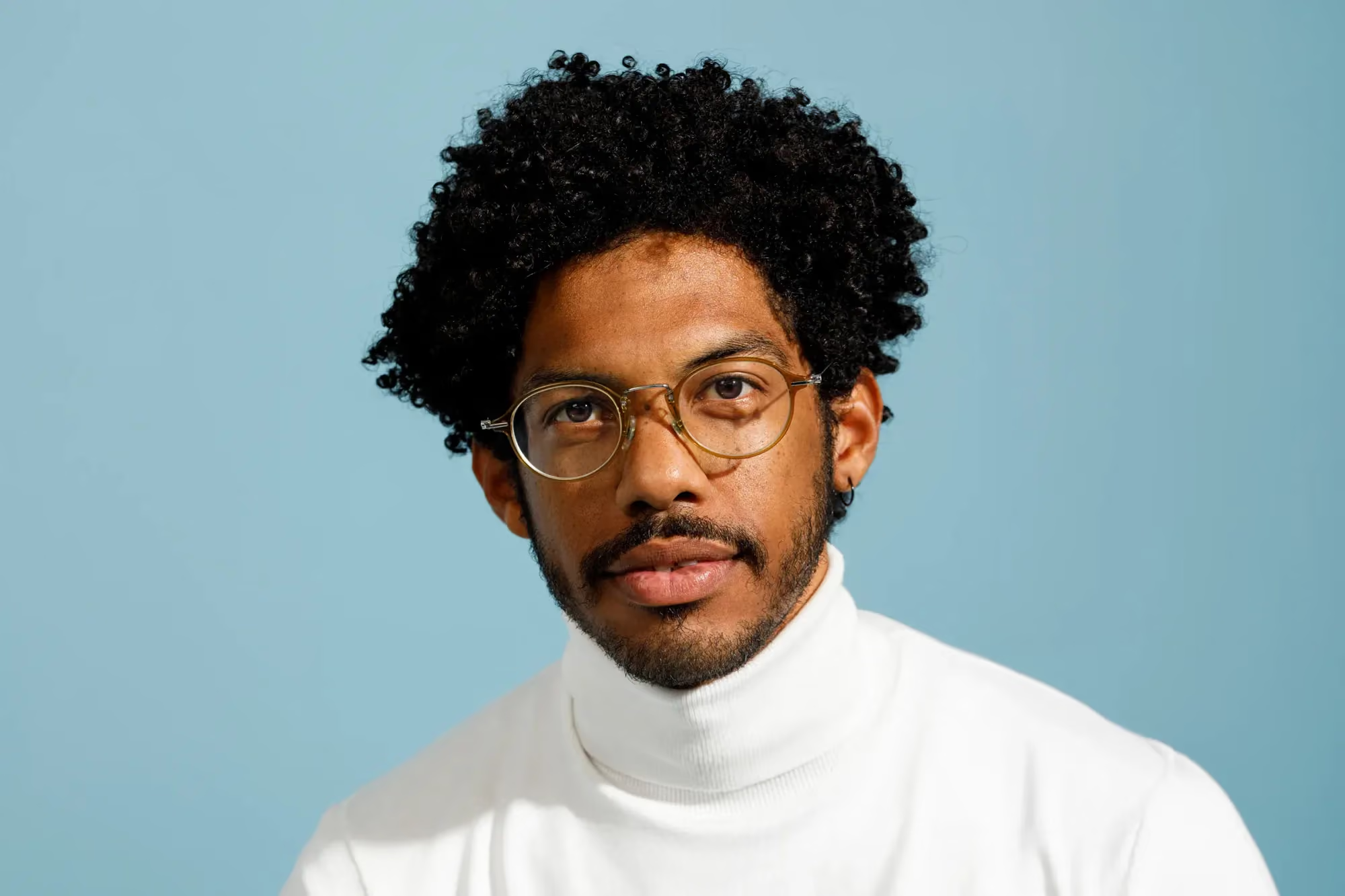
AI Photo Retouching: How Bulk, Consistent Editing Actually Works
Table of contents
- Why bulk retouching is not just “editing, but faster”
- The role of a Personal AI Profile in real consistency
- How a batch retouching pass actually runs
- Why consistency gets harder, not easier, at scale
- Reviewing what comes back, batch by batch
- A concrete before and after
- Where bulk tools still need your eye
- What to look for in the best AI photo retouching tools for 2026
- Exporting a consistent gallery at scale
- Frequently asked questions
Retouching one photo well is a skill. Retouching twelve hundred photos from the same event so that every single one looks like it came from the same photographer, on the same day, under the same light, is a different problem entirely. That is the real challenge behind AI photo retouching at scale: not whether any individual frame looks good, but whether the whole gallery holds together as one consistent body of work. The difference shows up fastest in the frames sitting right next to each other in a client’s final gallery, where any inconsistency is impossible to miss. That gallery wide consistency is also exactly what separates a professional delivery from an amateur one in a client’s eyes, even when neither can quite articulate why one feels more polished than the other. Here is how bulk, consistent AI photo retouching actually works, and where it still depends on your judgment.
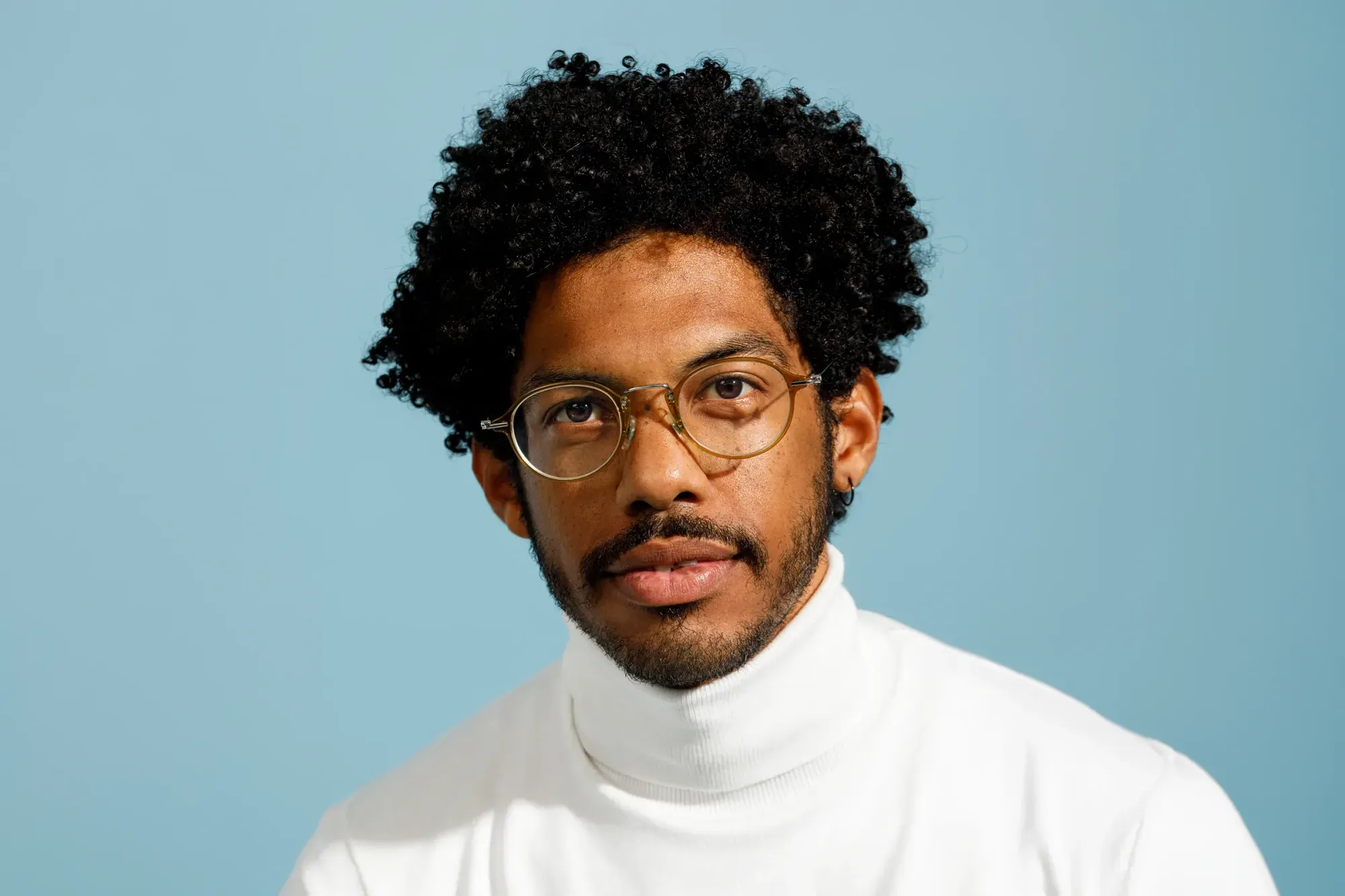
Why bulk retouching is not just “editing, but faster”
The naive version of AI photo retouching is a tool that applies a generic filter to every photo you feed it. That approach can make individual images look fine while making a gallery as a whole look inconsistent, because it has no sense of your specific style, only a general one. Real consistency requires something that has actually learned how you edit, not just a preset applied uniformly regardless of what is in each frame.
The role of a Personal AI Profile in real consistency
This is where a trained profile changes the equation. A Personal AI Profile learns from photos you have already edited yourself, picking up your color choices, your exposure preferences, and your general tonal style, then applies that learned style across an entire new shoot. The result is not a thousand copies of one filter. It is a thousand photos edited the way you would have edited them, adjusted individually within a consistent overall look. That distinction is the entire reason bulk AI photo retouching tools are useful for professional work rather than just a novelty for casual editing.
Training a profile is itself a one time investment that keeps paying off. You are not teaching the system your style from scratch on every new shoot. Once a profile reflects how you actually edit, a new gallery of any size starts from that same learned baseline, which is what makes the whole approach scale to events far larger than any one photographer could touch by hand.
How a batch retouching pass actually runs
In practice, you select the photos you want retouched, either the whole gallery or a specific subset, and apply your Personal AI Profile to the group. You can also apply more than one AI Profile to different selected sets within the same shoot, for example a warmer look on outdoor portraits and a cleaner look on indoor detail shots from the same event. This kind of selective, multi profile pass takes some processing time to complete rather than finishing instantly, which is worth planning around if you are working close to a deadline. Some specialized tools also detect whether their specific effect actually applies to a given frame, so you are not paying for a face retouching pass run against a photo with no face in it.
None of this requires learning a new interface for each new shoot. Once you have applied a profile before, running it again on a new gallery is the same handful of steps: select the photos, choose the profile, and let the batch run while you move on to something else.
Why consistency gets harder, not easier, at scale
It is tempting to assume that a skilled retoucher simply gets faster at staying consistent as they handle more photos, the same way any repeated task gets smoother with practice. In reality, the opposite tends to happen. Decision fatigue sets in over hours of near identical choices, and small variations creep in precisely because every individual decision still feels reasonable in isolation. Nobody notices their exposure choice drifting slightly warmer over the course of an afternoon, because each individual adjustment looks fine sitting next to the last one. The drift only becomes visible once a client opens the full gallery and compares frame ten against frame one thousand.
Searching a gallery by what is in the photos in Imagen
A trained AI Profile does not experience fatigue and does not drift. The one thousandth photo gets the same underlying style logic as the first, which is precisely the property that manual retouching struggles to guarantee once a gallery grows past a size any one person can hold in their head at once.
Reviewing what comes back, batch by batch
Edited photos do not have to arrive all at once. They come back in batches grouped by timestamp as processing finishes, so you can start reviewing and refining the earliest frames while the rest of a large event is still working through the queue. Manual sliders and a histogram are there for the handful of frames that need an individual touch beyond what the batch pass delivered, and versions let you branch a specific photo to try an alternate treatment without disturbing the original edit. None of this requires leaving the batch process behind; it runs alongside it.
A concrete before and after
Picture a corporate conference with twelve hundred attendee photos taken across two days under three different lighting setups: a bright registration area, a dim keynote hall, and an outdoor networking reception at sunset. Edited one photo at a time by hand, those three lighting conditions would naturally pull toward three slightly different looks, even with the best intentions, simply because a person’s eye recalibrates slightly from photo to photo over hours of work.
Run through a Personal AI Profile as one batch, the same twelve hundred photos get the same underlying style decisions applied consistently, regardless of which lighting setup produced them. The registration desk photos, the keynote hall photos, and the sunset reception photos still look like they belong to different moments of the event, because the content is different, but they read as edited by the same photographer with the same eye, which is exactly what a client expects from a single delivered gallery.
Where bulk tools still need your eye
Consistency at scale does not mean the tool makes every decision. Subjective calls, an unusually lit frame, or a shot you want treated differently from the rest of the gallery on purpose still benefit from manual review. It is also worth being realistic about the current limits of assistant style tools that help you find photos using plain language: they generally understand what is happening in a frame at the whole image level, not the exact location of something within it, so a request to mask one specific area of one specific photo is still a manual task for now. Bulk retouching handles the repeatable ninety percent well. The remaining ten percent is exactly where your experience as a photographer still matters most.
A useful habit is to always manually review the first and last few frames of any large batch before calling a gallery finished. Those edge frames are where a subtle drift, if one occurred over the course of a long shoot, tends to show up most clearly against the rest of the set.
What to look for in the best AI photo retouching tools for 2026
When people search for the best AI photo retouching tools for 2026 or ask about AI bulk photo retouching tools generally, the comparison that actually matters is not raw feature count. It comes down to whether a tool learns your specific style rather than applying someone else’s generic look, whether it lets you apply more than one profile across different parts of the same shoot, whether manual sliders sit right next to the automated result rather than in a separate application, and whether you pay for exploring or only for what you actually export at the end.
Exporting a consistent gallery at scale
Once a batch is retouched and reviewed, export follows the same rules regardless of gallery size: JPEG, TIFF, or PNG directly, or continue into Lightroom, Photoshop, or Camera Raw with your AI edits carried over as XMP. Photo retouching at the scale of a full wedding or a large product catalog is only useful if the delivery step is just as smooth as the editing step, and a pay on export model means the cost of trying a bulk pass on a whole gallery before committing to it is nothing more than your own time.
Consistency at export time matters just as much as consistency during editing. A gallery where every image was retouched to the same standard but exported with mismatched settings or an inconsistent file naming pattern can still feel disorganized to a client, even when the actual photo editing was flawless throughout.
For a closer look at building consistency across large galleries, our valuable tips library covers profile training and batch review in more depth.
What’s new in Imagen: Imagen is now an intelligent, agentic Studio for professional photographers, one project where you cull, edit, review and export in any order. For consistent bulk retouching, a Personal AI Profile learned from your past edits carries your look across selected photos, edited photos arrive in batches so you can review early frames while the rest finish, and the built-in editor (Beta) handles the final nudges. It is rolling out gradually as a beta.
Frequently asked questions
How is bulk AI photo retouching different from a one size fits all filter?
A Personal AI Profile learns from your own previously edited photos and applies your specific style across a batch, rather than applying a generic look that ignores what makes your editing distinct from anyone else’s.
Can I apply different looks to different parts of the same shoot?
Yes. You can apply more than one AI Profile to different selected sets of photos within a single project, though a multi profile pass takes some processing time rather than finishing instantly.
Do I have to wait for an entire gallery to finish before reviewing anything?
No. Retouched photos arrive in batches grouped by timestamp as they finish, so you can begin reviewing the earliest frames while the rest of the shoot continues processing in the background.
Does bulk retouching replace the need for manual editing entirely?
No. It handles the repeatable, consistent work across a full gallery well, but individual frames with unusual lighting or a specific creative direction still benefit from manual sliders and your own review.
Want to see consistent retouching across your own gallery? Train a Personal AI Profile on your style and run it across a full shoot in Imagen’s new Studio, where you cull, edit and export in one project, at imagen-ai.com.
