

AI Photo Editing for Corporate Photographers: A Complete 2026 Guide
Table of contents
- AI Photo Editing for Corporate Photographers
- Why corporate shoots need a faster editing workflow
- Step 1: Import and organize by scene
- Step 2: Cull the take with AI assistance
- Step 3: Batch color and tone to your personal style
- Step 4: Retouch headshots without losing realism
- Step 5: Finish the hero frames by hand
- Step 6: Export, deliver, and archive
- What AI editing costs and where it fits your business
- Frequently asked questions
AI Photo Editing for Corporate Photographers
AI photo editing for corporate photographers works by learning your personal editing style and applying it consistently across an entire shoot, so a 400-frame headshot day or a two-day conference edits in a fraction of the usual time. The fastest way to adopt it in 2026 is to hand the repetitive work to Imagen, which culls, color-corrects, and retouches the real photos you captured, then finish the hero frames by hand. This guide walks the full corporate workflow, from import through delivery, and shows exactly where AI saves hours without changing your look.
One honest point up front matters for corporate work. Imagen edits, culls, and retouches the actual frames you shot, and it does not invent people, faces, scenes, offices, or backgrounds. Your subjects stay your subjects, and your clients get real photographs of real people, edited to your taste.
Why corporate shoots need a faster editing workflow
Corporate photography runs on volume and turnaround. A single team-headshot session can produce 300 to 600 frames, and an event or conference easily crosses 2,000. Clients expect a consistent, on-brand look across every executive, every department, and every candid, and they usually want proofs within days, not weeks. Manual editing at that scale eats evenings and weekends, and consistency drifts as you tire on frame 380.
AI editing changes the math. Instead of sliding the same panel dozens of times, you teach a tool your look once and let it repeat that look across the whole take. You keep creative control on the images that matter, and you reclaim the hours you used to spend on mechanical corrections. The sections below map each stage of the corporate workflow and mark where automation earns its place.
Step 1: Import and organize by scene
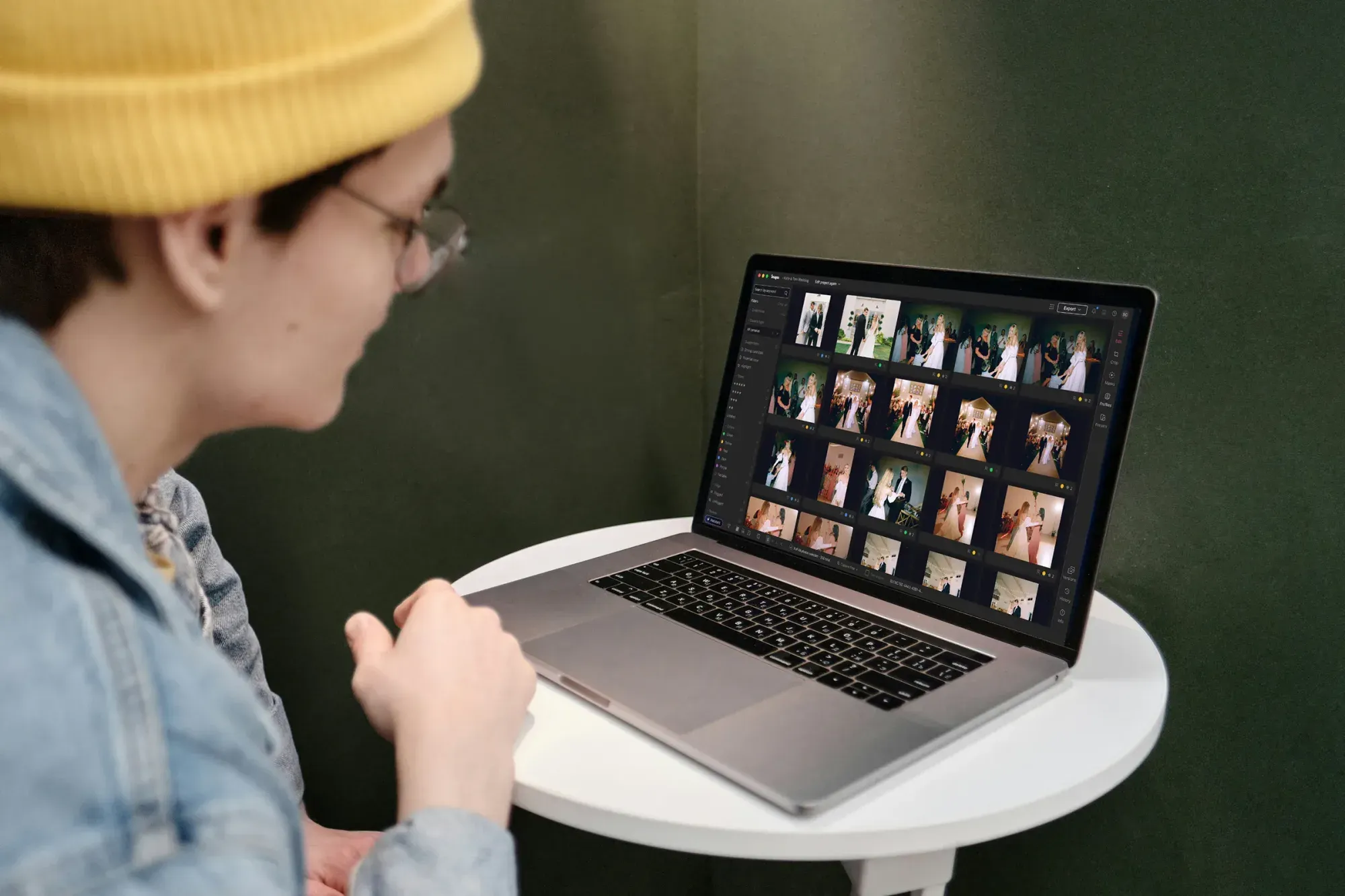
Start by importing your raw files into Lightroom Classic or Capture One and grouping them by lighting scenario. Corporate days often mix three or four setups, such as a windowed conference room, a seamless-backdrop headshot corner, a lobby, and available-light candids. Each setup has its own white balance and exposure baseline, so keeping them in separate folders or collections lets any editing pass, manual or AI, treat them correctly.
- Card in, verified backup, then import. Never edit off a single copy of a paid shoot.
- Group frames by setup so color decisions stay coherent within each lighting scene.
- Flag any obvious keepers as you scroll, since your first instinct on a strong frame is usually right.
- Add the client name and shoot date to your naming convention now, before anything leaves the catalog.
Clean organization at import pays off at every later stage, and it makes batch operations predictable. A tidy catalog is the foundation the rest of this workflow stands on.
Step 2: Cull the take with AI assistance
Culling is the least glamorous part of corporate work and often the slowest. In a headshot set you shoot many near-identical frames per person to catch the right expression, blink-free eyes, and a natural posture. Sorting those by hand is tedious and inconsistent late in the day.
Imagen’s AI culling reviews your real frames and flags the technical rejects, closed eyes, soft focus, and duplicates, then surfaces the strongest candidates in each cluster. You stay the final editor, so you accept, reject, or override its picks, but you start from a shortlist instead of a wall of thumbnails. AI culling is optional, since you can also cull manually in Imagen for free. On a large executive set this alone can turn a two-hour cull into a short review. Tools such as Aftershoot also focus on culling if you want a dedicated option, and their approach is subscription based rather than pay per photo.
Step 3: Batch color and tone to your personal style
This is where AI editing pays the biggest dividend for corporate photographers. Imagen learns YOUR personal editing style from your Lightroom or Capture One catalog, meaning it studies how you have edited past shoots and builds a personal profile from your real adjustments. When you run a new corporate take through that profile, it applies your white balance, exposure, contrast, and color choices frame by frame, matched to each image rather than pasted as a flat preset.
The result is a full set of headshots or event frames that already look like your work, with skin tones and brand colors handled consistently across every subject. You open the catalog to a shoot that is 80 to 90 percent finished rather than blank. That consistency is exactly what corporate clients notice, because a leadership page where every portrait matches reads as professional and intentional.
If you want to compare dedicated options before you commit, our roundup of the best AI photo editing software for corporate photographers breaks down how the leading tools handle style matching and volume.
Step 4: Retouch headshots without losing realism
Corporate headshots need clean, respectful retouching, not heavy beauty work. Executives want to look like themselves on a good day, with distracting flyaways, temporary blemishes, and harsh shine reduced but character kept. Imagen’s AI retouching handles these routine skin and detail corrections across the whole set, applied to the real face in each photo, so the person stays recognizably who they are.
Because the retouching runs in the same connected pass as culling and color, you avoid round-tripping every frame to a separate editor. Dedicated retouching tools such as Retouch4Me and PortraitPro exist if you need granular skin control on a specific hero image, and they typically sell as one-time licenses or per-tool purchases. For everyday corporate volume, a single automated pass over the full take is usually enough, and you reserve manual retouching for the two or three portraits that will headline an annual report or a homepage.
- Keep skin texture visible so portraits read as authentic rather than plastic.
- Match retouching intensity to the brand, since a law firm and a startup want different finishes.
- Reserve deep manual work for the handful of hero frames that carry the campaign.
Step 5: Finish the hero frames by hand
Automation gets you a polished, consistent set, and then your judgment finishes the job. Pull the frames that will be printed large, featured on a website, or used in press, and give them the attention only a human eye provides. Refine a distracting background element, perfect the catchlights, dodge and burn to shape the face, and crop for the exact placement the client needs.
This is the split that makes AI editing practical for professionals. The tool absorbs the repetitive 90 percent, and you invest your skill in the 10 percent that defines the deliverable. Because Imagen already applied your style, your manual finishing sits on top of a look you recognize, so the hero frames feel of a piece with the rest of the gallery, and you can do that finishing in Imagen’s built-in editor (Beta) with sliders, a histogram, crop and straighten, or in your usual editor. For more targeted techniques at this stage, see our AI photo editing tips for corporate photographers.
Step 6: Export, deliver, and archive
Corporate clients usually need several output versions, and setting them up as export presets keeps delivery fast. A typical brief asks for high-resolution files for print, web-sized JPEGs for the intranet or careers page, and cropped square or vertical variants for social profiles. Build these presets once and apply them to the finished catalog in a single batch.
- Export full-resolution masters for print and the client archive.
- Generate web and social crops sized to the platforms the client actually uses.
- Deliver through a gallery link with clear file naming so staff can find their own portraits.
- Archive the raw files and your export presets so reshoots and new hires match the original look.
Archiving your presets and style profile matters more in corporate work than in most niches, because a company will come back for new-hire headshots and expect them to match the existing wall. When your look is saved and repeatable, that second shoot is quick and consistent. You can explore more workflow guides on the Imagen valuable tips hub.
What AI editing costs and where it fits your business
Pricing shapes whether AI editing works for a corporate practice, and the pay-as-you-go model fits variable shoot volume well. Imagen runs pay-as-you-go. That structure means you pay for the frames you actually export, which lines up naturally with the uneven schedule of corporate bookings. Sliders, crops, and masks you do yourself are always free.
Other tools use different models, and the right choice depends on your volume. Subscription tools such as Aftershoot charge a recurring fee regardless of how many photos you run, which can favor very high steady volume. One-time-license retouching tools such as PortraitPro suit photographers who want a fixed cost for occasional deep work. For most corporate photographers juggling headshot days, events, and the occasional quiet month, paying per photo keeps costs tied to revenue.
Run the numbers against a real month. If you shoot two headshot sessions and one event, estimate the frames you will keep, multiply by the per-photo rate, and weigh that against the hours you would spend editing manually. For most working professionals, the time returned to shooting and marketing outweighs the editing cost quickly.
What’s new in Imagen: Imagen is now an intelligent, agentic Studio for professional photographers, bringing culling, editing, review and export into one project that you can work through in any order. For corporate work, you can ask the assistant in plain language to find every group shot, then act on those photos while you steer. Your Personal AI Profile, learned from your past edits, keeps the look consistent. The Studio is rolling out gradually.
Frequently asked questions
Does AI editing change how my corporate photos look?
No, it applies your own style rather than a generic look. Imagen learns your personal editing choices from your past catalogs and repeats them across the new shoot, so the results match the work you already deliver to clients. You review every frame and adjust anything you want before export.
Will AI invent or alter my subjects’ faces?
No, Imagen edits the real photos you shot and does not invent people, faces, or scenes. It culls, color-corrects, and retouches the actual frames from your camera, so your clients receive genuine photographs of the real people at the shoot, edited to your taste.
How much time can AI editing actually save on a headshot day?
The biggest gains come from culling and batch color, which are the slowest manual steps. On a large executive set, AI culling can cut a two-hour sort to a short review, and a batch color pass can leave the catalog most of the way finished. You then spend your remaining time only on the hero frames.
Can I try AI editing before committing to a paid plan?
Yes, with the free trial. You see every edit in the gallery before you export, so you can run a real headshot set through culling, style matching, and retouching and judge the results on your own images. After that, pricing is pay as you go, so you pay for the photos you export.
AI photo editing lets corporate photographers deliver consistent, on-brand galleries faster without giving up creative control or realism. Teach a tool your style, let it handle the repetitive culling, color, and retouching, and reserve your hands for the frames that matter most. Start editing with Imagen for free and run your next corporate shoot through the workflow above in the new Studio, where you cull, edit and export in one project.

