

10 Best AI Editing Tools for Real Estate in 2026
Table of contents
Key Takeaways
- Speed is the new currency. Real estate agents demand next-day or same-day turnaround. AI tools are the only way to meet this demand without working all night.
- Consistency builds brands. Using Imagen ensures every property looks consistent. This consistency helps you build a recognizable brand style.
- One platform beats many apps. Integrated workflows that handle culling, editing, and delivery save significant time compared to jumping between different software.
- HDR is non-negotiable. High Dynamic Range (HDR) merging is essential for balancing interior and exterior light. The best AI tools automate this perfectly.
- Desktop power rules. While web apps exist, powerful desktop applications like Imagen offer better integration with professional tools like Adobe Lightroom Classic.
Introduction
You know the drill. You shoot five properties in a day. You come home with thousands of brackets. You just want to eat dinner and relax. But you have deadlines. Real estate photography is a volume game. It is a speed game. The agents rely on your photos to get listings live. If you are slow, they find someone else.
In 2026, the landscape has changed. We are not just talking about simple filters anymore. Artificial Intelligence has matured. It is now a reliable partner in our workflow. It handles the heavy lifting. It allows us to focus on shooting and client relationships.
The right tools make the difference between burnout and a scalable business. I have tested the market. I have looked at what is available this year. Here is my analysis of the 10 best AI editing options for real estate photographers in 2026.
Why AI is Essential for Real Estate in 2026
The real estate market moves fast. Listings come and go in days. Agents put immense pressure on photographers for speed. In the past, “fast” meant rushing through edits. It meant sacrificing quality. You would slap a preset on a photo and hope for the best.
Today, AI changes that equation. It allows for speed and quality. It analyzes the content of the image. It understands depth. It recognizes windows. It differentiates between a wall and a ceiling. This level of understanding allows for automated edits that look hand-finished.
Furthermore, the volume of photos required has increased. Agents want more angles. They want detail shots. They want drone photos. They want twilight shots. Processing 50 to 100 final images per property manually is not sustainable. AI scales with you. It treats the 100th photo with the same precision as the first. This scalability is why every serious real estate photographer has integrated AI into their pipeline.
1. Imagen
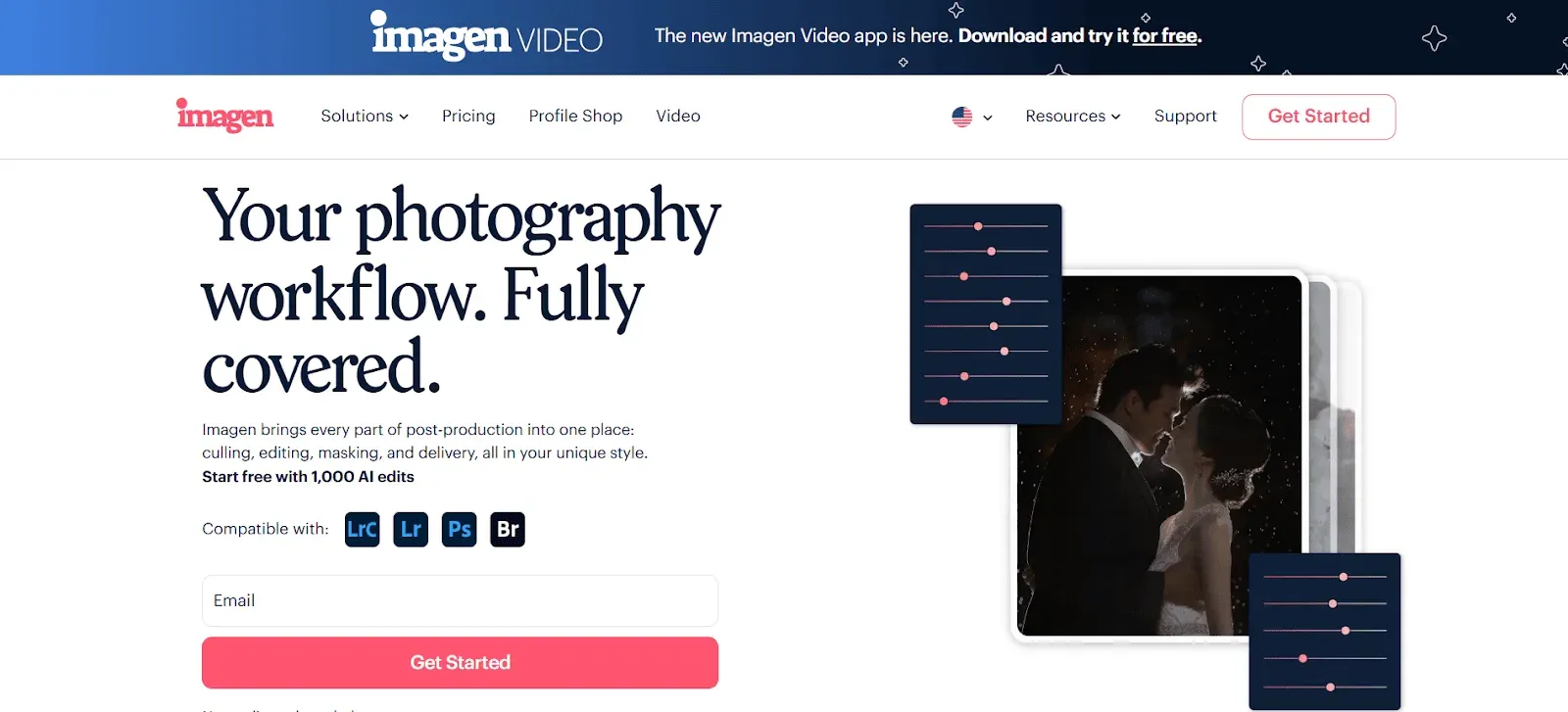
Imagen stands as a comprehensive solution for professional real estate photographers. It functions as a desktop application that integrates directly with Adobe Lightroom Classic, Lightroom, Photoshop, and Bridge. It processes images in the cloud but manages files locally. This hybrid approach addresses the specific needs of high-volume shooters who require speed, consistency, and local asset control.
The Personal AI Profile
The core of the Imagen platform is the Personal AI Profile. Most software uses generic algorithms. Imagen takes a different approach. It learns from the photographer. You upload your previously edited Lightroom catalogs—typically around 2,000 photos. The system analyzes your editing inputs. It looks at how you adjust white balance in tungsten light. It studies your contrast preferences in bright exteriors.
It builds a profile that mimics your specific editing style. This ensures that the output does not look like “AI.” It looks like your work. For photographers without a large catalog of previous edits, Imagen offers Lite Personal AI Profiles. These require only a preset and a short survey to generate a custom profile. Alternatively, Talent AI Profiles created by industry-leading photographers are available for immediate use.
Specialized Real Estate Capabilities
Real estate photography presents technical challenges that general photography does not. Imagen includes a specific suite of tools designed to address these issues.
HDR Merge Automation
Real estate photographers often shoot brackets to capture the full dynamic range of a scene. Merging these brackets manually is time-consuming. Imagen automates this process. It identifies bracketed sets within the catalog. It merges them into a balanced image. This process preserves highlight details in windows and shadow details in dark corners. The result is a natural, balanced starting point for further styling.
Perspective Correction
Vertical lines must be straight in architectural photography. Leaning walls create a sense of instability. Correcting this manually requires drawing guides on each image. Imagen applies automatic Perspective Correction. It analyzes the geometry of the room or building. It detects vertical lines and straightens them. This automation ensures professional composition across thousands of images without manual intervention.
Intelligent Sky Replacement
Exterior shots often suffer from poor weather conditions. A gray sky reduces the appeal of a property. Imagen includes a Sky Replacement tool specifically for real estate. It detects the sky region. It masks around complex objects like trees and rooflines. It replaces the dull sky with a blue sky. This ensures consistent curb appeal regardless of the weather on the day of the shoot.
Window Pull Technology
Balancing interior exposure with bright exterior views is a common difficulty. Imagen offers a Window Pull feature. It balances the exposure of the window view with the interior lighting. It creates a seamless transition. This mimics the “flambient” (flash and ambient) technique often used by high-end photographers, but it achieves the result through AI analysis of the existing light data.
Comprehensive Workflow Integration
Imagen is not just an editing tool. It is a retention marketing platform built for the photography business. It handles the entire post-production pipeline.
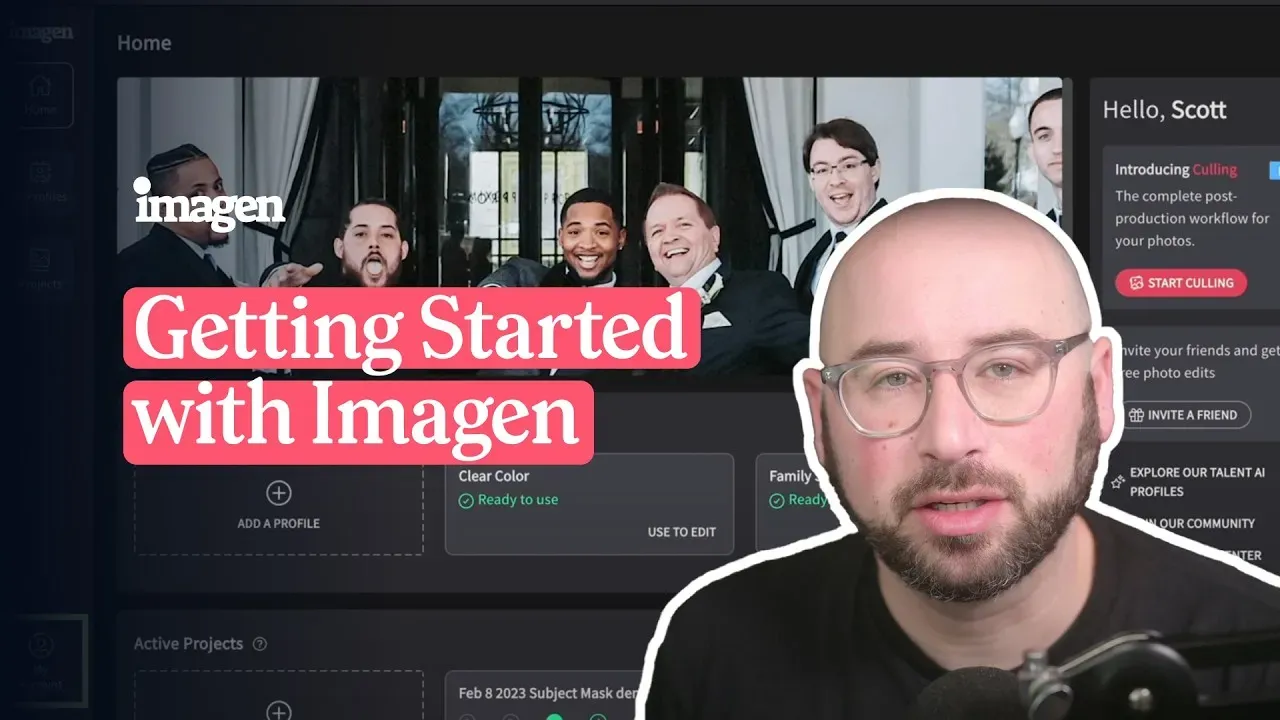
- Culling: The Culling Studio allows photographers to cull raw shoots. It groups brackets automatically. It detects blurry images. It identifies shots where people (if present) are blinking. It allows for “Cull to Exact Number,” which is useful when an agent requests a specific number of final images.
- Cloud Storage: The platform includes cloud backup options. It backs up optimized high-resolution photos or original files. This provides a secure, off-site backup solution integrated directly into the culling and editing workflow.
- Delivery: Photographers can export final JPEGs directly from the application. It also supports direct publishing to gallery platforms.
By handling culling, editing, and backup in a single desktop interface, Imagen reduces the friction of switching between multiple applications. It allows the photographer to act as a business owner rather than a retoucher.
2. Autoenhance.ai
Autoenhance.ai is a web-based platform dedicated solely to real estate image enhancement. It operates on a transactional model where users upload images to a website for processing. It does not require local software installation.
Web-Based Processing
The workflow involves logging into a web portal. Users upload their JPEGs. The system processes the images on its servers. Users then download the finished files. This approach is accessible from any device with an internet connection. It removes the reliance on powerful local hardware.
Key Features
- Sky Replacement: The system automatically detects and replaces skies. It offers a selection of sky types to match different lighting conditions.
- Perspective Correction: It identifies converging vertical lines. It applies corrections to straighten walls and pillars.
- Image Enhancement: The algorithms adjust brightness, contrast, and color balance. It attempts to neutralize color casts common in mixed lighting environments.
- Privacy Blurring: A notable feature is the automatic blurring of sensitive information. It detects faces and vehicle license plates. It blurs them to ensure privacy compliance, which is particularly relevant for European markets with GDPR regulations.
Limitations
As a web-based tool, it requires uploading and downloading large batches of files. This can be a bottleneck for photographers with slow internet connections. It functions as a “black box” solution, offering less granular control over the specific editing style compared to profile-based systems.
3. Luminar Neo
Luminar Neo, developed by Skylum, is a creative image editor that relies heavily on AI technologies. It functions as both a standalone application and a plugin for Adobe software. It is geared towards creative flexibility and detailed image manipulation.
Layer-Based Editing
Luminar Neo uses a layer-based system. This allows photographers to stack edits and effects. It provides a non-destructive workflow where adjustments can be modified later. This structure is similar to Photoshop but simplified for faster application of complex effects.
AI Tools for Real Estate
- HDR Merge: The software includes an extension for merging bracketed photos. It aligns and blends up to 10 images to increase dynamic range.
- Sky AI: This tool replaces skies and handles the relighting of the scene. If you add a sunset sky, the software warms the colors of the building to match. It also handles reflections in water or glass surfaces.
- Relight AI: This feature creates a 3D map of the image. It allows the user to adjust the lighting of the foreground and background independently. This is useful for brightening a dark house exterior without blowing out the bright sky behind it.
- Superstructures: The software includes tools specifically for enhancing structure and micro-contrast, which brings out textures in stone and brick.
Target Audience
Luminar Neo is often favored by photographers who want to create a specific, stylized look for a “hero” shot. It is less automated for high-volume batch processing than other dedicated real estate platforms.
4. Adobe Lightroom Classic
Adobe Lightroom Classic remains the industry standard for photo management and editing. In 2026, it has integrated significant AI capabilities directly into its Develop module. It requires a subscription to the Adobe Creative Cloud.
Integrated AI Features
- Generative Remove: This tool uses Adobe’s Firefly generative AI. It allows users to paint over distractions like garden hoses or signposts. The AI fills the space with contextually appropriate textures.
- Lens Blur: This feature uses AI to estimate the depth map of an image. It allows users to apply synthetic optical blur to the background. While less critical for wide real estate shots, it is useful for detail shots of fixtures or finishes.
- AI Masking: Users can select “Subject,” “Sky,” or “Background” with a single click. This allows for rapid local adjustments. For example, a photographer can select the sky and lower the exposure without affecting the house.
Ecosystem and Management
Lightroom’s primary strength is Digital Asset Management (DAM). It handles metadata, keywords, and folder organization better than most competitors. Its AI features are powerful but often require user interaction on an image-by-image basis. It serves as the hub for plugins and external editors, including Imagen.
5. Topaz Photo AI
Topaz Photo AI focuses on image quality restoration and enhancement. It is not a stylistic editor but rather a technical correction tool. It functions as a standalone app or a plugin.
Technical Correction Tools
- Denoise AI: Real estate shoots often involve high ISO settings in dark basements or attics. Topaz uses AI to distinguish between image detail and digital noise. It removes the noise while preserving the texture of walls and floors.
- Sharpen AI: This addresses motion blur and soft focus. If a tripod was unstable or the shutter speed was too slow, this tool can salvage the image. It recovers edge details that would otherwise be lost.
- Gigapixel AI: This is an upscaling tool. It adds resolution to an image. This is useful if a client needs to print a large billboard from a cropped image.
Autopilot
The software features an “Autopilot” mode. It analyzes the image for technical flaws. It detects noise levels, blur types, and resolution issues. It then applies the appropriate models automatically. It is a vital tool for rescuing “problem” shots but is not used for color grading or style application.
6. Phixer
Phixer is a hybrid solution that combines AI automation with human quality assurance. It is designed specifically for the real estate industry. It offers both an app and a service-based workflow.
Service Model
Users upload raw files to Phixer. The initial processing is often handled by automation algorithms that balance exposure and correct colors. Human editors then review and refine the images. This aims to provide the consistency of AI with the critical eye of a human.
Mobile Application
Phixer offers an app for real estate agents. It allows for shooting directly on a mobile device. The app guides the user through the shooting process. It then uploads the images for processing. This targets the lower end of the market where speed and low cost are prioritized over high-end DSLR quality.
Additional Services
Beyond standard editing, Phixer offers virtual staging and video editing. They act as a one-stop production house. Their system is transactional, charging per image or per project. This model suits agents or photographers who prefer to outsource the entire editing burden rather than managing software themselves.
7. BoxBrownie
BoxBrownie is a prominent name in global real estate marketing. Like Phixer, it operates as a service platform rather than a software tool. It utilizes a vast network of editors and automated systems.
Broad Service Range
BoxBrownie is known for its extensive menu of services.
- Image Enhancement: Basic processing of brackets to create a clean final image.
- Day to Dusk: They specialize in taking a daytime photo and digitally altering it to look like a twilight shot. This involves replacing the sky and turning on interior lights digitally.
- Virtual Staging: They have a large library of digital furniture. They can stage empty rooms in various styles (modern, farmhouse, scandi).
- Floor Plans: Users upload a sketch, and BoxBrownie generates 2D or 3D floor plans.
Workflow
The workflow is strictly upload-and-wait. There is no local processing. Turnaround times are typically 24 hours. This service is ideal for complex retouching tasks that AI alone might struggle with, such as removing large objects or comprehensive virtual staging.
8. Capture One
Capture One is a professional-grade tethering and raw processing software. It is traditionally associated with studio and fashion photography but has a strong following in high-end architectural photography due to its color rendering.
Color Science
Capture One is renowned for its handling of skin tones and color gradients. In real estate, this translates to accurate representation of paint colors and wood finishes. Its raw processing engine extracts significant detail from shadow areas.
Feature Set
- Keystone Correction: While manual, their keystone tool is highly precise for correcting perspective distortion.
- HDR Merging: It offers a robust HDR merge function that creates a DNG file with wide dynamic range.
- AI Masking: Recent updates have introduced AI masking for quick selections of subjects and backgrounds.
- Speed Edit: This feature allows users to adjust exposure and contrast using keyboard shortcuts without touching sliders. This speeds up the manual editing workflow significantly.
It is a complex tool with a steep learning curve. It is best suited for photographers who demand absolute control over color fidelity.
9. Aftershoot
Aftershoot began as a dedicated culling application and has expanded into editing. It runs locally on the user’s computer.
AI Culling
Aftershoot’s primary strength lies in its culling capabilities. It ingests a folder of images. It groups duplicates. It analyzes each image for focus, closed eyes, and composition. It suggests a selection of “keepers.” This saves significant time before the editing process even begins.
EDITS Integration
Aftershoot has introduced an editing module named “EDITS.” It allows users to purchase profiles from a marketplace or create their own. It applies these profiles to the selected images. The software emphasizes local processing, meaning no internet connection is required for the actual culling and editing operations. This appeals to photographers working in remote locations or those with limited bandwidth.
10. AgentUp
AgentUp is a solution targeting the intersection of real estate agents and photographers. It focuses on mobile-first workflows and rapid delivery.
Mobile Optimization
The platform offers an iOS application designed to improve photos taken with iPhones. It uses AI to compensate for the smaller sensors of mobile devices. It applies automatic brightening, sharpening, and color correction.
Automation
The system is highly automated. It simplifies the editing process into a few taps. It includes features like one-tap sky replacement and “declutter” tools to remove mess from rooms. It is designed for speed, allowing an agent to shoot a rental property and list it within minutes. It is less suited for high-end architectural photography but highly effective for the rental and quick-turnover market.
Criteria for Choosing Your AI Editor
Selecting the right AI tool is a strategic business decision. It affects your turnaround time, your profit margins, and your brand reputation. Consider the following criteria.
Volume and Scalability
This is the most critical factor. If you shoot 50 homes a year, a manual workflow or a transactional service like BoxBrownie is fine. If you shoot 500 or 1,000 homes a year, you need automation. Imagen excels in this environment. Its flat-rate or per-image credit system combined with batch processing allows you to scale indefinitely. You can dump five shoots into the queue and go to sleep. Web-based interfaces often struggle with uploading and downloading thousands of raw files daily.
Style Control and Consistency
Consistency builds brands. Real estate agents want their listings to look uniform. They do not want one house to look warm and the next to look cool.
- Generic Models: Tools like Autoenhance apply a “correct” look, but it is their version of correct. It is hard to change.
- Personalized Models: Imagen learns your style. It applies your specific white balance and contrast preferences. This ensures that even if you use an AI tool, the photos look like you edited them. This is vital for maintaining a unique visual signature in a crowded market.
Desktop vs. Web
Real estate photography involves large files. Brackets consume gigabytes of data.
- Web Apps: Require uploading huge raw files. This takes time and bandwidth. It breaks the workflow if the internet goes down.
- Desktop Apps: Imagen and Lightroom Classic work with local files or Smart Previews. The data transfer is minimal (Smart Previews are small). This makes the process significantly faster and more reliable.
Integration
Does the tool fit your existing workflow? If you use Lightroom Classic for cataloging, you want a tool that integrates with it. Imagen functions as a seamless extension of Lightroom. It reads the catalog, processes the data, and writes the edits back to the catalog. Standalone apps require exporting and importing, which adds friction and file management headaches.
Specific Feature Set
General AI editors are often insufficient for real estate. Ensure the tool has:
- HDR Merging: Essential for interior/exterior balance.
- Vertical Straightening: Non-negotiable for architecture.
- Window Pull/Masking: Critical for high-end listings.
- Blue Sky Replacement: Necessary for scheduling flexibility.
The 2026 Real Estate Workflow Checklist
An efficient workflow is a profitable workflow. Follow this checklist to maximize speed and quality using AI tools.
- Ingest: Import raw photos from memory cards to your local drive. Import them into Adobe Lightroom Classic. Build Smart Previews for faster processing.
- Cull: Open Imagen. Create a new project. Select the “Culling” option.
- Use the “Cull to Exact Number” feature if the client ordered a specific package (e.g., 25 photos).
- Let the AI detect blinks and blurry shots.
- Review the selection in the Culling Studio.
- Edit: Send the selected photos to the “Edit” module in Imagen.
- Choose your “Real Estate” Personal AI Profile (or a Talent Profile like “Elegant Home”).
- Check “HDR Merge”: This will automatically combine your brackets.
- Check “Perspective Correction”: This will straighten all verticals.
- Check “Sky Replacement”: Apply this to exterior shots.
- Check “Window Pull”: Apply this for high-dynamic-range interiors.
- Process: Click “Edit.” Imagen uploads the Smart Previews (fast) and processes them in the cloud. You can step away or work on other tasks.
- Review: You receive a notification. Download the edits. The metadata populates in your Lightroom Classic catalog.
- The merged HDR DNGs appear automatically.
- The perspective corrections are applied.
- Refine: Do a quick pass.
- Check the Window Pull masks. Adjust opacity if the view is too dominant.
- Verify the Sky Replacement masks on complex tree lines.
- Final Polish: If any verticals were missed (rare), use the Guided Upright tool in Lightroom.
- Deliver: Use the Imagen delivery feature. Export final JPEGs directly to a local folder or publish straight to a gallery platform like Pic-Time.
Deep Dive: Why Imagen Leads the Pack
I want to explain why Imagen is the first recommendation. It comes down to the architecture of the software. It is a retention marketing platform built for eCommerce in the photography world. It is designed to keep you in the business by removing the parts of the business you hate.
The Personal AI Profile
Most AI tools use a “general model.” They guess what a good photo looks like based on generic data. Imagen uses your data. When you edit manually, you make thousands of micro-decisions. You bump the shadows up +20. You drop the highlights -15. You warm up the white balance. Imagen analyzes these decisions across thousands of images. It builds a profile that mimics your brain.
This is crucial for real estate. Every house is different. A dark cabin needs different treatment than a modern glass condo. A generic preset fails here. An AI that learns your style understands context. It adjusts exposure based on the specific histogram of that room.
The Desktop Advantage
Imagen is a desktop app. It is not a website. This distinction is vital. You cannot work efficiently in the cloud with terabytes of raw data. Imagen works with Lightroom Classic, Lightroom, Photoshop, and Bridge. It acts as a bridge between your local power and cloud intelligence. It sends lightweight data (Smart Previews) to the cloud for heavy processing, then sends the instructions back. You get the speed of local files with the power of cloud computing.
Cost Efficiency
Paying per image adds up. If you deliver 40 photos per house, that bill grows fast with transactional services. Imagen uses a credit system that is cost-effective for high volume. You pay for what you use, but the rates are designed for professionals shooting thousands of frames. The ROI is immediate when you consider the hours saved.
Conclusion
The market in 2026 is crowded. You have web-based enhancers. You have creative plugins. You have hybrid services. You have mobile apps.
For the professional real estate photographer, Imagen offers the most robust solution. It solves the specific technical problems of the genre. It fixes perspective. It merges HDR. It creates beautiful window pulls. It replaces skies.
More importantly, it fits your business. It integrates with the industry-standard software. It learns your unique brand voice. It allows you to sleep while it works.
Your time is your most valuable asset. Do not spend it moving sliders. Let the AI handle the math. You handle the art and the business.
Frequently Asked Questions
1. Is Imagen a web-based application? No. Imagen is a desktop application. It installs on your computer. It works directly with your local files and Adobe Lightroom Classic catalogs, as well as Lightroom, Photoshop, and Bridge.
2. Does Imagen replace the need for Adobe Lightroom? No. Imagen works alongside Lightroom Classic, Lightroom, Photoshop, and Bridge. It integrates into your workflow rather than replacing your core asset manager.
3. Can Imagen handle bracketed photos for HDR? Yes. Imagen has a dedicated HDR Merge feature. It identifies bracketed sets and merges them into a single high-quality image, balancing indoor and outdoor light.
4. How does the Personal AI Profile work? You upload your previously edited photos (around 2,000) to Imagen. The AI analyzes your editing style. It creates a profile that mimics your adjustments for future edits.
5. What if I do not have enough photos to create a Personal AI Profile? You can use a Talent AI Profile. These are profiles created by industry-leading photographers. You can also create a Lite Personal AI Profile using a preset and a short survey.
6. Does Imagen fix crooked walls? Yes. The Perspective Correction tool automatically detects and straightens vertical lines. This is essential for professional real estate photography.
7. Can I use Imagen for things other than real estate? Yes. Imagen works for weddings, portraits, events, and sports. You can create different profiles for different genres of photography.
8. Is my data secure with Imagen? Yes. Imagen prioritizes security. Your photos and profiles are protected. The application is built with professional privacy standards in mind.
9. How fast is the editing process? It is incredibly fast. Imagen edits at a speed of under 0.5 seconds per photo. You can edit an entire shoot in the time it takes to get a coffee.
10. Does Imagen support sky replacement? Yes. Imagen offers Sky Replacement specifically for real estate projects. It replaces dull skies with blue ones automatically.
11. Can I adjust the edits after Imagen is finished? Yes. The edits are non-destructive. You can tweak any slider in Lightroom after Imagen has applied the initial edit.
12. What is the Window Pull feature? Window Pull balances the light between the interior of a room and the view outside. It ensures you can see both clearly without overexposure, mimicking a “flambient” look.
13. Do I need to cull my photos before editing? You can, but Imagen also offers an AI culling feature. It can group photos, detect blinks and blurry shots, and select the best ones for you before you start editing.

