

AI Beauty Photo Editing Tips and Techniques for 2026
Table of contents
- AI Beauty Photo Editing Tips
- 1. Train the AI on your own beauty editing style first
- 2. Cull the set before you touch a single slider
- 3. Batch your color and tone so the whole set matches
- 4. Keep skin retouching natural and non-destructive
- 5. Protect makeup detail and true color
- 6. Edit real photos, and never fake the beauty product
- 7. Standardize export settings for every deliverable
- 8. Measure the time and cost per photo
- Put these AI beauty editing tips into practice
- Frequently asked questions
AI Beauty Photo Editing Tips
The fastest way to edit beauty photos with AI is to let the software learn your personal skin and color style, apply it consistently across the whole set, and then handle culling and retouching so you only fine-tune the final frames. That single shift turns a slow, frame-by-frame grind into a review pass you finish in a fraction of the time. Below are practical AI beauty photo editing tips that professional portrait, cosmetic, and makeup photographers use to keep close-up skin natural, colors accurate, and delivery fast. For deeper walkthroughs you can also read our guide to editing beauty photos with AI and our full AI beauty photo editing guide.
1. Train the AI on your own beauty editing style first
Generic presets flatten skin and push makeup colors in ways that rarely match your look. Imagen solves this by learning your personal editing style directly from your Lightroom or Capture One catalog, so it studies how you actually treat exposure, contrast, warmth, and skin rendering. You feed it a few thousand of your past edits, and it builds a model of your taste. When you run a new beauty set, it applies that style consistently across every frame instead of a one-size preset. This matters most in close-up beauty work, where a small warmth or contrast shift changes how skin reads. Start here, because a well-trained profile makes every later tip faster.
2. Cull the set before you touch a single slider
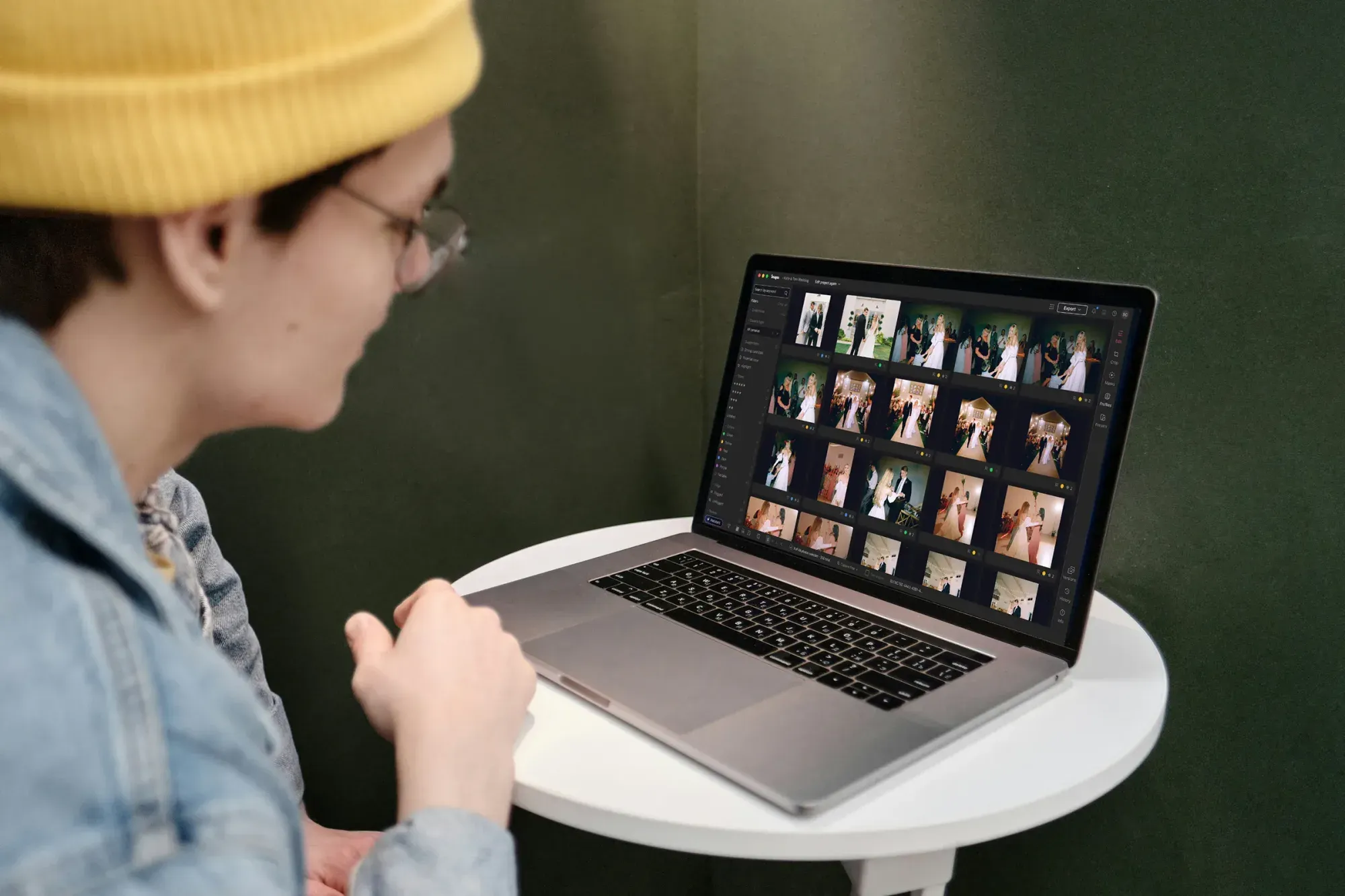
Beauty shoots produce dozens of near-identical frames as you chase the right blink, catchlight, and expression. Sorting them by hand eats real time. AI culling reviews the full take and flags the sharp, well-exposed, eyes-open frames so you pick winners quickly. Imagen runs culling in the same connected workflow as color and retouching, so you move from raw import to a clean selection without switching tools. You can also skip AI culling and cull manually for free. Here is a simple order that keeps you fast:
- Import the full card and let the AI group similar frames.
- Reject soft focus, closed eyes, and awkward expressions in one pass.
- Keep the strongest frame from each cluster, plus one safety backup.
- Send only the selects forward to color and retouch.
3. Batch your color and tone so the whole set matches
Inconsistent color is the quickest way to make a beauty set look amateur. When one frame runs warm and the next runs cool, the makeup and skin tones drift from image to image. A trained AI profile applies your color and tone choices across the entire selection in one batch, so your reds stay true and your skin stays even. You still review each frame, but you start from a matched baseline instead of a blank slate. This is where Imagen saves the most time, because it automates the repetitive tone work while leaving your creative calls intact. Tools like Lightroom and Capture One remain useful for manual grading, and you can round-trip between them since Imagen reads their catalogs. For lighter tweaks, Imagen’s built-in editor (Beta) offers manual sliders and a histogram.
4. Keep skin retouching natural and non-destructive
Close-up beauty photography lives or dies on skin. Over-smoothed skin looks plastic, and heavy frequency separation by hand costs hours per set. AI retouching cleans stray blemishes, softens uneven texture, and evens tone while keeping real pores and natural detail. Imagen retouches the actual photos you shot, so it refines the skin in front of the lens rather than painting on a synthetic surface. Set the strength conservatively on the first pass, then push further only on the hero frames. Your goal is skin that looks like great skin, not a mask.
5. Protect makeup detail and true color
Makeup is the whole point of a beauty frame, so your edit should preserve it, not wash it out. Watch three things as you review: lip color accuracy, eyeshadow gradient, and the sharpness of liner and lash detail. A consistent AI color pass helps here because it holds your chosen white balance steady across the set, which keeps a bold lip the same shade in every frame. When you retouch skin around the eyes and mouth, keep the retouch mask off the makeup itself so you do not blur the artistry. If a client shot spans several looks, run each look as its own batch so the color reference stays clean.
6. Edit real photos, and never fake the beauty product
Beauty work often includes the cosmetic product itself, and honesty here protects your client and your reputation. Imagen edits, culls, and retouches the real photos you captured. It does not invent products, labels, packaging, cosmetics, models, or backgrounds, so the lipstick, foundation, or palette in the final image is the one you actually photographed. That distinction keeps your delivery trustworthy for brands and ad campaigns where an invented product could mislead a buyer. Use AI to perfect the shot you took, and reshoot when you genuinely need a different product or angle.
7. Standardize export settings for every deliverable
Clients rarely want one file type. A campaign might need high-resolution retouched frames for print, lighter web versions for social, and flat files for a retoucher. Save export recipes once and reuse them so every job ships in the right sizes and color spaces. A tight export step also prevents the classic mistake of sending a beautifully edited frame in the wrong profile. Keep a short checklist near your desk:
- Full-resolution TIFF or high-quality JPEG for print and retouch handoff.
- Sized, sharpened JPEGs in sRGB for web and social.
- Consistent file naming so the client can match looks to frames.
8. Measure the time and cost per photo
Beauty editing pays off when you track what each frame costs you in time and money. AI editing shifts most of the manual labor to the software, so your hourly output climbs and your late nights shrink. Imagen uses simple pay-as-you-go pricing, so you pay for the photos you export. Sliders, crops, and masks you do yourself are always free. Run a small test on one real beauty set, compare your old hand-editing hours against the AI pass, and let the numbers guide how much of your catalog you move over. For more workflow ideas, browse the full Valuable Tips hub.
Put these AI beauty editing tips into practice
The pattern behind every tip is the same. You train the AI on your taste, let it cull and color and retouch the repetitive work, and you spend your attention on the creative calls that clients pay for. Beauty photography rewards consistency, and a connected AI workflow gives you that consistency across a full set without the manual grind. Start with one real shoot, keep your retouching honest, and scale from there. When you are ready to test it on your own catalog, try Imagen and edit your first beauty set in your personal style, in the new Studio where you cull, edit and export in one project.
What’s new in Imagen: Imagen is now an intelligent, agentic Studio for professional photographers, one project where you cull, edit, review and export in any order. For beauty work, the tips above get easier when you can use a Personal AI Profile for your base look, narrow a shoot with AI filters such as blur and closed eyes, and finish frames in the built-in editor (Beta). It is rolling out gradually, starting as a beta.
Frequently asked questions
Does AI beauty editing make skin look fake?
It does not have to, because good AI retouching keeps real pores and natural texture while it cleans blemishes and evens tone. Imagen retouches the actual photo you shot, so you control the strength and can keep skin looking like healthy skin. Start with a light pass, then push further only on your hero frames.
How does Imagen keep a whole beauty set consistent?
Imagen learns your personal editing style from your Lightroom or Capture One catalog and applies it across every frame in the batch. Your color, tone, and skin choices stay even from the first frame to the last, which is exactly what close-up beauty work needs. You still review each image, but you begin from a matched baseline.
What does Imagen cost for beauty photographers?
Imagen uses pay-as-you-go pricing, so you pay for the photos you export. That lets you get a feel for it on a real beauty set of your own.
Will AI invent a cosmetic product in my photos?
Imagen edits, culls, and retouches only the real photos you captured, and it does not invent products, labels, packaging, cosmetics, models, or backgrounds. The product in your final image is the one you actually photographed. That honesty keeps your delivery safe for brand and advertising clients.

