

Building a Faster Portrait Retouching Workflow for Product Photographers
Table of contents
- Why on-model product shoots create a skin-retouching bottleneck
- Map your workflow before you touch a single slider
- Cull first, so you never retouch a frame you will not deliver
- Correct red and blotchy skin tones in batch, not frame by frame
- How Imagen fits into an on-model product workflow
- Reserve manual retouching for the frames that earn it
- Lock in consistency so the whole set matches
- Deliver fast and close the loop
- Frequently asked questions
Product photographers who shoot on-model work face a retouching problem that pure still-life shooters never deal with: skin. When a model holds a serum bottle, wears the jewelry, or models the apparel, the camera captures every flushed hand, every blotchy patch under hot continuous lights, and every uneven tone next to the product. The fastest way to build a faster portrait retouching workflow is to separate the repetitive skin corrections, like evening out red or blotchy tones, smoothing, and clearing small blemishes, from the creative decisions, then let an AI editor handle the repetitive layer in batch while you keep control of the look.
This guide walks through a practical workflow for on-model product shoots, from culling and ingest to consistent skin correction across a full set, to final delivery. The goal is not to reinvent retouching but to remove the slow, manual bottleneck that eats your evenings after a big shoot, so every hand, face, and stretch of skin beside the product looks clean and consistent without you touching each frame one by one.
Why on-model product shoots create a skin-retouching bottleneck
When you photograph a product on a model, the product is the hero, but the skin around it is unavoidable. A hand cream ad lives or dies on the hands. A necklace sits against a collarbone and neck. A lipstick swatch is meaningless without clean lips and cheeks in frame. Hot lights, long sessions, and nervous first-time models all push blood to the surface, so hands and faces read red, patchy, or shiny in ways that pull attention away from the product you were hired to sell.
The volume makes it worse. A single ecommerce shoot can run hundreds of frames per product, across multiple colorways and angles. Correcting red skin tones by hand on every usable frame is slow, and worse, it is inconsistent. Frame 12 and frame 88 of the same look should match, but manual edits drift. By the time you have hand-corrected a few dozen images, your eye has adjusted and your later edits no longer match your earlier ones. That drift is the real enemy of a clean product set.
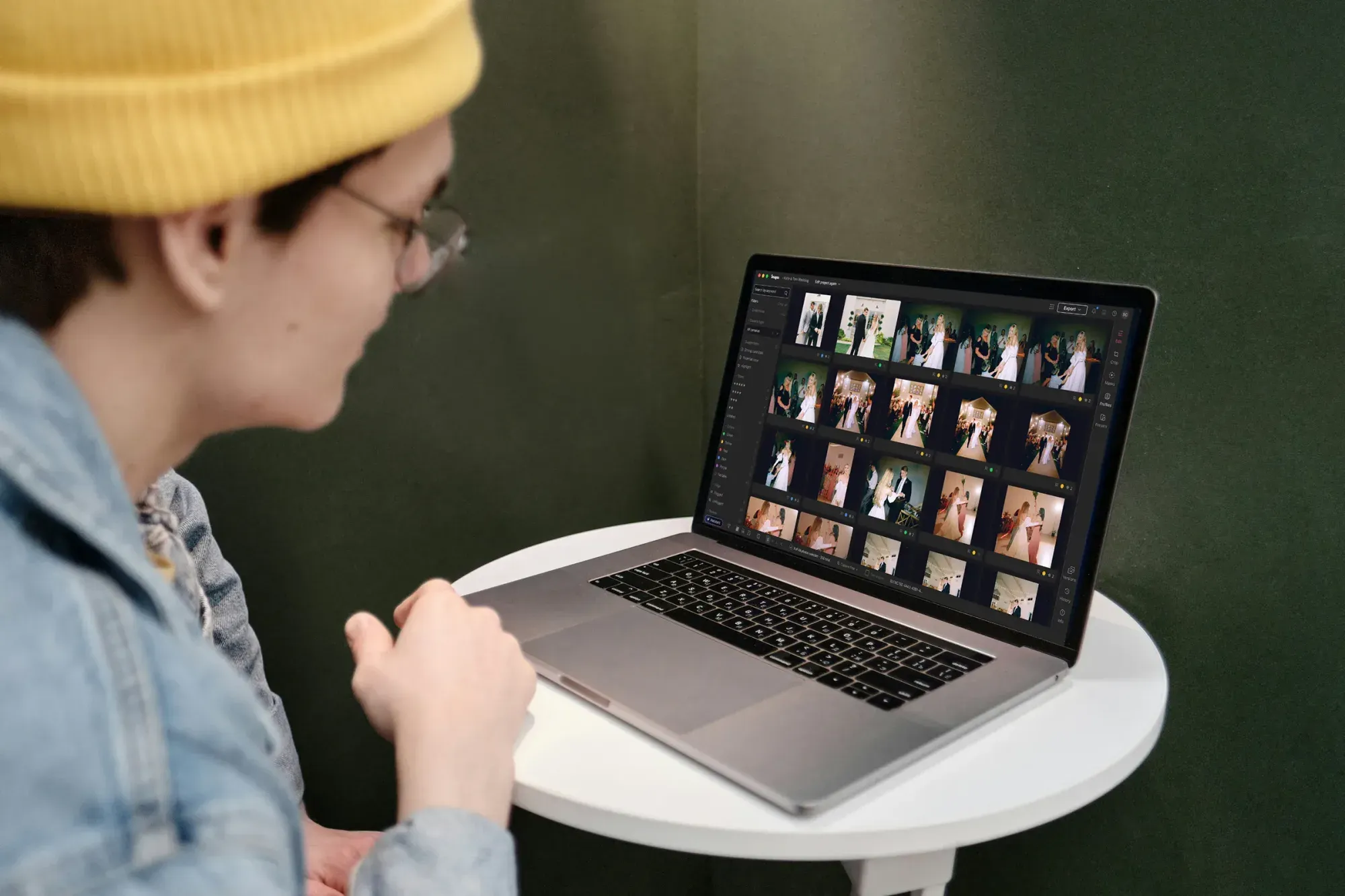
Map your workflow before you touch a single slider
A faster workflow starts with a clear map, not faster clicking. Break the job into stages and decide what belongs in each one:
- Ingest and back up. Pull the RAW files, verify them, and create a second copy before anything else.
- Cull. Cut the set down to the keepers before you invest any editing time. Editing frames you will never deliver is the most common hidden time sink.
- Base grade and skin correction. Set consistent color, tone, and exposure across the set, and clean up red or blotchy skin here, in batch.
- Selective work. Handle the few frames that need genuine one-off attention.
- Export and deliver. Push final files to the client or ecommerce platform.
Most of the time savings live in stages three and four. If you can automate consistent skin correction across the whole set, you stop paying the per-frame tax and only spend manual effort where a frame truly earns it.
Cull first, so you never retouch a frame you will not deliver
Culling is the cheapest speed gain available to any product photographer. Every frame you remove before retouching is a frame you never pay to edit. On a fashion or beauty shoot with hundreds of near-duplicate frames, the difference between culling well and culling poorly can be hours.
Work fast and decisively. Reject the obvious misses first: closed eyes, motion blur, awkward hand positions on the product, focus that landed on the background instead of the label. Then compare the close variants and keep the strongest one or two per look. AI culling can speed this stage by grouping similar frames and flagging blur and closed eyes, but the final keep-or-cut call stays yours because only you know which frame sells the product best.
Correct red and blotchy skin tones in batch, not frame by frame
This is the stage where on-model product photographers lose the most time, and it is the stage most worth automating. Red hands under hot lights, a flushed neck beside a pendant, uneven patches on a cheek next to a cosmetic: these are the same correction repeated across dozens of frames. Doing it once and applying it everywhere is the whole point of a faster workflow.
AI skin correction is a genuine strength here. It can even out red and blotchy skin tones, calm the flush in a model’s hands and face, smooth skin texture, and clear small blemishes and spots, then apply that treatment consistently across an entire set. Because the correction is learned and applied uniformly, frame 12 and frame 88 finally match. You get clean, even skin beside the product without hand-editing each frame, which is exactly the bottleneck that used to swallow your post-shoot evenings.
It helps to be honest about scope. Automated skin work is for tone and texture: de-reddening, evening out blotchiness, smoothing, and spot cleanup. It is not for reshaping a body, sculpting facial structure, or adding heavy makeup that was not there. Those are creative, subjective changes that belong in a deliberate, manual step on the few frames that need them, not in a batch pass across the set.
How Imagen fits into an on-model product workflow
Imagen is AI batch photo editing that learns your personal style through AI profiles, then delivers consistent color, tone, and skin correction across a whole shoot from a desktop app for Mac and Windows with the AI processing in the cloud. You send your RAW files, and it applies your look and your skin corrections to the full set at once, so a hundred frames come back matched instead of drifting, with edited photos arriving in batches as they process so you can start reviewing early frames while the rest finish. For the specific problem of flushed hands and uneven skin beside a product, Imagen’s tool for fixing red and blotchy skin tones with AI evens out the redness and calms the flush across every frame in the set, which is precisely the repetitive correction that used to cost you the most time.
On pricing, the model is simple and worth understanding when you plan a workflow around volume. Editing is pay as you go, a monthly base fee plus a charge per image exported. Because you are paying per delivered image rather than per hour of your own labor, the math favors culling hard first and then letting the batch pass do the repetitive skin and color work. Sliders, crops, and masks you do yourself are always free. The genuine wins are batch grading, shoot-wide consistency, culling, style profiles, cloud processing, RAW support, and fast client delivery. You can start at the Imagen homepage to see how the profile and batch flow works inside the new Studio, where you cull, edit and export in one project.
Keep expectations honest about what an AI batch editor is for. Heavy compositing, removing or adding objects around the product, deblurring or denoising a technically weak frame, and correcting lens geometry or perspective are separate jobs. Each is better handled by a dedicated tool built for that task, applied to the handful of frames that actually need it, rather than expected from a batch color and skin pass.
Reserve manual retouching for the frames that earn it
Automation does not replace your eye; it protects it. Once the batch pass has evened out skin tone and set a consistent grade, most of your set is delivery-ready. What remains is a short list of frames that need a human decision: a stray hair across the product label, a distracting reflection in a glossy bottle, a wardrobe adjustment on the model.
Handle those manually and deliberately. Because you are now touching a handful of frames instead of the whole set, you can give each one real attention without blowing your deadline. This is also where genuinely creative or structural changes belong, the kind that require judgment and should never be blanket-applied across a set. The workflow works because the repetitive layer is automated and the creative layer stays human.
Lock in consistency so the whole set matches
Consistency is what separates a professional product set from a folder of individually edited images. The client wants every frame of a colorway to look like it came from the same moment, with the same skin tone on the model and the same color on the product. That is hard to achieve by hand and easy to achieve when a single learned profile drives the whole set.
Build and reuse a style profile that captures your color, tone, and skin-correction preferences, then apply it across the shoot. When you shoot the same client or product line again, the same profile gives you a matching look with almost no setup. Over a season of repeat work, that reuse compounds into real time savings and a recognizable, consistent style your clients learn to expect.
Deliver fast and close the loop
The last stage is export and handoff. Cloud processing means you can send RAW files, let the batch edit run, and pull finished images without tying up your own machine for hours. For ecommerce clients on tight content calendars, fast, consistent delivery is often as valuable as the editing itself.
After a few shoots, review where time still leaks. If culling is slow, tighten your reject criteria. If you keep making the same manual skin correction the batch pass missed, fold it into your profile so it happens automatically next time. A faster workflow is not a one-time setup; it is a loop you refine shoot after shoot until the repetitive work disappears and only the creative decisions remain.
What’s new in Imagen: Imagen is now an intelligent, agentic Studio for professional photographers, where you cull, edit, review and export in one project, in any order. For on-model product sets, use AI culling to narrow the shoot or cull manually for free, then export finished JPG, TIFF or PNG files straight from Imagen or send AI edits back to Lightroom Classic. The Studio is rolling out gradually as a beta.
Frequently asked questions
Do product photographers really need portrait retouching tools? Yes, whenever a model appears with the product. On-model apparel, jewelry, and cosmetics shoots put hands, necks, and faces directly beside the product, and those need clean, even skin. Pure still-life shots of an inanimate product do not need skin work, but any shoot with a person in frame benefits from consistent skin correction.
What skin corrections can AI safely automate across a full set? Tone and texture corrections automate well: evening out red or blotchy skin, calming flush on hands and faces, smoothing skin texture, and clearing small blemishes or spots. These are repetitive and objective, so they are ideal for a batch pass. Reshaping bodies, changing facial structure, and adding heavy makeup are subjective creative choices that should stay manual.
How does batch editing keep a hundred frames consistent? A learned style profile applies the same color, tone, and skin-correction decisions to every frame at once, instead of you editing each one and letting your judgment drift. That uniform application is why the twelfth and the eighty-eighth frame of the same look finally match, which manual editing struggles to guarantee.
What should I not expect from an AI batch editor? Do not expect heavy compositing, object removal or addition, deblurring or denoising, or lens geometry and perspective fixes from a batch color and skin pass. Those are separate jobs, each better handled by a dedicated tool on the few frames that actually need it, after the batch pass has done the repetitive work.

