

Building a Faster Editing Consistency Workflow for Ecommerce Photographers
Table of contents
- Building Faster Editing Consistency Workflow for Ecommerce Photographers
- Why Editing Consistency Breaks Down in Ecommerce Photo Workflows
- Start With a Culling Step That Doesn’t Slow You Down
- Define One Editing Style and Make It Portable
- Batch Editing Without Losing Per-Shot Accuracy
- How Imagen Helps You Build a Faster, More Consistent Workflow
- Common Workflow Mistakes That Slow Ecommerce Photographers Down
- Building a Repeatable Delivery Checklist
- Getting Started With a Faster Consistency Workflow
- Frequently asked questions
Building Faster Editing Consistency Workflow for Ecommerce Photographers
A faster editing consistency workflow for ecommerce photographers starts with separating the parts of the job that need your eye from the parts that just need to be repeated correctly. Culling, style decisions, and client communication deserve your attention. Applying the same white balance, exposure curve, and color grade to five hundred nearly identical product shots does not, yet that repetitive step is usually where entire days disappear.
The fix is not working faster at the same manual pace. It is building a workflow where your editing style gets captured once and then applied consistently across every shoot, every angle, and every reshoot, without you touching each file by hand. Photographers who set this up properly cut editing time dramatically while producing catalog images that actually look like they came from one photographer instead of three different sessions stitched together.
Why Editing Consistency Breaks Down in Ecommerce Photo Workflows
Ecommerce photography has a specific consistency problem that portrait or event work rarely faces. A single product line might get photographed across several sessions weeks apart, sometimes by different photographers on the same team, sometimes under slightly different lighting because a studio bulb aged or a client moved locations. Every shot still has to sit next to the others on the same category page and look uniform, since shoppers compare thumbnails side by side and notice mismatched tones immediately.
Manual editing makes this fragile. Even a disciplined editor drifts slightly session to session because human judgment about exposure and color shifts with fatigue, monitor calibration, and mood. Multiply that drift across hundreds of SKUs and the catalog starts to look patchy, with some products appearing warmer or brighter than others for no reason a shopper would understand. The workflow needs a way to lock in a look and reapply it exactly, not approximately, so that a shirt photographed in March matches the same shirt reshot in a restock session in July.
Deadlines make the problem worse. A retailer launching a new collection often needs several hundred images turned around in days, not weeks, which pushes editors toward shortcuts. Shortcuts under time pressure are exactly where consistency slips, because there is no time left to compare frame twelve against frame one hundred and eighty before the batch ships. A workflow built around a locked style and automated batch application removes that time pressure from the equation entirely, since the same consistent pass runs whether the shoot has twenty images or two thousand.
Start With a Culling Step That Doesn’t Slow You Down
Before any editing decision gets made, someone has to decide which frames survive. On a typical ecommerce shoot with multiple angles per SKU, that can mean sorting through thousands of near-duplicate frames to find the sharpest, best-exposed version of each pose. Doing this manually is one of the biggest hidden time costs in the entire workflow, often eating more hours than the actual retouching.
A faster workflow treats culling as a distinct, automatable stage rather than something squeezed in during import. AI culling tools scan a shoot for focus, exposure, and closed eyes or blur, flagging the best frame in each burst automatically. That alone can remove hours from a shoot day, leaving you with a clean, curated set to move into editing instead of a raw dump of everything the camera captured.
Define One Editing Style and Make It Portable
Consistency depends on having a single, well-defined editing style rather than a vague sense of “how we usually do it.” That means deciding, concretely, on your target white balance for the lighting setup you use, your preferred contrast curve, how much you lift shadows on white-background product shots, and how saturated your brand wants colors to look. Write it down or, better, build it once as a reusable profile rather than reconstructing it from memory on every shoot.
The payoff of doing this properly is that the style becomes portable. A new hire, a second shooter, or a batch of reshoots months later can all apply the identical look without a senior editor personally touching every image. This is where a lot of small ecommerce studios lose ground to larger operations, because they never formalize the style into something repeatable, so every editor ends up interpreting it slightly differently.
Batch Editing Without Losing Per-Shot Accuracy
Once a style exists, the next bottleneck is applying it at volume without the flattening effect that comes from a single blanket preset. A hard-coded preset applies the same numeric adjustment to every image regardless of how that specific frame was lit or exposed, which is why batch presets alone often produce results that need heavy manual correction afterward.
What actually works is a workflow where the tool learns your style from a small set of reference edits and then adapts that style intelligently to each new image’s actual exposure and color, rather than pasting identical numbers everywhere. This is the difference between a global preset and true AI batch editing: the output still looks like your style, but it accounts for the fact that shot four was slightly underexposed compared to shot twelve.
How Imagen Helps You Build a Faster, More Consistent Workflow
This is exactly the gap Imagen is built to close for ecommerce photographers. You train Imagen’s AI style profile on a handful of your own previously edited images, and the system learns your specific color, tone, and contrast decisions well enough to reapply them automatically across an entire shoot and across future shoots. Because the profile adapts to each frame’s actual exposure rather than pasting one flat setting everywhere, the results hold up shot to shoot instead of needing a manual pass to fix outliers.
Imagen also runs AI culling ahead of editing, so the whole pipeline, from picking the keeper frames to exporting a consistently graded final set, happens in one cloud-connected workflow instead of several disconnected tools, and you can export finished JPG, TIFF or PNG files straight from Imagen or send the edits back to Lightroom Classic. Pricing is straightforward: with pay-as-you-go you pay for the photos you export, so the cost scales predictably whether you are editing one product shoot or a hundred SKUs a week. Sliders, crops, and masks you do yourself are always free.
Common Workflow Mistakes That Slow Ecommerce Photographers Down
A few habits quietly undo the speed gains a good workflow should deliver. The most common is re-editing from scratch every session instead of building on a saved style, which means every shoot restarts the consistency clock. Another is skipping a dedicated culling pass and instead editing every frame that came off the card, tripling the retouching workload for no visual benefit since half those frames were never going to be used.
A third mistake is trying to fix structural problems, like a crooked product angle or a visible seam in the backdrop, inside the same batch step meant for color and tone. Those issues are better handled with a dedicated correction pass, since forcing a color tool to also solve geometry or perspective problems slows the whole pipeline down and usually produces a worse result than treating each problem separately. Keep color and tone consistency as its own clean stage, and route structural fixes to a separate step in the process.
Building a Repeatable Delivery Checklist
Speed only helps if the final files are actually correct when they leave your workflow. Build a short checklist that runs on every batch before delivery: confirm white balance matches across the set, confirm no frame was skipped during culling, confirm file naming matches your client’s or platform’s required format, and spot-check three or four images from different points in the shoot rather than only the first and last.
This kind of checklist takes a few minutes and catches the errors that slip through when volume goes up. It also gives you a documented process you can hand to an assistant or a second shooter, which is part of what makes the workflow genuinely scalable rather than dependent on one person remembering every step. Keep the checklist short on purpose. A ten-item list that actually gets used every time beats a thirty-item list that gets skipped once a deadline gets tight, and consistency depends on the checklist being followed without exception rather than being comprehensive on paper.
It also helps to track how long each stage of the workflow actually takes, from import through culling, style application, and final review. Photographers who measure this usually find that one stage, often manual spot corrections, is quietly consuming more time than the rest of the process combined. Once that stage is visible, it becomes the obvious next target for automation rather than something everyone just assumes is unavoidable.
Getting Started With a Faster Consistency Workflow
If your current process still relies on manually adjusting each product photo, the fastest improvement is usually sequencing: cull first, lock in one style profile, then batch edit against that profile rather than editing image by image. Photographers who make this switch typically see the biggest time savings on their second and third shoot using the same profile, once the AI has enough of their edited history to apply the look reliably without correction.
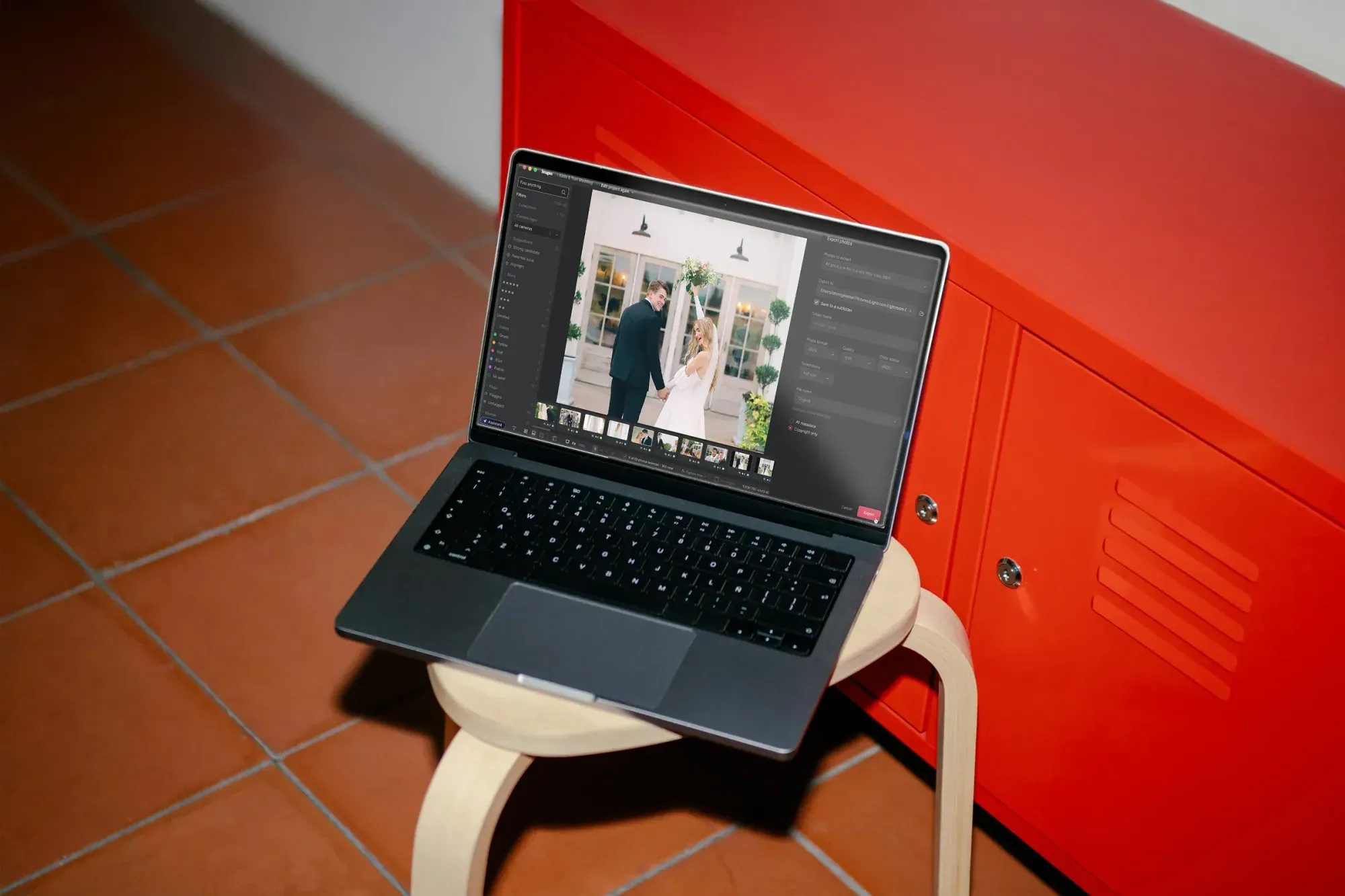
You can see how the full editing and culling workflow fits together in Imagen’s new Studio, where you cull, edit and export in one project, along with current pricing, at Imagen’s homepage. Starting with even one recent shoot as a style reference is enough to test whether an automated, consistent batch workflow saves you the hours a manual process currently costs.
What’s new in Imagen: Imagen is now an intelligent, agentic Studio for professional photographers, one project where you cull, edit, review and export in any order. For catalog work, a Personal AI Profile learned from your past edits applies your look to the set, and edited photos arrive in batches as they process, so you can start checking the first products while the rest finish. The Studio is rolling out gradually as a beta.
Frequently asked questions
How long does it take to build a consistent editing style for ecommerce work? Most photographers can define a usable style from a single well-edited shoot, since the goal is capturing decisions you already make consistently, like exposure and white balance targets, rather than inventing a new look from scratch. Refining it across two or three more sessions usually gets the style solid enough to trust on autopilot.
Can a batch editing workflow handle shoots with mixed lighting setups? Yes, as long as the tool adapts the style to each image’s actual exposure rather than applying one fixed adjustment everywhere. A style profile that reads each frame’s actual tone and matches your target look holds up across sessions shot in slightly different lighting, which is common when reshoots happen weeks apart.
Does AI culling replace the need to review images at all? No, it removes the repetitive first pass. AI culling flags the sharpest, best-exposed frame in each burst, but a final human glance before delivery still catches context the software cannot judge, like whether a product’s packaging text is fully visible.
What should stay out of the batch color and tone step? Structural issues such as a tilted product angle, a visible seam in the backdrop, or blur from camera shake belong in a separate correction pass with a dedicated tool. Mixing those fixes into the same step meant for color and exposure consistency slows the workflow and usually produces messier results than handling each problem on its own.

