
The End of Manual Cleanup: Introducing the Imagen Photo Cleanup Toolkit
Table of contents
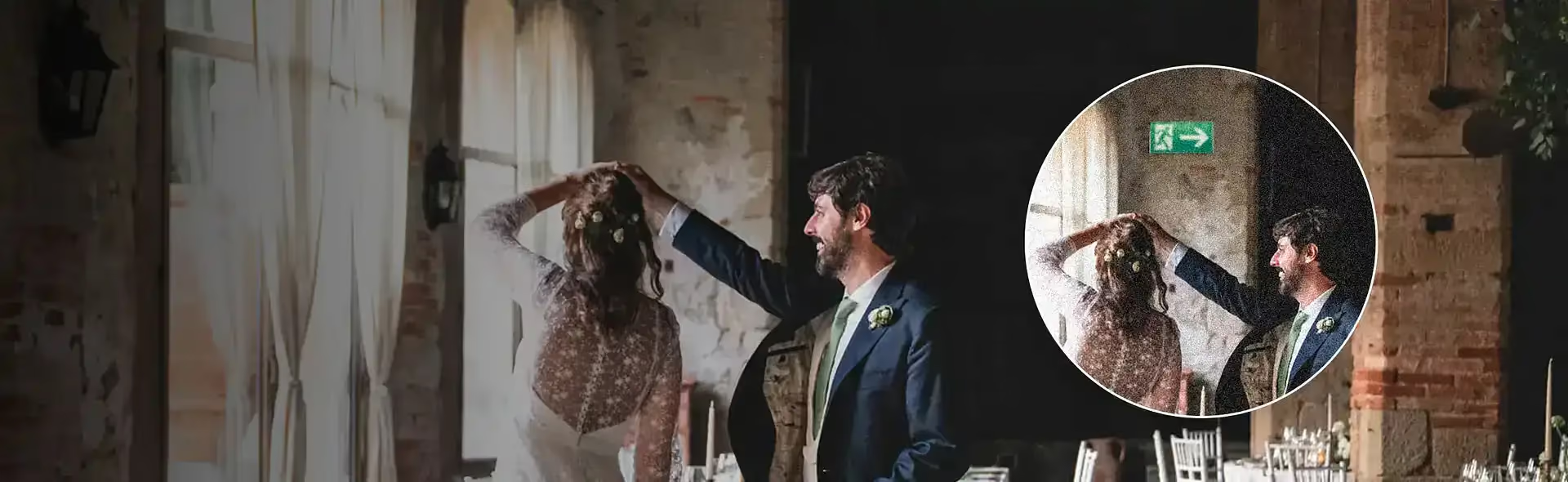
You’ve spent hours getting the color perfect. Your gallery is edited, consistent, and ready to deliver. Then you remember: the reception shots are grainy, and half the venue photos have exit signs glowing in the background.
Welcome to the “second pass.” The tedious manual cleanup that happens after editing is done. Cloning out fire alarms. Reducing noise in low-light shots. It’s technical busywork that keeps you at your desk instead of behind your lens.
The new Photo Cleanup Toolkit handles this for you. It removes distracting objects and reduces grain across your entire gallery automatically, so you can deliver faster without the manual cleanup.
Vanish Distractions with Object Removal
Exit signs, fire alarms, smoke detectors, and fire extinguishers. They’re everywhere in wedding venues, event spaces, and portrait studios. And they pull attention away from what matters in your photos.
Object Removal detects and removes these distractions automatically. It works across your entire gallery in one step, saving you hundreds of manual cloning clicks.
Here’s what it removes:
- Exit signs
- Fire alarms
- Smoke detectors
- Fire extinguishers
The best part? It happens in bulk. Add the Object Removal AI tool when you create a project, and Imagen handles the rest. No more clicking through every photo to spot and fix wall-mounted distractions. Edited photos arrive in batches as they process, so you can start reviewing early frames while the rest finish.
Object Removal works for weddings, events, school photography, family and newborn sessions, and portraits.
Reduce Grain with Non-Destructive Denoise
High ISO. Low light. Reception dances. These shots often come back grainy, and fixing noise manually takes time you don’t have.
Denoise reduces grain in these photos automatically. It analyzes each photo’s ISO level and applies the right amount of noise reduction where it’s needed. Low ISO shots stay untouched. High ISO shots get cleaned up.
Unlike other noise reduction tools, Denoise is non-destructive. It writes adjustments to XMP files (the metadata that stores your Lightroom edits), so nothing permanently changes your photos. You can adjust or remove the effect anytime in Lightroom Classic, Lightroom, Photoshop, or Bridge.
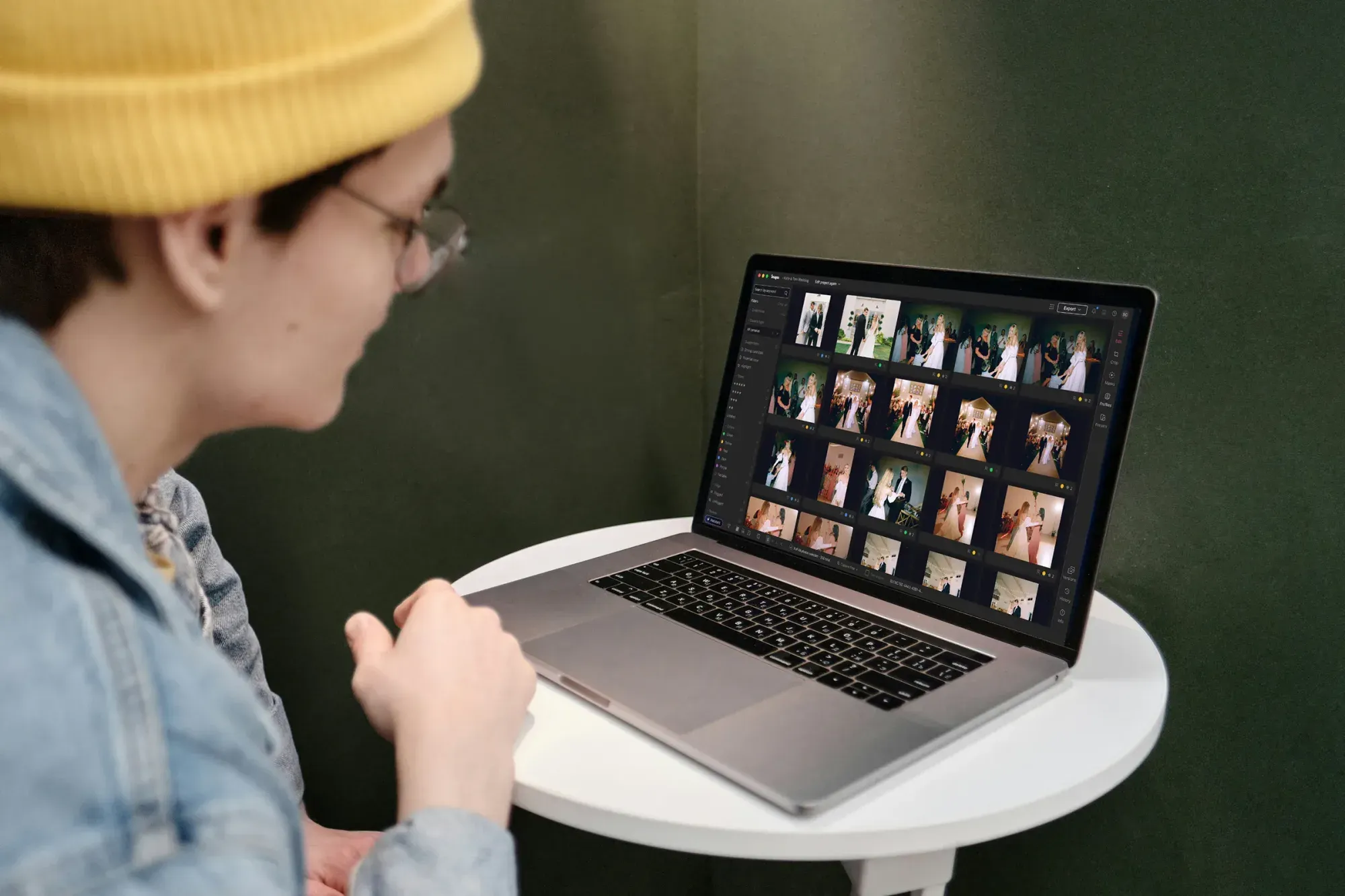
Denoise requires high-resolution RAW photos and processes in the cloud, so you don’t need a powerful computer to handle the work. After processing completes, download your edits and review them in your Adobe editing software.
What’s XMP? XMP files store editing instructions separately from your photos. This means Denoise adjustments stay flexible. You can increase or decrease the effect, or remove it completely, without affecting your original image files.
Full Control Over Every Adjustment
Both Object Removal and Denoise write adjustments to XMP files, keeping your workflow non-destructive. Review your edits in Lightroom Classic or your Adobe software of choice. Toggle adjustments on and off to see the before and after. Adjust intensity on individual photos if needed. Or remove the effect completely with one click.
If you want to adjust the settings for your entire project, edit again in Imagen at no extra charge. Change the Denoise intensity or update which objects to remove, and Imagen processes your gallery again with the new settings.
To maintain the highest quality, choose the tool that works best for each photo. Use Denoise for grainy shots. Use Object Removal for venue distractions. For photos that need both, pick the one that matters most.
What’s new in Imagen: Imagen is now an intelligent, agentic Studio for professional photographers, and the cleanup tools you just read about live inside it. Cull, edit, review and export together in one project, in any order, and lean on your Personal AI Profile or a ready-made AI Profile for the look. The Studio is rolling out gradually as a beta.
Try the Photo Cleanup Toolkit Free in Beta
The Photo Cleanup Toolkit is available now in beta. Add Object Removal or Denoise when you create your next project and see how much time you save on the second pass.
Stop spending hours at your desk cleaning up photos manually. Let the Photo Cleanup Toolkit handle the technical work so you can get back to shooting.

