Comparing Imagen and Aftershoot for AI Photo Editing
Explore how Imagen and Aftershoot AI editors adapt to your personal editing style, focusing on AI Profiles and their effectiveness in maintaining editing consistency.
Transcript
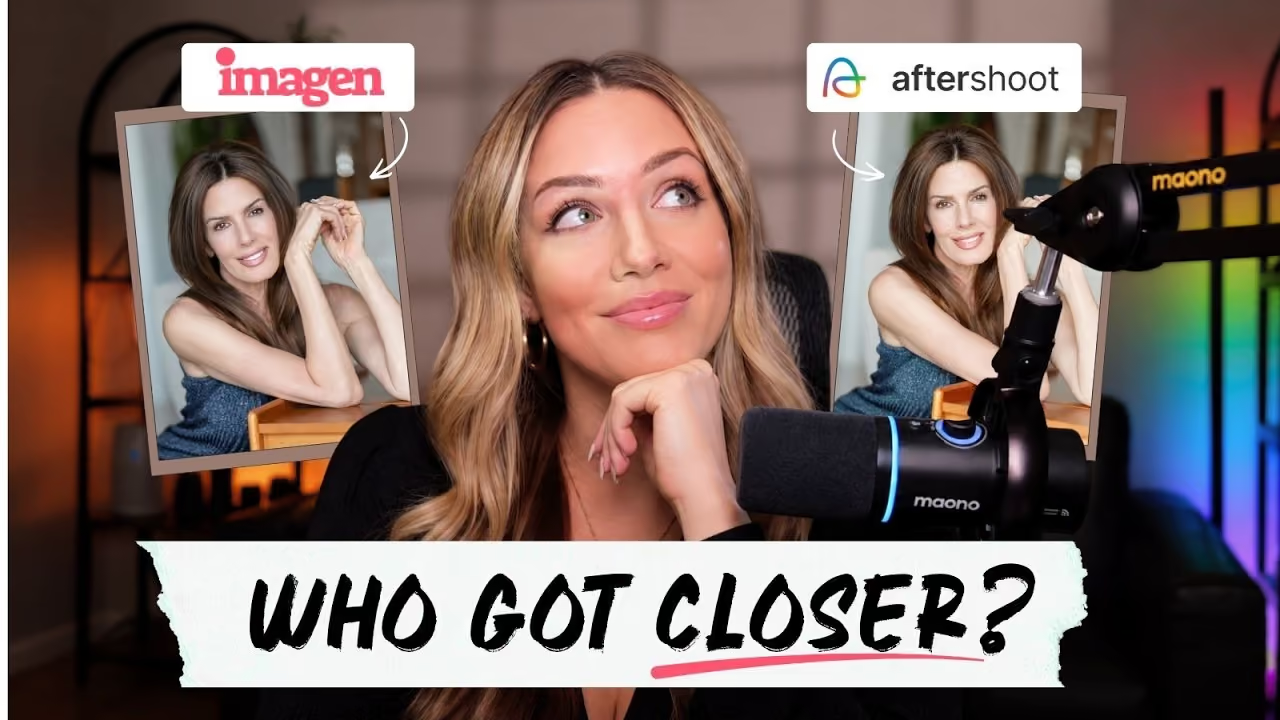
AI photo editing tools have become increasingly popular among photographers looking to streamline their workflow. However, speed isn’t everything if you end up spending hours correcting AI edits. The real question is: can AI truly learn your editing style? In this lesson, we’ll compare two leading AI photo editing platforms, Imagen and Aftershoot, to see which one can best replicate a personal editing style.
Understanding AI Profiles
Both Imagen and Aftershoot are AI-powered platforms designed to accelerate post-production by learning your editing preferences. They achieve this through AI Profiles, which analyze your past edits to understand your style. This means that instead of explaining your editing choices manually, the software learns from the decisions you’ve already made in your work.
Setting Up AI Profiles
Creating an AI Profile in Imagen involves uploading around 3,000 edited images. This might take some time, but once completed, Imagen uses these examples to adapt its edits to your style, focusing on elements like exposure, white balance, and color consistency. Aftershoot follows a similar process, allowing you to train its AI with your edits to develop a personalized profile.
Testing with Indoor and Flash Portraits
To test the effectiveness of these AI Profiles, I used indoor and flash portraits. The goal was to see how well each program could apply my editing style consistently across different lighting conditions. Imagen and Aftershoot were both given the same set of images to work with, and their results were compared to my original edits.
Evaluating the Results
Once Imagen applied my AI Profile, the edits were imported into Lightroom for a closer look. The results were impressive, with skin tones and color balance closely matching my personal edits. Imagen’s adjustments to exposure and color temperature were subtle and aligned with my preferences.
Aftershoot also produced impressive results, maintaining a slightly cooler tone that I personally prefer for its realistic look. However, when comparing the two side by side, Imagen seemed to replicate my editing style more closely, particularly in flash photography scenarios.
Making the Decision
In conclusion, both Imagen and Aftershoot offer powerful AI editing capabilities. Imagen stood out for its ability to maintain a consistent look across various lighting conditions, which is crucial for portrait photographers who need uniformity across a series of images. While both platforms have their strengths, Imagen’s AI Profile feature demonstrated a closer match to my editing style, enabling me to focus more on creative decisions rather than correcting small errors.
If you’re considering AI photo editing tools, it’s important to evaluate how well they align with your style and workflow. Imagen, with its strong emphasis on learning and replicating personal editing styles, offers a compelling option for those looking to enhance efficiency without sacrificing quality.
More suggestions just for you

Revamping My Wedding Editing Style for 2026
Discover how I transformed my wedding editing style with new presets and techniques to handle harsh lighting and direct flash using Imagen.

Exploring AI Photo Editing for Wedding and Portrait Photography
Discover how AI tools can transform your photo editing workflow, saving time and enhancing quality, especially in wedding and portrait photography.

Streamlining Wedding Photo Editing with Imagen and Lightroom
Discover how to efficiently edit wedding photos from raw files to a finished gallery using Imagen and Adobe Lightroom, focusing on time-saving techniques and achieving consistent results.
Exploring Camera Choices: Nikon vs. Sony
Explore the differences between Nikon and Sony cameras, focusing on their use in wedding, travel, and commercial photography.